
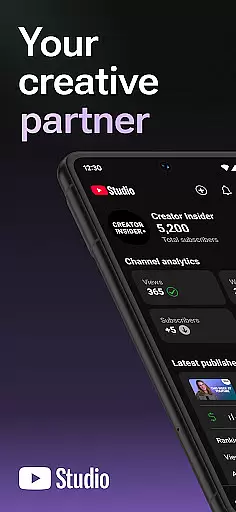
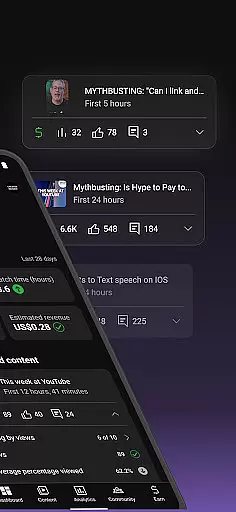
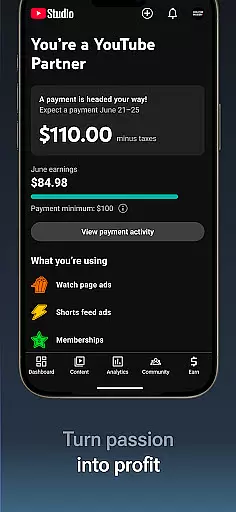
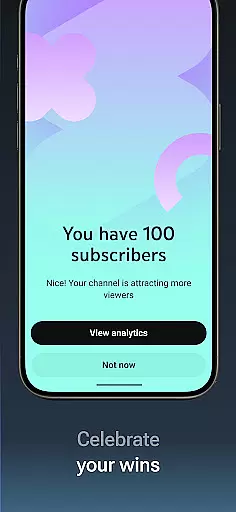
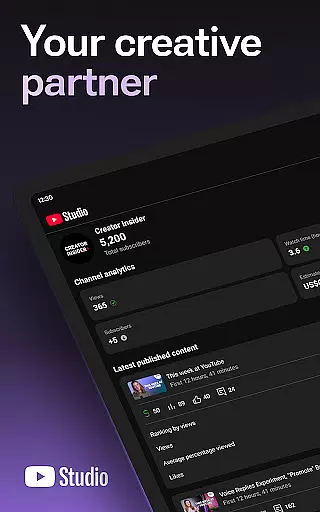
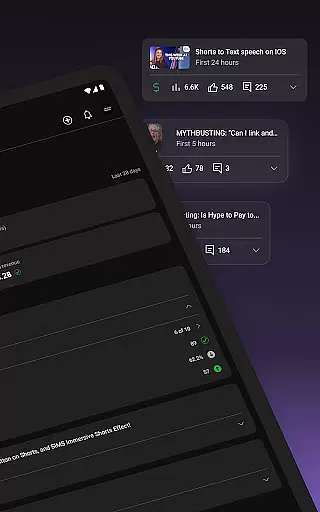
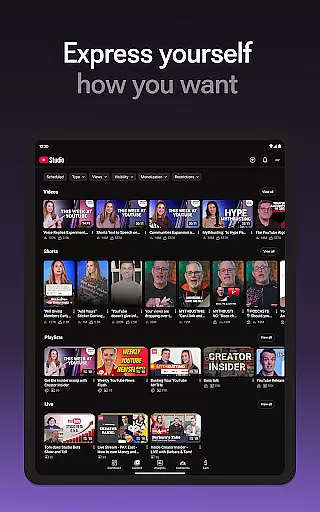
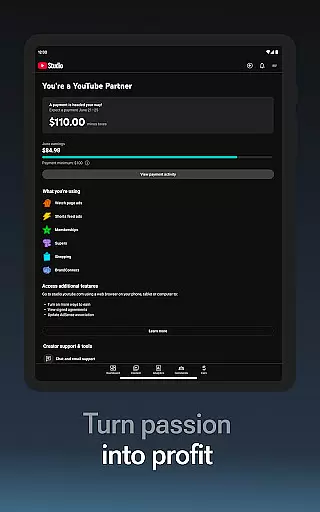
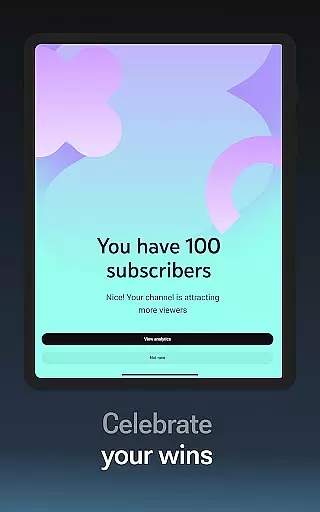
YouTube Studio is the official mobile app designed for content creators to manage their YouTube channels effectively. The app provides a comprehensive suite of tools that enable users to monitor channel performance, engage with their audience, and customize content settings directly from their mobile devices.
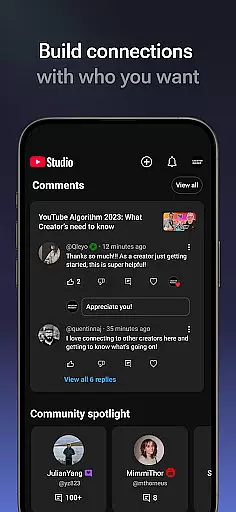
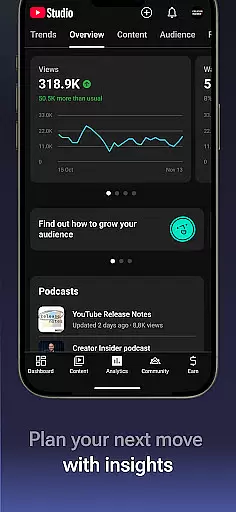
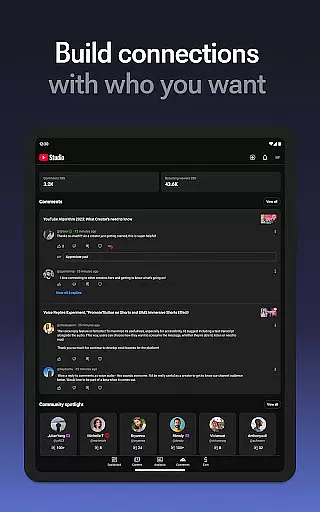
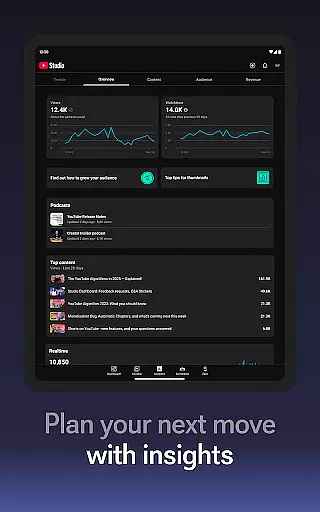
One of the key features is the Channel Dashboard, which offers a quick snapshot of how your content and channel are performing. Additionally, detailed Analytics provide insights into different types of content performance. Creators can also foster deeper connections with their audience by sorting and filtering comments to prioritize important conversations.
This app is particularly useful for creators who are frequently on the go but still need to maintain active engagement with their communities. By allowing users to make real-time updates to video details and channel aesthetics, YouTube Studio ensures that creators can keep their content fresh and engaging at all times.
YouTube Studio stands out with its robust feature set tailored specifically for content creators. The app's Channel Dashboard provides an at-a-glance view of essential metrics, helping creators quickly assess their channel's health and content performance.
Detailed Analytics offer granular data about various content types, enabling creators to understand what works best for their audience. The comment management system allows sorting and filtering, making it easier to focus on meaningful interactions within the community.
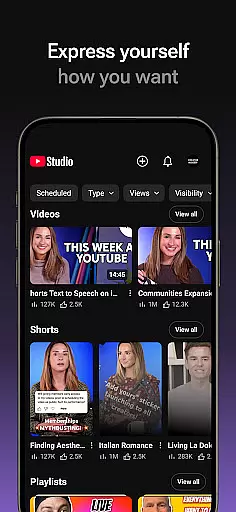
Moreover, YouTube Studio lets creators modify their channel's appearance and manage individual videos, shorts, and livestreams. This flexibility ensures that creators can maintain a consistent brand image while optimizing each piece of content for maximum engagement.
Video format compatibility is essential for any video player or editor, and YouTube Studio excels in this area. The app supports a wide range of video formats, ensuring that creators can upload and manage content without worrying about technical limitations.
YouTube Studio allows users to update information for individual videos, shorts, and livestreams. This flexibility ensures that all types of video content can be optimized for the best viewer experience. Creators can easily make changes to their content, knowing that the platform will handle various formats seamlessly.
The detailed Analytics tab provides insights into how different types of content perform, regardless of the original format. This feature helps creators understand which formats resonate most with their audience, enabling them to tailor future content accordingly.
AI-powered editing features are revolutionizing how creators produce and manage their video content. YouTube Studio incorporates advanced AI tools that simplify the editing process, making it accessible even to those with limited technical expertise.
One key AI feature is the ability to sort and filter comments, helping creators cultivate deeper relationships with their audience. By identifying the most important conversations in their community, users can engage more effectively and build stronger connections with viewers.
Additionally, the Channel Dashboard offers a quick overview of content performance, enhanced by AI-driven insights. These analytics help creators understand how their channel and different types of content are performing, allowing them to make data-driven decisions to improve their overall strategy.
User-friendly interface
Comprehensive analytics
Real-time updates
Effective comment management
Monetization opportunities
Limited advanced features
Occasional bugs
Requires constant updates
Basic video editing
Ads in the free version

HD video & music player - All format support with floating & PIP mode!
 3.80
3.80
Cast to Chromecast, Xbox, Fire Stick, Roku, DLNA, Smart TV & No Feature Limited!
4.50
Stream high quality video from your camera over NDI protocol
4.3
This app was created to edit the metadata of music files.
4.20
AI Video Editor:AI Music, Text to Video,Text to Speech,Auto Caption,Video Effect
4.00
All in one multi protocols stream receiver for AirPlay, Cast and DLNA.
3.60
Watch IPTV on your Android device
4.60
Viddo: Generate Action Figure, AI Anime, AI kiss, AI hug Video from image & text
4.40
VLC for Android is the best open source video and music player, fast and easy!
4.10
#1 Torrent App on Android ** No Ads Ever + Battery Saver **
4.80
Download videos and play them offline
4.70
HD Video player all format, HD Videos, Cast & Subtitle. No annoying ads.
4.60
Fast & easy HD video downloader for all formats, support 4K playback & download.
4.60
IPTV Loader, loads your own Playlist. DOES NOT CONTAIN ANY LIST OR CHANNELS
4.60
KineMaster, Your Ultimate Video Editor!
4.40
Fast & Private Video Downloader App. Save all videos easily from the Internet.
4.40
Fast private browser with secure, seamless access & supported video downloads!
4.00
Manage your IPTV live channels and VOD playlists (no playlist included)
3.80
Video player with powerful streaming playback and various convenient features.
2.10


User Reviews