
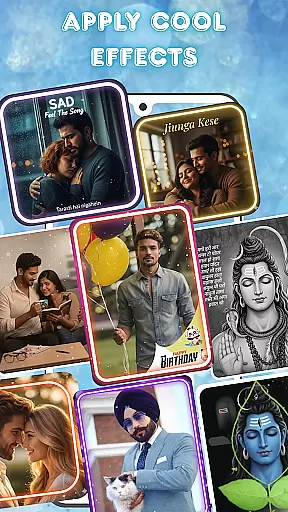
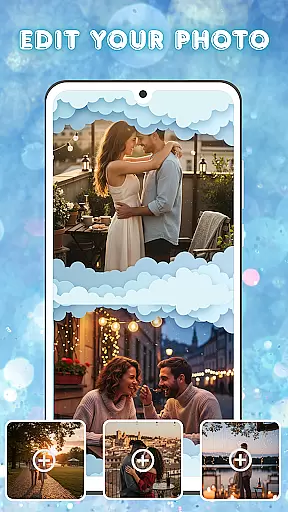
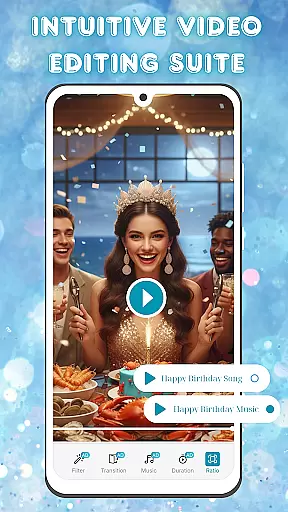
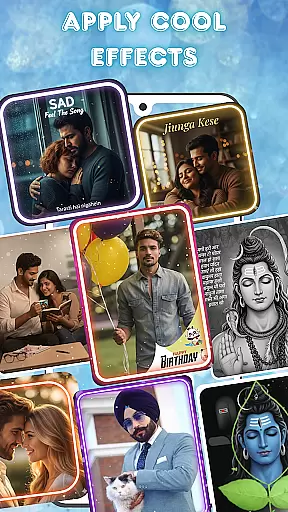
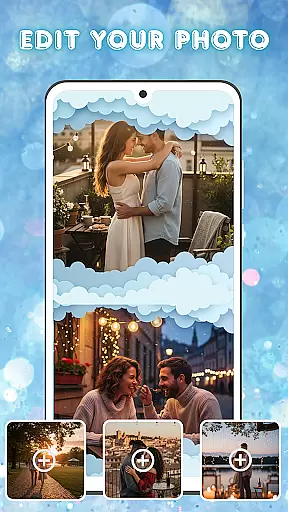
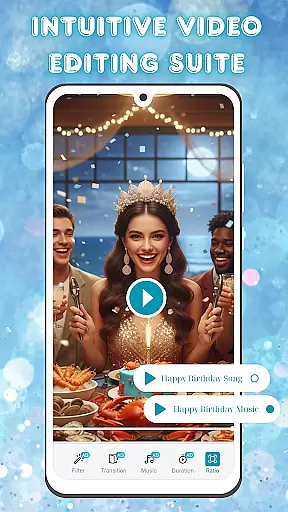
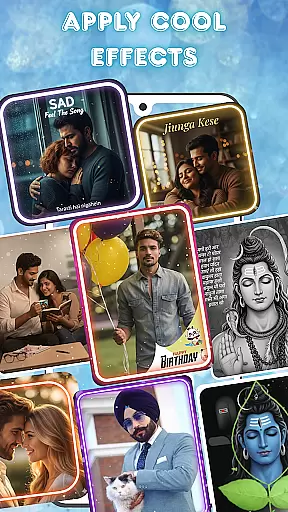
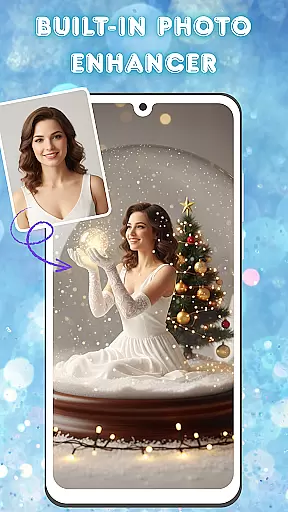
Photo and Music Video Creator is a versatile video editing tool designed to transform your photos into stunning videos. With its user-friendly interface, the app allows users to create engaging visual stories effortlessly. Whether you are making a heartfelt slideshow or a quick social media reel, this app provides all necessary features to produce professional-quality videos quickly.
The app includes advanced photo editing tools, smooth transitions, stylish filters, and customizable background music. These features ensure that your videos not only look polished but also resonate with your audience. Perfect for both casual users and content creators, Photo and Music Video Creator helps bring your cherished memories to life in a captivating way.
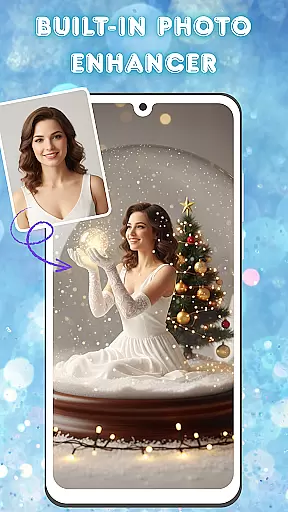
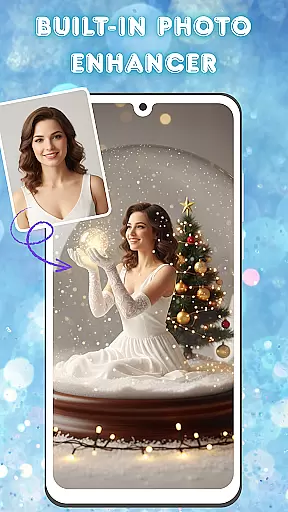
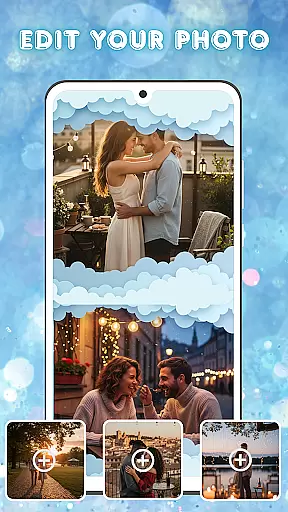
One of the standout features of Photo and Music Video Creator is its easy photo-to-video conversion. Users can turn their favorite snapshots into dynamic videos within minutes. The built-in photo enhancer allows for detailed adjustments such as brightness, contrast, and saturation, ensuring each image looks its best before being added to a video.
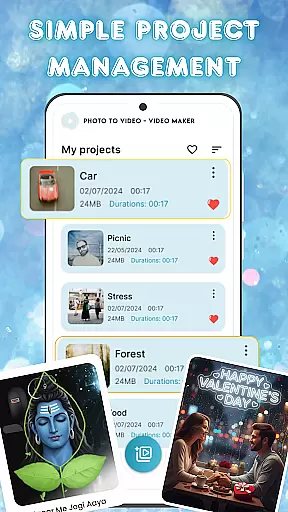
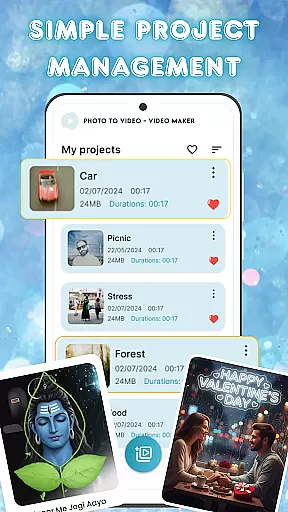
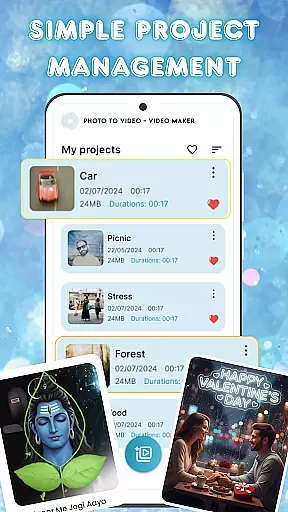
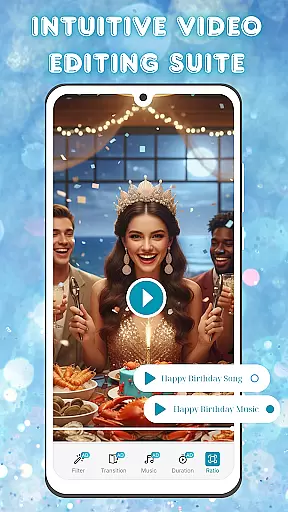
In addition to photo enhancement, the app offers an intuitive video editing suite. This includes smooth transitions and a variety of stylish filters to give videos a professional touch. Users can also add background music to enhance the emotional impact of their videos. The simple project management system lets users organize and access all their video projects from one place, streamlining the creative process.
Video format compatibility is a crucial feature for any video editing application, ensuring that users can work with a wide range of file types. Photo and Music Video Creator supports multiple popular formats, allowing you to import and export videos without worrying about conversion issues.
The app's extensive format support includes MP4, AVI, MOV, and more, making it versatile for both casual creators and professionals. This flexibility ensures that whether you're pulling footage from your phone or a high-end camera, the app handles it seamlessly.
By offering broad video format compatibility, the app empowers users to focus on their creative process rather than technical limitations. You can easily share your finished projects across various platforms or devices without running into playback issues.
AI-powered editing features are revolutionizing how we create and edit videos, and Photo and Music Video Creator is at the forefront of this innovation. The app uses advanced algorithms to automate complex tasks like color correction, scene detection, and optimal cropping, saving you valuable time during the editing process.
In addition to simplifying technical aspects, the AI tools also enhance creativity. For instance, the app can suggest music tracks that match the mood of your video or recommend stylish filters based on the content. These smart suggestions help even novice editors produce professional-quality results.
With these powerful AI-driven capabilities, users can achieve polished and engaging videos with minimal effort. Whether you're crafting a quick social media post or a detailed slideshow, the app's intelligent features ensure your projects stand out.
User-friendly interface
Advanced photo editing
Stylish video filters
Customizable music options
Efficient project management
Limited free features
Occasional ads
Export quality restrictions
Subscription costs
Learning curve for beginners

Client application for NextPVR software
 3.00
3.00
You can play SWF format file!
2.50
Cast Videos from Web Browser, IPTV to Roku, Chromecast, DLNA, Smart TV +more
4.60
A Quick and Pro Video Editor
4.70
Video Trimmer, Video to MP3 Converter. Extract music from video, Easy & Fast.
4.80
HD video maker with no watermark, no ads & vlog maker with music, PIP, text
4.50
VLC Remote lets you control your VLC Media Player on Mac, PC or Linux.
4.60
Download videos and play them offline
4.70
This app is an emulator of some specific IPTV boxes
3.50
Play ALL formats in 4K & HD. Video downloader, MP3 player, Chromecast & more.
4.80
Tik & Story Saver-Download ALL social media videos, photos & reels no watermark.
4.80
AI Video Editor with Music, Filter, Slideshow, Effect, Merge & Trim Video.
4.80
Watch a large amount of high-definition short drama content
4.60
Video Downloader, Multiple Resolution Options, Video Player
4.50
KineMaster, Your Ultimate Video Editor!
4.40
Full HD Video mp3 Player, MP4 player play 1080p, File manager, Video Downloader
4.40
Powerful, professional, versatile teleprompter. Developed by an active film crew
4.00
1)AirPlay/DLNA Mirroring/Streaming, up to 4 connections; 2)Samba/NAS/DMS Player.
4.00
Kodi media center, a free and open source cross-platform entertainment hub
3.60


User Reviews