
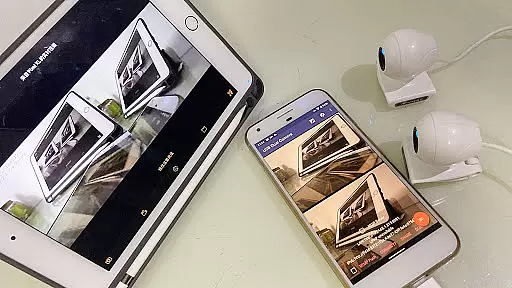
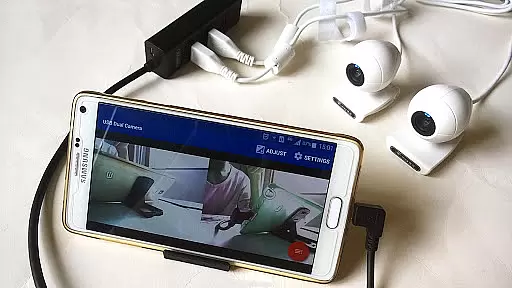
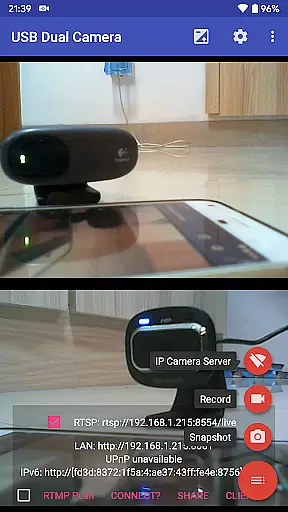
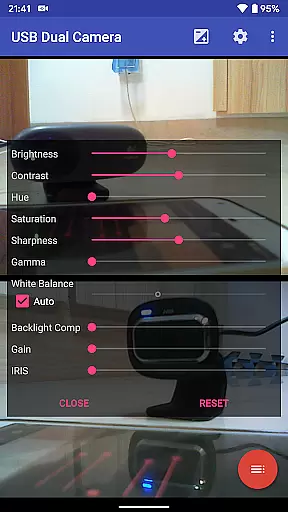
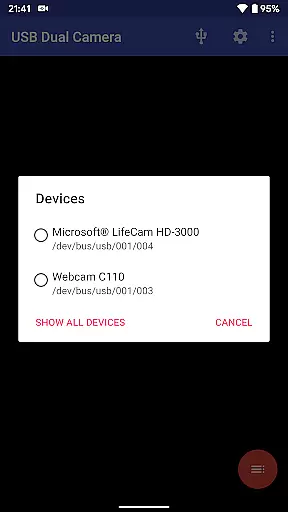

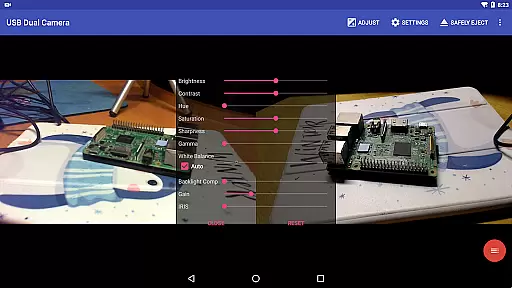
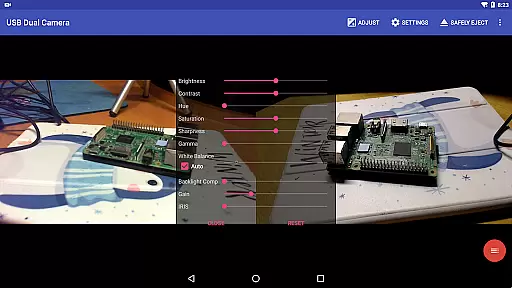
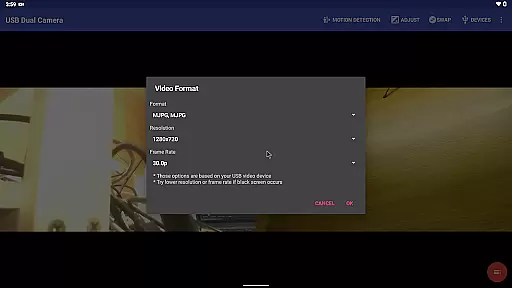
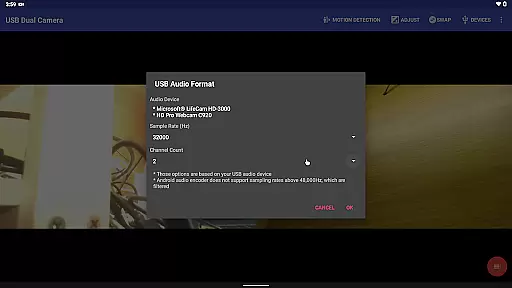
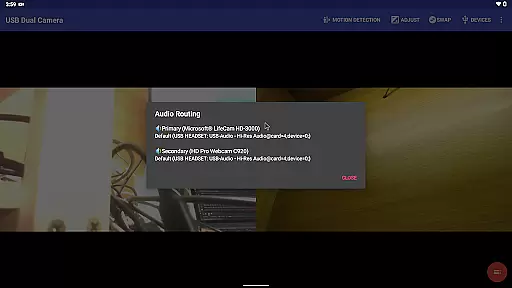
USB Dual Camera Pro is a versatile video application that allows Android devices to connect to two USB webcams or video capture cards simultaneously via USB-OTG. The app supports UVC WebCams with microphones and UVC video grabbers with audio input, enabling high-quality video recording up to 4K resolution through HDMI. It also facilitates the use of non-UVC devices like USB Endoscopes, making it suitable for various professional and personal scenarios.
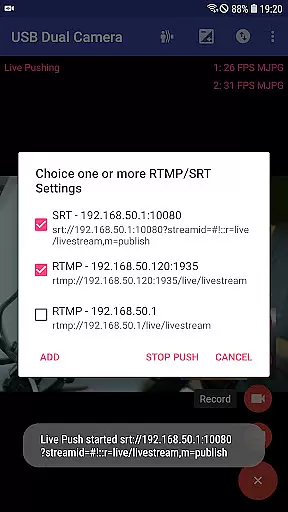
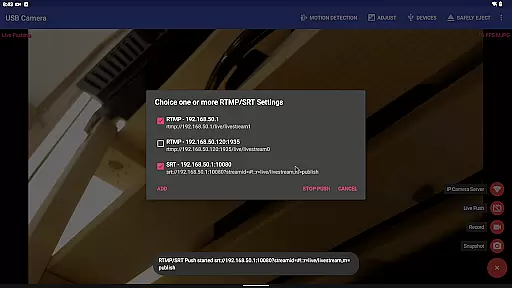
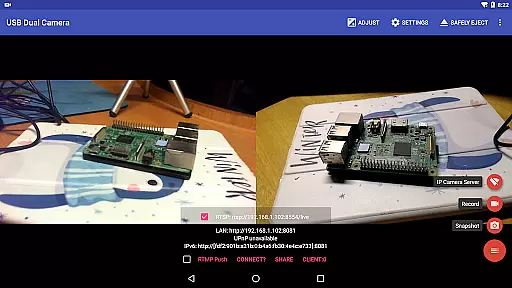
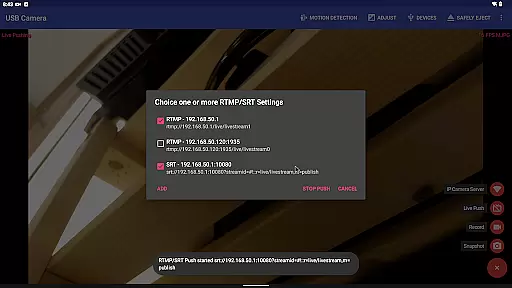
Beyond basic dual camera functionality, the app can transform your phone into a wireless IP camera with bi-directional audio support, ideal for security monitoring. With built-in RTSP and HTTP servers, users can view the stream on their browsers or through the dedicated 'IP Camera' app. Additionally, the app supports advanced features such as pushing video and audio to RTMP/SRT live media servers, making it an excellent tool for network live broadcasts.
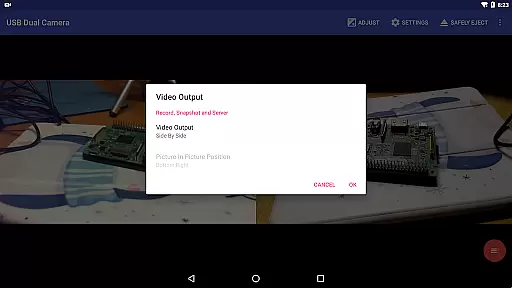
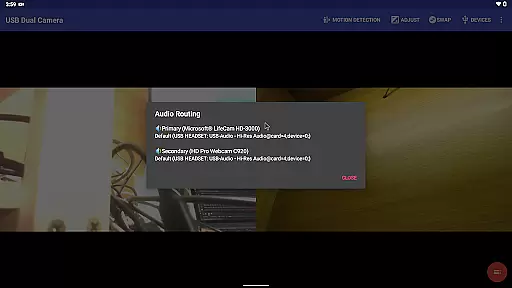
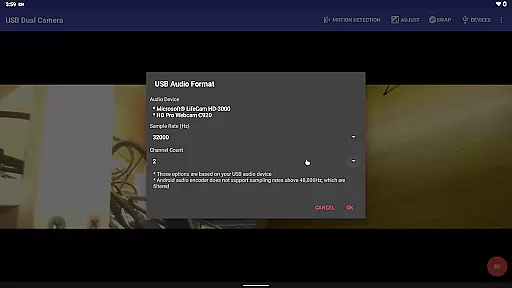
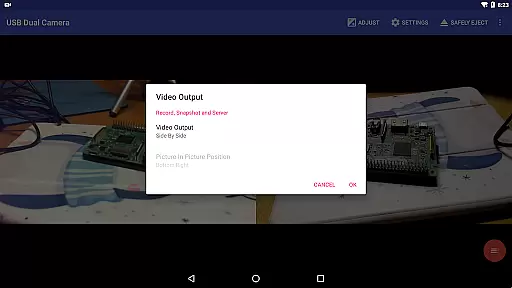
The app's ability to mix USB audio with system audio or overlay internal camera footage onto external video streams adds another layer of utility. Users can record videos into two MP4 files simultaneously, create full Side-by-Side (SBS) 3D videos, and even add timestamps, GPS data, and speed information onto video frames during recording. These features make USB Dual Camera Pro not only a powerful tool for content creators but also a reliable dashcam solution with loop-recording capabilities.
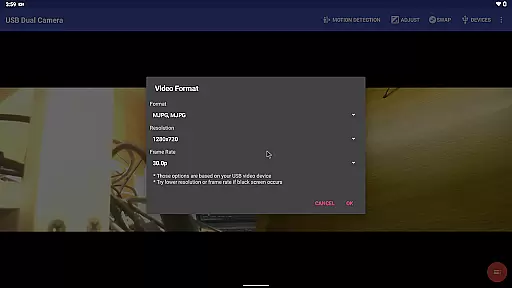
USB Dual Camera Pro stands out with its comprehensive feature set tailored for both casual users and professionals. One of its key features is the ability to connect two USB cameras simultaneously, provided they use MJPEG, H.264, H.265, HEVC formats. This dual connection capability extends to supporting progressive and interlaced video formats, ensuring compatibility with a wide range of devices including those requiring HEVC/AV1 codecs.
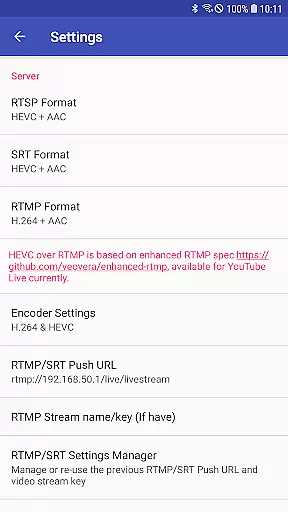
The app includes advanced broadcasting options, allowing users to push video and audio streams to multiple RTMP/SRT live media servers simultaneously. It supports secure protocols like rtmps and SRT, making it suitable for professional-grade live streaming on platforms like YouTube Live. Furthermore, the app can mix audio from different sources and overlay video streams, providing creative flexibility for content producers.
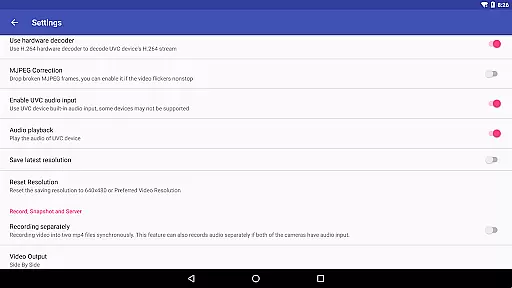
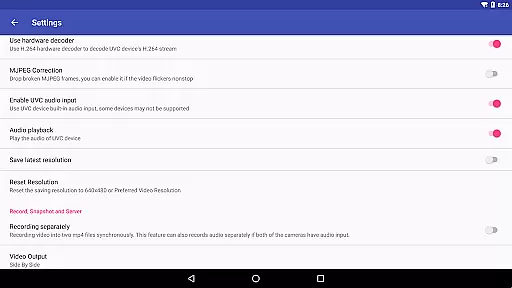
Additional notable features include motion detection-based auto video recording, FTP upload functionality, and email notifications. The app also supports seamless switching between foreground and background operations without interrupting recordings, loop-recording with auto-segment settings, and automatic deletion of old video archives when storage is limited. These functionalities ensure uninterrupted operation and efficient storage management, enhancing the overall user experience.
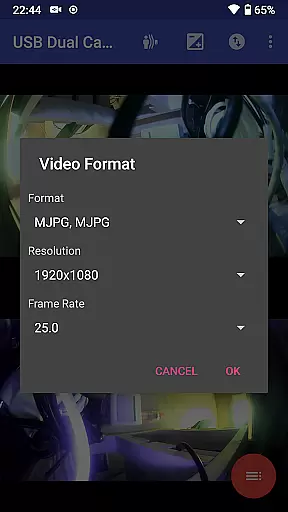
USB Dual Camera Pro demonstrates exceptional versatility in video format compatibility, ensuring smooth performance across various codecs and resolutions. The application supports industry-standard formats such as MJPEG, H.264, H.265, HEVC, and even the emerging AV1 codec.
This broad format support enables users to connect up to two USB webcams or video capture devices simultaneously, with resolution support extending up to 4K via HDMI. Whether working with progressive or interlaced video sources, the app maintains optimal performance and stability.
The inclusion of advanced codecs like HEVC and AV1 provides significant advantages for both recording and live streaming scenarios. HEVC support requires Android 5.0 or newer, while AV1 functionality necessitates Android 10 or above, ensuring compatibility with modern devices while delivering superior compression efficiency.
This comprehensive format compatibility empowers professionals and enthusiasts alike to work with diverse video sources without worrying about technical limitations, making USB Dual Camera Pro an ideal solution for complex multimedia projects.
While primarily focused on video capture and streaming, USB Dual Camera Pro incorporates several innovative features that enhance the video production process through intelligent automation and processing capabilities.
The application's most notable AI-powered feature is its motion detection-based auto-recording system. This intelligent functionality can automatically start recording when motion is detected within the camera's field of view, streamlining security monitoring and surveillance operations.
Additionally, the app offers sophisticated video processing capabilities including timestamp overlay, GPS data integration, and speed information embedding directly into video frames. These features provide valuable context to recorded footage, particularly useful for professional applications like investigative reporting or scientific documentation.
Furthermore, the application's ability to mix USB audio with built-in microphones or system audio, along with its capacity to overlay internal camera feeds onto external video sources, represents another dimension of intelligent video processing that enhances creative possibilities while maintaining professional-grade quality standards.
Supports dual cameras
Advanced broadcasting
Motion detection
Flexible audio mixing
Seamless background operation
Requires good OTG cable
High power consumption
Complex setup process
Limited third-party app support
Needs specific codec support

HD Video player all format, HD Videos, Cast & Subtitle. No annoying ads.
 4.60
4.60
?100% FREE! Download & save videos? safely in this app. All formats supported.
4.60
HD video maker with no watermark, no ads & vlog maker with music, PIP, text
4.50
Support 1000+ Video Format, Subtitle Download, mp3 & Background Play, Cast On TV
4.60
AirMirror Receiver - Screen mirroring/cast web videos to Android TV by AirPlay.
4.40
Powerful Video Editor & Photo Editing App —— Quick Edits & Stunning Effects!
4.30
The essential companion to your Blue Iris PC software
2.50
#1 Torrent App on Android ** No Ads Ever + Battery Saver **
4.80
Browser for Fire TV to stream webvideos, online movies, livestreams in HD
4.40
GENRAL PRO - General Pro is the best video player that fully supports all formats.
4.70
Cast to Chromecast, Xbox, Fire Stick, Roku, DLNA, Smart TV & No Feature Limited!
4.50
Fast & Private HD Video Downloader with Built-in Proxy Browser and Video Player.
4.50
KineMaster, Your Ultimate Video Editor!
4.40
KMPlayer Plus (Divx Codec) officially support Divx codec.
4.30
Turn your phone into a wireless camera!
4.20
Web Browser for LG TV to stream webvideos, online movies and livestreams in HD
4.20
IPTV-Smarters Player Pro M3U - Watch Live Stream TV Channels with Chromecast
4.00
Explore the largest library of free GIFs, Stickers & Memes - or create your own!
3.90
Powerful HD video player with support for all formats & subtitles.
4.0


User Reviews