
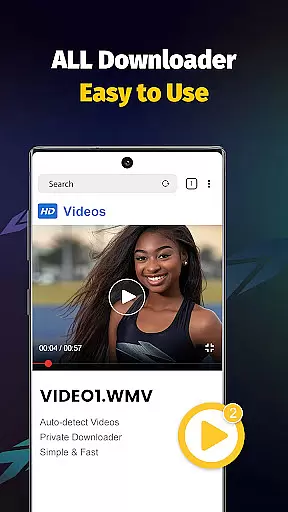
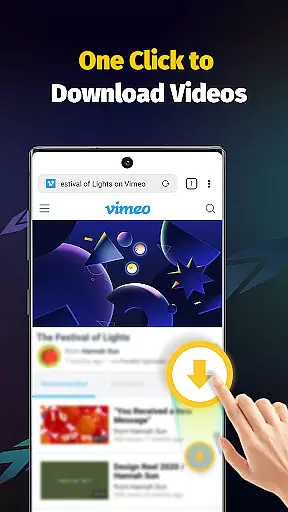
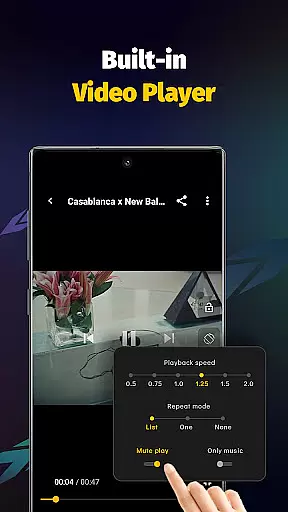
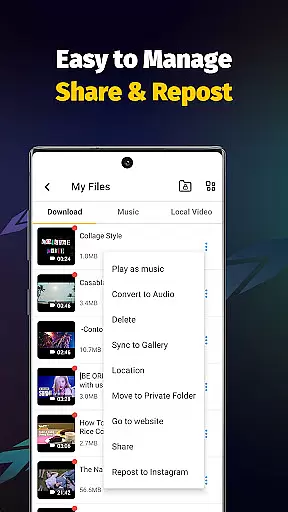
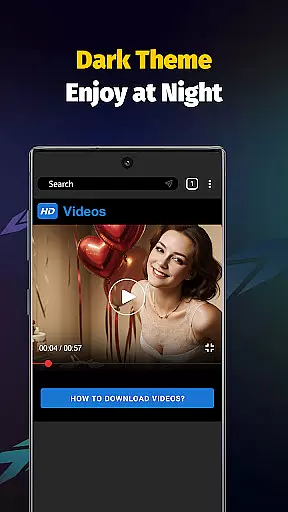
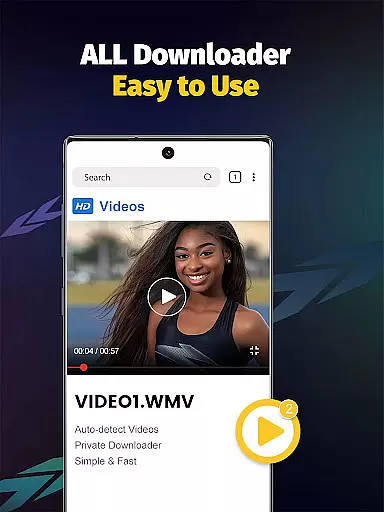
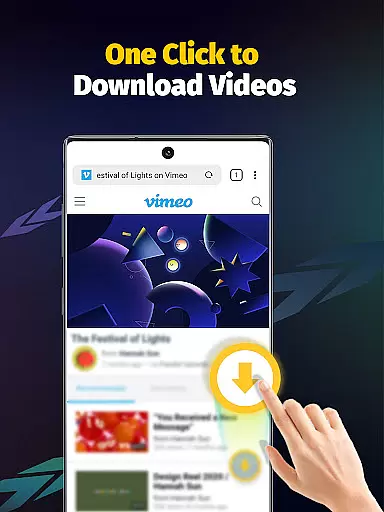
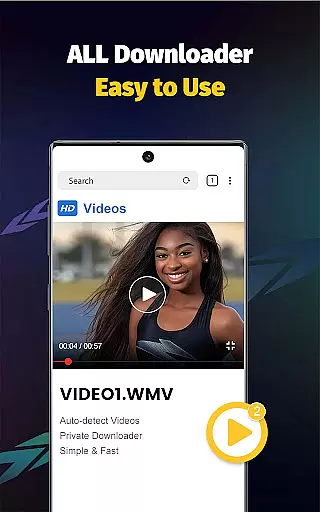
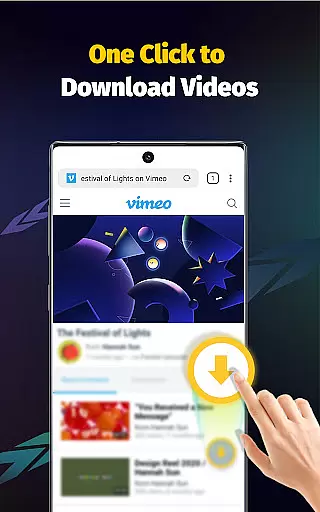
Video Downloader - Save Videos is a versatile and efficient tool designed for users who need to download, save, and manage video content across multiple platforms. This app stands out with its ability to support fast downloads of videos, music, and images from various social media sites, making it an essential utility for content creators and casual users alike.
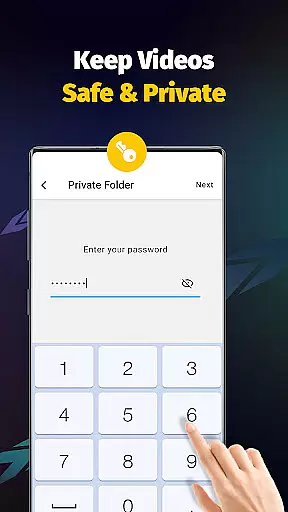
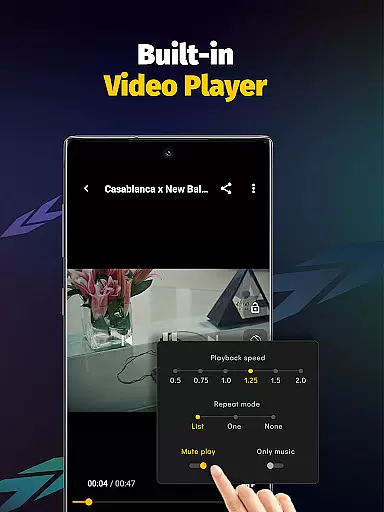
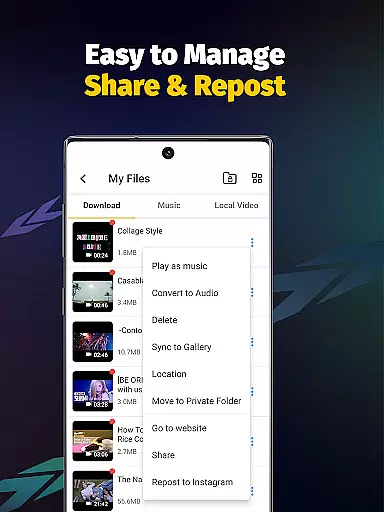
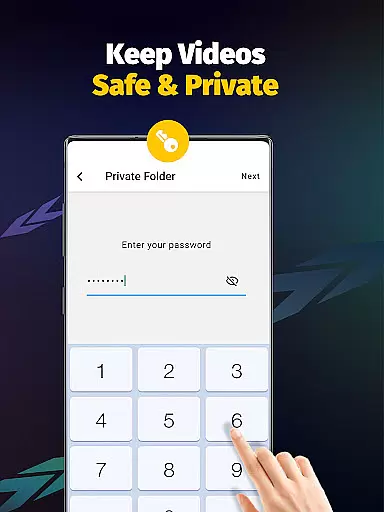
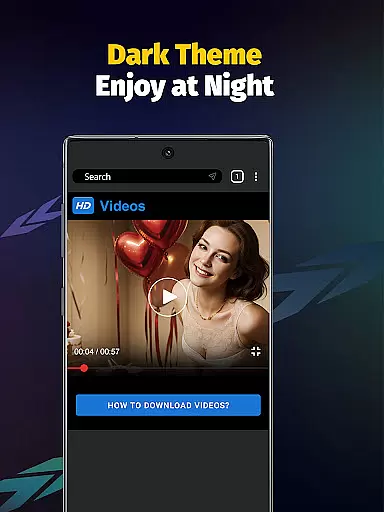
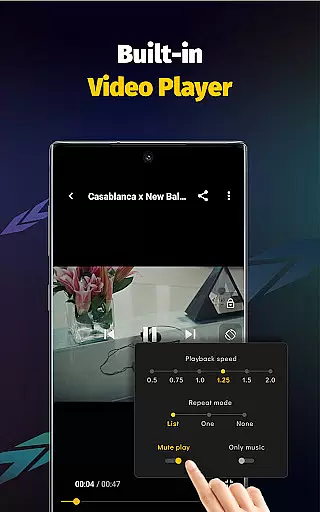
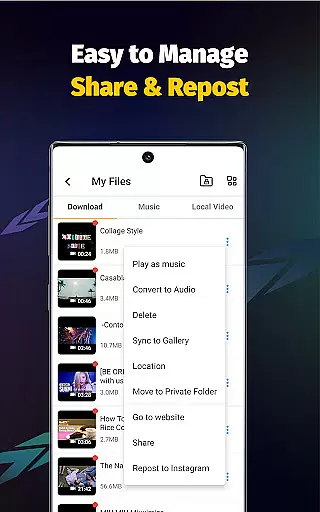
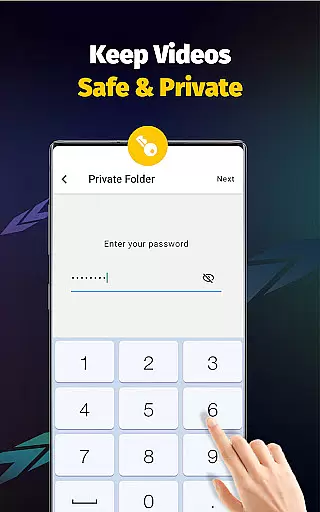
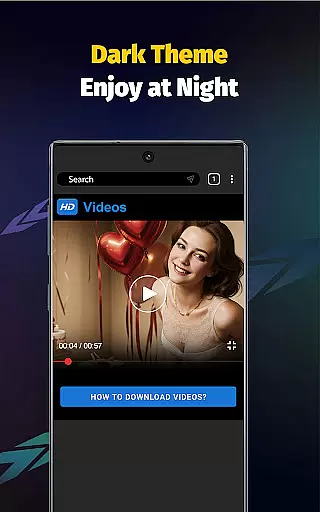
The application offers a built-in browser and multi-functional player, ensuring seamless integration between downloading and enjoying media. With features like adjustable playback speed, audio extraction, and private folder protection, it provides a comprehensive solution for managing your digital media library. Whether you're looking to save HD videos or organize your downloaded files securely, Video Downloader - Save Videos delivers a robust experience tailored to enhance productivity and enjoyment.
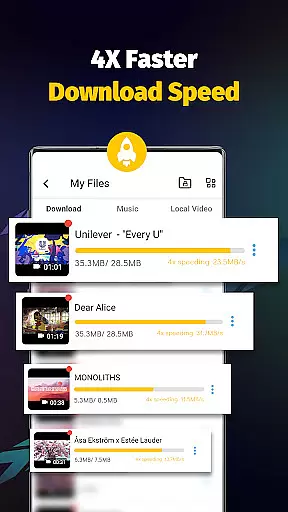
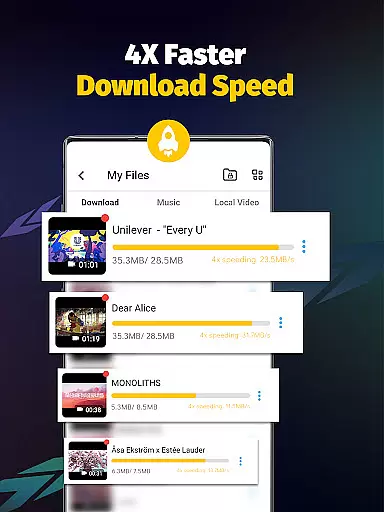
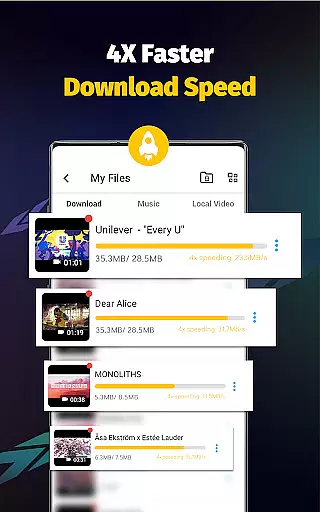
Video Downloader - Save Videos boasts an array of powerful features that cater to diverse user needs. One of its standout capabilities is the support for multi-threading downloads, which significantly accelerates the download process by several times compared to standard methods. This ensures that users can quickly obtain high-quality video content without unnecessary delays.
In addition to speed, the app supports a wide range of file formats including MP4, M4A, AVI, and more, accommodating different types of media. The built-in player allows for offline playback, while the clean user interface makes navigation intuitive. Users can also bookmark favorite posts, share content with others, and enjoy enhanced security with password-protected folders, making it a well-rounded choice for managing digital content efficiently.
Video Downloader - Save Videos stands out with its extensive video format compatibility, ensuring users can download and save media in various formats without limitations. The app supports popular video formats such as MP4, M4V, AVI, and WMV, alongside image formats like JPG, JPEG, and PNG.
This versatility allows users to enjoy content from multiple sources without worrying about format restrictions. Whether it's high-definition videos or eye-catching images, the app processes each file type efficiently, maintaining quality and integrity throughout the download process.
Moreover, the built-in player enhances user experience by enabling offline playback of downloaded videos. This feature ensures that regardless of the format, users can view their content anytime, anywhere, without needing an internet connection.
The comprehensive format support positions Video Downloader - Save Videos as a reliable tool for archiving diverse multimedia content, making it an essential app for anyone looking to manage their digital library effectively.
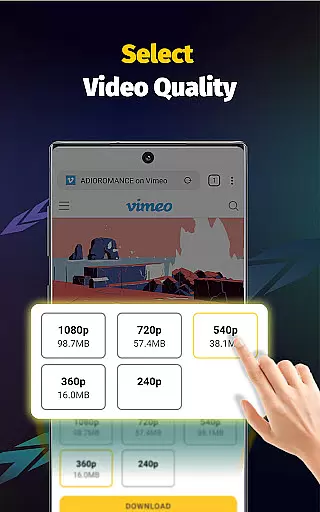
While Video Downloader - Save Videos primarily focuses on downloading capabilities, it also integrates AI-powered editing features that elevate the user experience beyond simple downloads. These features include automatic video detection, resolution selection, and multi-threading acceleration.
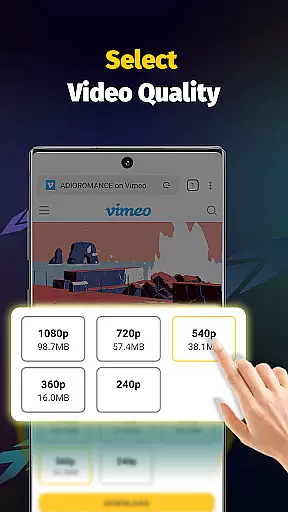
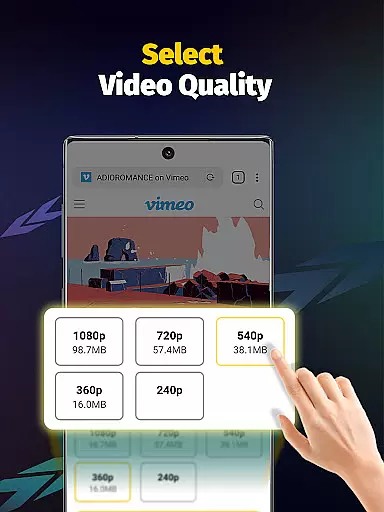
The app's intelligent system detects downloadable content automatically, streamlining the process for users. By offering multiple resolution options, it empowers users to choose the quality that best suits their needs, optimizing storage space and playback performance.
Furthermore, the inclusion of advanced functionalities like setting playback speed and extracting audio showcases the app's commitment to providing a versatile media management solution. Such tools enable users to customize their viewing experience according to personal preferences.
Although not traditionally categorized as an editor, these AI-driven enhancements make Video Downloader - Save Videos a valuable asset for those seeking both content acquisition and basic modification capabilities within a single application.
User-friendly interface
Fast download speeds
Multi-threading support
Wide format compatibility
Secure private folders
No YouTube support
Limited to permitted content
Requires platform login
Ads may appear
Occasional bugs

A full editing room to accompany your Insta360 cameras and handheld gimbals.
 3.30
3.30
HD Video player all format, HD Videos, Cast & Subtitle. No annoying ads.
4.60
AirMirror Receiver - Screen mirroring/cast web videos to Android TV by AirPlay.
4.40
Download website videos fast&privacy
4.40
AI Video Editor:AI Music, Text to Video,Text to Speech,Auto Caption,Video Effect
4.00
Video Downloader, Multiple Resolution Options, Video Player
4.50
Cast movies, tv shows and live streams to Chromecast, Roku, DLNA, Fire TV & more
4.60
VLC for Android is the best open source video and music player, fast and easy!
4.10
Create, Publish & Maximize
4.70
Play ALL formats in 4K & HD. Video downloader, MP3 player, Chromecast & more.
4.80
Search & download videos from net with all video downloader, auto-detect & safe.
4.60
Fast, private downloading, video saving, social media
4.50
Fast video downloader & private browser. Save HD clips to watch offline.
4.40
Full HD Video mp3 Player, MP4 player play 1080p, File manager, Video Downloader
4.40
Fast private browser with secure, seamless access & supported video downloads!
4.00
Explore the largest library of free GIFs, Stickers & Memes - or create your own!
3.90
Kodi media center, a free and open source cross-platform entertainment hub
3.60
Save photos and videos from social apps in one tap.
3.60
The smartest M3U IPTV Player your playlists have ever seen.
4.4


User Reviews