
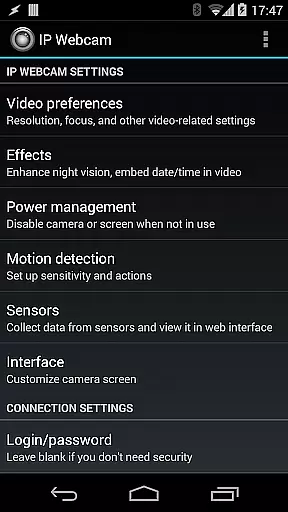
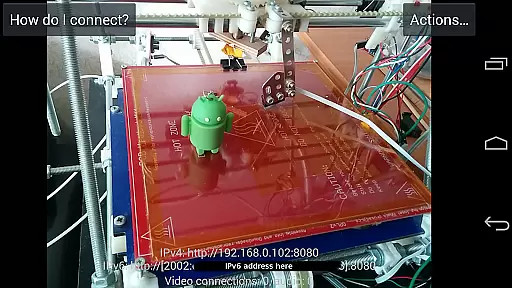
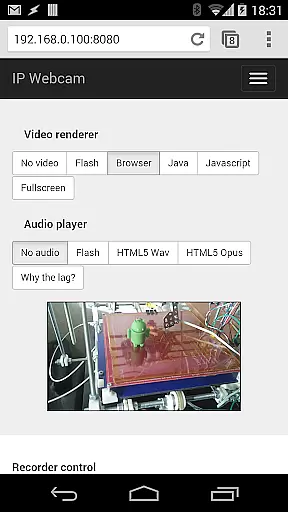
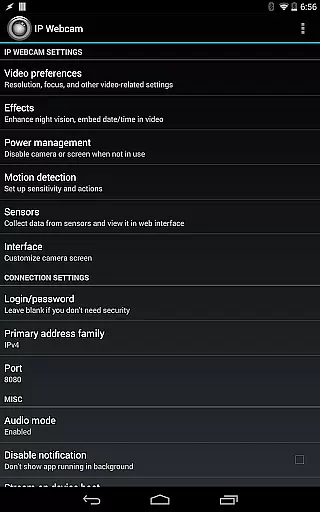
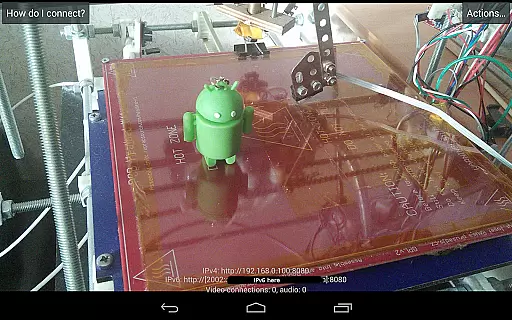
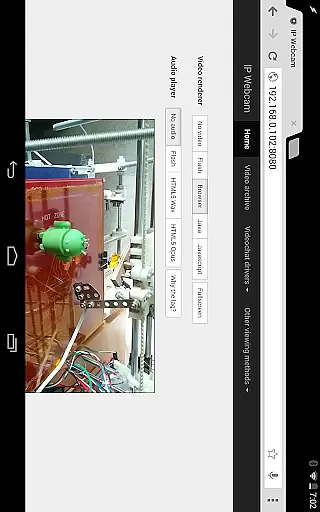
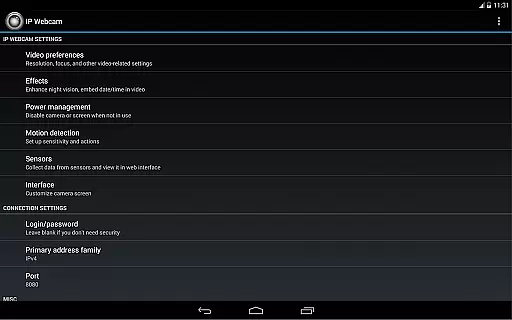
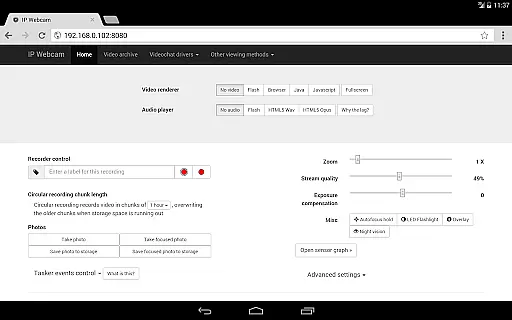
IP Webcam Pro is a versatile mobile application that transforms your smartphone into a fully functional network camera, ideal for both personal and professional surveillance needs. With support for multiple viewing options, this app allows users to stream live video across devices within the same WiFi network or globally through Ivideon cloud broadcasting.
The app offers advanced features such as two-way audio communication, motion detection with sound triggers, and customizable video overlays displaying date, time, and battery levels. Compatible with third-party MJPG software, IP Webcam Pro ensures seamless integration with various video surveillance systems and media players like VLC.
Whether you need a reliable baby monitor with night vision or a robust security system with cloud recording capabilities, IP Webcam Pro delivers a comprehensive solution tailored to meet diverse monitoring requirements.
IP Webcam Pro stands out with its extensive feature set designed to enhance user experience and provide flexible monitoring solutions. The app supports video uploads to popular cloud services like Dropbox, SFTP, FTP, and Email via the Filoader plugin, ensuring your recordings are safely stored and easily accessible.
Users can choose from several web renderers including Flash, Javascript, or built-in options, while enjoying high-quality video recording in formats like WebM, MOV, MKV, or MPEG4 (on Android 4.1+). Audio streaming is equally impressive, with support for wav, opus, and AAC formats.
Advanced functionalities include motion detection with sound triggers, Tasker integration, sensor data acquisition with online graphing, and cloud push notifications for real-time alerts. These features collectively make IP Webcam Pro an indispensable tool for modern surveillance needs.
IP Webcam Pro excels in video format compatibility, ensuring users can stream and record in multiple formats. The app supports WebM, MOV, MKV, or MPEG4 (on Android 4.1+), catering to a wide range of user preferences and device capabilities.
This flexibility in video formats allows users to choose the best option for their specific needs, whether it's for quality, file size, or compatibility with other software and devices. Such versatility is crucial for both personal and professional use.
Moreover, audio streaming is available in wav, opus, and AAC formats, with AAC requiring Android 4.1+. This ensures an equally adaptable audio experience that complements the video streams.
While IP Webcam Pro focuses primarily on video streaming and surveillance, it incorporates AI-powered features that enhance its utility. Motion detection with sound trigger exemplifies this by intelligently monitoring camera feeds for any movement or noise, providing instant alerts to users.
The app also offers sensor data acquisition with online web graphing, allowing users to monitor environmental changes through their cameras. This feature adds another layer of security and insight, especially useful for baby and pet monitoring.
Additionally, cloud push notifications on motion and sound, along with cloud recording for motion-triggered records, leverage advanced algorithms to ensure users never miss important events. These smart functionalities make IP Webcam Pro not just a tool for viewing but also for intelligent surveillance and analysis.
User-friendly interface
Extensive feature set
Cloud broadcasting support
Motion detection capabilities
Cross-platform compatibility
Paid version only
Complex setup required
Limited free version
High battery consumption
Internet access needed for some features

The smartest M3U IPTV Player your playlists have ever seen.
 4.2
4.2
Cast Videos from Web Browser, IPTV to Roku, Chromecast, DLNA, Smart TV +more
4.60
Search & download videos from net with all video downloader, auto-detect & safe.
4.60
1)AirPlay/DLNA Mirroring/Streaming, up to 4 connections; 2)Samba/NAS/DMS Player.
4.00
High-Quality USB Camera Viewer & HDMI Display
4.70
Pro video editor app for Instagram, edit video with song, AI, effect & slowmo.
4.80
Cast to Smart TV, Fire TV. Cast video, photo - Fast & Stable!
3.90
All in one multi protocols stream receiver for AirPlay, Cast and DLNA.
3.60
Browser for Fire TV to stream webvideos, online movies, livestreams in HD
4.40
Video Trimmer, Video to MP3 Converter. Extract music from video, Easy & Fast.
4.80
Tik & Story Saver-Download ALL social media videos, photos & reels no watermark.
4.80
Screen recorder with audio to take live videos & Screenshot in high quality!
4.70
Snaptubè Video Downloader app allows to download videos and music in Snaptube. .
4.60
HD video maker with no watermark, no ads & vlog maker with music, PIP, text
4.50
Fast & Private HD Video Downloader with Built-in Proxy Browser and Video Player.
4.50
LumaFusion: The Ultimate Storytelling Experience for Video Editing
4.10
Make your own Animations, Video and Photo Edits, Visual Effects, and more!
4.00
Fast private browser with secure, seamless access & supported video downloads!
4.00
Capture images & record videos for USB Camera, Webcam, Microscopes, Endoscopes
3.80


User Reviews