
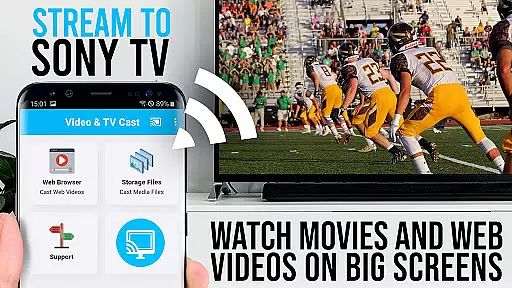
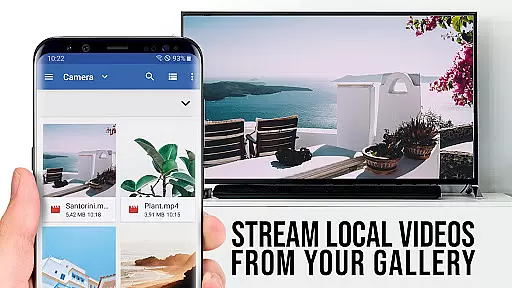
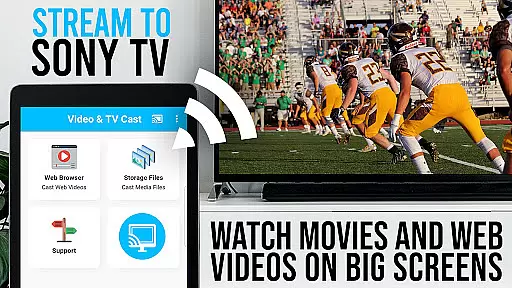
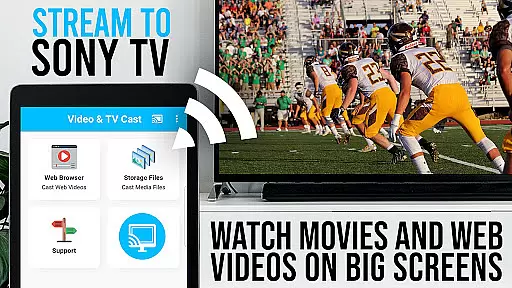
TV Cast Pro for Sony TV is a premier application designed to enhance your viewing experience by streaming web videos, online movies, livestreams, and live-TV shows directly on Sony TVs. This app eliminates the need for an additional streaming box, supporting formats like mp4, m3u8, hls livestreams, video over https, and Full HD content. It's tailored specifically for Sony TVs with the built-in Video & TV Cast app, offering users an unlocked suite of premium features.
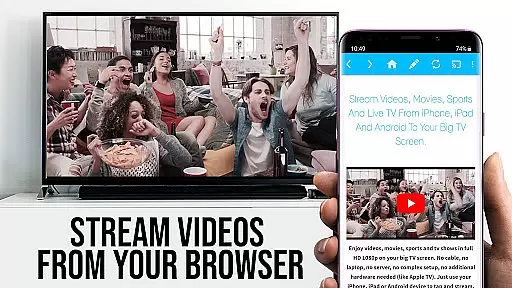
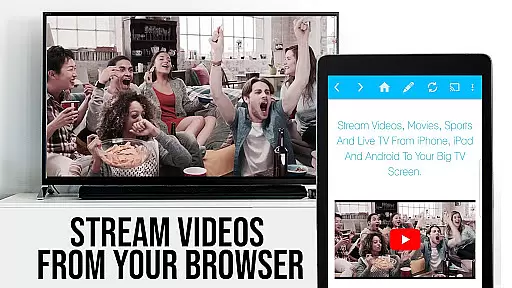
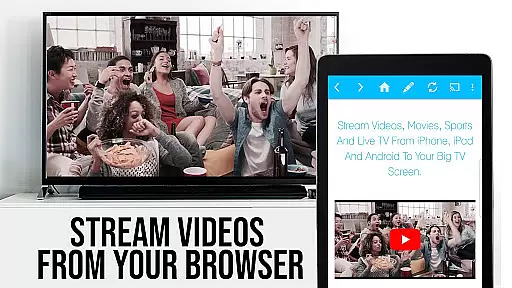
The app allows seamless browsing and casting of videos from the web to your Sony TV. By simply navigating to your preferred website and tapping on the embedded video, you can cast it instantly. The app intelligently detects video links, displaying them below the browser for easy access. With its user-friendly interface, Video & TV Cast Pro transforms your Sony TV into a versatile media hub, bringing a world of digital content to your living room.
TV Cast Pro for Sony TV boasts an array of advanced features that cater to diverse viewing preferences. One standout feature is the Remote Playbar, which provides enhanced video control while browsing, including options for scrubbing, forward, rewind, play, pause, and stop functions. This ensures a smooth and interactive streaming experience.
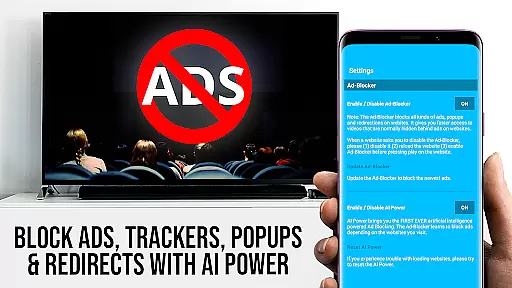
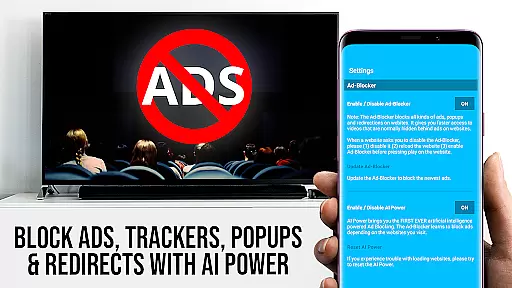
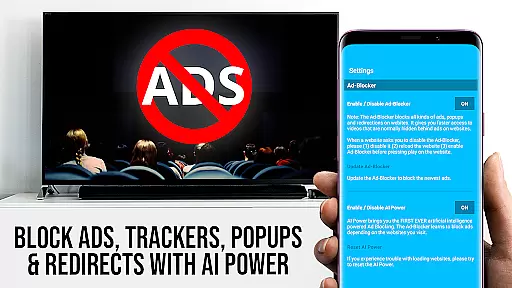
In addition to the Remote Playbar, the app includes an Ad-Blocker that removes ads and popups on most websites, ensuring uninterrupted viewing. Users also benefit from the ability to manage bookmarks directly within the browser, set a personalized homepage, and switch to Desktop Mode for accessing desktop versions of websites. These features collectively offer a customizable and enriched media experience, setting TV Cast Pro apart as a top-tier streaming solution for Sony TV owners.
TV Cast Pro for Sony TV offers extensive video format compatibility, ensuring users can enjoy a wide range of content without limitations. The app supports popular formats such as Mp4, m3u8, and HLS livestreams, allowing seamless streaming of videos directly to Sony TVs.
One of the standout features is its ability to handle video over https, which enhances security while streaming online content. This ensures that users can watch their favorite web videos, online movies, and live TV shows with peace of mind, knowing their data is protected.
In addition to supporting various formats, the app also delivers Full HD quality, providing an immersive viewing experience on the largest screen in your home. Whether you're streaming high-definition movies or catching up on live broadcasts, the clarity and detail are preserved, making every viewing session enjoyable.
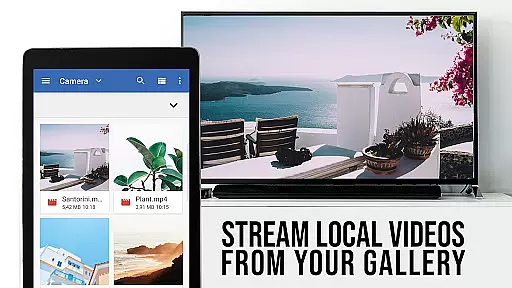
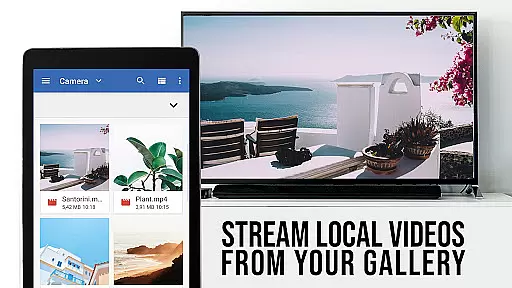
For users who want to cast specific video files, simply entering or pasting the full video URL into the browser address bar will play the file directly on the Sony TV. This straightforward approach eliminates the need for additional streaming devices, simplifying the entertainment setup while maintaining broad format support.
While TV Cast Pro for Sony TV focuses primarily on streaming capabilities, it incorporates AI-powered features that enhance user interaction and streamline the casting process. Although not a traditional video editor, the app's intelligent algorithms assist in optimizing video playback and improving overall performance.
The Remote Playbar is one such feature, offering advanced video control options while browsing. Users can effortlessly scrub through videos, and utilize functions like forward, rewind, play, pause, and stop. This intuitive control scheme makes navigating through lengthy streams or finding specific moments in a video much easier.
Another notable AI-driven feature is the Ad-Blocker, which removes ads and popups from most websites visited within the app. This creates a cleaner, uninterrupted viewing experience by minimizing distractions and focusing solely on the content that matters to users.
Additionally, the Desktop Mode uses AI to change the browser user-agent, enabling the loading of desktop websites instead of mobile versions. While this doesn't enable casting on sites serving Flash videos, it demonstrates the app's commitment to leveraging technology for an improved user experience across different web platforms.
User-friendly interface
Wide format compatibility
No additional hardware required
Premium features unlocked
Ad-free experience
Limited to Sony TVs
DRM protected content not supported
Occasional connectivity issues
Device mirroring not available
Desktop mode limitations

Online Videos Player
 3.90
3.90
Kodi media center, a free and open source cross-platform entertainment hub
3.60
Video Downloader is an utility that can save videos and music from web sites
4.20
Watch a large amount of high-definition short drama content
4.60
High-Quality USB Camera Viewer & HDMI Display
4.70
AirMirror Receiver - Screen mirroring/cast web videos to Android TV by AirPlay.
4.40
VLC for Android is the best open source video and music player, fast and easy!
4.10
Create, Publish & Maximize
4.70
Photo editor & video maker with music and slideshows.
4.10
Video Trimmer, Video to MP3 Converter. Extract music from video, Easy & Fast.
4.80
Download videos and play them offline
4.70
Seamlessly connect and control your smart devices, anytime, anywhere with ease.
4.60
Cast to Chromecast, Xbox, Fire Stick, Roku, DLNA, Smart TV & No Feature Limited!
4.50
LumaFusion: The Ultimate Storytelling Experience for Video Editing
4.10
Fast private browser with secure, seamless access & supported video downloads!
4.00
Watch full episodes of your favorite Cartoon Network and Cartoonito shows!
3.50
This app is an emulator of some specific IPTV boxes
3.50
Stream high quality video from your camera over NDI protocol
4.1
Powerful HD video player with support for all formats & subtitles.
4.3


User Reviews