The smartest M3U IPTV Player your playlists have ever seen.
 4.2
4.2
Connect 2 UVC devices for recording and broadcast video/audio stream
3.90
Save photos and videos from social apps in one tap.
3.60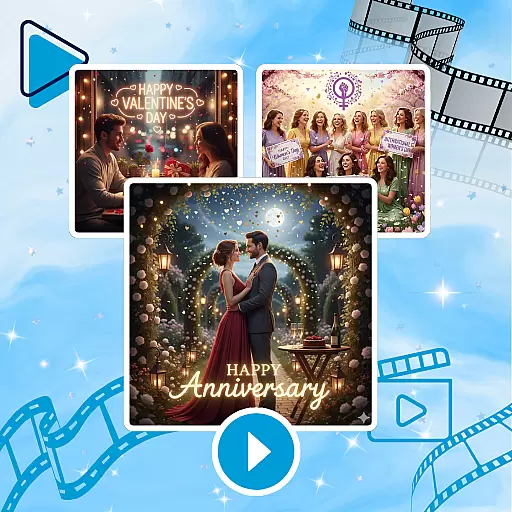
Photo and Music Video Creator into Stunning Videos—Effortlessly
4.40
Support 1000+ Video Format, Subtitle Download, mp3 & Background Play, Cast On TV
4.60
1)AirPlay/DLNA Mirroring/Streaming, up to 4 connections; 2)Samba/NAS/DMS Player.
4.00
Stream Web Videos to Chromecast, Samsung, LG, Sony, Roku, Fire TV, DLNA + more
4.00
Pro video editor app for Instagram, edit video with song, AI, effect & slowmo.
4.80
Seamlessly connect and control your smart devices, anytime, anywhere with ease.
4.60
Tik & Story Saver-Download ALL social media videos, photos & reels no watermark.
4.80
An easy-to-use and all-round screen recorder with audio
4.80
All in one HD video downloader & player for multiple formats with full privacy
4.70
Download videos and play them offline
4.70
Video Player - Unlimited features, 30 days money back guarantee.
4.60
Snaptubè Video Downloader app allows to download videos and music in Snaptube. .
4.60
Cast to Chromecast, Xbox, Fire Stick, Roku, DLNA, Smart TV & No Feature Limited!
4.50
Create & edit videos with AI
4.30
VLC for Android is the best open source video and music player, fast and easy!
4.10
IPTV Player - Watch live TV from m3m & m3u8 playlist, stream IPTV on mobile
3.30


