
A full-featured Amazon Alexa voice assistant that can show you things.
 3.70
3.70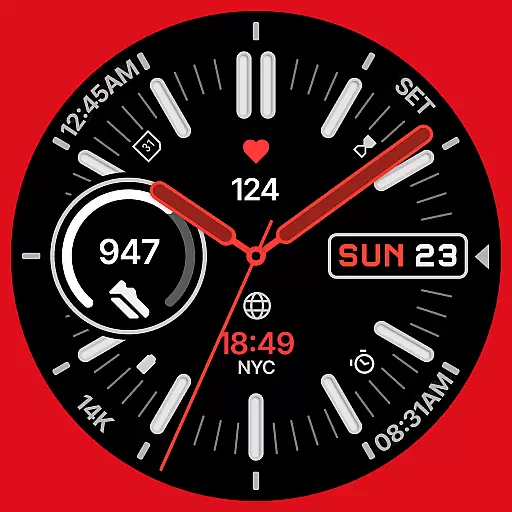
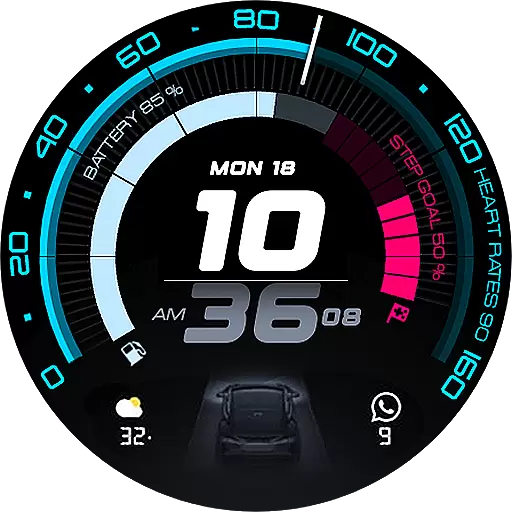
A watch face that fuses motorsport precision with contemporary smartwatch design
4.1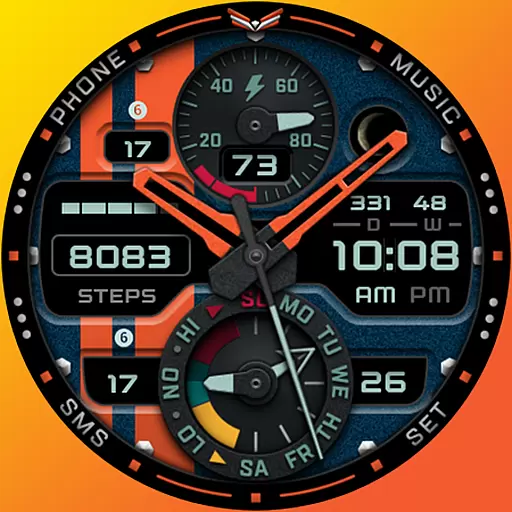
A modern premium sporty hybrid watch face for Wear OS by Ballozi
4.70
sleep, alarm, snoring, stress, healing, focus, sound therapy, circadian rhythm
4.10
Get helpful reminders, take progress photos and find answers to your questions.
3.90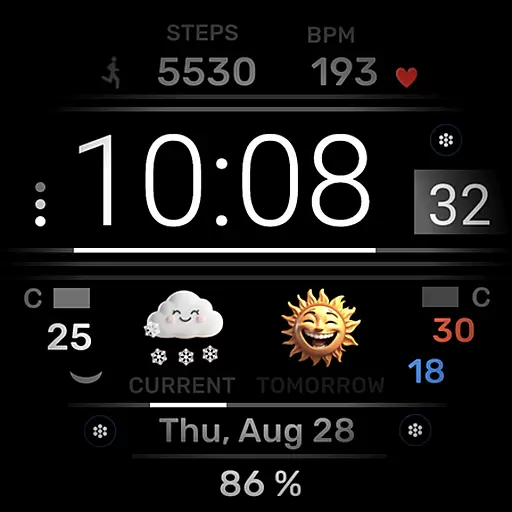
Minimalistic design modern digital watch face.
4.2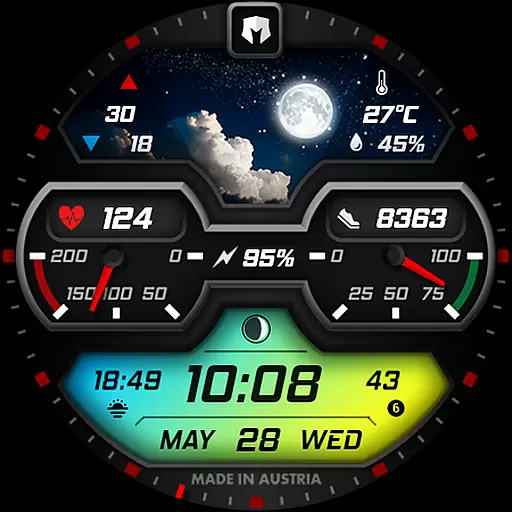
Stylish, Energizing and Modern Watch Face crafted by Dominus Mathias.
4.50
Fitbit is dedicated to helping people lead healthier, more active lives.
4.10
Back up your contacts & access them anywhere
4.30
Christmas - Festive - Christmas Village - Winter - Christmas lights
5.00
Diet tracker for weight loss - track calories, food and macros. Simple and easy!
4.70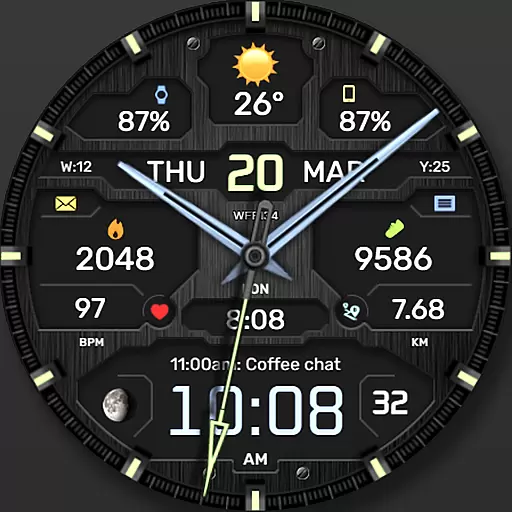
The most customizable hybrid watch face. For Wear OS 5.0, API 34+ and later
4.70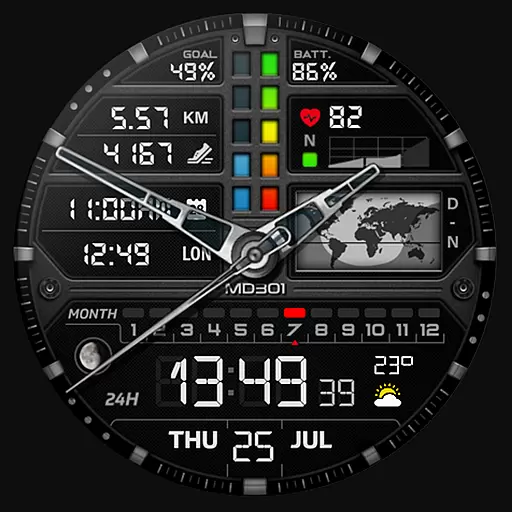
Hybrid watch face for Wear OS with customizable complications by Matteo Dini MD
4.70
Gym & home workout plans with strength training, exercise tracking, HIIT & more.
4.60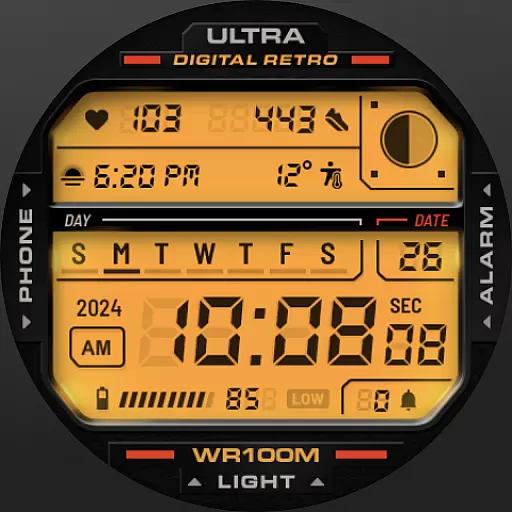
Retro digital watch face with customizable colors and a unique lighting effect
4.60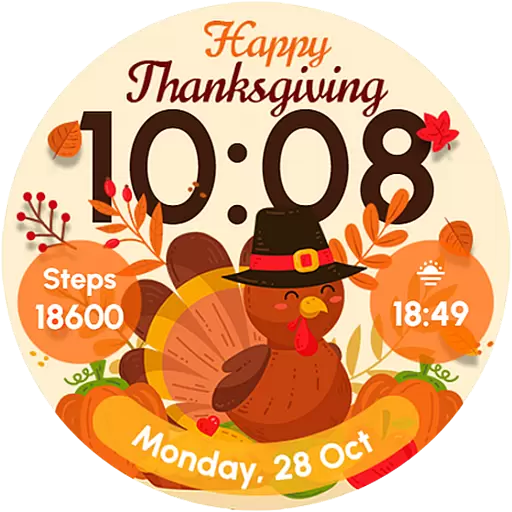
Let's celebrate Thanksgiving - Wear Os watch face
4.20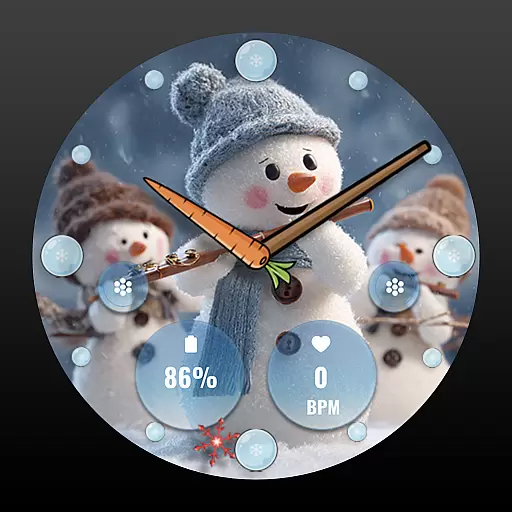
an Analog Watch Face for winter season with freeze winter background for Wear OS
4.0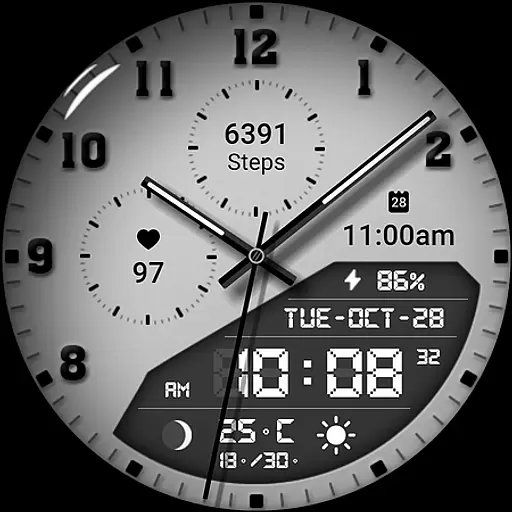
3 Complications. All shadow on/off. 30 Themes color palette...
4.4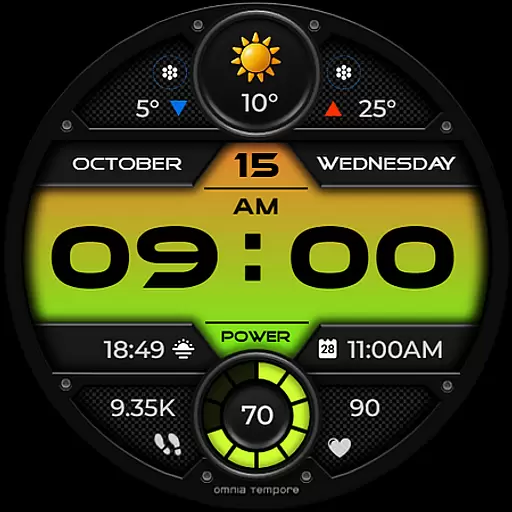
Stylish digital watch face for Wear OS devices with customizable features
4.2


