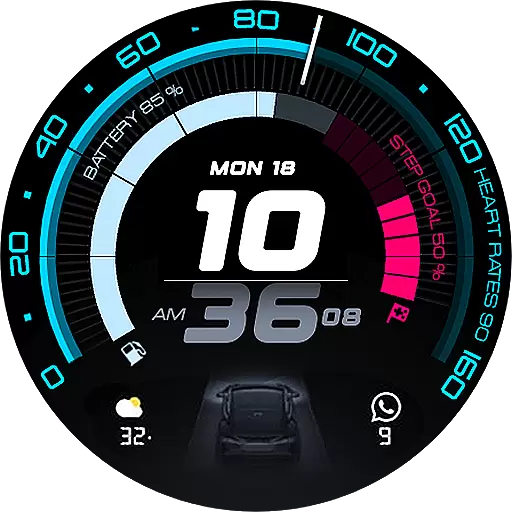
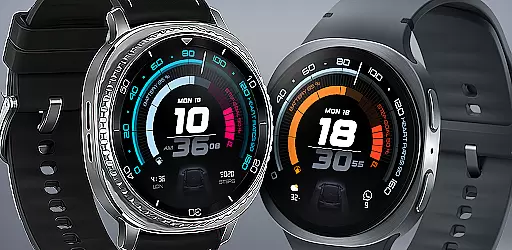
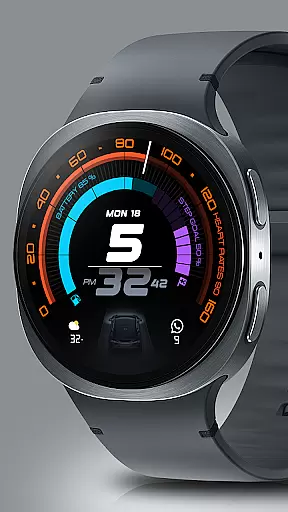
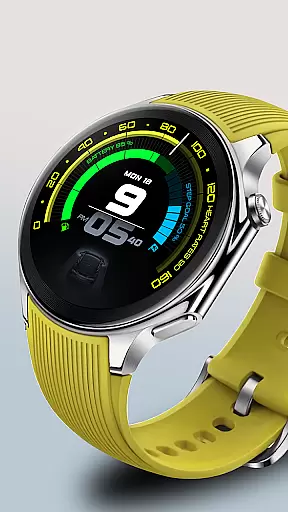
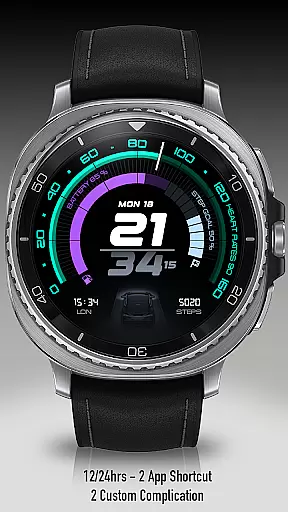
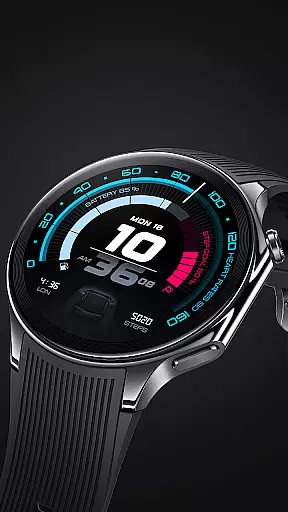
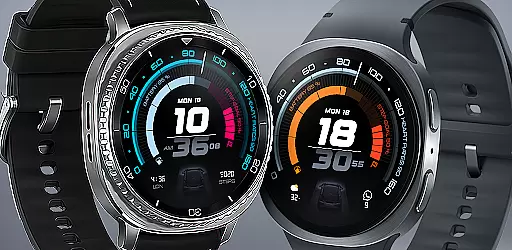
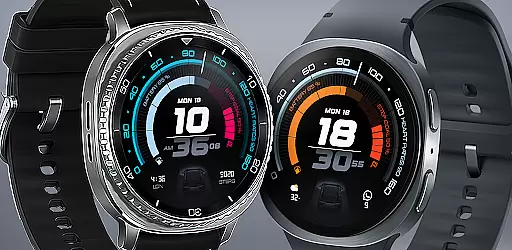
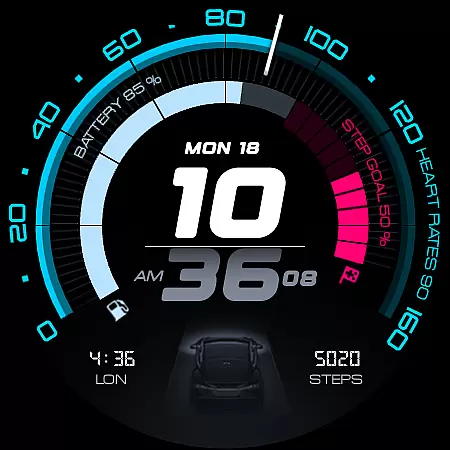
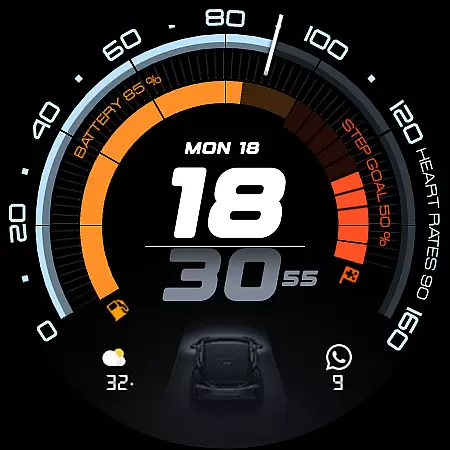
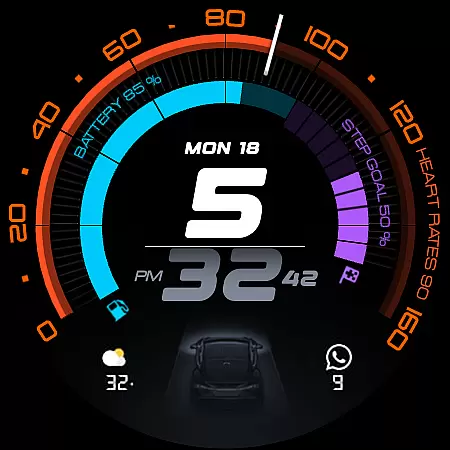
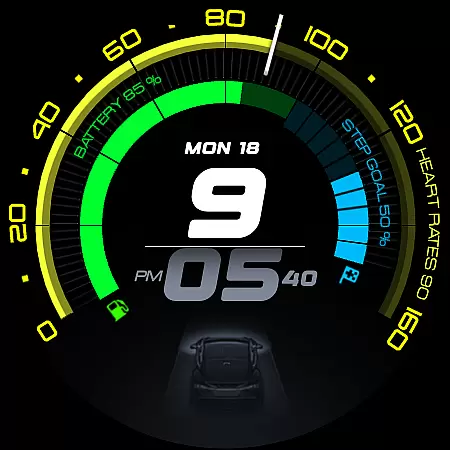
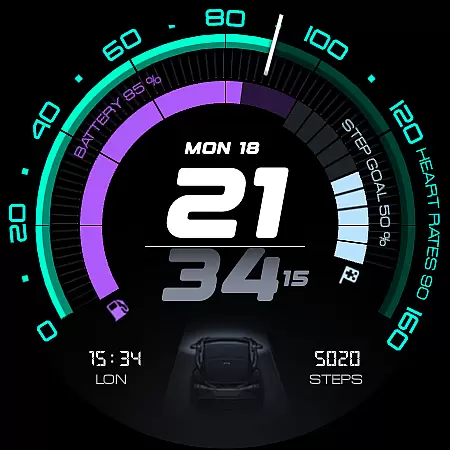
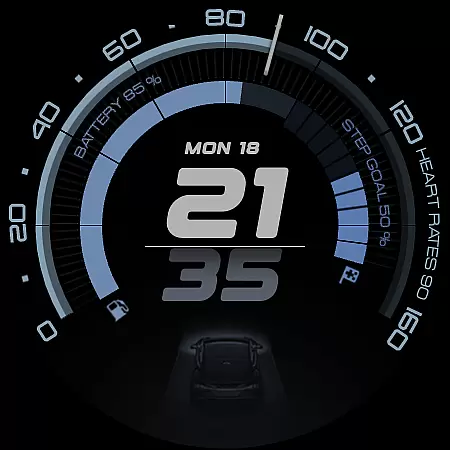
ARS Acceleration is a high-performance watch face designed for smartwatch users who value both style and functionality. This app transforms your wearable into a dynamic performance tool, offering features like bold digital time display, real-time health tracking, and customizable complications.
The watch face provides essential metrics at a glance, including heart rate, battery level, step count, and weather updates. With its automotive-inspired design and vibrant color-coded activity arcs, ARS Acceleration ensures you stay informed while expressing your personal style.
Whether you're monitoring fitness goals or simply appreciating sleek design, this app offers a seamless blend of aesthetics and utility, making it perfect for those who demand both precision and performance from their smartwatch.
ARS Acceleration stands out with its feature-rich design tailored for performance enthusiasts. The app includes a striking digital time display available in both 12 and 24-hour formats, catering to user preferences worldwide.
One of the key highlights is its integration of real-time health and fitness tracking. Users can monitor their heart rate, track daily steps, and receive instant weather updates, all within a visually appealing interface. The inclusion of customizable complications and dual app shortcuts adds another layer of personalization.
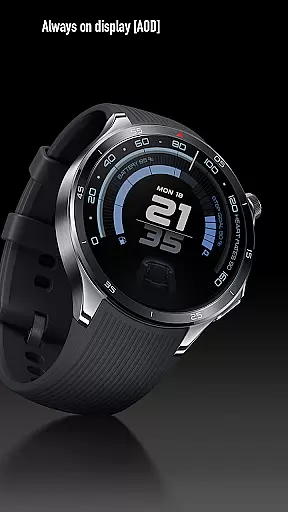
Additionally, the Always-On Display mode ensures critical information remains accessible without sacrificing battery life. This combination of advanced functionality and stylish design makes ARS Acceleration a top choice for smartwatch users seeking a modern, versatile watch face.
Companion app integration is essential for a seamless smartwatch experience. ARS Acceleration excels in this area by offering users the ability to sync and control their watch face directly from their smartphone. This ensures that all vital information, such as health metrics and notifications, are consistently updated across devices.
The app provides an intuitive interface where users can customize complications, set up dual app shortcuts, and toggle between 12/24-hour time formats effortlessly. These features allow for a personalized and functional watch face that caters to individual preferences and needs.
By maintaining real-time updates on heart rate, battery level, step count, and weather, ARS Acceleration ensures that users have access to the most current data. This synchronization enhances the overall utility of the smartwatch, making it not just a timepiece but a comprehensive lifestyle companion.
Ensuring broad compatibility with various Wear OS devices is crucial for any watch face application. ARS Acceleration is designed to work seamlessly across a wide range of smartwatches, providing users with a consistent experience regardless of their device model.
This compatibility extends to both the visual and functional aspects of the watch face. Users can enjoy vibrant color-coded activity arcs, bold digital time displays, and essential health tracking features without worrying about performance discrepancies on different devices.
Moreover, ARS Acceleration supports customizable elements like dual app shortcuts and Always-On Display modes, which adapt smoothly to various screen sizes and resolutions. This flexibility guarantees that every user enjoys an optimal viewing experience, whether they prefer a bold daytime look or a subtle nighttime display.
Highly customizable
Real-time health tracking
Vibrant color-coded arcs
Sleek automotive design
Always-On Display option
Battery usage may increase
Limited to Android Wear
Not suitable for minimalists
Premium features require payment
Complexity may overwhelm beginners

Snowflake Rose Gold Watch Face - Digital, modern, & sleek with GYRO effect.
 4.10
4.10
Christmas is near, let's count together the days left until Santa comes
4.4
A Wintery Snow Globe on Your Wrist; now celebrating Christmas!
4.0
A full-featured Amazon Alexa voice assistant that can show you things.
3.70
Deck out your Wear OS Watch face with a beautifully decorated pine wreath!
4.50
Hyperlocal rain alerts by MyRadar using patent-pending technology, radar & more
4.80
Find EV charging stations
4.30
Reliable phone calls with spam protection, caller ID and more helpful features
4.40
From periods to pregnancy & perimenopause, Flo helps you track it all. Try now.
4.70
Simple, helpful messaging by Google
4.60
A white realistic classic analog watch face with many customization options.
4.40
Christmas watch face. For Wear OS devices.
4.30
Watch face for Wear OS.
4.20
Watch the sharpness of the sky on your wrist..
3.70
Stay in touch with your friends and family using LINE!
3.40
Wear Os Watch Face - Animated Snow Effect & Christmas Lights
4.3
Christmas and New Year - Themed Watchface
4.5
Fitness interactive virtual pet super fighter boy watch face
4.5
Hybrid Vibrant Health Watch Face for Wear OS
4.0


User Reviews