
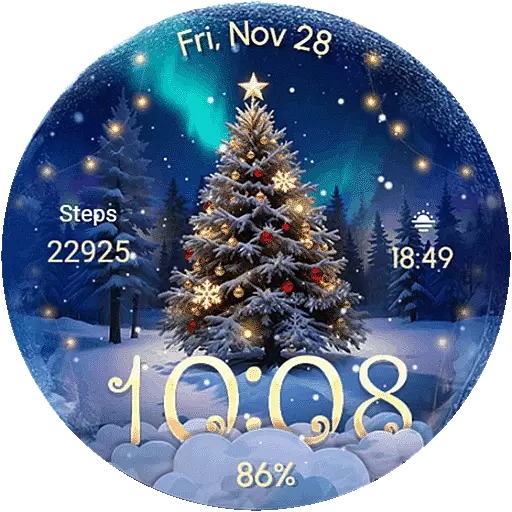
Wear Os Watch Face - Animated Snow Effect & Christmas Lights
 4.3
4.3
Christmas Theme Watch Face for Wear Os
5.00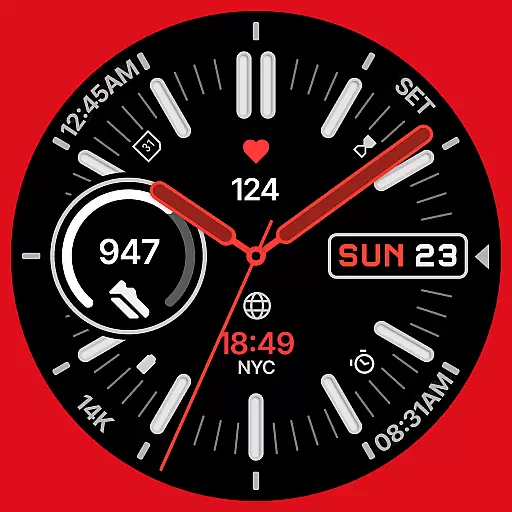
A watch face that fuses motorsport precision with contemporary smartwatch design
4.4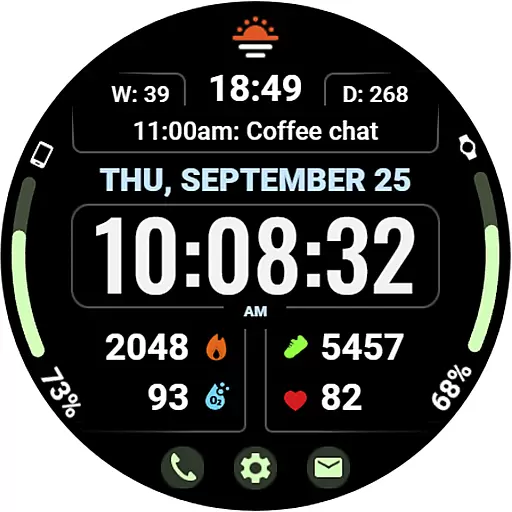
Beautiful, colorful and practical watch face. For Wear OS devices.
5.00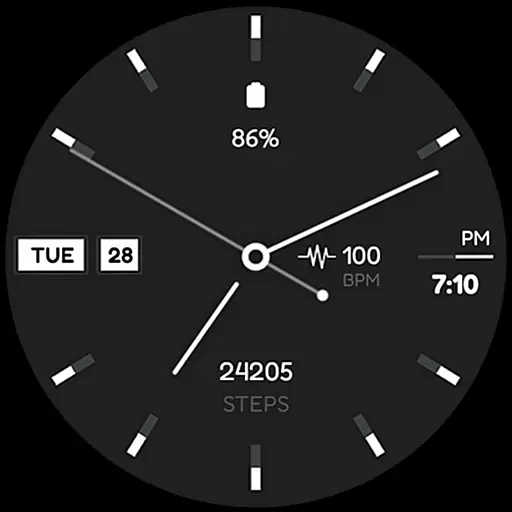
Simple Analog-Digital Watchface For Wear OS 3.0 and Up Smartwatches
4.1
Locate your family members by GPS phone location tracker everywhere and anytime
4.30
To-Do List: daily schedule planner, task organizer, to do reminder app, calendar
4.60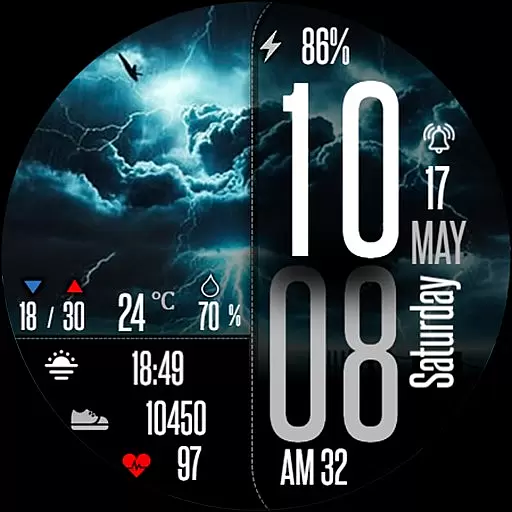
Daily Weather forecast with 15 weather images for Day & Night plus Big Bold time
4.10
Fast and smart typing with Emojis, GIFs, and more
4.50
Hyperlocal rain alerts by MyRadar using patent-pending technology, radar & more
4.80
Gym & home workout plans with strength training, exercise tracking, HIIT & more.
4.60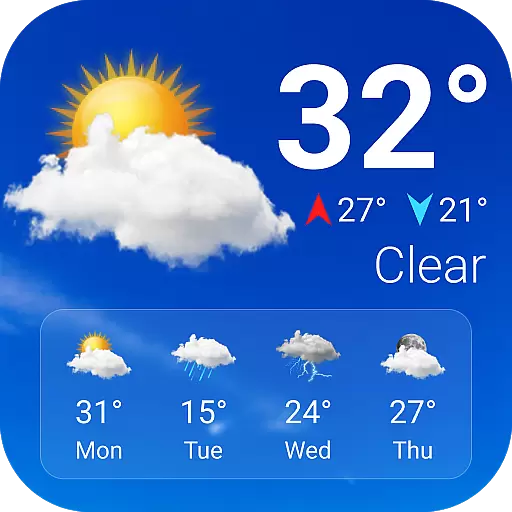
Current temperature, weather hourly, weather radar by the weather forecast app
4.40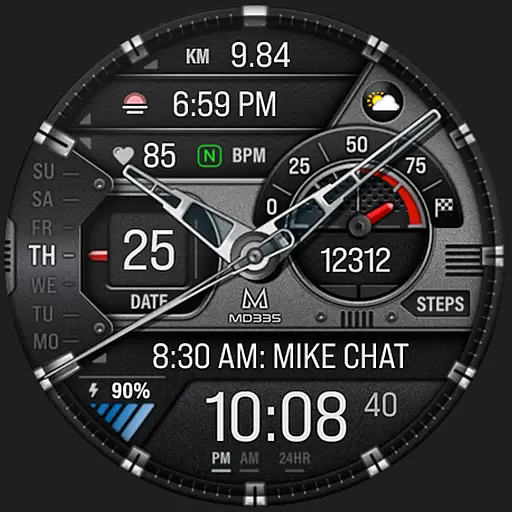
Premium hybrid watch face with many customizations for Wear OS devices.
4.40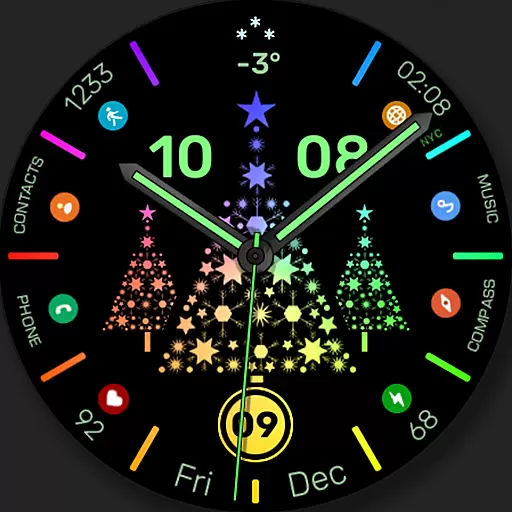
Christmas watch face. For Wear OS devices.
4.30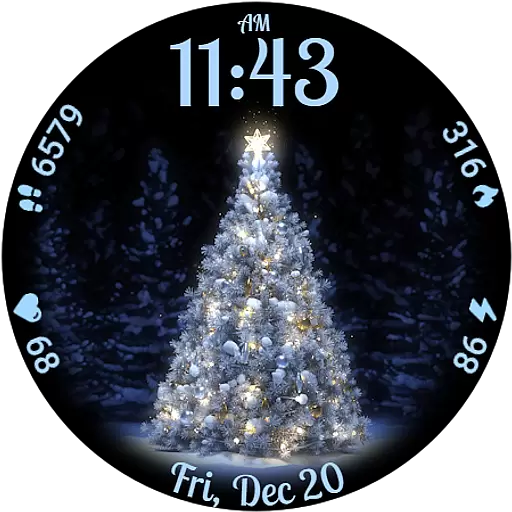
Elegant animated Christmas tree with multiple customization options
4.20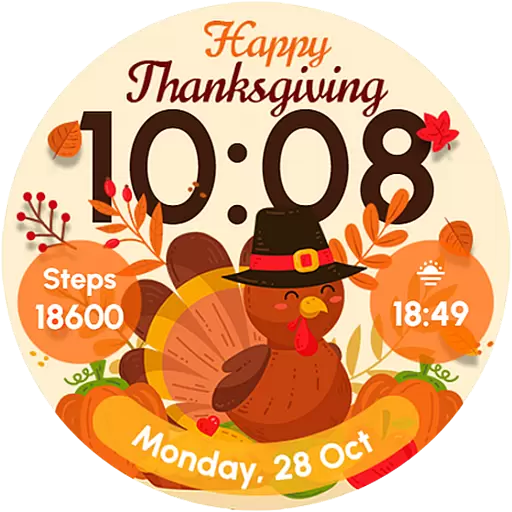
Let's celebrate Thanksgiving - Wear Os watch face
4.20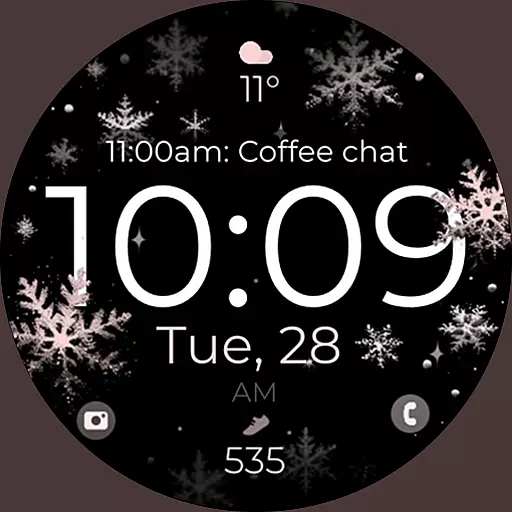
Snowflake Rose Gold Watch Face - Digital, modern, & sleek with GYRO effect.
4.10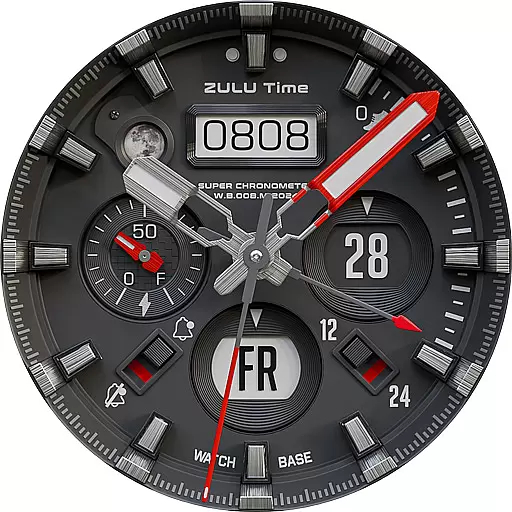
Authentic military-tactical design with ZULU time! Realistic and functional!
3.80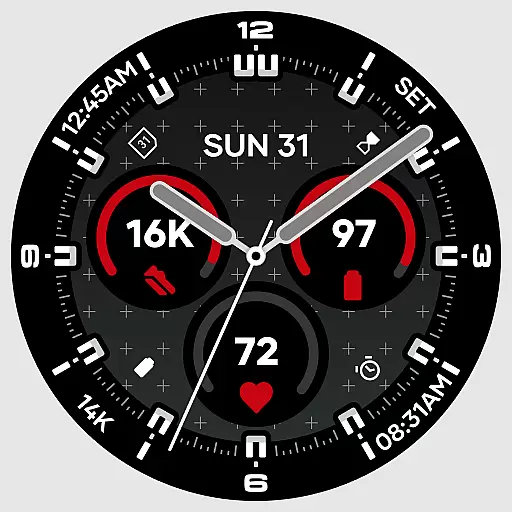
Precision analog watch face with 7 complications and style options
4.4


