
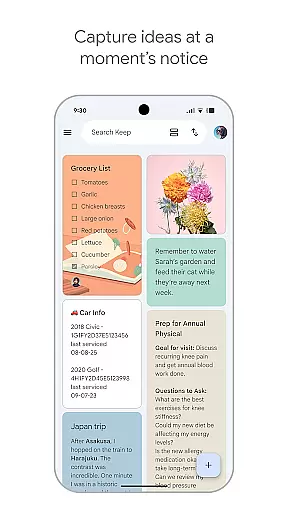
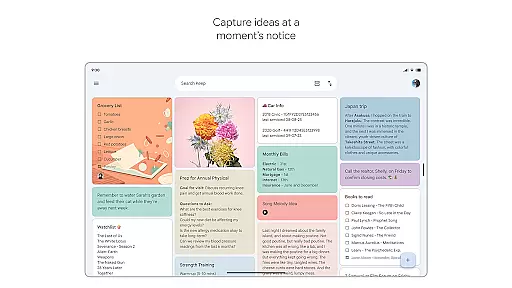
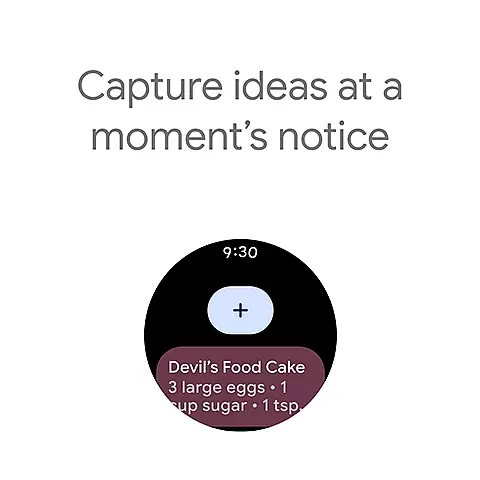
Google Keep is a versatile note-taking application designed specifically for Android Wear and other Android devices. This app allows users to quickly capture ideas, manage to-do lists, and stay organized through various intuitive features. With advanced security measures, it ensures that all your notes remain private and protected.
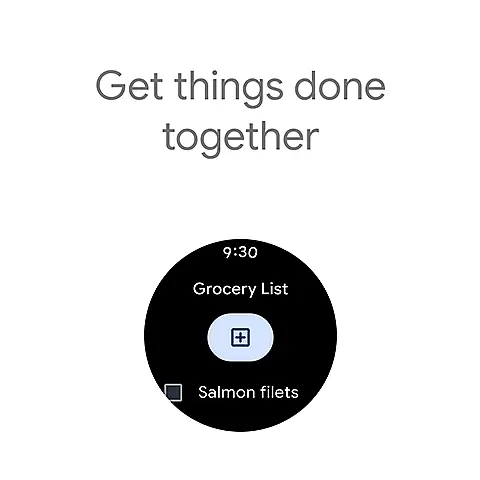
The core functionality of Google Keep includes the ability to jot down quick notes, snap photos, and record voice memos on the go. It also offers seamless integration with Android Wear, enabling users to add tiles and complications to their smartwatches for easy access. Whether you need to remember a grocery list or plan a trip, Google Keep makes collaboration and organization effortless.
One notable use case is setting reminders for specific tasks. For instance, if you need to pick up groceries later in the week, Google Keep can remind you just when you need it. This feature ensures that important tasks are never forgotten, making Google Keep an essential tool for managing daily activities efficiently.
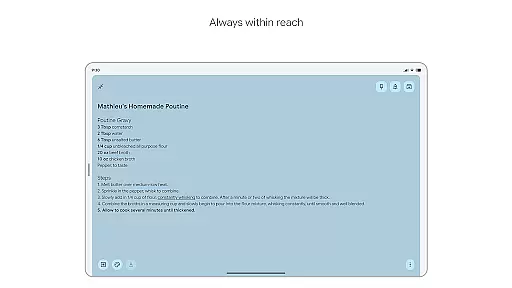
Google Keep stands out due to its rich array of features tailored for productivity and convenience. One of its primary features is the ability to capture thoughts quickly through text notes, voice memos, and photos. This flexibility ensures that no matter where you are, you can always record important information instantly.
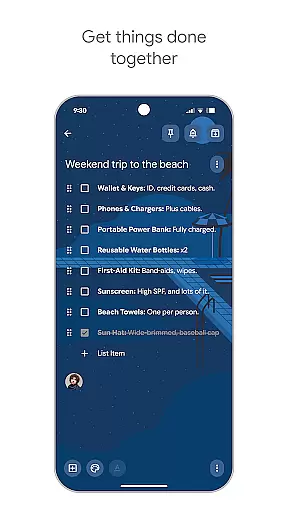
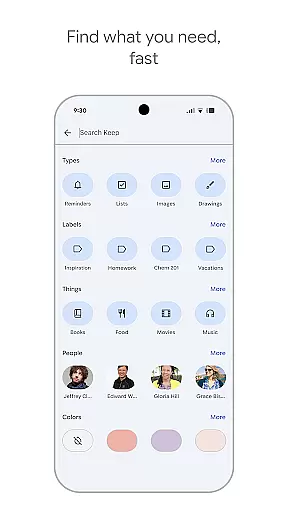
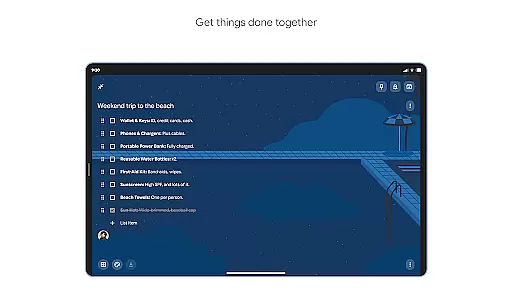
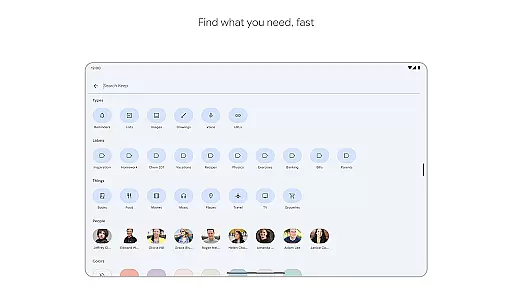
Another significant feature is the sharing capability. Users can share their notes with friends and family, making it ideal for collaborative projects such as planning trips or managing shared grocery lists. The app also supports color-coding and labeling, which helps in organizing notes efficiently so they can be found easily through search functionality.
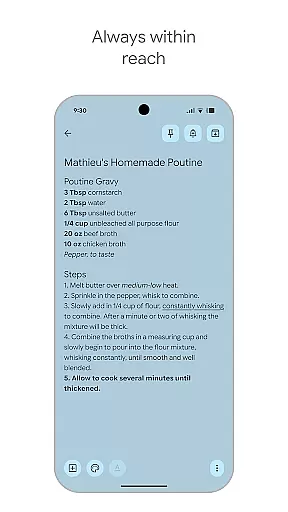
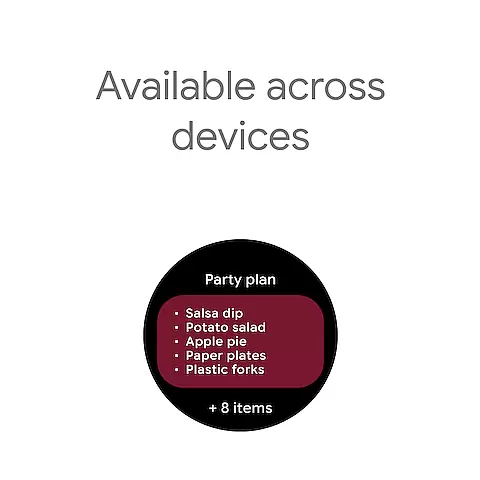
Additionally, Google Keep integrates seamlessly across multiple platforms including phones, tablets, computers, and Wear OS devices. Notes sync automatically across all devices, ensuring that your thoughts are always accessible wherever you go. This cross-platform availability enhances user experience by providing constant access to vital information.
Companion app integration is essential for a seamless user experience across multiple devices. Google Keep excels in this area by ensuring that all your notes, lists, and reminders are synchronized effortlessly between your phone, tablet, computer, and Wear OS device.
The app employs advanced synchronization technology that updates your content in real-time. This means any changes made on one device are immediately reflected on all others, providing you with consistent and up-to-date information wherever you are.
For users, this translates into unparalleled convenience. Whether you're capturing a thought on your phone during a commute or reviewing notes on your Wear OS device while exercising, you can trust that your data will be there when you need it.
This robust integration ensures that Google Keep remains an indispensable tool for staying organized and productive, no matter which device you choose to use.
Google Keep's compatibility with Wear OS and various devices is a standout feature. The app is designed to work seamlessly on different platforms including phones, tablets, computers, and specifically Wear OS devices, making it versatile and accessible.
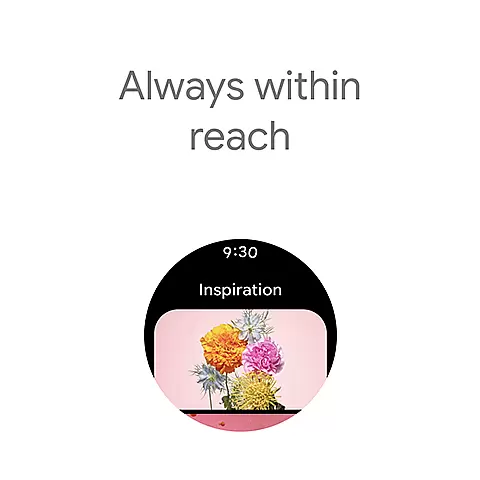
On Wear OS, Google Keep supports functionalities like adding tiles and complications, allowing quick access to notes and reminders right from the watch face. This enhances usability by enabling users to capture thoughts or set reminders without needing to take out their phone.
Furthermore, the appu2019s optimization for different screen sizes and input methods ensures a smooth experience. Voice memos, widgets, and shortcuts are tailored to fit each deviceu2019s unique interface, providing intuitive control and ease of use.
By prioritizing cross-device functionality, Google Keep ensures that users can manage their tasks efficiently and stay organized, regardless of the device they are using.
User-friendly interface
Seamless cross-device syncing
Voice memo functionality
Collaborative sharing options
Advanced security measures
Limited formatting options
No offline support for Wear OS
Basic reminder system
Occasional sync delays
Ads in free version

Gym Log & Workout Tracker | Fitness Journal, Training & Weight Lifting Planner
 4.90
4.90
Diet tracker for weight loss - track calories, food and macros. Simple and easy!
4.70
Elegant animated Christmas tree with multiple customization options
4.20
Simple Analog-Digital Watchface For Wear OS 3.0 and Up Smartwatches
4.1
Watch face designed for Thanksgiving Day. 7 Background Styles included.
3.20
Let's celebrate Thanksgiving - Wear Os watch face
4.20
sleep, alarm, snoring, stress, healing, focus, sound therapy, circadian rhythm
4.10
A digital watch face that celebrates Christmas.
4.00
Control your Samsung Smart TVs, appliances, and SmartThings-compatible devices
4.60
WTW M17 is a premium and luxurious hybrid watch face
4.70
Embrace the holiday spirit with this magical animated watch face!
4.40
Current temperature, weather hourly, weather radar by the weather forecast app
4.40
The ultimate destination for kids ages 3-8 to explore the Marvel Universe!
4.30
Calming & relaxing sounds for sleeping and stress relief. Stay focused all day!
4.20
Watch face for Wear OS.
4.20
Your music, your playlists, and more—offline and unlimited.
4.20
Viewer for Wyze/Yi/Eufy/Arlo/ONVIF/RTSP/P2P IP cams w/ adv. features & DIY DVR
4.00
Professional weather radar and more
3.90
Stylish digital watch face for Wear OS devices with customizable features
4.2


User Reviews