
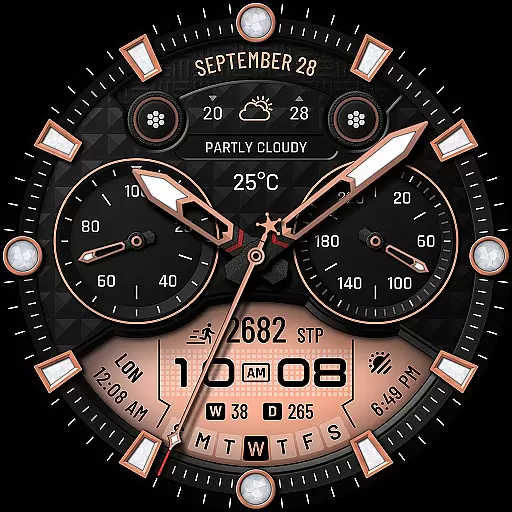
WTW M17 is a premium and luxurious hybrid watch face
 4.70
4.70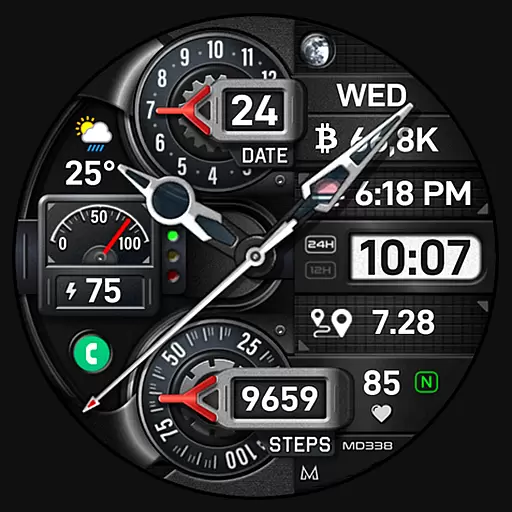
Highly customizable hybrid watch face for Wear OS, perfect for everyday use.
4.60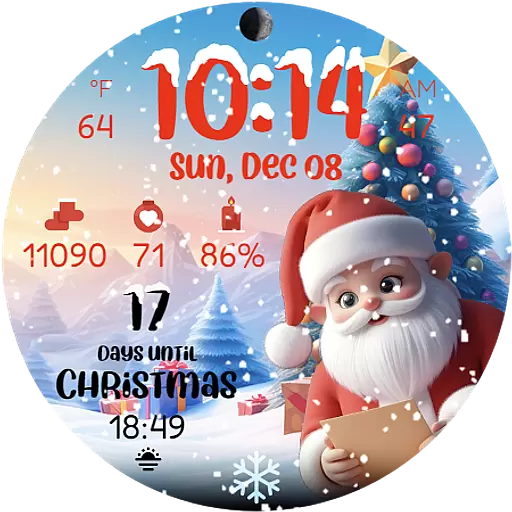
Christmas is near, let's count together the days left until Santa comes
4.3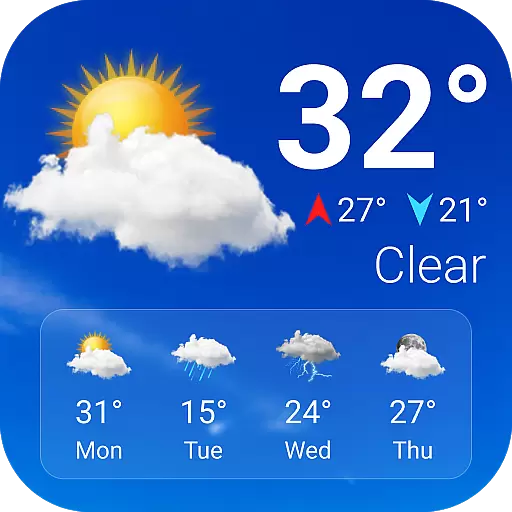
Current temperature, weather hourly, weather radar by the weather forecast app
4.40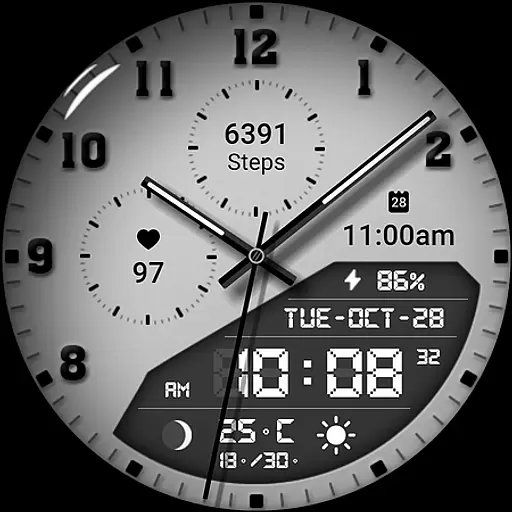
3 Complications. All shadow on/off. 30 Themes color palette...
4.0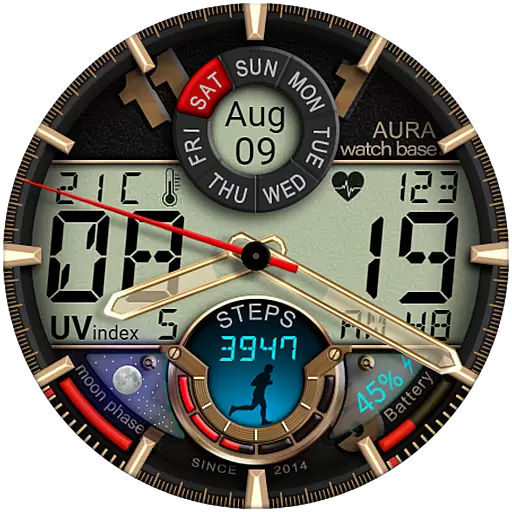
Bold, Modern Hybrid Watch Face for Wear OS. 10 Colors, Rich Info Display.
4.30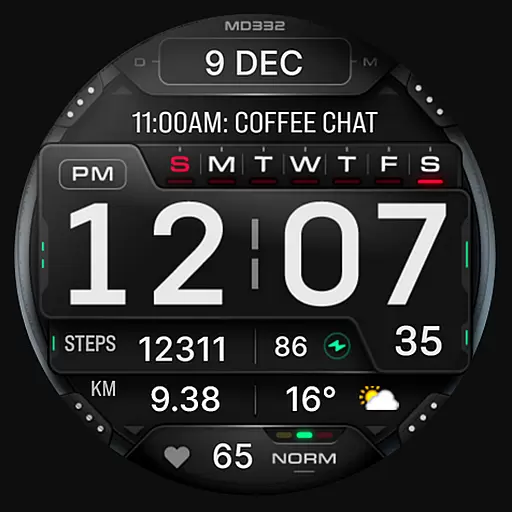
Digital watch face with big numbers and many customization for Wear OS devices
4.40
Real-time weather radar with temperatures, warnings, hurricanes, and widgets
4.80
Your local weather forecast, storm tracker, radar maps & live weather news
3.40
Christmas - Festive - Christmas Village - Winter - Christmas lights
5.00
Period, ovulation & pregnancy tracker. Fertility insights & menstrual calendar.
4.90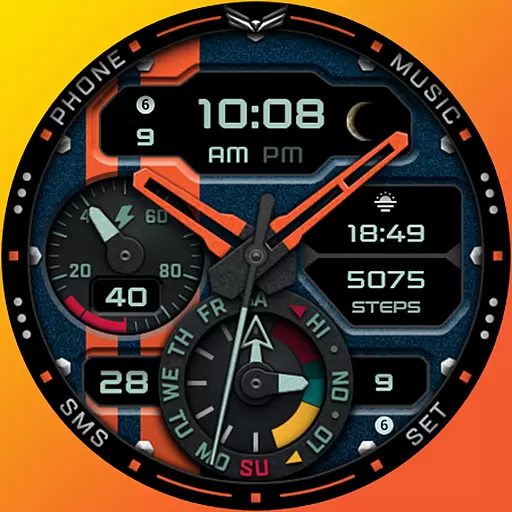
A modern hybrid informative watch face for Wear OS designed by BALLOZI
4.80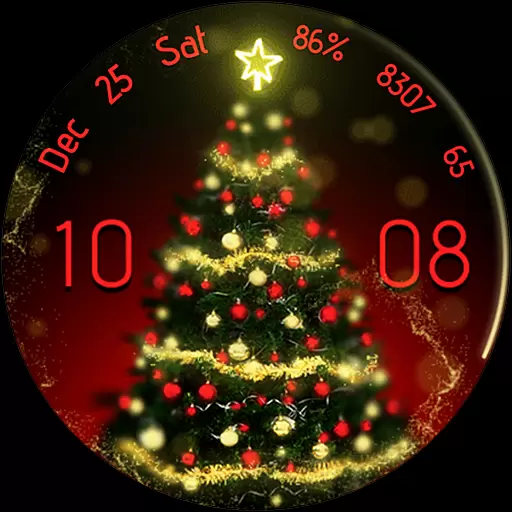
Embrace the holiday spirit with this magical animated watch face!
4.40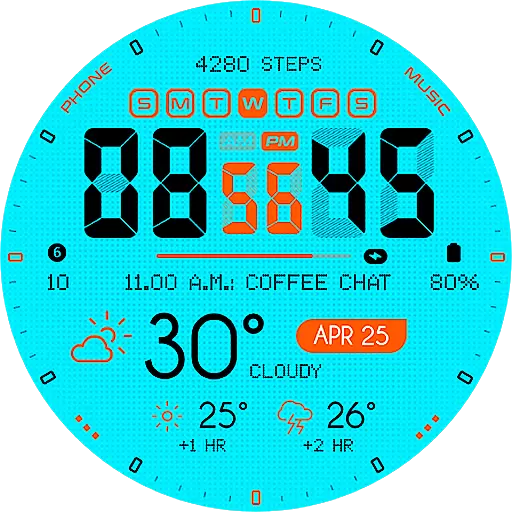
Bold weather Digital watchface with forecast & optional animated background
4.40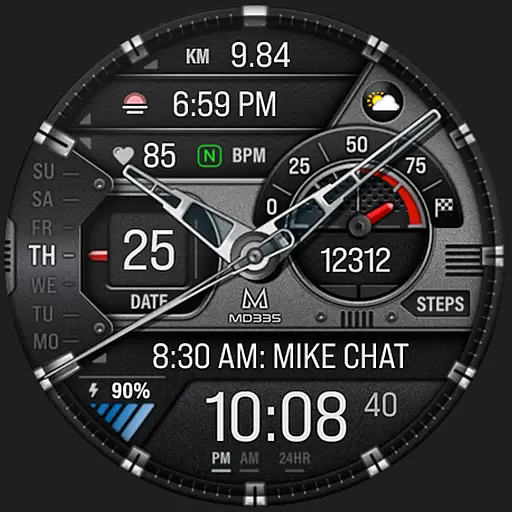
Premium hybrid watch face with many customizations for Wear OS devices.
4.40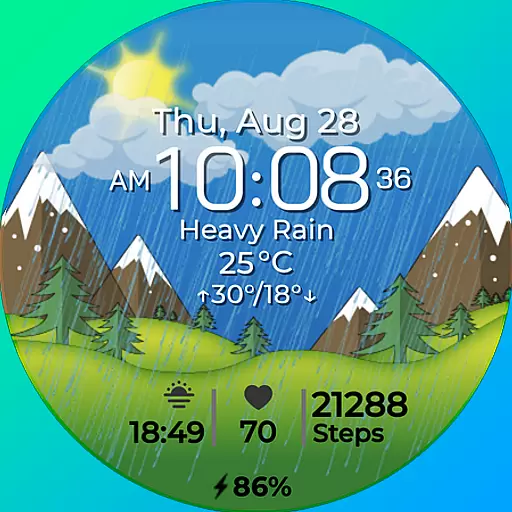
Watch face for Wear OS.
4.20
A full-featured Amazon Alexa voice assistant that can show you things.
3.70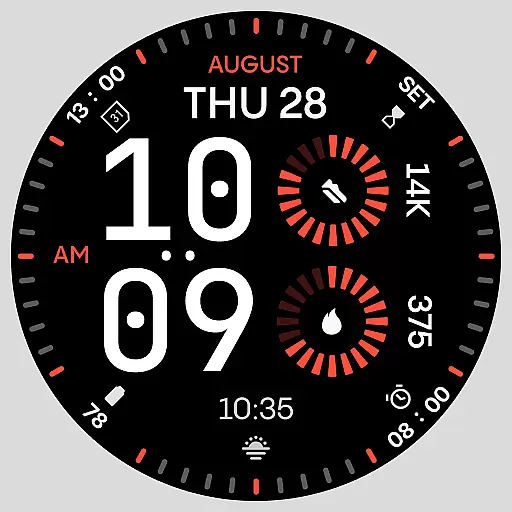
Stunning modern digital watch face with 7 complications and strong contrast
4.0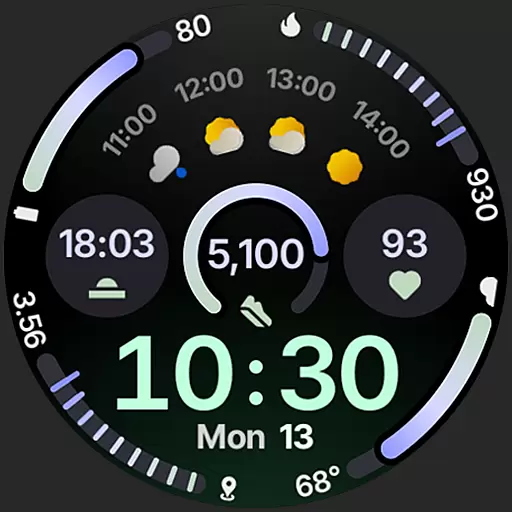
Sleek, highly customizable watch face inspired by Galaxy Watch Circle Dashboard.
4.4


