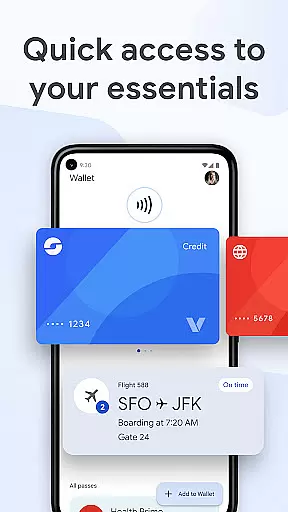
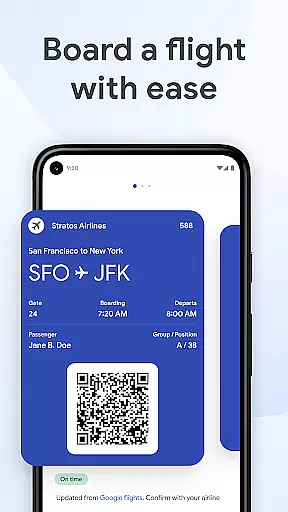
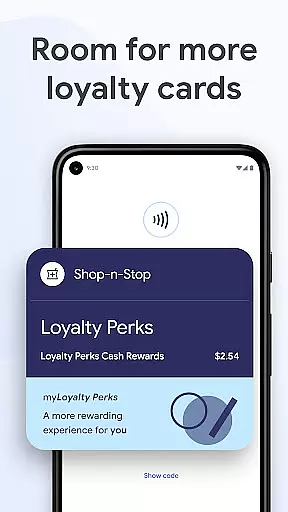
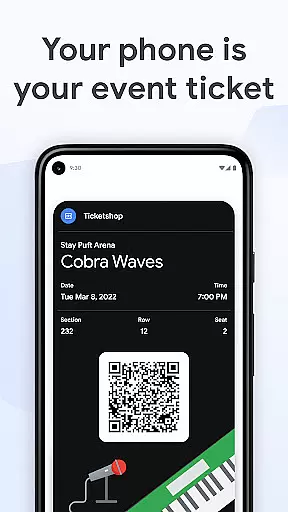
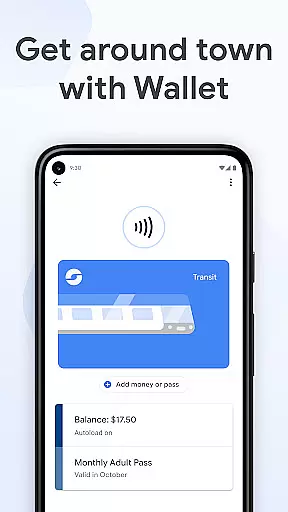
Google Wallet is a versatile digital wallet solution designed specifically for Android and Wear OS devices. This application allows users to store various essential items such as credit cards, tickets, boarding passes, and even driver's licenses in one secure location. With its seamless integration across Google services, users can conveniently access their stored information through quick settings, the main app interface, or even via Google Assistant.
The app stands out with its intelligent suggestions feature that prompts users with necessary items at the right time, like displaying boarding passes during travel. It also offers helpful integrations with Google Maps for receipt tracking and Calendar for real-time updates. Whether you're commuting, shopping, or traveling, Google Wallet ensures you have what you need exactly when you need it.
Google Wallet boasts an array of features that enhance user convenience and security. The app provides three distinct access methods - quick settings, homescreen shortcut, and Google Assistant - ensuring users can retrieve their essentials quickly. For Wear OS users, complications on the main watch face offer instant access to wallet contents.
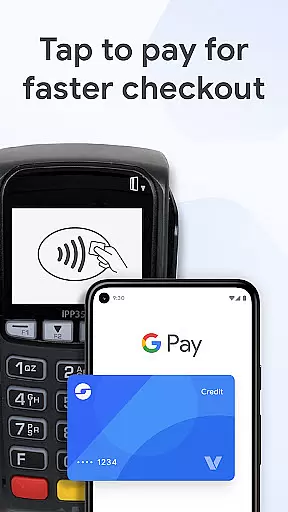
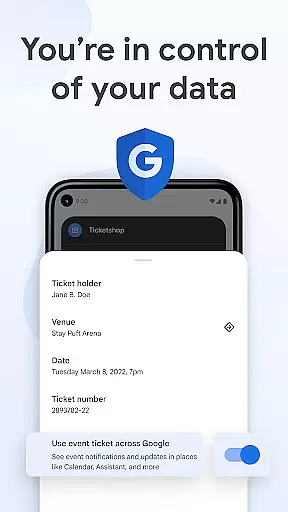
Security is a top priority, with advanced Android protections like 2-Step Verification and remote data erasure capabilities. When making payments, Google Wallet uses tokenization to protect card information, ensuring your real credit card number is never shared with merchants. Additionally, the app's smart integration with other Google services provides contextual information and timely reminders, creating a truly connected experience.
Companion app integration is crucial for wearable devices as it ensures seamless functionality between the smartphone and the wearable. Google Wallet excels in this area by offering a cohesive experience across multiple platforms.
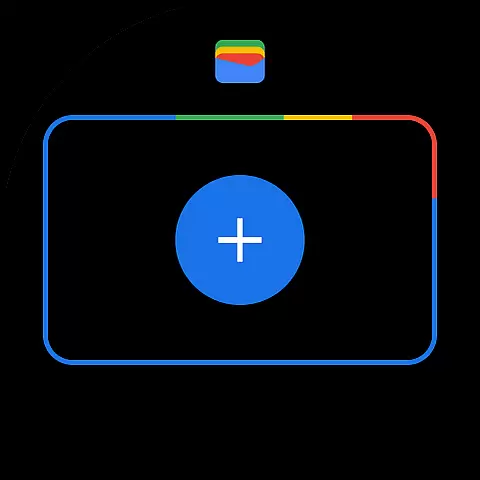
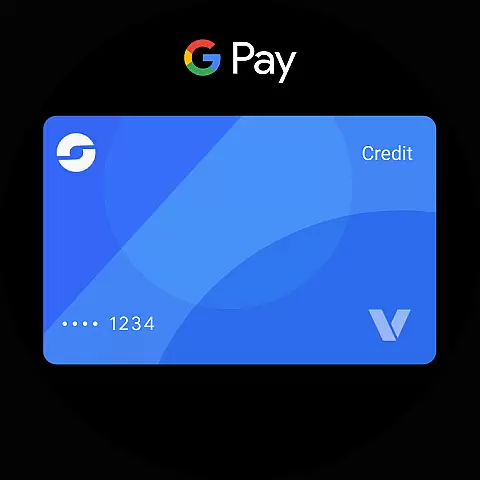
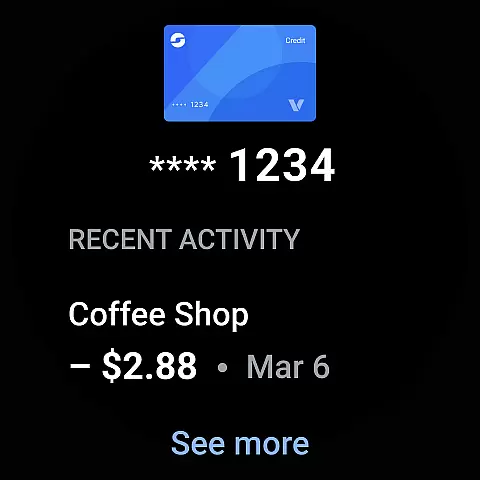
The app allows users to access their essential cards, tickets, and passes directly from their Wear OS watch. This is made possible through well-designed companion app integration that syncs data in real-time, ensuring that any updates made on the phone are immediately reflected on the watch.
Users benefit from having instant access to their digital wallet right from their wrist. Whether it's boarding a flight or making a quick payment, the ability to use Google Wallet on a Wear OS device without needing to pull out the phone adds unparalleled convenience to daily activities.
This level of integration not only enhances user experience but also broadens the usability of wearable technology, making it an indispensable tool for those who value efficiency and connectivity.
Wear OS and device compatibility ensure that applications like Google Wallet function smoothly across various devices, providing users with consistent performance regardless of their hardware choice. Google Wallet is designed to be compatible with a wide range of Android phones and Wear OS devices.
By supporting all Android phones running Lollipop 5.0 and above, Google Wallet reaches a vast audience. The app also extends its compatibility to include Fitbit devices, further expanding its ecosystem. This broad compatibility means that whether you're using a flagship smartphone or a budget-friendly model, you can still enjoy the benefits of Google Wallet.
For users with Wear OS watches, Google Wallet offers complications on the main watch face, allowing quick access to essential features. This compatibility ensures that no matter which Wear OS device you own, you'll have a reliable and efficient way to manage your digital essentials.
Ultimately, this commitment to compatibility demonstrates Google Wallet's dedication to accessibility and user convenience, ensuring that everyone can take advantage of its secure and versatile features.
User-friendly interface
Secure payment system
Seamless Google integration
Multi-platform support
Intelligent item suggestions
Limited iOS functionality
Feature restrictions on older devices
Occasional sync issues
Region-specific limitations
Learning curve for new users

Watch the sharpness of the sky on your wrist..
 3.70
3.70
MyNISSAN® lets you remotely control your car from your phone.*
4.50
Deck out your Wear OS Watch face with a beautifully decorated pine wreath!
4.50
Be an elegant and classy secret agent, with this carefully detailed watch face
4.70
sleep, alarm, snoring, stress, healing, focus, sound therapy, circadian rhythm
4.10
Hyperlocal rain alerts by MyRadar using patent-pending technology, radar & more
4.80
Retro digital watch face with customizable colors and a unique lighting effect
4.60
A digital watch face that celebrates Christmas.
4.00
Fitbit is dedicated to helping people lead healthier, more active lives.
4.10
Period, ovulation & pregnancy tracker. Fertility insights & menstrual calendar.
4.90
A modern premium sporty hybrid watch face for Wear OS by Ballozi
4.70
Current temperature, weather hourly, weather radar by the weather forecast app
4.40
Christmas watch face. For Wear OS devices.
4.30
Bold, Modern Hybrid Watch Face for Wear OS. 10 Colors, Rich Info Display.
4.30
Hyper-Realistic Airplane Dashboard Watch Face With 10 Skins and Custom AOD
4.00
Christmas is near, let's count together the days left until Santa comes
4.0
Stunning modern digital watch face with 7 complications and strong contrast
4.3
Minimalistic design modern digital watch face.
4.3
Hybrid Vibrant Health Watch Face for Wear OS
4.1


User Reviews