
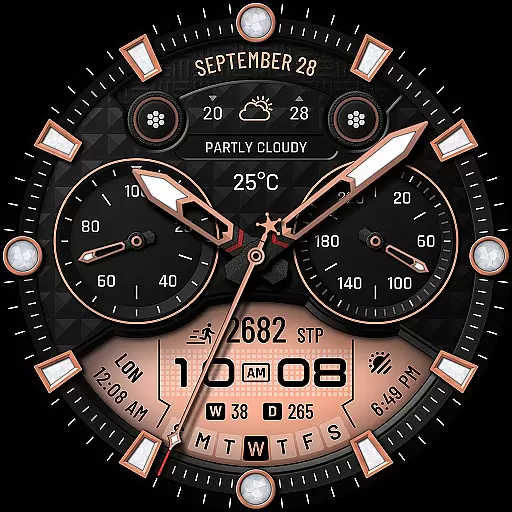
WTW M17 is a premium and luxurious hybrid watch face
 4.70
4.70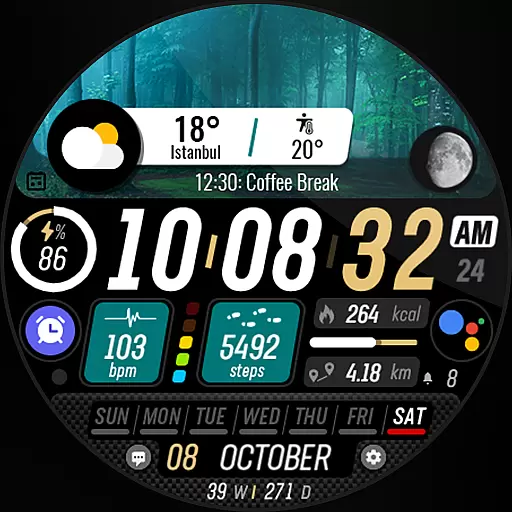
Watch the sharpness of the sky on your wrist..
3.70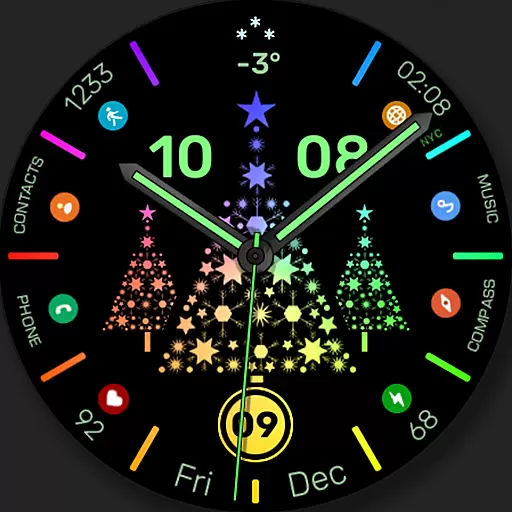
Christmas watch face. For Wear OS devices.
4.30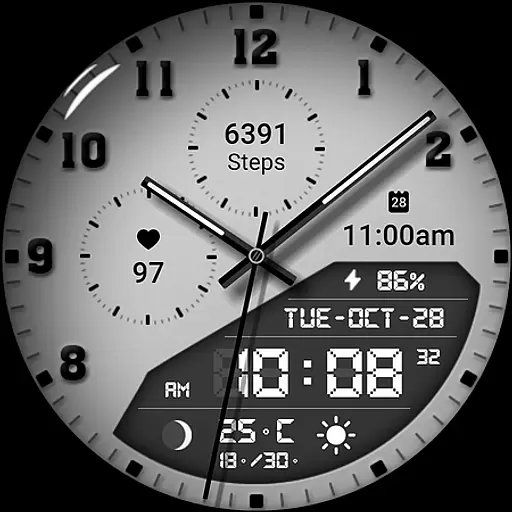
3 Complications. All shadow on/off. 30 Themes color palette...
4.1
Nutrition, Macro tracker: Food, fitness & healthy diet tracking for weight loss
4.60
Locate your family members by GPS phone location tracker everywhere and anytime
4.30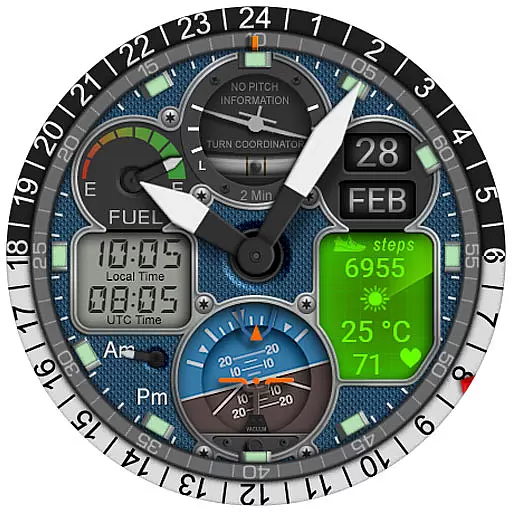
Hyper-Realistic Airplane Dashboard Watch Face With 10 Skins and Custom AOD
4.00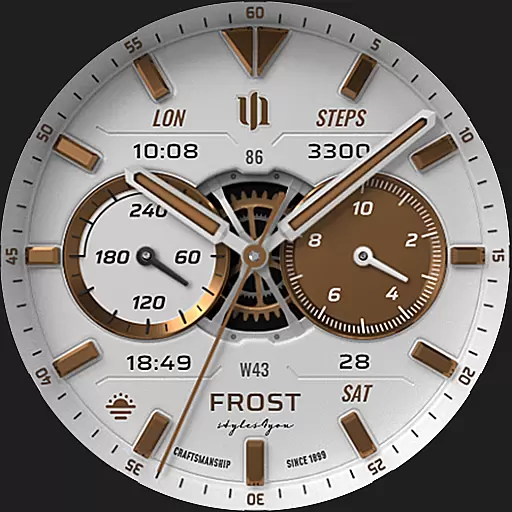
A white realistic classic analog watch face with many customization options.
4.40
Start and succeed with PAP
4.10
Real-time weather radar with temperatures, warnings, hurricanes, and widgets
4.80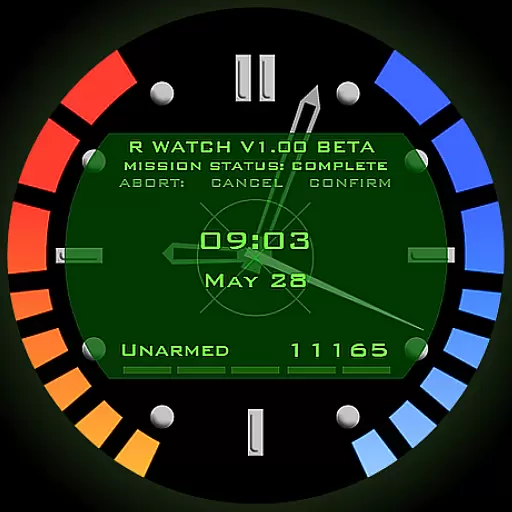
Be an elegant and classy secret agent, with this carefully detailed watch face
4.70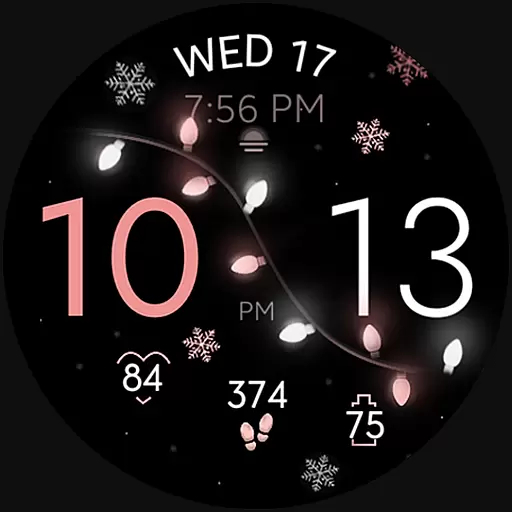
Rose gold watch face with festive lights & customizable features.
4.60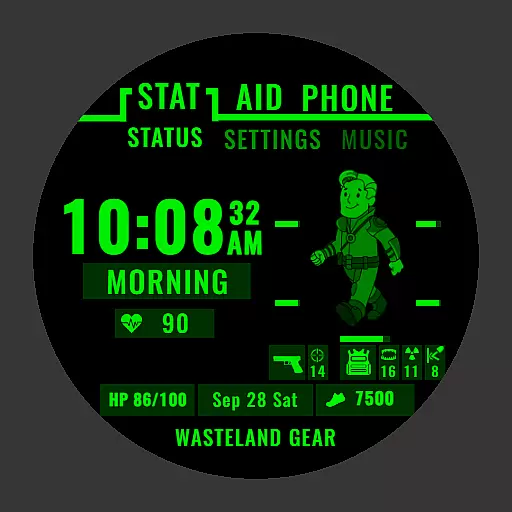
Ideal for surviving in the wasteland left after nuclear fallout
4.50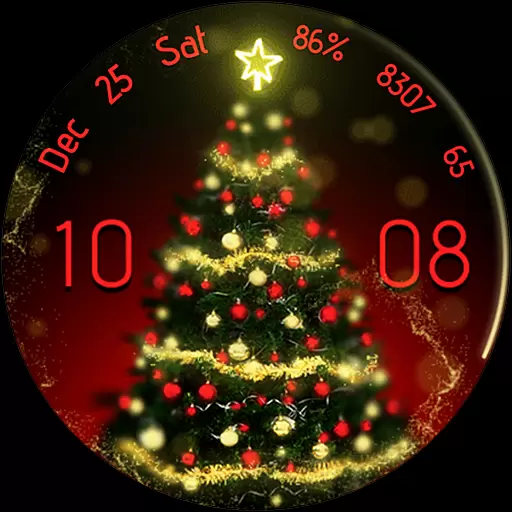
Embrace the holiday spirit with this magical animated watch face!
4.40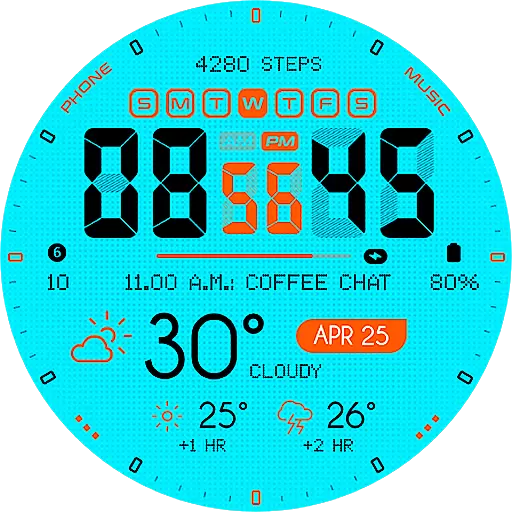
Bold weather Digital watchface with forecast & optional animated background
4.40
The #1 source of faces for your smartwatch!
4.00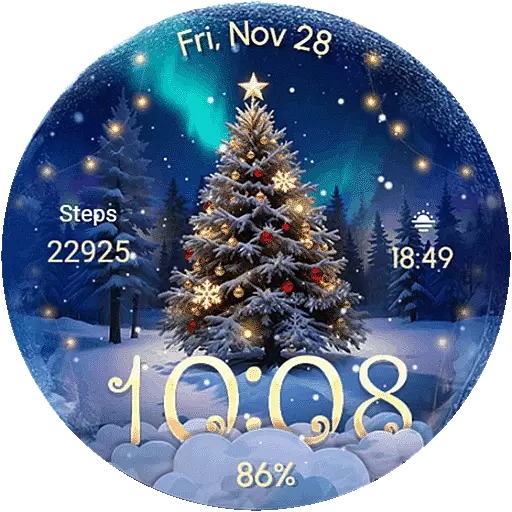
Wear Os Watch Face - Animated Snow Effect & Christmas Lights
4.4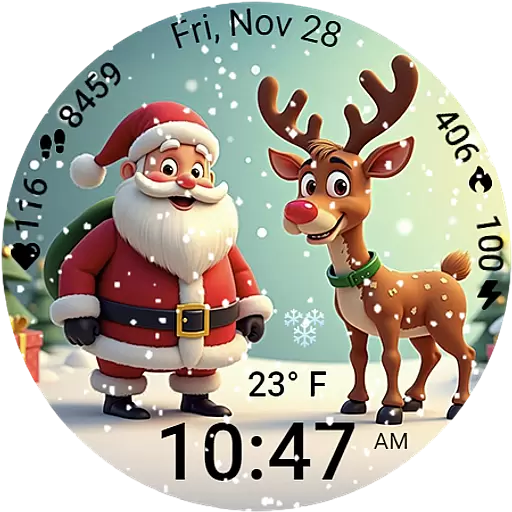
A heartwarming Christmas scene featuring a cute image of Santa and Rudolf
4.1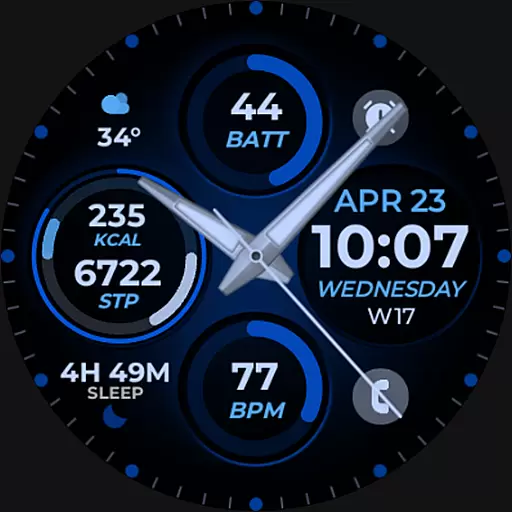
Hybrid Vibrant Health Watch Face for Wear OS
4.3


