
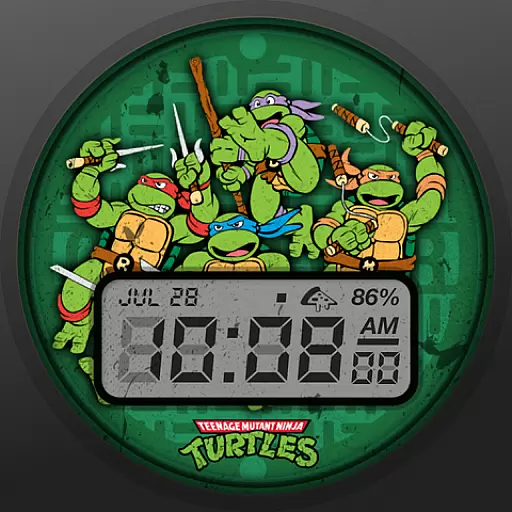
Ninja Turtles Cowabunga SE watch face for Wear OS
 4.50
4.50
Themes - Widget & Wallpaper: Customize home screen, icon changer w unique themes
4.30
Embrace the Night. Unleash the power of darkness with Raven Dark Icon Pack
4.60
Launcher OS™ Pro without ads help make your phone simple and pretty
4.30
Adorable pets roam and play right on your phone screen!
3.30
300+ widgets inspired by Material You and Material 3 expressive design.
4.60
Transform your device in a game console
4.40
Emoji Maker app - Design custom emojis and effortlessly blend them with Mixer
3.80
Customize phone with anime themes, 3D icons, aesthetic widgets & wallpapers
4.80
Customizable Glass widgets. Over 360+ stunning widgets and more!
4.70
Nothing Icon pack with more than 3750+ highly crafted icons.
4.70
Handcrafted pixel art icons, widgets & wallpapers
4.60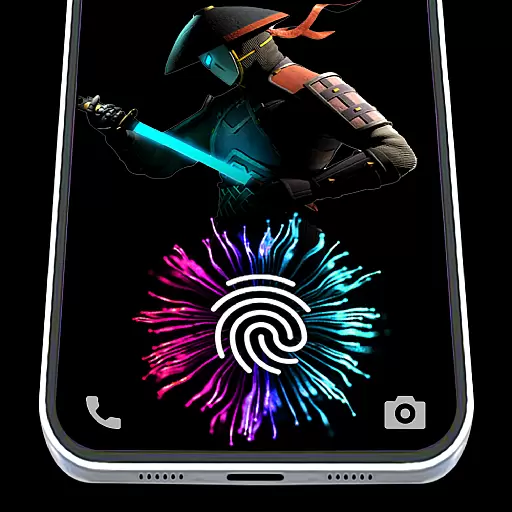
Fingerprint Lock Screen & Live Animations with 4K Wallpapers as Live Wallpaper
4.40
Romantic Kiss Stickers App. Start romantic messaging now!
4.30
Your home screen, just the way you like it.
4.30
Ultimate widget creator. Design custom widgets for a truly unique home screen!
3.90
Design your screen with unique, vibrant clocks
3.80 3.50
3.50
HappyLighting is a Bluetooth lamp control software.
3.40


