Launcher OS

4.40

Information

Category:

Personalisation

Price:

Free

Rank:

44

Rating:

4.40

Overview

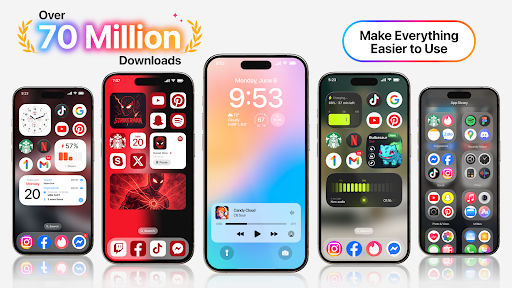
Launcher OS is a revolutionary personalization application that transforms the Android mobile operating system into a more powerful and intelligent platform. This app elevates your smartphone experience by unlocking amazing possibilities for device customization and functionality. Launcher OS makes your phone more personal and efficient than ever before. The application works seamlessly across mobile platforms and requires certain permissions to function optimally. These include camera access for locked-screen functionality notification access for important alerts and storage permissions for personalized wallpapers. With its comprehensive feature set Launcher OS creates an intelligent ecosystem that adapts to your needs making it an invaluable tool for those seeking to maximize their smartphone's potential.

Features

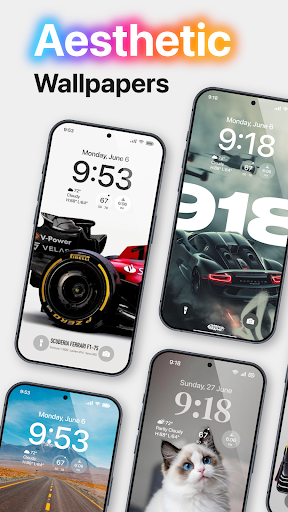
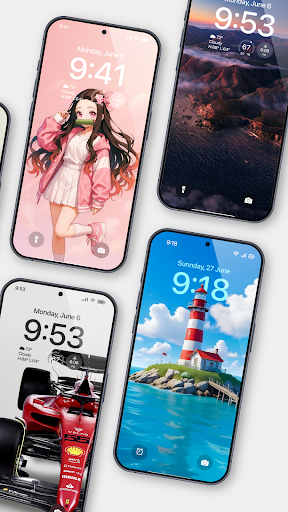
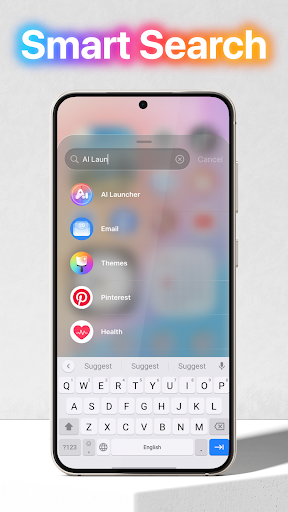
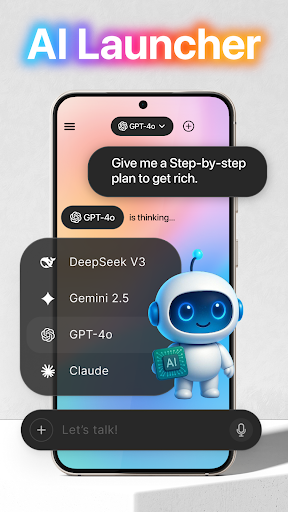
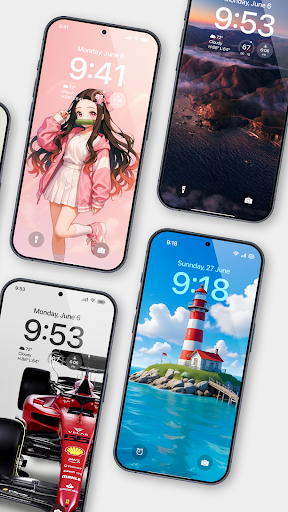
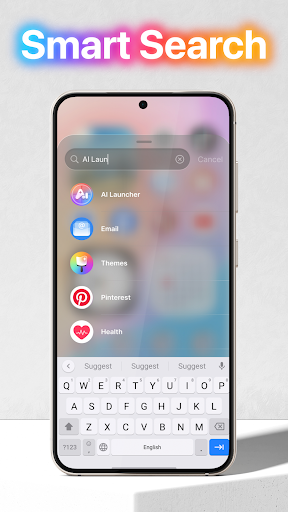
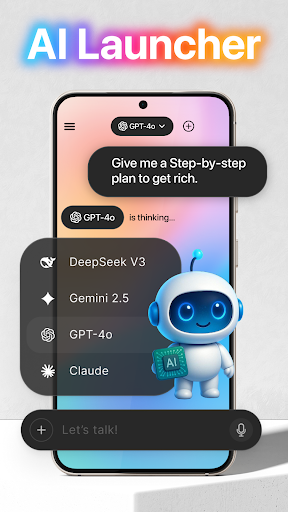
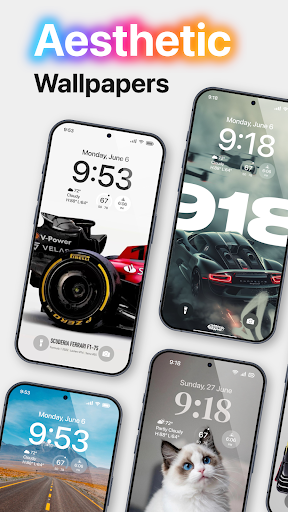
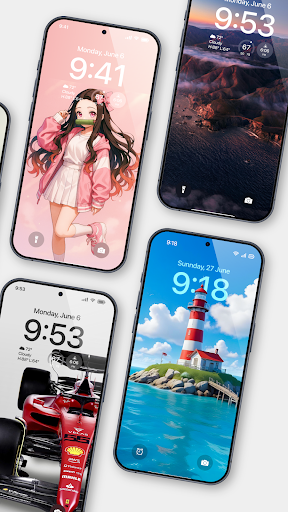
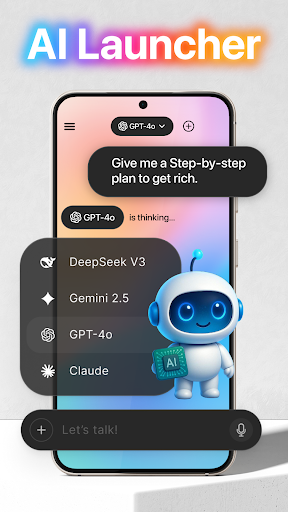
Launcher OS stands out as a feature-rich personalization app offering numerous customization options. Here are five notable features: 1. Intelligent Lock Screen - Offers advanced lock screen capabilities including camera access and notification display even when the screen is locked enhancing both security and convenience. 2. Universal File Search - Includes a built-in file search feature that allows users to quickly locate any file on their device improving productivity and organization. 3. Voice-to-Text Conversion - Utilizes microphone access to convert spoken words into text within AI chat functions enabling hands-free communication. 4. Customizable Wallpapers - Supports personalized wallpaper settings from both local storage and cloud servers giving users complete control over their device's appearance. 5. Comprehensive Permission Management - Provides detailed permission controls allowing users to manage access to various device functions ensuring both optimal performance and privacy protection.

Pros & Cons

Launcher OS offers numerous advantages for Android users looking to enhance their device experience. The app provides advanced customization options including intelligent lock screen features and universal file search capabilities. Its voice-to-text functionality and customizable wallpapers make it a versatile personalization tool. However the app requires multiple permissions which might concern some users about privacy risks. Additionally the extensive feature set may overwhelm beginners or less tech-savvy users. Some functions like notification access and camera usage might impact device performance if not managed properly. Overall Launcher OS presents a powerful solution for users seeking maximum control over their Android devices though it may require careful permission management and technical understanding to use effectively.

Customization options variety

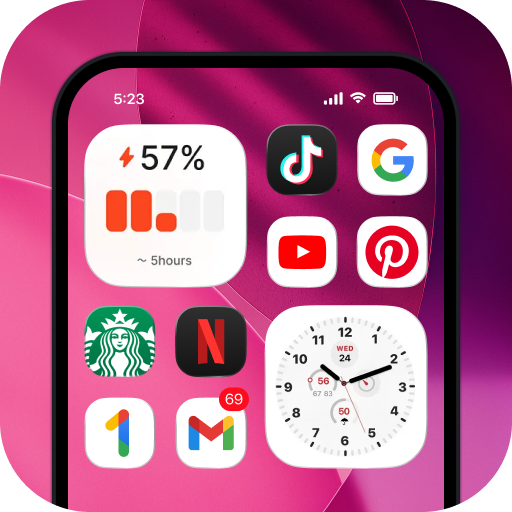
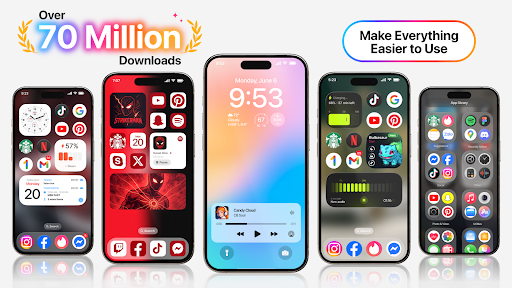
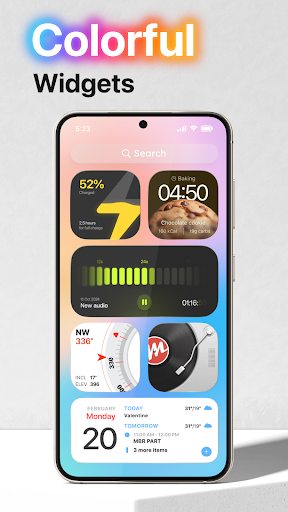
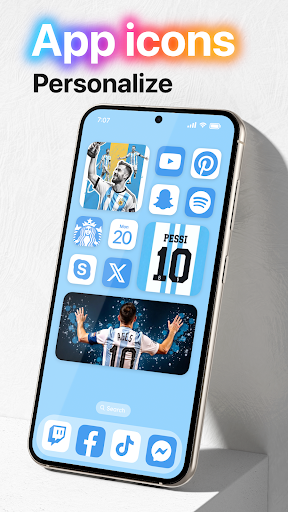
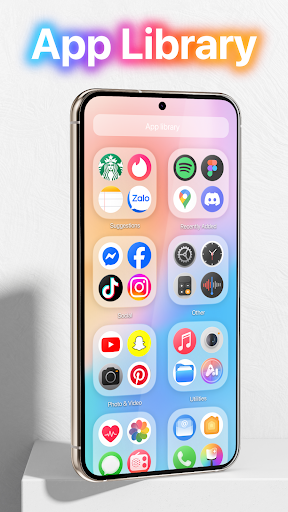
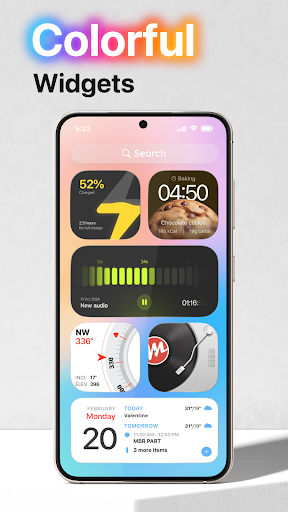
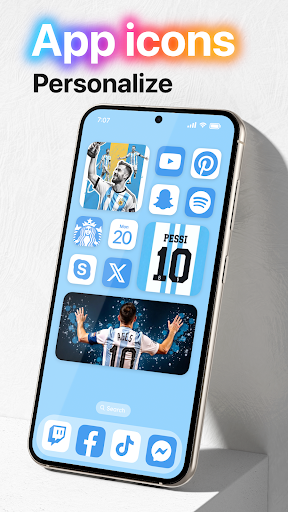
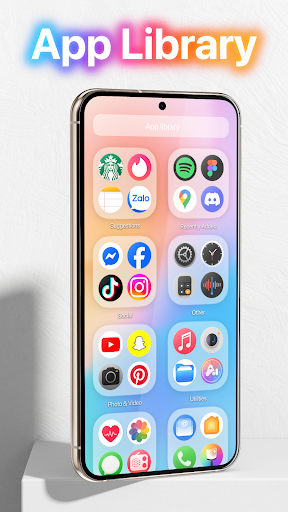
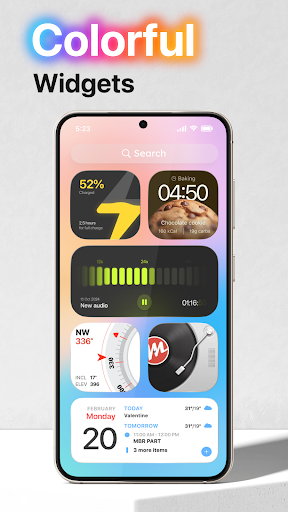
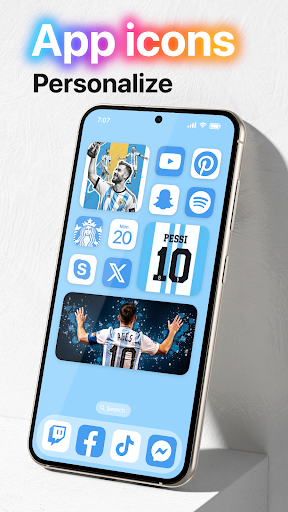
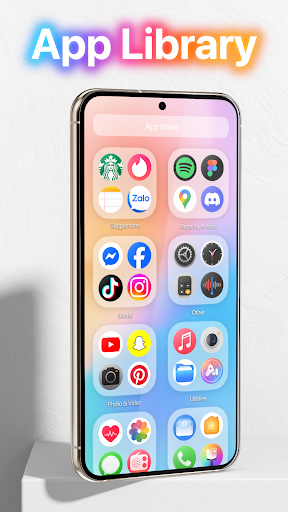
Launcher OS offers a wide array of customization options that allow users to tailor their Android experience according to their preferences. The ability to customize is crucial for personalizing devices, making them not only more visually appealing but also more functional and user-friendly. With Launcher OS, users can modify various aspects of their device's interface, from the lock screen and wallpaper to notification settings and app layouts. This level of customization ensures that each useru2019s device truly reflects their personality and meets their specific needs. For instance, users can choose from a vast library of themes and wallpapers or even set their own images as backgrounds. Additionally, Launcher OS provides advanced settings for organizing apps, enabling quick access to frequently used applications. These features collectively enhance the usability and enjoyment of Android devices, empowering users to create an environment that best suits their lifestyle and workflow.

Theme compatibility

Theme compatibility in Launcher OS ensures that users can seamlessly apply and enjoy a diverse range of themes across their devices without encountering issues related to design inconsistencies or functionality disruptions. This aspect is vital because it guarantees that regardless of the theme selected, all visual elements will be displayed correctly and function as intended. Launcher OS achieves this by employing a robust framework that supports high-quality graphics and smooth animations, ensuring that transitions between different themes are fluid and visually pleasing. Moreover, the system is designed to automatically adjust certain UI components to maintain optimal performance and appearance when a new theme is applied. Users benefit from this meticulous attention to detail as they can effortlessly switch between themes, experimenting with various aesthetics to find the perfect match for their mood or preference. Furthermore, developers are encouraged to create and share new themes knowing that Launcher OS provides a stable platform where creativity can flourish without technical limitations. This ecosystem fosters innovation and diversity in theme offerings, enriching the overall user experience.