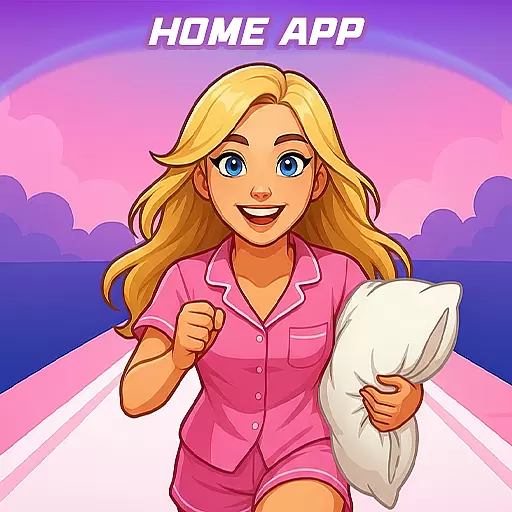
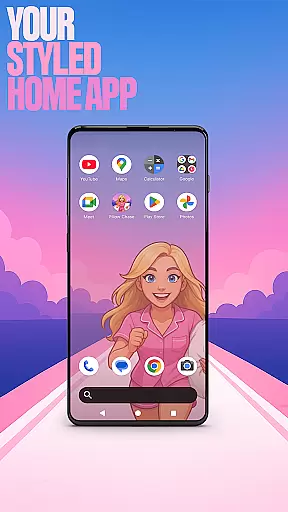

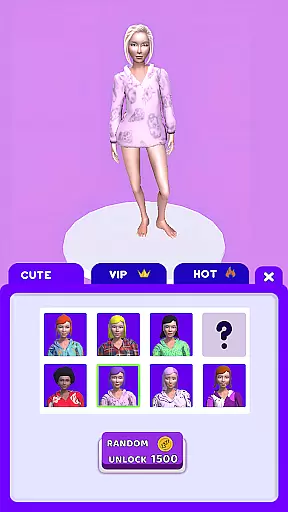
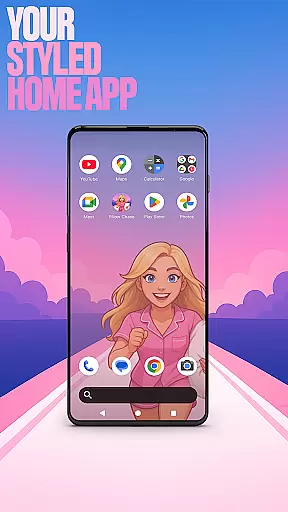

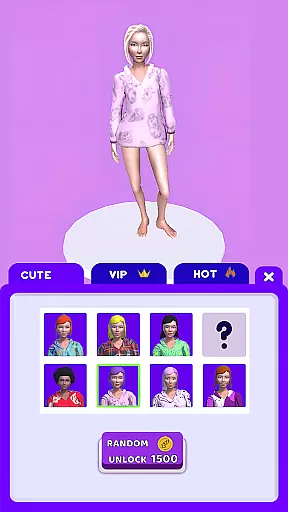
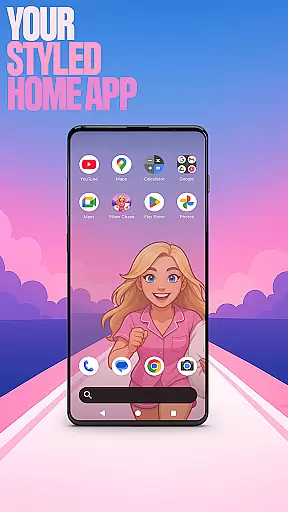

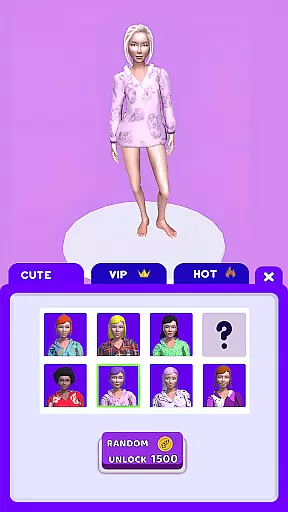
Pillow Chase Home App is a launcher app that allows users to create a personalized home screen. It offers full customization of the layout, folders, and colors, providing a fresh style for daily use. The app also includes an exciting game called Pillow Chase, where players can collect pillows, dodge obstacles, and race towards sweet dreams.
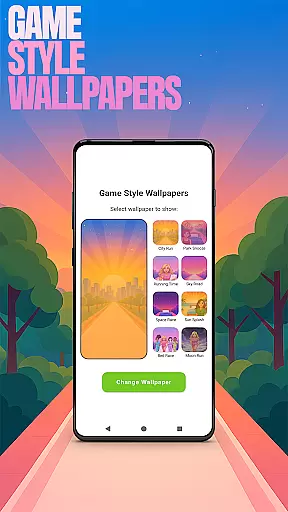
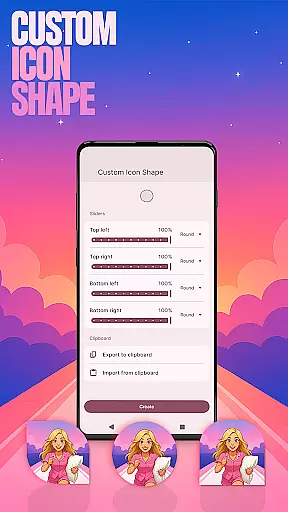
With its unique features such as Game Style Wallpapers, Custom Icon Shape, and Custom Gestures, Pillow Chase Home App keeps things exciting from the moment you start using it. Whether you want to customize your device with fun icon shapes or swipe to quickly open apps, this app has got you covered. Additionally, the ability to hide apps and customize accent colors ensures privacy and personalization.
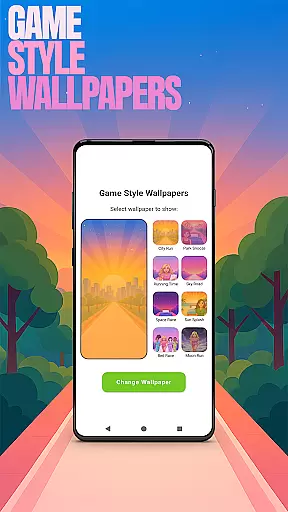
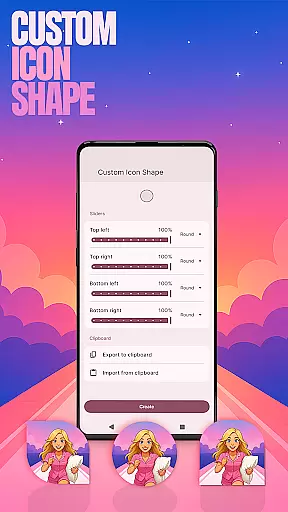
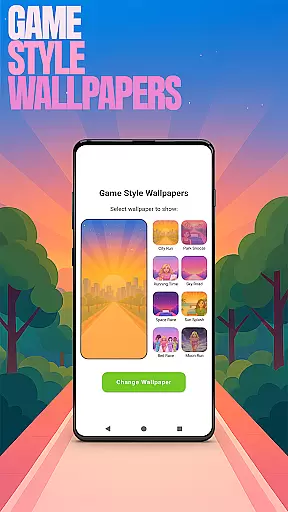
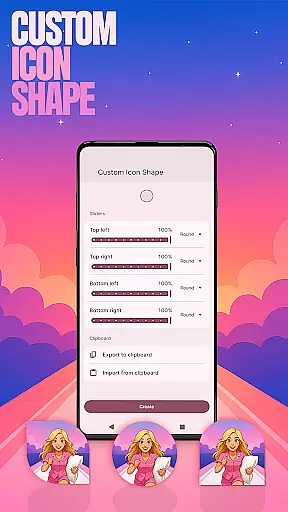
Pillow Chase Home App offers a range of features to enhance your home screen experience. Firstly, the app provides Game Style Wallpapers inspired by the Pillow Chase game, allowing you to add unique wallpapers to your home screen. Secondly, the Custom Icon Shape feature enables you to personalize your device with different icon shapes and custom looks.
Furthermore, Pillow Chase Home App allows you to set up Custom Gestures, such as swiping or tapping, to quickly access apps, settings, or the app drawer. You can also hide private apps while maintaining full control over them. Lastly, the Accent Color feature lets you customize the colors of your home app, either by using presets or creating your own device style.
Customization is at the heart of Pillow Chase Home App, offering users a wide array of options to personalize their home screen. This app allows for an unprecedented level of personal touch, enabling users to fully customize the home screen layout, create folders, and choose colors. With these capabilities, users can design a digital space that truly reflects their personality and preferences.
The app provides features such as Game Style Wallpapers, Custom Icon Shape, and Custom Gestures, which collectively enhance the customization experience. Users can add unique wallpapers inspired by the Pillow Chase game, personalize device icons with fun shapes, and set up custom gestures for quicker access to apps or settings. These options ensure that each user's home screen is not only visually appealing but also optimized for their specific usage patterns.
By leveraging Pillow Chase Home App's customization options, users benefit from a more engaging and tailored smartphone experience. The ability to modify various aspects of the home screen leads to increased satisfaction and usability. Whether it's through aesthetic enhancements or functional adjustments, this app empowers users to craft a mobile environment that feels completely their own.
Pillow Chase Home App excels in theme compatibility, ensuring that all customizations are seamlessly integrated into the user's home screen. The app supports a variety of themes, allowing users to apply their chosen aesthetics across their entire smartphone interface consistently. This compatibility extends to icon shapes, accent colors, and wallpapers, providing a cohesive look and feel.
Users can select from preset themes or create their own, thanks to features like Accent Color and Custom Icon Shape. By adjusting these elements, users can achieve a personalized yet harmonious device style that aligns with their preferences. The app ensures that any changes made are reflected uniformly throughout the home screen, maintaining visual consistency.
The value of theme compatibility lies in its ability to transform the overall user experience. With Pillow Chase Home App, users enjoy a streamlined and visually pleasing interface that enhances their daily interactions with their device. This feature not only boosts the aesthetic appeal but also contributes to a more intuitive and enjoyable navigation experience.
Highly customizable
Unique game integration
Variety of features
User-friendly interface
Privacy options
May change existing layout
Limited to Android devices
Requires adjustment period
Some features may be overwhelming
Game may distract from main purpose

Ultra realistic gold analog watch face with lots of customization options.
 4.50
4.50
A retro cartoon style watch face and a punch right in the face of the copyright
4.60
Ninja Turtles Cowabunga SE watch face for Wear OS
4.50
Wear Os Watch Face - Seasonal - Animated Snow Effect - 9 Animals
4.20
Art & Emoji Keyboard with Cool Fonts, Cute Themes and Custom Designs.
4.40
Turn your lock screen into fun with smile live wallpapers & animated wallpapers!
2.50
Shimeji adds cute animated characters to your screen, lively and fun.
4.70
Want to make your phone more special than ever?
4.60 4.50
4.50
A Colorful and Minimal icon pack in an Outline Style - Over 13,600 icons!
4.70
A minimalist productivity launcher. One-hand-friendly. Zero ads.
4.70
Glass style colourful icons with a One UI look and feel
4.60
Unique Android Launcher
4.60
Add cute Shimeji pets to screen, interact with them and relax with cute motions
4.60
200+ Material Inspired Widgets
4.50
A light in the dark, a unique style and an andless cutomization!
4.30
Run multiple accounts of the same app on a single device
4.10 4.10
4.10
Your go to Weather App & Home Screen. Get your weather at a swipe of a finger!
3.80


User Reviews