
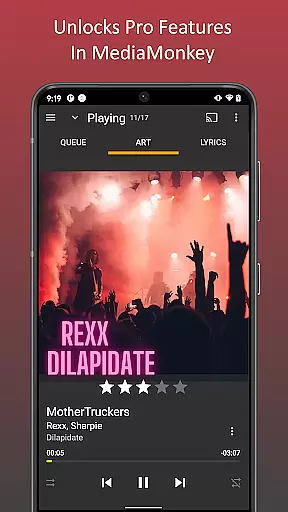
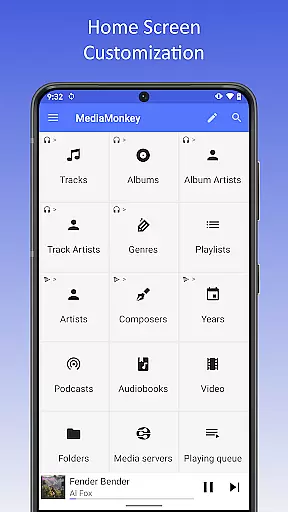
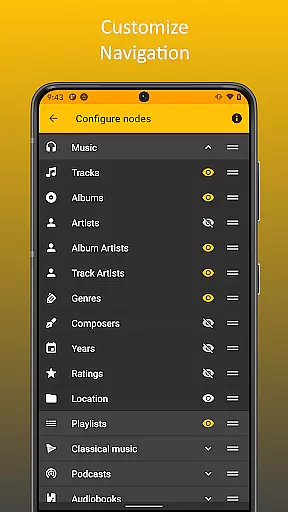
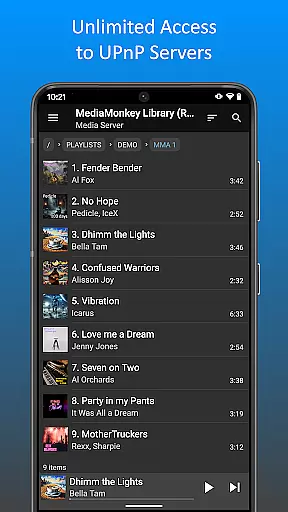
MediaMonkey Pro is a premium music management application tailored for serious music collectors. It offers advanced features such as Wi-Fi Sync, UPnP/DLNA support, folder browsing, and a configurable home screen. These tools allow users to seamlessly manage large music libraries across devices while enjoying high-quality audio playback.
The app serves as an unlock key for the free version of MediaMonkey, enhancing its functionality by enabling wireless synchronization with Windows PCs, streaming from UPnP/DLNA servers, and organizing content via physical file hierarchies. Ideal for audiophiles and power users, MediaMonkey Pro ensures a personalized and efficient music experience.
MediaMonkey Pro stands out with its robust feature set designed to optimize music library management. Key highlights include Wi-Fi Sync, which allows users to wirelessly synchronize their device's library with a Windows PC, preserving metadata such as ratings, play history, and volume levels. This ensures a seamless transition between platforms without data loss.
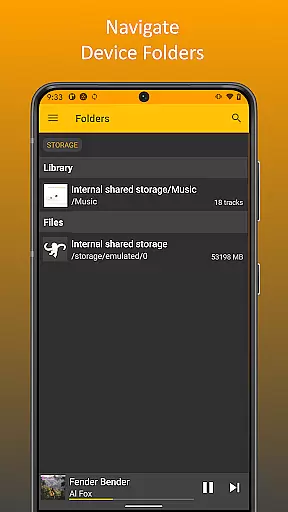
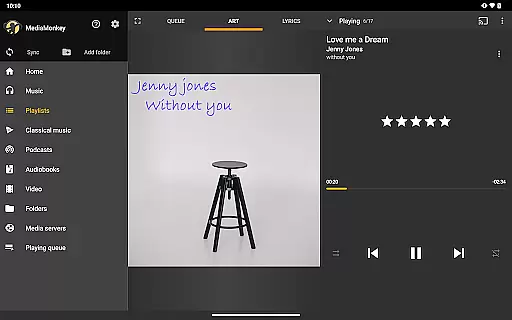
Additionally, the app supports UPnP/DLNA, enabling users to stream or download multimedia content from compatible servers. Folder browsing provides direct access to files through the device’s physical hierarchy, while the configurable home screen lets users customize their interface for quick access to frequently used features. These capabilities make MediaMonkey Pro a versatile tool for managing extensive media collections.
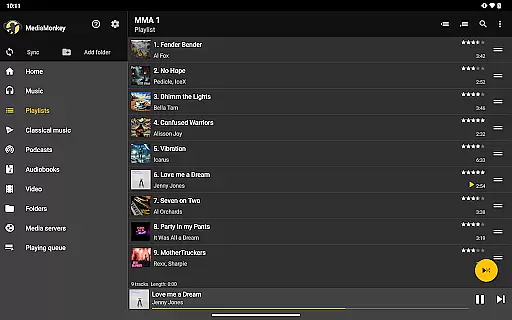
MediaMonkey Pro offers an extensive music library that caters to serious music collectors who demand variety and authenticity. The application allows users to manage large collections with ease, ensuring that all content is properly organized and categorized.
The app supports Wi-Fi Sync, which enables users to wirelessly synchronize their music libraries, including metadata such as ratings and play history, with a Windows PC. This feature ensures that your library remains up-to-date across all devices, providing a seamless experience for managing your music collection.
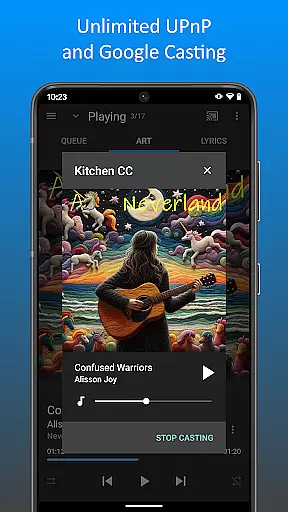
Additionally, MediaMonkey Pro includes UPnP/DLNA support, allowing users to access and download content from various servers. This expands the available music library and provides users with a diverse range of audio content to explore, enhancing the overall value of the application.
One of the standout features of MediaMonkey Pro is its ability to deliver high-quality audio experiences. The app provides users with multiple audio quality options, ensuring that they can enjoy their music in the best possible fidelity. This is particularly important for audiophiles who demand the highest standards in sound quality.
With configurable settings such as volume leveling and customizable playback options, MediaMonkey Pro ensures that every track sounds as good as it can. These features help maintain consistent audio levels across different tracks and formats, delivering a premium listening experience.
Furthermore, the app's support for folder browsing and physical file hierarchy navigation means that users have granular control over how their music is stored and accessed. This level of detail extends to the home screen customization, where users can tailor the interface to prioritize their most-used features, making the overall user experience both flexible and intuitive.
Advanced sync options
UPnP/DLNA support
Customizable interface
Efficient library management
Ideal for audiophiles
Requires free app
No standalone use
Premium cost
Complex for beginners
Limited mobile features

Tune in to the greatest hits on UK Radio | The home of Capital, Smooth & Heart.
 4.90
4.90
Taal player that lets you sing any Indian & Western song with Tabla & Tanpura
4.60
Your song collections with lyrics and chords on Android smartphones and tablets.
4.80
Network/Cloud Streaming, Visualization, Graphic Equalizer and Sound Effects.
4.20
Advanced 10-Band Audio Graphic Equalizer Sound Booster Pro
4.30
Record, Mix & Master with all n-Track effects, 64-bit audio and Stem Separation.
4.70
Learn and play 2M+ music tabs & chords on guitar, ukulele, bass, and more
4.30
Master Salsa Rhythm quickly and with a lot of fun!
4.30
Play your music offline without limits
4.80
Make songs with AI! Any genre, custom lyric, song generator for music creation!
4.80
Gorgeous UI, Powerful music Search and Equalizer, the great choice for you!
4.70
SqueezePlayer turns your Android phone or tablet into a SqueezeBox on its own!
4.60
Formerly known as Spotistats! View your top tracks, artists, albums and more!
4.40
The Music Journey in Your Hands
4.30
A High-Precision Audio Spectrum Analysis App
4.20
Smart piano keyboard, Classical to Pop, Real-time multiplayer connection!
4.20
The original SP-1200 experience on your iPad
4.20
Turn your Android phone into a professional audio analyser with up to 120 bands.
4.00
Simply convert wav to mp3. Clear. Reliable. Safe.
4.0


User Reviews