
Photo Album Watch Face shows your favorite pictures as a Watchface.
 1.90
1.90
Virtual makeup, hair filters & body tuner—edit from face to full body!
4.20
Edit like a pro with Hypic. Apply filters, AI effects, & magic touch.
4.40
Create Business Headshots, Polaroid Filter, Retake Photos,Profile Pics,AI Photos
4.50
Transform photos into videos! Create realistic or anime-style images easily!
4.50
Light-weight Media Gallery app for Android made with Jetpack Compose
4.60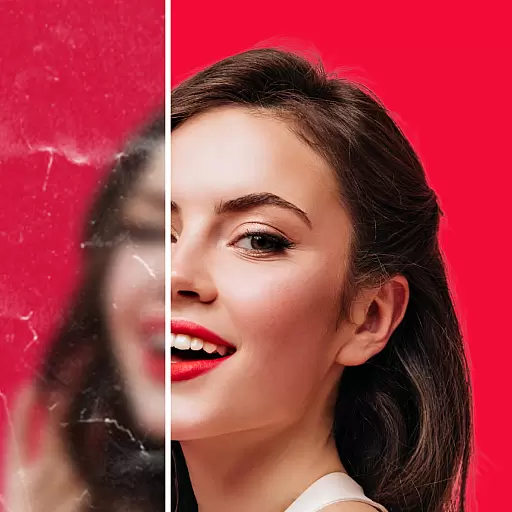
Create AI photos & videos with Enhancer; restore, fix, beautify, enhance photos
4.50
Future baby face generator: AI kids generator, kid face! What my baby look like?
4.40
Fit multiple photos on one post. Create carousels & scroll layouts for Instagram
4.50
Cartoon and artistic effects for your photos and videos
4.70
See your baby AI baby face generator AI baby maker Face generator babymaker fun!
4.70
Easily view, share, delete photos with Gallery.
4.70
Take videos and pictures with the popular TikTok TIME WARP SCAN filter.
4.60
Photo editor & gallery. Crop pictures & edit photos offline, no wifi!
4.50
AI photo enhancer with Sora 2! Enhance, descratch, and colorize your old photos.
4.50
Smart, light, and fast photo and video gallery
4.30
A light meter for true photographers.
4.20
What celebrity do you look like? Celebs will find your celebrity match!
4.10
Snap photos remotely using your Garmin watch as the camera trigger
4.2


