
Screen Recorder Video Recorder is a versatile screen recording and video editing tool designed to help users capture high-quality videos of their on-screen activities. With support for 1080P HD recording at up to 120FPS, the app ensures every detail is captured with clarity. The built-in video editor allows users to trim, crop, and rotate videos, while additional features like video-to-GIF conversion and live drawing tools provide extra creative options.
The app's intuitive interface includes a one-tap floating ball for easy control and gesture customization for streamlined workflows. It supports both internal and external audio recording, making it suitable for creating tutorials, recording gameplay, or capturing video calls. Screen Recorder Video Recorder also offers facecam functionality, enabling creators to add personal reactions to their content. This feature-rich app provides a complete solution for mobile content creators looking to produce professional-quality videos directly from their devices.
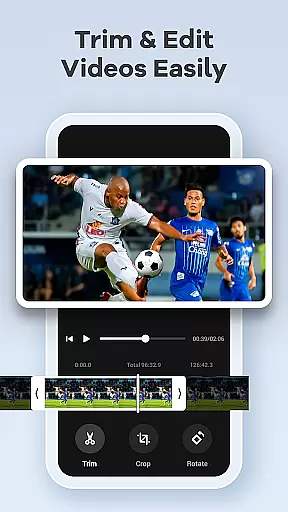
One of the standout features of Screen Recorder Video Recorder is its comprehensive set of recording and editing tools. Users can record in stunning 1080P resolution with customizable frame rates and bitrates up to 16Mbps. The app supports simultaneous recording of device audio and microphone input, ensuring clear sound quality for tutorials and presentations. Its built-in video editor provides essential trimming, cropping, and rotation functions, while the unique video-to-GIF feature allows users to create engaging shareable content.
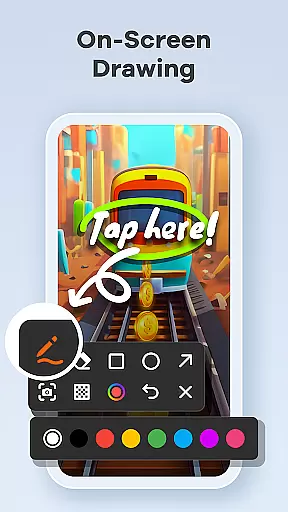
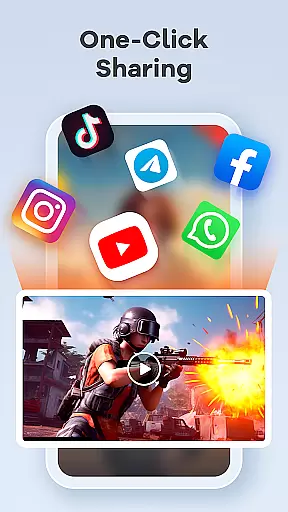
For content creators, the app offers advanced features like live drawing and annotation tools, perfect for explaining complex concepts during screen recordings. The facecam functionality adds a personal touch to tutorials and reaction videos, helping creators connect with their audience. Additional conveniences include gesture controls for quick actions, a floating control ball for uninterrupted recording, and direct sharing options to platforms like YouTube and social media. These robust features make Screen Recorder Video Recorder an excellent choice for anyone looking to create professional-looking videos on their mobile device.
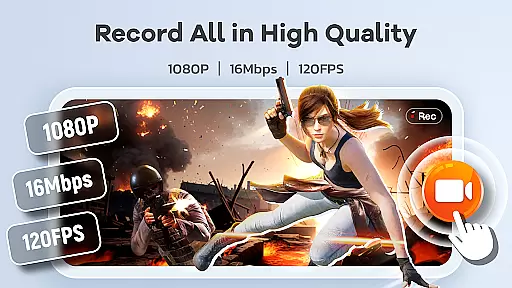
Screen Recorder Video Recorder excels in delivering precise and effective core functionalities that cater to diverse video recording needs. The app supports HD recording at 1080P, with a bitrate of 16Mbps and frame rates up to 120FPS, ensuring every detail is captured in stunning clarity.
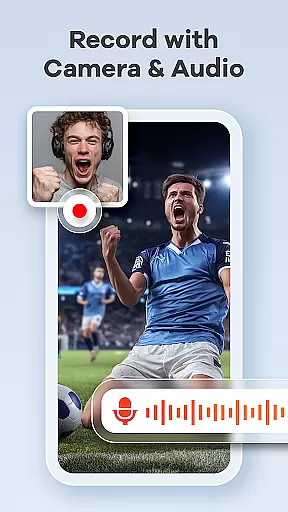
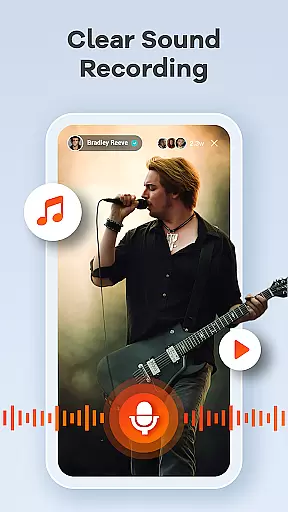
In addition to high-quality video, the app offers comprehensive audio recording options. Users can record crystal-clear audio either from their device's internal system or through an external microphone, providing flexibility for different use cases such as tutorials, gameplay, and video calls.
The built-in video editor enhances the app's effectiveness by allowing users to trim, crop, and rotate videos effortlessly. This feature ensures that the final content is polished and professional, ready for sharing across various platforms without any hassle.
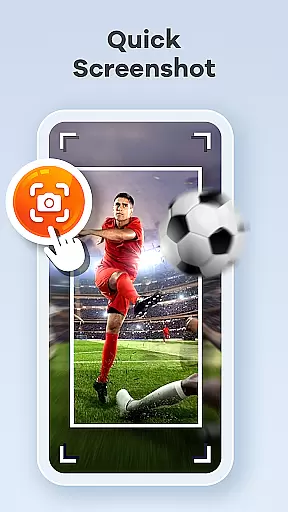
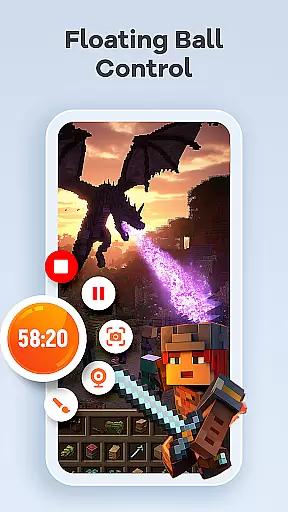
A standout feature of Screen Recorder Video Recorder is its simple and intuitive interface, designed to streamline the video creation process. The one-tap floating ball provides seamless control over recording sessions, enabling users to start, pause, resume, and capture screenshots with minimal disruption.
Gestures play a crucial role in maintaining an intuitive workflow. Users can customize gesture controls for quick actions, significantly enhancing the ease of video creation. This customization empowers users to tailor the app's functionality according to their preferences, making it highly adaptable.
Furthermore, the absence of a time limit and watermarks underscores the app's commitment to offering an uninterrupted and professional recording experience. With customizable settings, users can adjust recording parameters to suit their specific requirements, ensuring both novice and experienced creators can operate the app with ease.
User-friendly interface
High-quality recording
Built-in video editor
Facecam functionality
Direct sharing options
No cloud backup
Limited free features
Heavy on storage
Occasional bugs
Ads in free version

 4.10
4.10 4.50
4.50
Unlock your Essential Key. Create custom shortcuts to your favorite apps!
4.0
ADB support Android 4.X-Android 13(Support wireless pair mode).No root required!
4.70
Create your own live wallpaper or check out thousands already made presets
3.90
Signal Strength, Mobile, Wifi, Speed Test, Bad Signals, Cellular, 5G, LTE, 4G
4.20
Fast Video Downloader, Movie Downloader, Torrent Downloader & Adblock Browser
4.70
Fun lie-detection pranks for friends and parties.
3.80
Enjoy a smooth mobile reading experience!
3.60
Connect wirelessly to your computer to watch movies, browse the web, play games
5.00
Monitor car performance in real time and troubleshoot malfunctions.
4.80
Planner and Tracker for Stardew Valley
4.60
Game Booster, GFX Tool is now compatible with newer game update
4.50
Pro Emulator is an easy to use game console emulator for a range of consoles.
4.40
An easy-to-use calculator designed to save time calculating and bending conduit
4.30
Carry a FTP server in your pocket and avoid USB cables for file transfer
4.20
1-Click close all background apps on Android TV
3.90
Undelete and recover your lost or deleted files with DiskDigger!
3.40
Save any video in HD - paste the link, download fast and watch offline.
4.3


User Reviews