
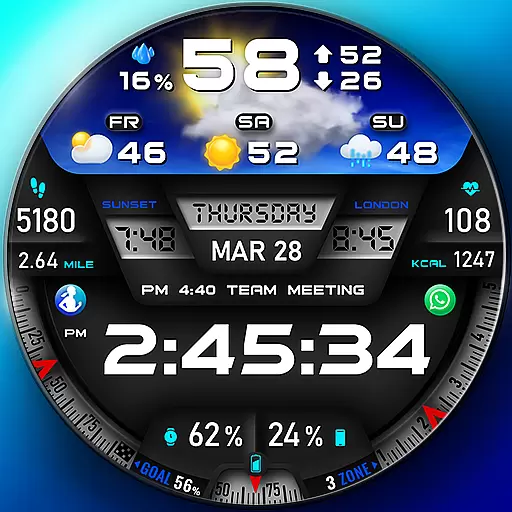
"PER27 Galaxy Digital" is a digital Wear OS watch face designed by PERSONA
 4.10
4.10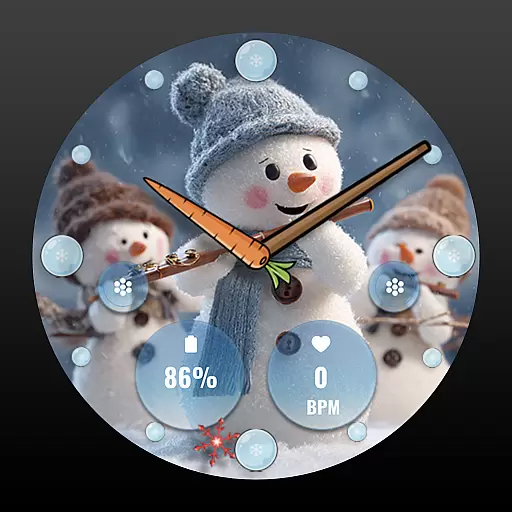
an Analog Watch Face for winter season with freeze winter background for Wear OS
4.2
A full-featured Amazon Alexa voice assistant that can show you things.
3.70
MyNISSAN® lets you remotely control your car from your phone.*
4.50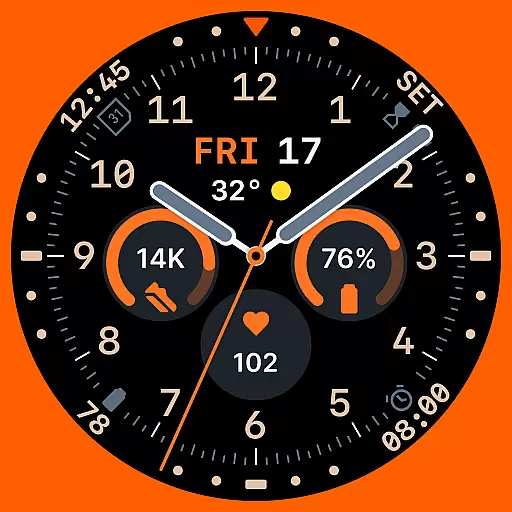
Analog watch face with 8 complications and expedition styling
4.4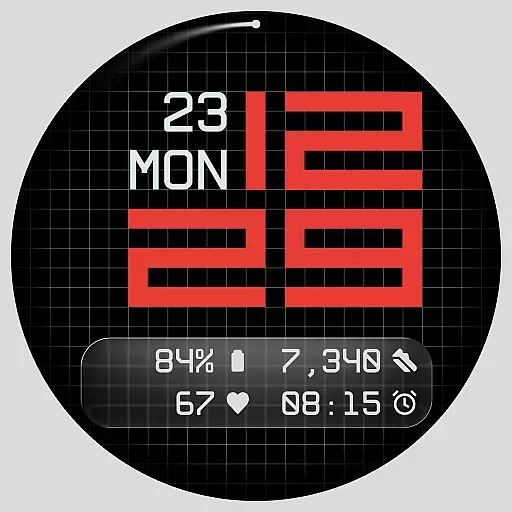
Contemporary digital watch face with five complications
4.2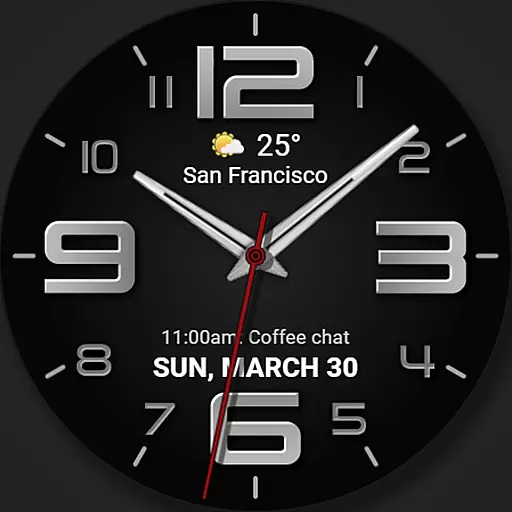
The most customizable minimal watch face. For Wear OS 5.0, API 34+ and later
4.70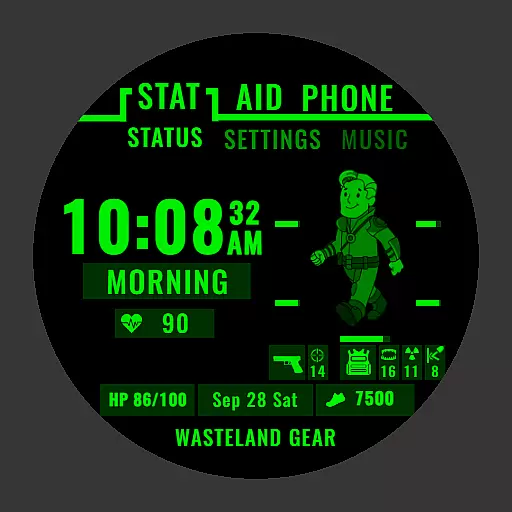
Ideal for surviving in the wasteland left after nuclear fallout
4.50
Real-time results, stats, schedules and player profiles for all leagues
4.60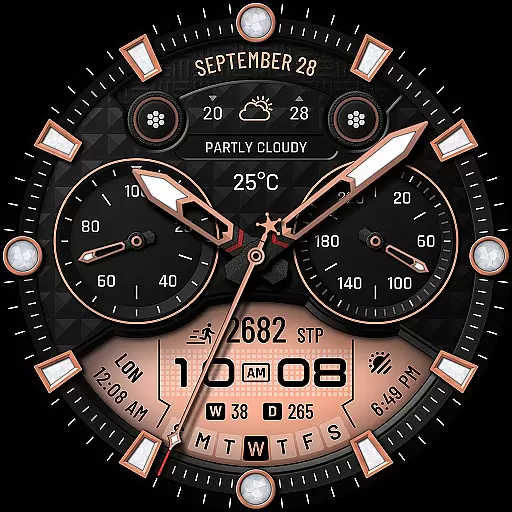
WTW M17 is a premium and luxurious hybrid watch face
4.70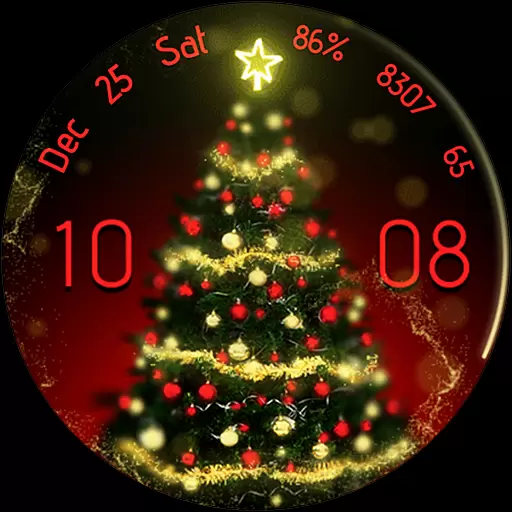
Embrace the holiday spirit with this magical animated watch face!
4.40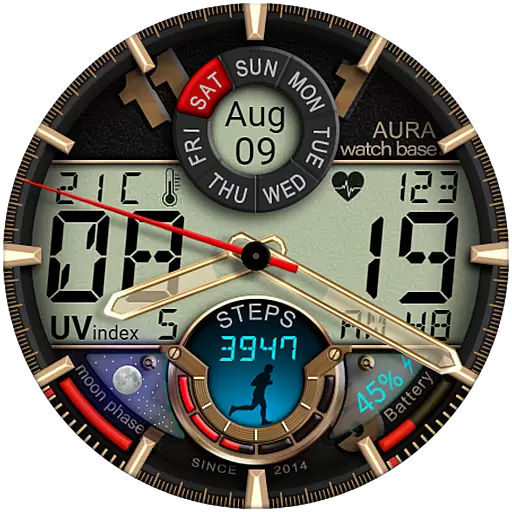
Bold, Modern Hybrid Watch Face for Wear OS. 10 Colors, Rich Info Display.
4.30
Find EV charging stations
4.30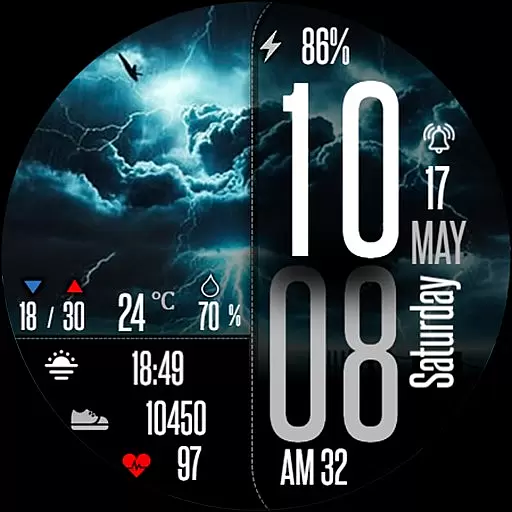
Daily Weather forecast with 15 weather images for Day & Night plus Big Bold time
4.10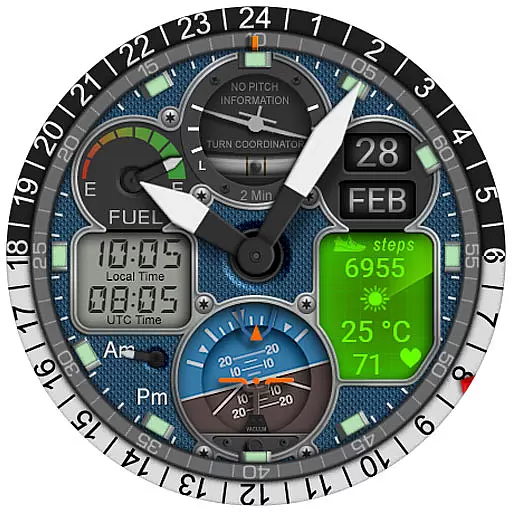
Hyper-Realistic Airplane Dashboard Watch Face With 10 Skins and Custom AOD
4.00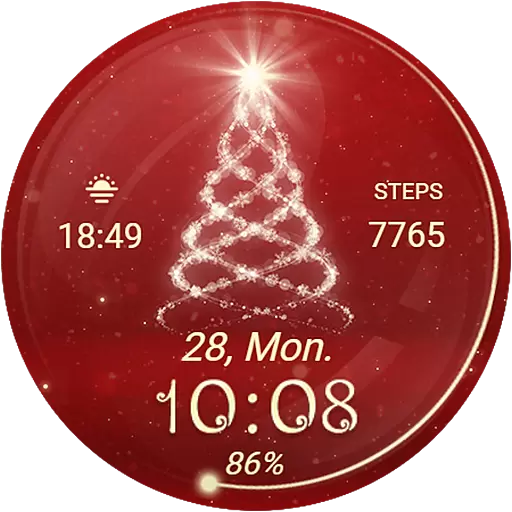
Animated Watch Face and Customizable with 24 Backgrounds. Perfect for Christmas!
3.90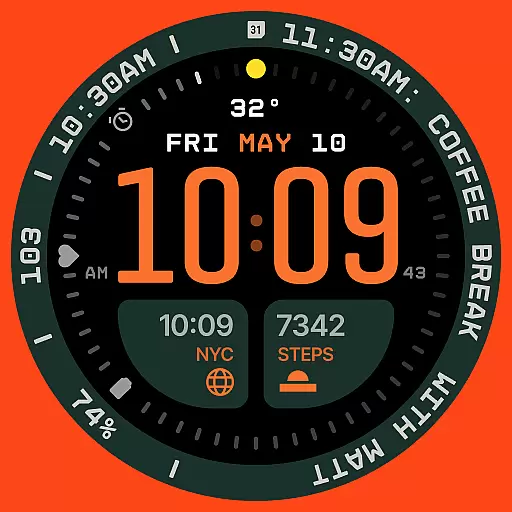
Structured watch face with seven complications and modular UI elements
3.90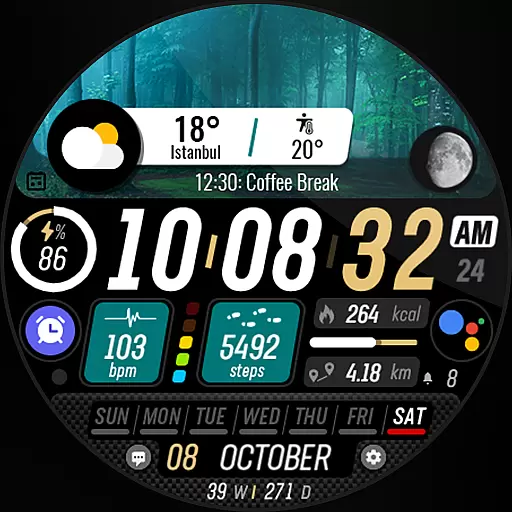
Watch the sharpness of the sky on your wrist..
3.70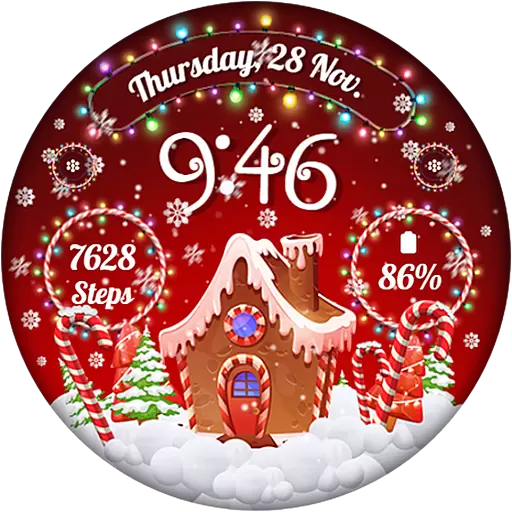
Wear Os Watch Face - Animated Snow - Sesonal for Christmas & Winter
4.2


