
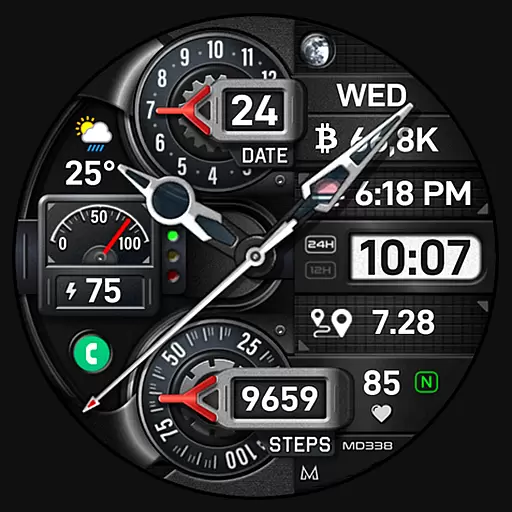
Highly customizable hybrid watch face for Wear OS, perfect for everyday use.
 4.60
4.60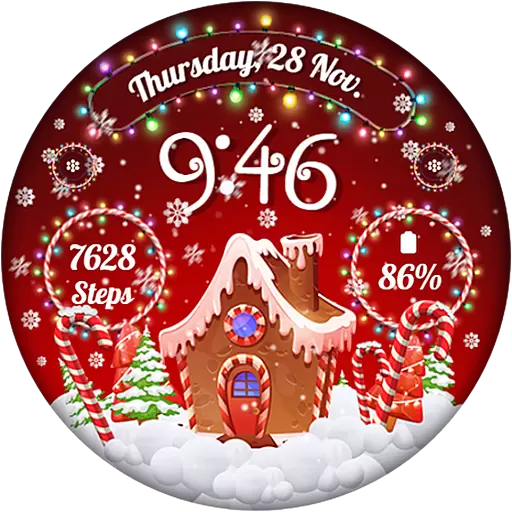
Wear Os Watch Face - Animated Snow - Sesonal for Christmas & Winter
4.3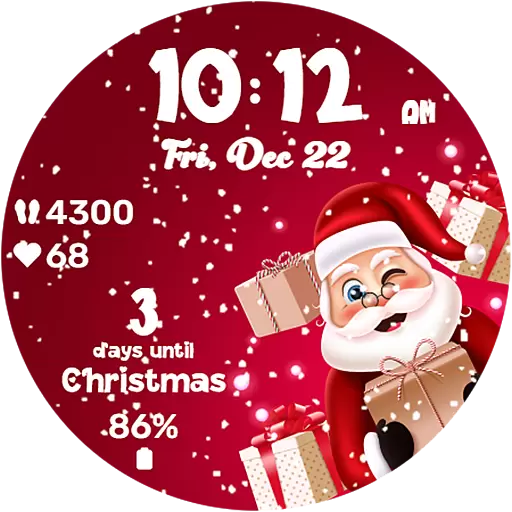
Embrace the festive spirit with our Christmas Countdown watchface for Wear OS
4.10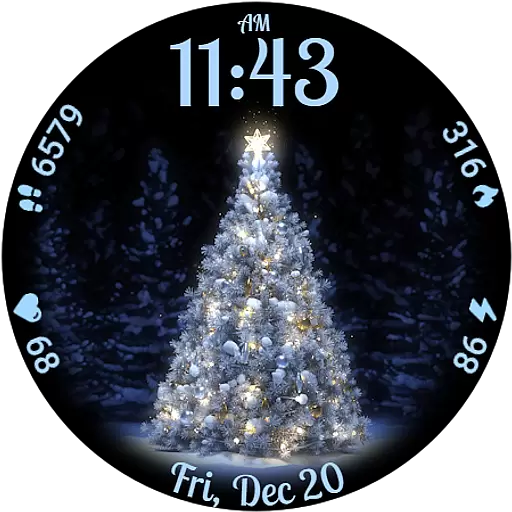
Elegant animated Christmas tree with multiple customization options
4.20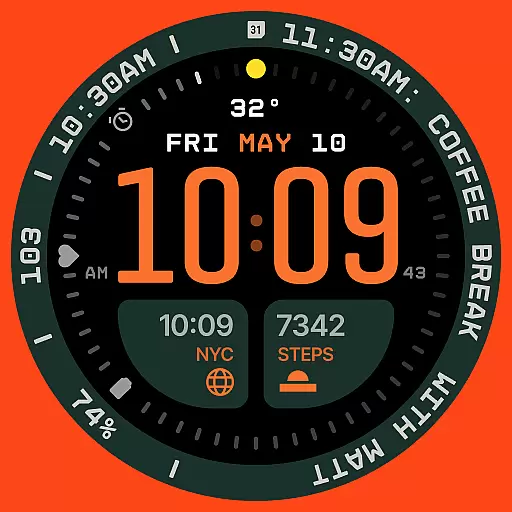
Structured watch face with seven complications and modular UI elements
3.90
Nutrition, Macro tracker: Food, fitness & healthy diet tracking for weight loss
4.60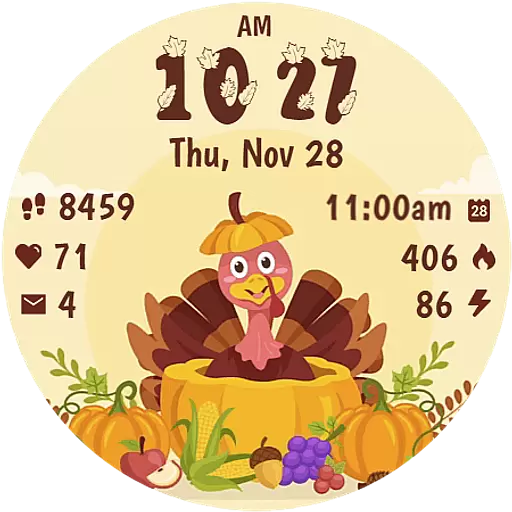
Funny animated watch face for Thanksgiving
4.0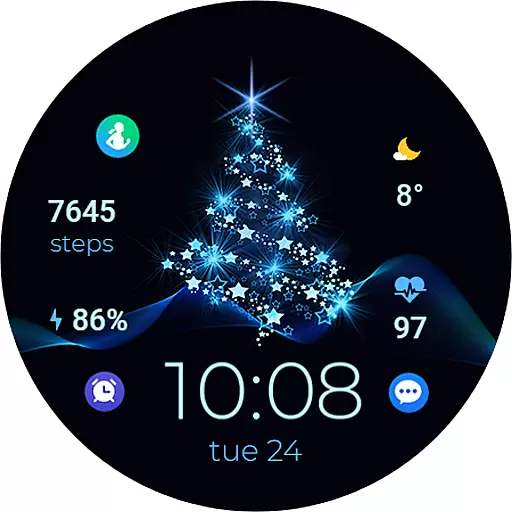
A digital watch face that celebrates Christmas.
4.00
From periods to pregnancy & perimenopause, Flo helps you track it all. Try now.
4.70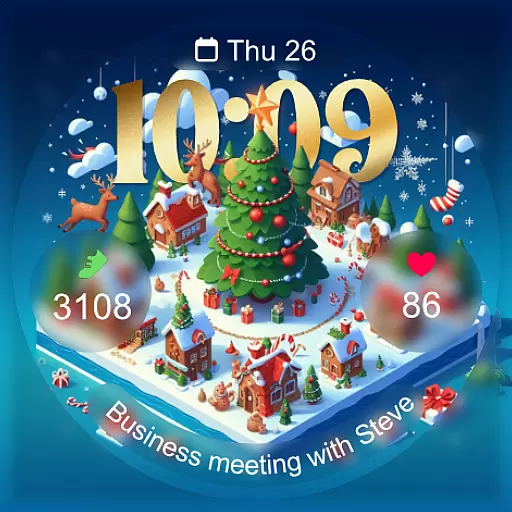
Christmas - Festive - Christmas Village - Winter - Christmas lights
5.00
Easy Voice Recorder is your everyday companion to record important moments.
4.70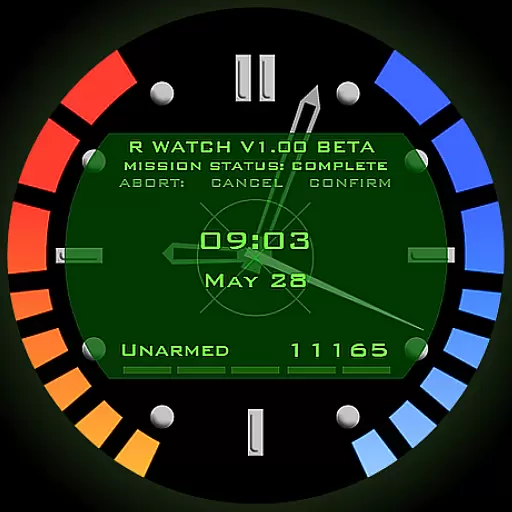
Be an elegant and classy secret agent, with this carefully detailed watch face
4.70
Monitor health with the stress test and pulse checker in the heart rate app.
4.60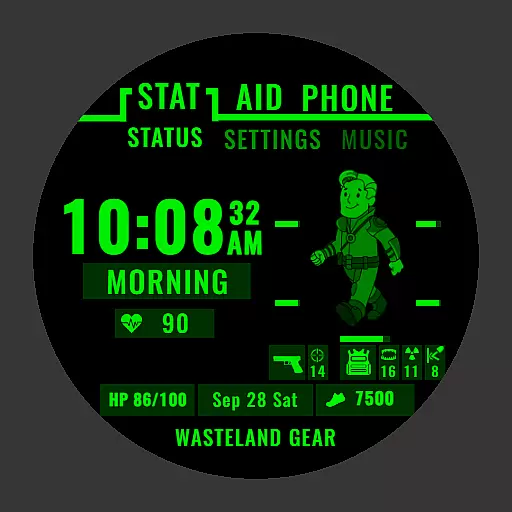
Ideal for surviving in the wasteland left after nuclear fallout
4.50
The ultimate destination for kids ages 3-8 to explore the Marvel Universe!
4.30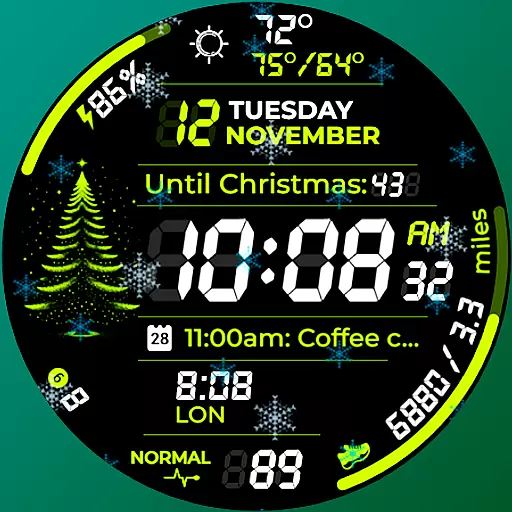
A customizable Christmas watch face for Wear OS with a countdown.
4.20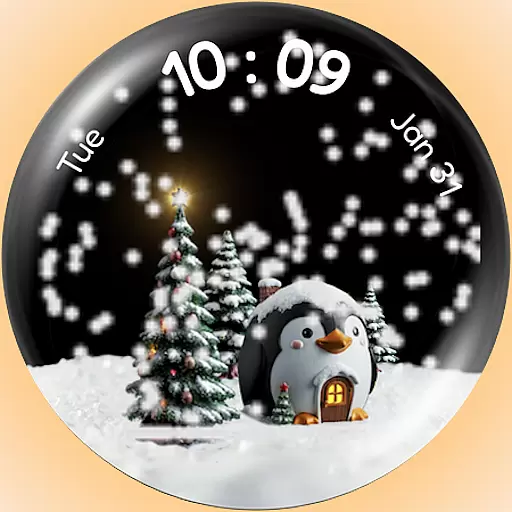
A Wintery Snow Globe on Your Wrist; now celebrating Christmas!
4.4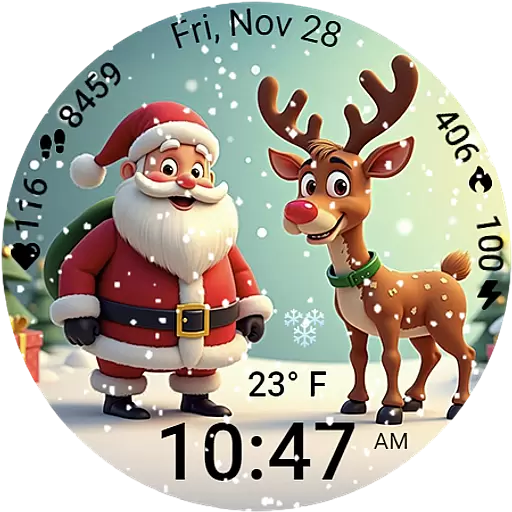
A heartwarming Christmas scene featuring a cute image of Santa and Rudolf
4.5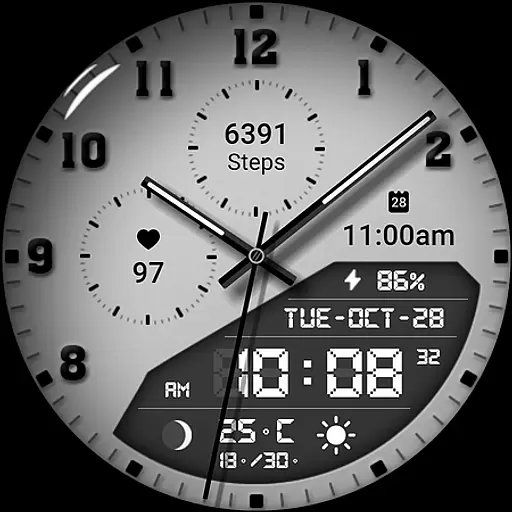
3 Complications. All shadow on/off. 30 Themes color palette...
4.5


