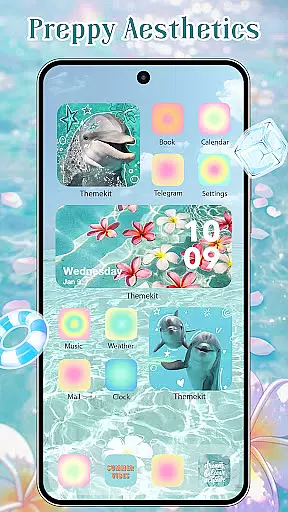
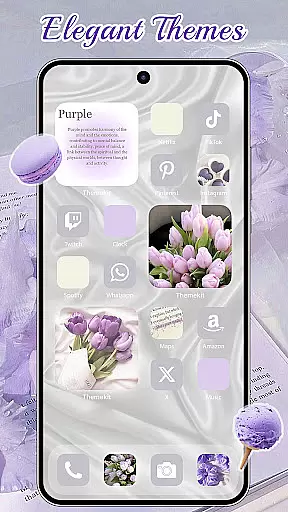
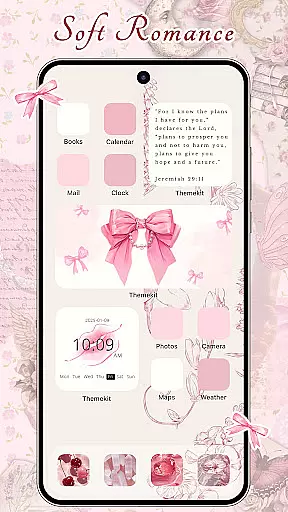
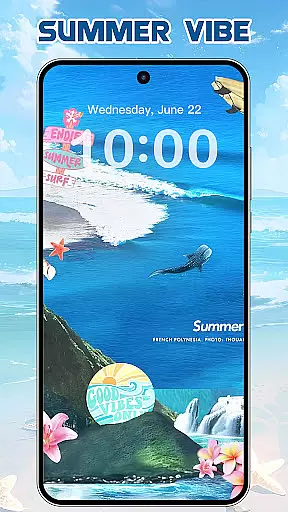
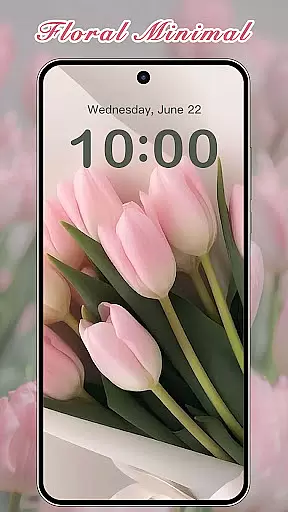
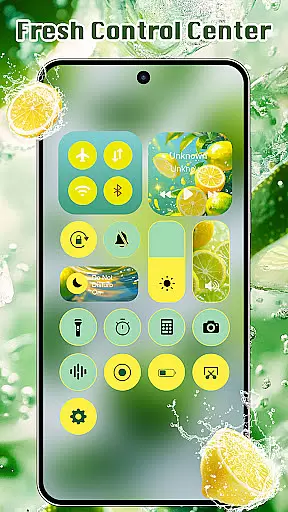
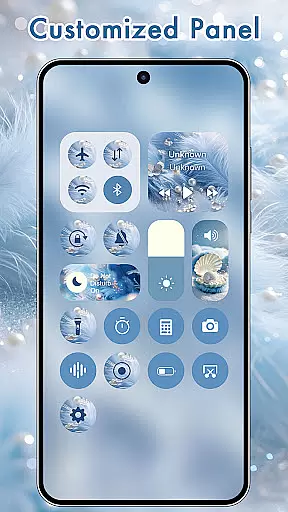
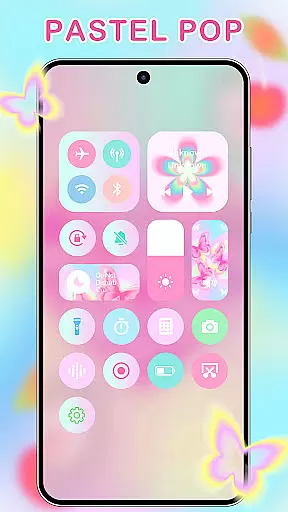
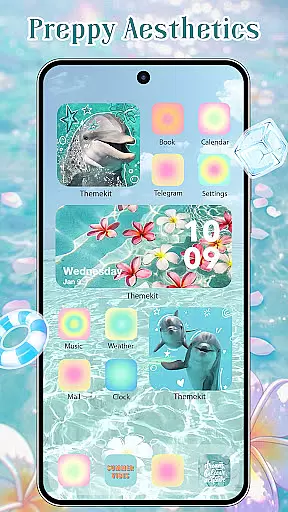
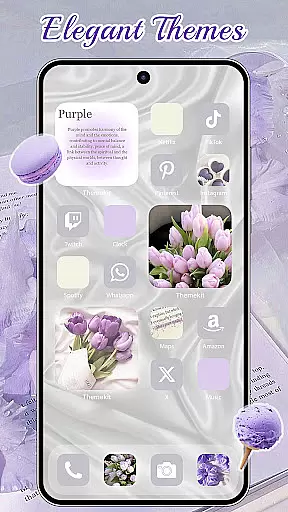
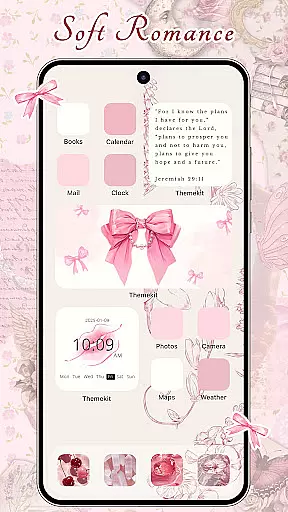
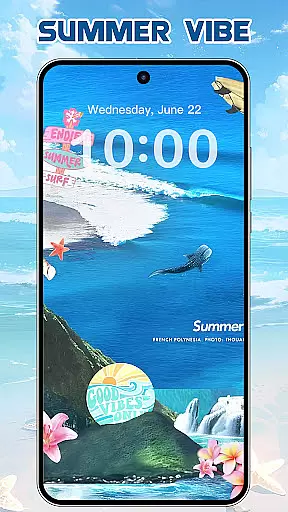
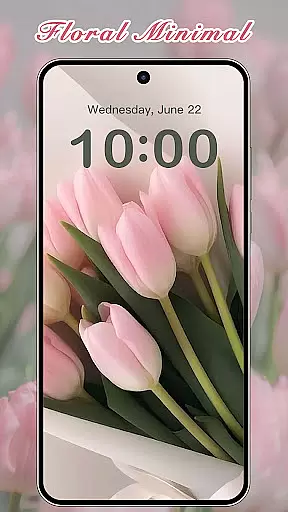

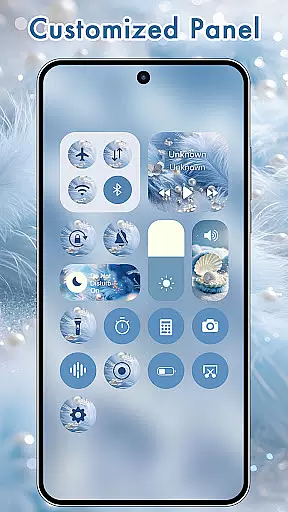
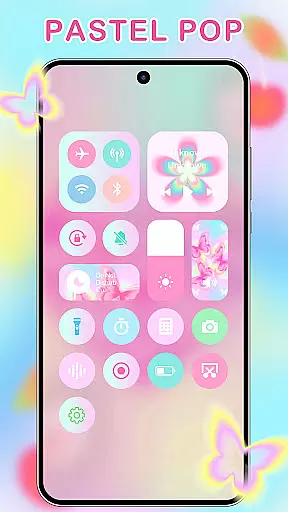
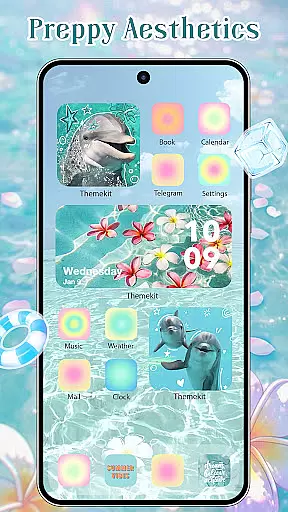
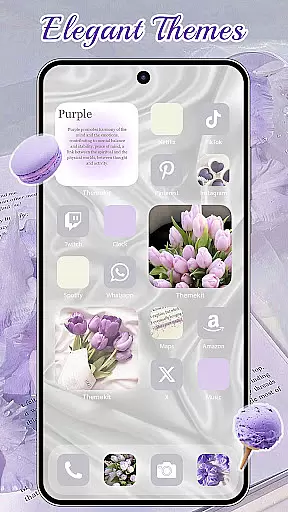
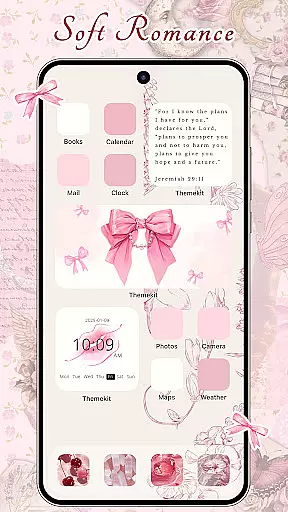
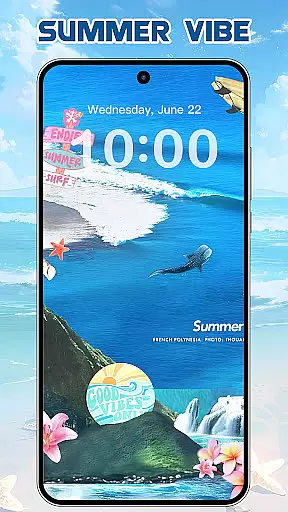
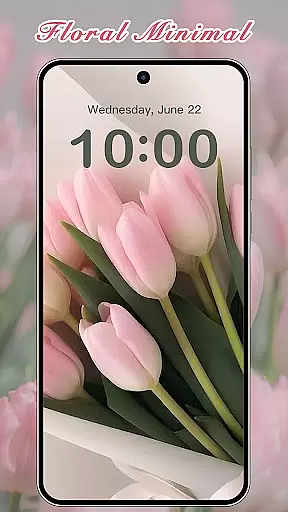
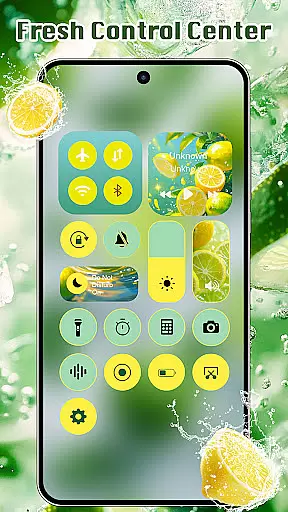
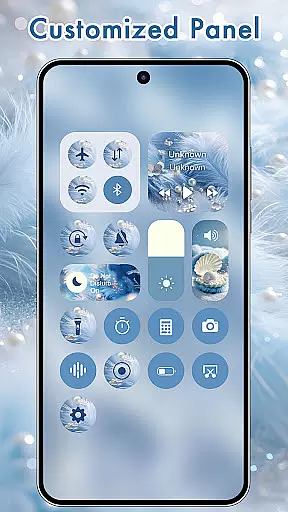
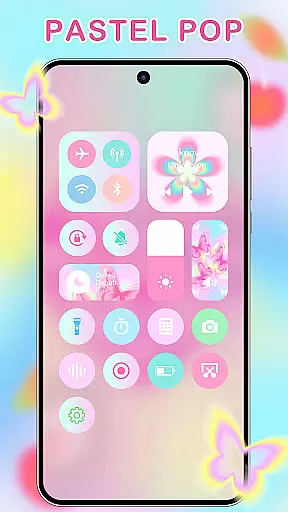
ThemeKit is a comprehensive personalization app for Android devices, offering users the ability to customize their home screens with aesthetic themes, icon packs, widgets, and wallpapers. The app provides over 5000 icons, 3000 themes, 9000 widgets, and thousands of wallpapers, ensuring a unique and personalized smartphone experience.
With its DIY functionality, ThemeKit allows users to design custom icons and widgets using personal album pictures and wallpapers. This feature transforms the phone into a canvas of self-expression, enabling users to create a home screen that reflects their personal style and preferences.
The app's daily updates keep users aligned with the latest trends in mobile aesthetics, including popular themes like Christmas Style, Autumn moments, and more. Compatible with various Android devices and supporting multiple languages, ThemeKit ensures a user-friendly experience without barriers or watermarks.
ThemeKit stands out with its extensive library of personalization options, including icon changers, widget kits, and 4K wallpaper changers. The icon changer feature allows users to create shortcuts on the home screen with new icons chosen from the gallery or pre-designed icon packs, all without needing a separate launcher.
The widget kit offers hundreds of customizable widget styles, functioning as a powerful widgetsmith tool that enhances the home screen's usability and appearance. Users can edit widgets to display countdowns, weather information, and more, providing both aesthetic and practical benefits.
With daily updates of 4K and Full HD wallpapers, ThemeKit ensures that users always have fresh and high-quality background options. The app's commitment to compatibility across Android devices like Samsung, Vivo, OPPO, and Xiaomi, along with its multilingual support, makes it an accessible and versatile choice for personalizing any Android device.
ThemeKit offers an extensive range of customization options that allow users to personalize their Android devices like never before. With over 5000 aesthetically designed icons, 3000 themes, and 9000 widgets, the app provides a comprehensive suite for home screen personalization.
The app includes DIY functions enabling users to design unique icons and widgets using their own album pictures and wallpapers. This feature transforms the user's phone into a canvas of self-expression, with daily updates ensuring access to the latest trends in aesthetics.
Users can choose from a multitude of styles including Summer Sadness, Festival, Dark, Pink, Fantasy, Cartoon, Gothic, Anime, Aesthetic, Brat Green, Kpop, and many more. Each theme carries its own spirit, symbolizing the pursuit of a better life and reflecting the user's personal charm.
This vast array of customization choices ensures that whether you're looking for a minimalistic approach or vibrant designs, ThemeKit caters to every taste, making it an ultimate tool for those who wish to infuse their digital space with individuality.
ThemeKit stands out with its exceptional theme compatibility, working seamlessly across various Android devices such as Samsung, Vivo, OPPO, and Xiaomi. The app is engineered to support a wide range of languages, removing any language barriers and ensuring a smooth user experience without watermarks or hindrances.
In addition to its broad device support, ThemeKit features powerful icon packs, widget kits, and 4K wallpapers that are updated daily. Users have the freedom to change their deviceu2019s appearance frequently, thanks to the high compatibility of these visual elements with different screen sizes and resolutions.
Furthermore, ThemeKit integrates advanced functionalities such as countdown timers and weather widgets, enhancing both form and function on the user's home screen. These compatible features not only beautify the interface but also add practical utility to the customization process.
With its intuitive interface and highly adaptable themes, ThemeKit empowers users to effortlessly modify their app icons, backgrounds, and widgets, achieving an aesthetic and stylish look that resonates with their personal style.
User-friendly interface
Extensive customization options
Daily content updates
Wide device compatibility
Multilingual support
Requires accessibility permissions
Some features may need additional setup
Limited iOS compatibility
Premium themes might be costly
Occasional performance issues

Prank your friends with realistic broken screen and cracked HD effects!
 4.3
4.3
Transform your phone with Launcher iOS 26 - Smooth & elegant iOS experience
4.50
Interactive Miniature Painting Catalogue
3.30
Customizable screen pets that play, climb, and keep you company.
4.50
Wallpaper HD 4K Live - Thousands of high-quality Anime backgrounds for you.
4.80
Customize glowing edges, wallpapers, and caller screen with EdgeAura.
3.50
Color phone with cool effects for call screen, flash alert & ringtones music
4.50
Adorable pets roam and play right on your phone screen!
3.30
Your home screen, just the way you like it.
3.80
Sparkle your screen with Glitter Wallpapers For Girls and Cute Backgrounds!
4.80
Bring adorable pets to life on your screen. Playful, interactive and full of fun
4.60
Stylish Pink Cute Hippo keyboard with 10000+ customized keyboard themes!
4.60 4.50
4.50
Transform your device in a game console
4.40
Launcher OS™ Pro without ads help make your phone simple and pretty
4.30
More than 3000+ themes and 9000+ wallpapers for everybody!
4.10
Run multiple accounts of the same app on a single device
4.10
Transform your phone with stunning video wallpapers and a unique, personal touch
3.80
Struggling to find apps? Use this app to locate and open any app on your phone!
2.20


User Reviews