
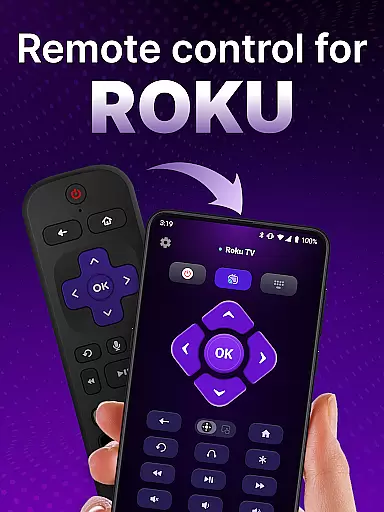
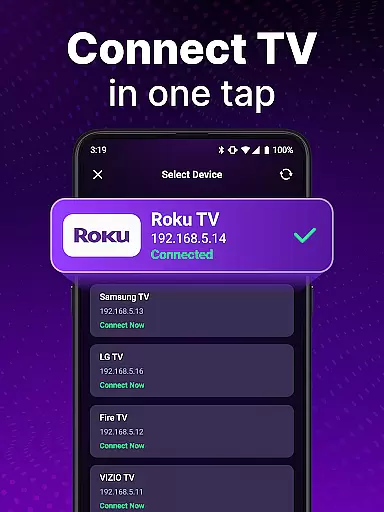
TV Remote control for Roku TV is a universal remote app designed to replace your physical Roku remote. This application allows users to seamlessly control their Roku TV devices through an intuitive mobile interface. By connecting to the same Wi-Fi network as your Roku TV, this app enables you to perform essential functions such as turning the TV on and off, adjusting volume levels, browsing content, launching channels, and even using voice commands.
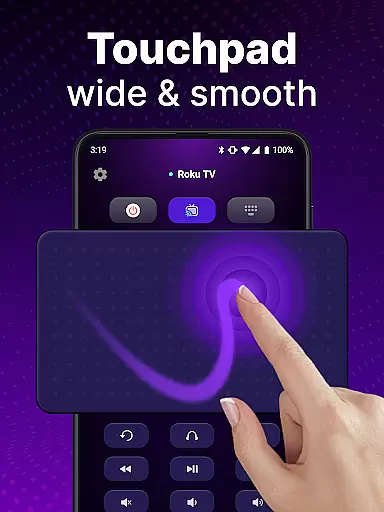
The app's standout feature is its automatic device detection, which simplifies the setup process by identifying Roku TVs on the shared network. Additionally, it offers advanced functionalities like keyboard input for swift searches and a touchpad for smooth navigation. Whether you're looking to streamline your entertainment experience or simply tired of misplacing your traditional Roku remote, this app provides a convenient and portable solution right at your fingertips.
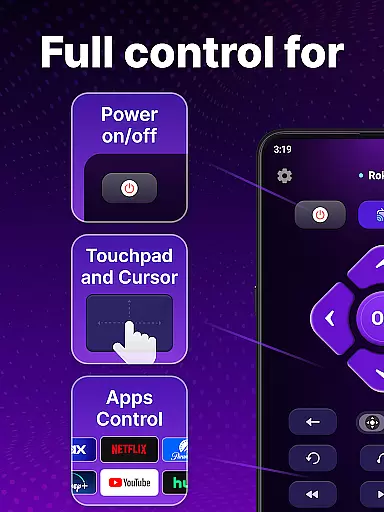
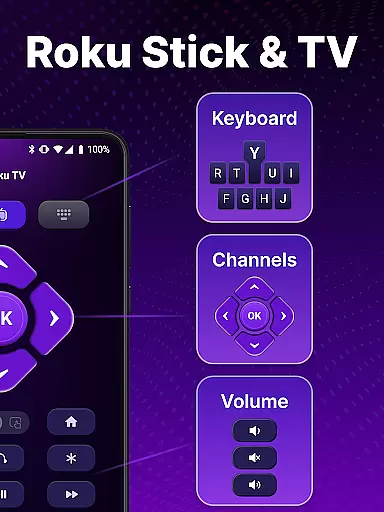
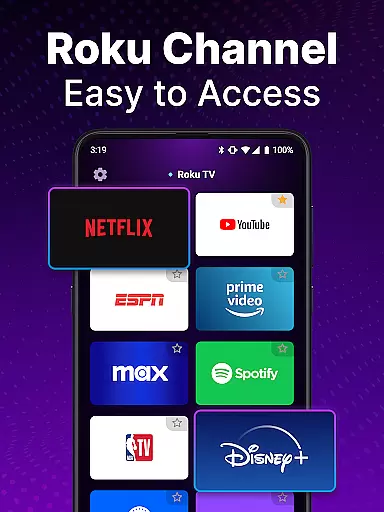
TV Remote control for Roku TV boasts a comprehensive set of features that enhance user interaction with their Roku devices. One of the primary capabilities is the automatic detection of Roku TVs within the same Wi-Fi network, ensuring a hassle-free initial setup. Once connected, users can utilize rapid control options including power toggling, volume adjustments, and channel launches, all mimicking the functionality of a standard Roku remote.
Moreover, the app supports voice commands, allowing hands-free operation for searching shows or controlling the TV. The inclusion of a virtual touchpad facilitates smooth scrolling and swiping gestures, providing a natural navigation experience. For those who prefer typing, the keyboard input feature enables quick text entry for efficient content searches. These robust features collectively offer a versatile and user-friendly alternative to conventional Roku remotes, enhancing overall usability and convenience.
When it comes to remote control applications, the precision and reliability of core functions are paramount. The TV Remote control for Roku TV app excels in this area by providing accurate and effective control over your Roku TV device. This universal remote app ensures that every command, from power on/off to channel navigation, is executed with exact precision.
The application's automatic detection feature allows it to seamlessly identify Roku TV devices on the same Wi-Fi network. Once connected, users can expect rapid response times when issuing commands. Whether you're adjusting the volume, launching channels, or browsing content, each action is carried out swiftly and without delay, making your interaction with the TV smooth and intuitive.
Moreover, the inclusion of voice control adds another layer of functionality and convenience. Users can perform hands-free operations, such as searching for shows or controlling playback, simply by speaking into their device. This feature not only enhances accessibility but also streamlines the overall user experience, ensuring that all interactions are both efficient and enjoyable.
A straightforward and intuitive interface is crucial for any tool-based application, and the TV Remote control for Roku TV app delivers just that. Upon opening the app, users are greeted with a clean layout that mirrors the simplicity of a traditional Roku remote, yet offers enhanced features at their fingertips. The design prioritizes ease-of-use, allowing even first-time users to navigate effortlessly.
Central to its intuitive design is the touchpad functionality, which facilitates smooth scrolling and swiping actions. This makes navigating through menus and options an effortless task, akin to using a smartphone. Additionally, the keyboard input feature enables swift text entry, empowering users to search for their favorite shows quickly and efficiently without the frustration often associated with manual inputs on standard remotes.
By eliminating unnecessary complexities and focusing on essential controls, the app reduces the learning curve typically associated with new technology. As a result, users can enjoy a hassle-free experience while managing their Roku TVs, ultimately enhancing satisfaction and engagement with their home entertainment systems.
User-friendly interface
Voice command support
Automatic device detection
Smooth touchpad navigation
Quick text search functionality
Requires same Wi-Fi network
Not officially affiliated with Roku
Potential connection issues
Limited to Roku devices
Needs stable internet connection

Connect instantly to a fast, encrypted VPN with one tap
 4.60
4.60
Use your phone as a webcam on your computer over WiFi or USB.
4.40
Family Locator, Share location, StayConnect with your family in real time
3.90
VESC Tool can monitor and configure VESC-compatible devices over BLE and Wifi
4.20
Create your own live wallpaper or check out thousands already made presets
3.90
Navigate with Ease and Style
4.90
WiFi Signal Strength Meter help you detect WiFi Signal Strength in real time.
4.80
Planner and Tracker for Stardew Valley
4.60
Play your X-Box games remotely in 1080p with any controller and zero latency
4.60
Monitor car performance in real time and troubleshoot malfunctions.
4.80
FV File Manager Pro, Fast and powerful file manager for Android
4.60
App to pay for FUTO Keyboard
4.60
Forza Tuning Calculator App for Forza Horizon 5, Motorsport and Earlier Titles
4.40
An easy-to-use calculator designed to save time calculating and bending conduit
4.30
Carry a FTP server in your pocket and avoid USB cables for file transfer
4.20
Screen Mirroring with sound for Samsung TV, LG TV, Sony TV, Smart TV and Browser
4.20
A simple app to back up and restore SMS & MMS messages and call logs.
4.10
Fun lie-detection pranks for friends and parties.
3.80
Safely recover deleted photos, videos, and files with a single easy tap.
3.70


User Reviews