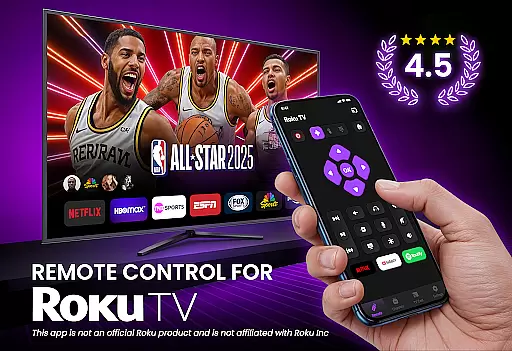
TV Remote Control for RokuTV transforms your smartphone into a universal remote, offering complete control over your Roku TV. The app provides essential functions such as navigation, media casting, and a smart keyboard for effortless typing. Designed for convenience, it eliminates the need for a physical remote by allowing users to manage their TV experience directly from their phone.
With its intuitive swipe pad, quick-launch shortcuts, and seamless Wi-Fi connectivity, this app ensures smooth interaction with all Roku TV models. Whether you're streaming content, adjusting settings, or searching for shows, the app delivers an efficient and reliable solution. It's the ultimate tool for simplifying your entertainment setup while enhancing accessibility.
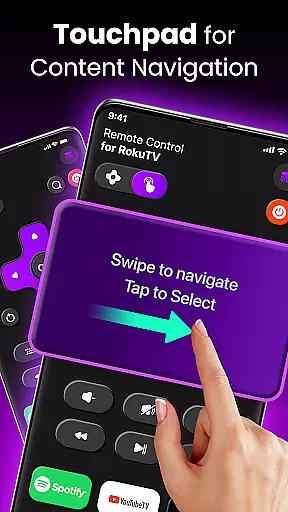
This app stands out with its comprehensive feature set tailored for Roku TV owners. Its automatic device detection allows instant pairing via Wi-Fi, ensuring users can start controlling their TVs within seconds of opening the app. The responsive touchpad replaces traditional buttons, providing a modern and fluid navigation experience.
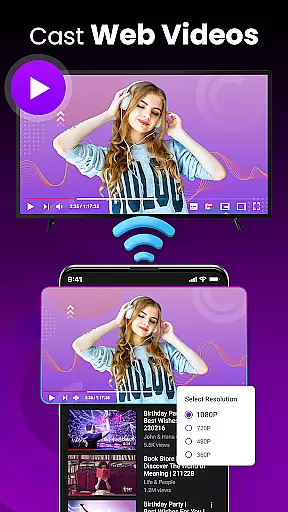
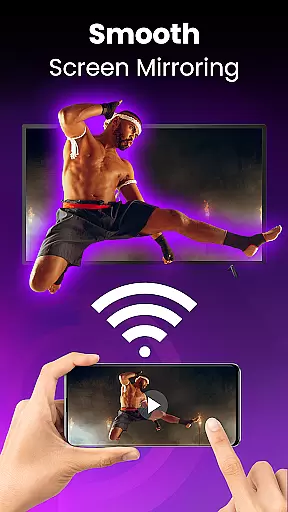
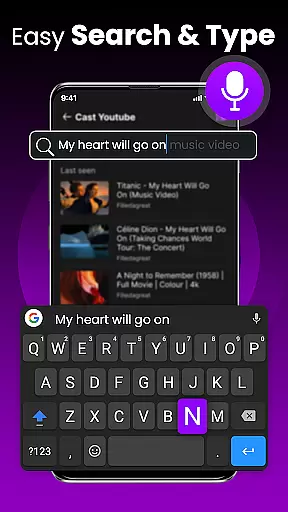
Additional highlights include screen mirroring capabilities, enabling users to cast photos, videos, and music directly to their TV. Quick-launch shortcuts let viewers access popular apps like Netflix and Hulu faster than ever. Meanwhile, the integrated smart keyboard streamlines searches and logins, making tedious tasks quick and easy. These innovations make the app indispensable for anyone seeking smarter home entertainment management.
TV Remote Control for RokuTV ensures precise and effective functionality by offering a complete replacement for your physical Roku remote. The app provides seamless control over all essential TV functions, including navigation, media playback, volume adjustment, and channel switching.
The swipe-based touchpad allows for smooth menu navigation, eliminating the frustration of traditional button-based controls. This intuitive interface design ensures that every interaction feels natural and responsive, making it easier than ever to browse through your Roku's interface.
With integrated screen mirroring and casting capabilities, users can effortlessly share content from their smartphones to the big screen. Whether streaming videos or sharing photos, the app maintains a reliable connection, ensuring uninterrupted entertainment.
Additionally, the smart keyboard feature enables fast typing for searches and logins, significantly improving the user experience when entering text. These comprehensive features make TV Remote Control for RokuTV an indispensable tool for managing your entertainment needs efficiently.
The interface of TV Remote Control for RokuTV is designed with simplicity and intuitiveness in mind, ensuring users can easily adapt to its functionalities without a steep learning curve. Upon opening the app, users are greeted with a clean layout that prioritizes essential controls, providing quick access to frequently used features such as play, pause, and volume adjustments.
One of the standout aspects is the swipe pad, which replaces traditional clunky buttons with a modern touch-based navigation system. This feature simplifies movement across menus and screens, enhancing the overall user experience by making interactions smoother and more engaging.
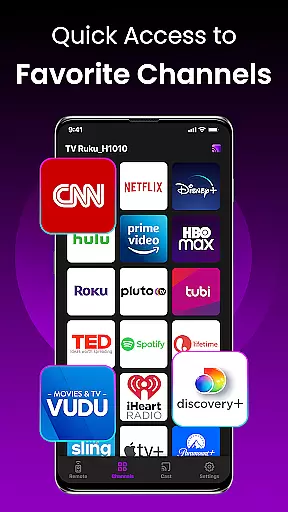
Moreover, the app includes one-tap shortcuts to popular channels like Netflix and Hulu, streamlining the process of accessing favorite content. By reducing the steps needed to launch apps, users save time and enjoy a hassle-free viewing experience.
Overall, TV Remote Control for RokuTV combines powerful functionality with an easy-to-use interface, ensuring that even those who are less tech-savvy can operate their TVs with confidence and ease.
User-friendly interface
Fast Wi-Fi connectivity
Comprehensive functionality
Smart keyboard integration
Universal Roku compatibility
Requires stable Wi-Fi
Limited offline use
No voice command support
Third-party development
Device-specific pairing

Easily install aab(Android App Bundle) files on your Android device with our app
 4.80
4.80
Unit and currency converter with easy and simple UI.
4.80
Small and simple app to Verify Root Access and BusyBox Install!
4.70
Effortlessly run ADB commands directly on your device without a PC.
4.20
A non-root local ADB shell client. READ BELOW!
3.40
Signal Strength, Mobile, Wifi, Speed Test, Bad Signals, Cellular, 5G, LTE, 4G
4.20
Support Fossify apps with a warm thank you!
5.00
Screen Mirroring with sound for Samsung TV, LG TV, Sony TV, Smart TV and Browser
4.20
Your personal health butler
3.60
Navigate with Ease and Style
4.90
Learn the vast amount of system information about device and monitor it's state
4.70
HD Video player and downloader for all formats, fast & smooth 4K video playback.
4.60 4.50
4.50
With videos, electrical calculators, and built-in ebook, Ugly’s has your answer.
4.50
Screen Mirroring for Roku Sticks, Roku TCL TV and Roku Hisense TV
4.50
An easy-to-use calculator designed to save time calculating and bending conduit
4.30
Quickly check the frequency of the Earth
4.30
pdf merge, word to pdf, jpg to pdf, edit pdf, convert to pdf and much more!
4.20
Unleash gamepad precision for ultimate mobile gaming dominance.
3.90


User Reviews