
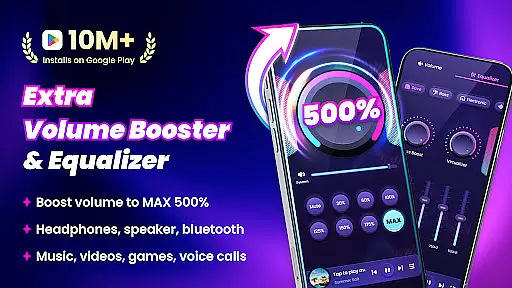
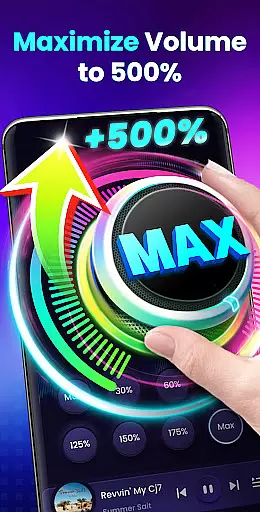
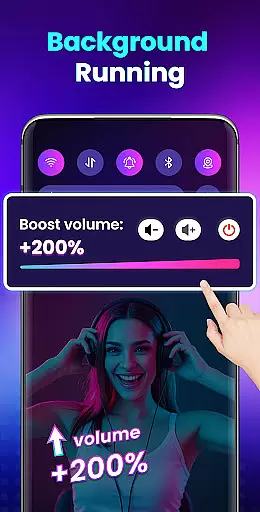

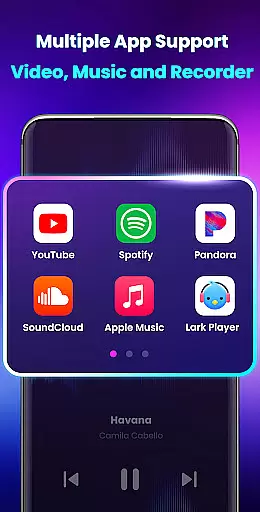
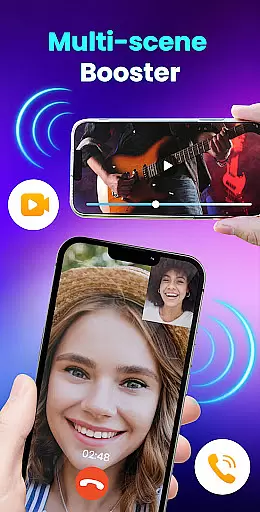
Volume Booster - Sound Booster is a powerful audio enhancement application designed specifically for Android users who desire louder sound output. This app allows you to amplify your device's volume by up to 200%, surpassing the standard maximum system volume.
The app's core functionality lies in its ability to boost all types of audio outputs, including music, videos, games, alarms, and ringtones, without compromising sound quality. Whether you're using built-in speakers, headphones, or Bluetooth devices, EZ Booster ensures an enhanced auditory experience.
Ideal for situations where louder audio is preferred, such as parties or outdoor events, this app transforms your phone into a portable speaker system with additional features like stereo surround sound and music spectrum visualization.
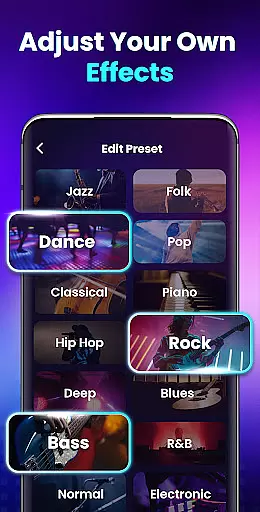
Volume Booster - Sound Booster stands out with its comprehensive feature set tailored for audio enthusiasts. The app provides eight distinct sound modes, allowing users to customize their listening experience with a single tap. These presets cater to various audio types, ensuring optimal sound amplification.
A key innovation is the inclusion of home screen widgets and notification bar controls. This feature enables users to quickly adjust volume levels and toggle the booster on/off without needing to open the app. Additionally, the built-in music player offers advanced controls, displaying album covers, song titles, and artist information while supporting playback management.
The app's ability to run in the background and support lock screen operation demonstrates its technical sophistication. Furthermore, the implementation of a gradual volume increase mechanism shows consideration for both user experience and device protection, setting it apart from basic volume boosting solutions.
Volume Booster - Sound Booster offers a unique approach to enhancing your audio experience by focusing on volume amplification rather than maintaining a music library. This app does not directly provide a music library but instead boosts the volume of your existing audio files, ensuring that you can enjoy them at higher levels without compromising sound quality.
The application supports all types of audio volumes including music, videos, games, and audiobooks. It allows users to amplify their device's system volume up to 200%, surpassing the standard maximum limit. This feature is particularly beneficial for those who wish to use their devices as portable speakers, providing an immersive experience across various audio sources.
While it doesn't deal with copyright issues since it doesn't store or distribute music, the app ensures that the enhanced audio remains true to its original quality. The built-in music player controls support displaying music cover art, song titles, and artists, which enriches the user's interaction with their personal music collection.
By choosing Volume Booster - Sound Booster, users are opting for an advanced solution in audio enhancement that prioritizes volume and clarity. This makes it an ideal choice for anyone looking to elevate their listening experience on Android devices without concerns about copyright infringement or library size limitations.
Audio quality is paramount when it comes to enjoying music, videos, and games. Volume Booster - Sound Booster addresses this by offering superior audio enhancement features that maintain high-quality sound even at increased volumes. The app provides stereo surround sound effects and a music spectrum that changes with the melody, ensuring an immersive auditory experience.
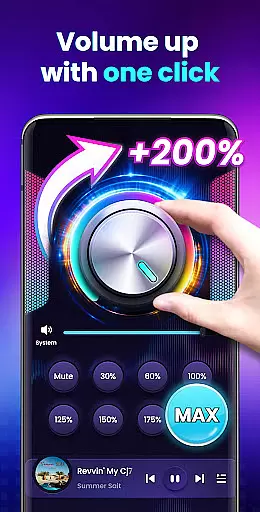
One of the standout features of this app is its ability to boost volume without compromising sound quality. Users can adjust the volume to specific levels with just one touch, thanks to eight sound modes designed for different scenarios. Whether you're listening to music, watching videos, or playing games, the app ensures that the audio remains clear and distortion-free.
In addition to boosting internal speakers, the app enhances the volume of external speakers, headphones, and Bluetooth devices. This versatility makes it suitable for various listening environments and setups. The user-friendly interface includes home screen widgets and notification bar controls, allowing quick adjustments without opening the app.
Volume Booster - Sound Booster represents a significant advancement in mobile audio technology. By focusing on delivering high-quality audio options, it caters to audiophiles and casual listeners alike, ensuring everyone can enjoy their favorite content with enhanced clarity and depth.
Boosts volume up to 200%
Preserves original sound quality
Comprehensive sound mode options
Intuitive widget controls
Supports background operation
Potential hearing damage risk
Device speaker strain possible
Limited iOS compatibility
Requires careful volume management
May affect battery life

Tune in to the greatest hits on UK Radio | The home of Capital, Smooth & Heart.
 4.90
4.90
A synth that really lets you shape your sounds!
4.50
Most Advanced AI Song Generator and Music Creator. Rap, Pop, Rock, Gospel & more
4.70
Listen to live FM radio stations, sports, music and news on global radios online
4.70
The only true audiophile music player with Hi-Fi audio rendering and DSP engine
3.90
Bass Booster Pro takes auto-equalizing to the next level!
4.30
Super Sound Editor, Song Maker & Mixer, Vocal Remover, Voice Recorder & Changer!
4.60
Learn to play the piano using falling notes!
3.80
Enjoy singing any song, no matter how high or low it is
4.30
Make songs with AI! Any genre, custom lyric, song generator for music creation!
4.80
Pay Once, no monthly payment
4.60
Full featured mp3 and audio player with Chromecast and Android Auto support.
4.40
Your HD audio recorder on the go for music, meetings, ambience, animal sounds…
4.30
Equalizer, Bass Booster and Volume Booster (Eq & Bass) improve sound quality
4.30
Learn and play 2M+ music tabs & chords on guitar, ukulele, bass, and more
4.30
No wifi music app. Mp3 offline. Tuner radio, young radio music. Music downloader
4.20
Smart piano keyboard, Classical to Pop, Real-time multiplayer connection!
4.20
Next generation modular control surface
4.10
The Cubase remote control app
3.60


User Reviews