
Walking app for weight loss: walk & step tracker, pedometer, indoor treadmill
 4.60
4.60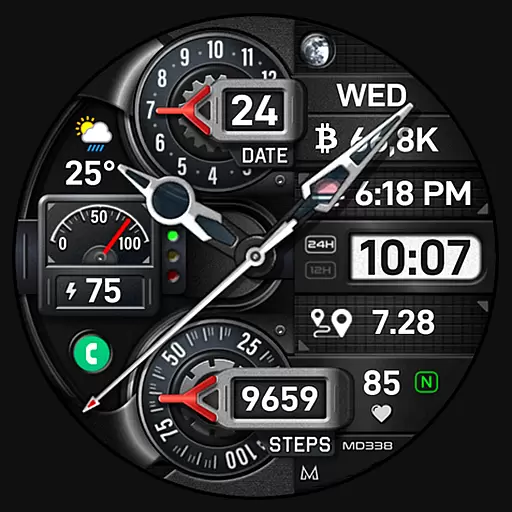
Highly customizable hybrid watch face for Wear OS, perfect for everyday use.
4.60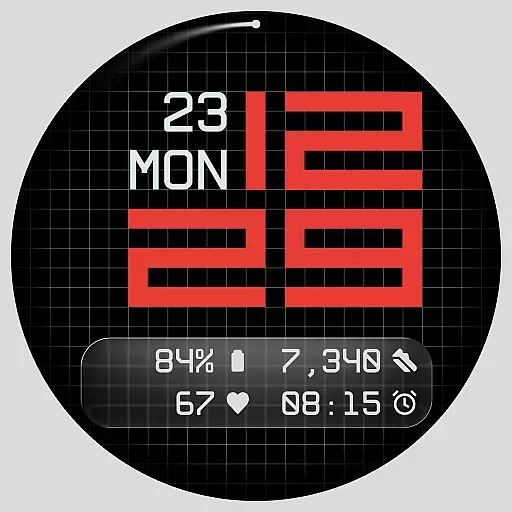
Contemporary digital watch face with five complications
4.1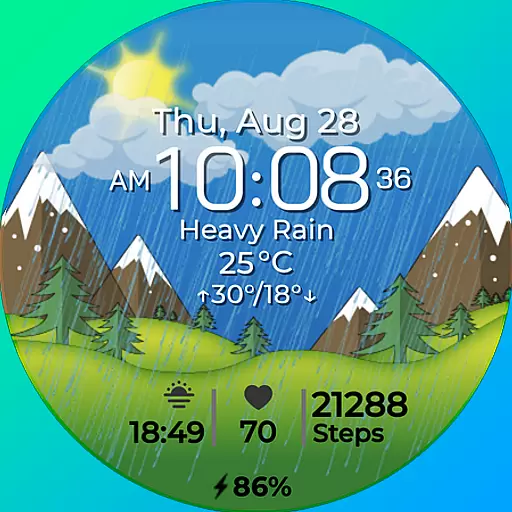
Watch face for Wear OS.
4.20
Kia Access makes getting your vehicle information easier than ever
4.60
Get helpful reminders, take progress photos and find answers to your questions.
3.90
Real-time weather radar with temperatures, warnings, hurricanes, and widgets
4.80
Spam call blocker and caller ID for automatic call protection!
4.40
Toyota app currently supports 2010 or newer vehicles (2018 or newer for Hawaii).
4.50
Gym & home workout plans with strength training, exercise tracking, HIIT & more.
4.60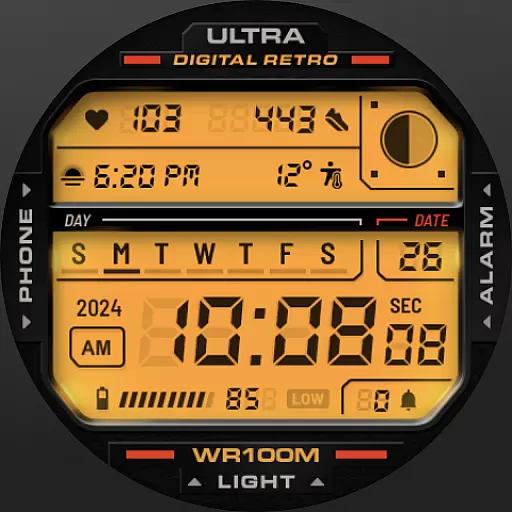
Retro digital watch face with customizable colors and a unique lighting effect
4.60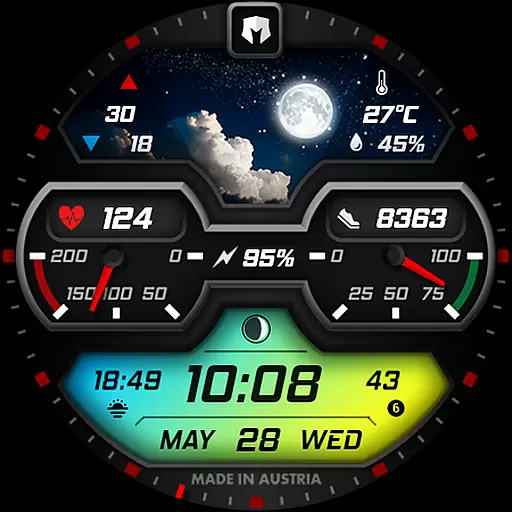
Stylish, Energizing and Modern Watch Face crafted by Dominus Mathias.
4.50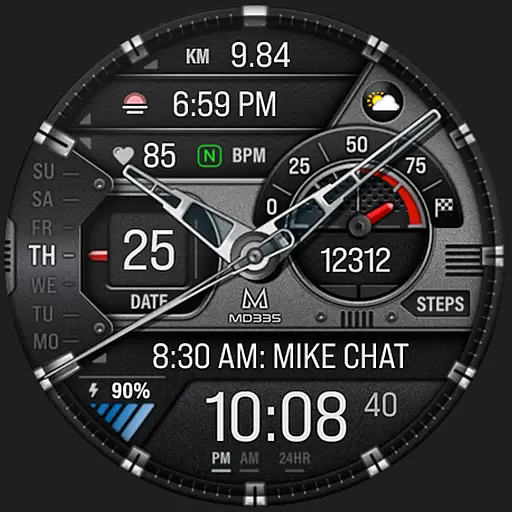
Premium hybrid watch face with many customizations for Wear OS devices.
4.40
Locate your family members by GPS phone location tracker everywhere and anytime
4.30
The ultimate destination for kids ages 3-8 to explore the Marvel Universe!
4.30
Your music, your playlists, and more—offline and unlimited.
4.20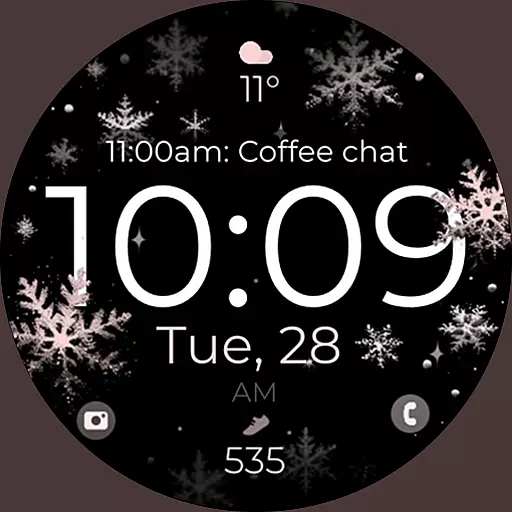
Snowflake Rose Gold Watch Face - Digital, modern, & sleek with GYRO effect.
4.10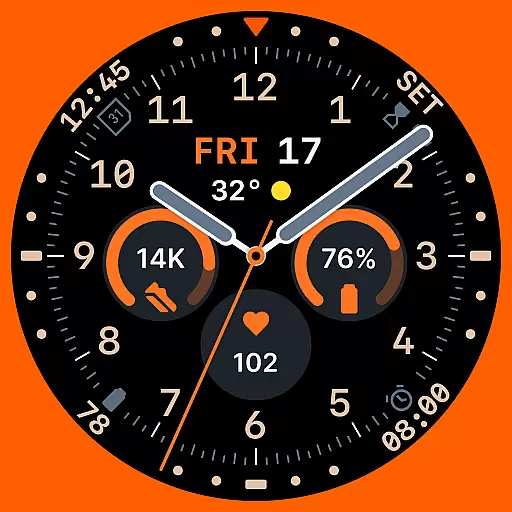
Analog watch face with 8 complications and expedition styling
4.4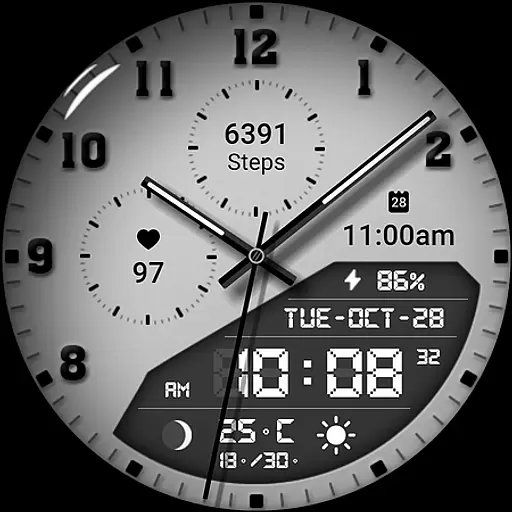
3 Complications. All shadow on/off. 30 Themes color palette...
4.2


