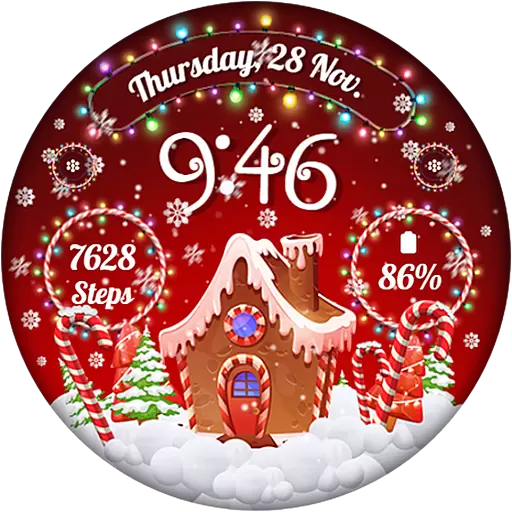
Wear Os Watch Face - Animated Snow - Sesonal for Christmas & Winter
 4.1
4.1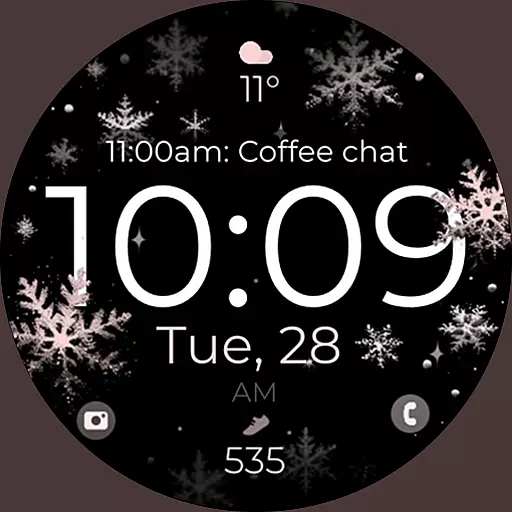
Snowflake Rose Gold Watch Face - Digital, modern, & sleek with GYRO effect.
4.10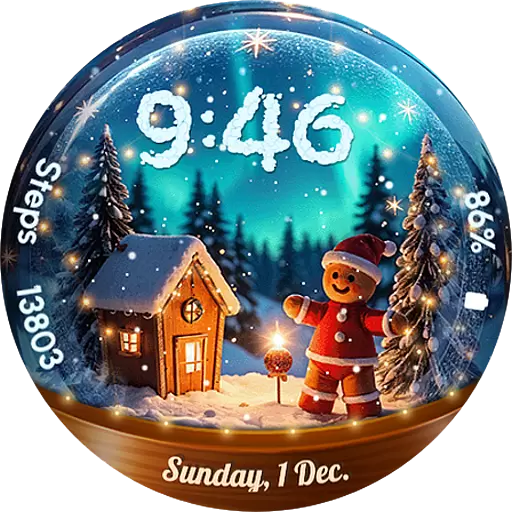
Wear Os Watch Face - Animated Snow Effect & Magic Spark - 6 Scenes
4.10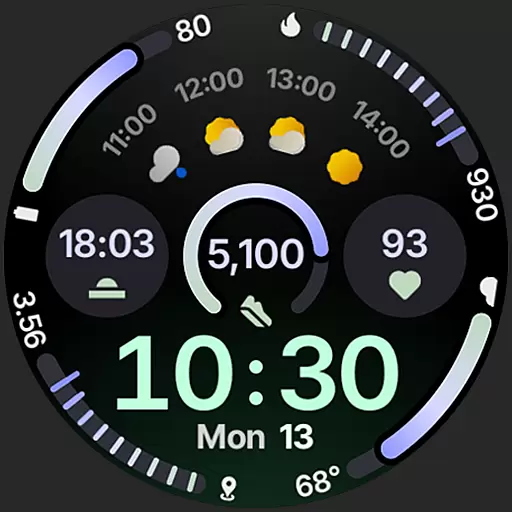
Sleek, highly customizable watch face inspired by Galaxy Watch Circle Dashboard.
4.0
Period, ovulation & pregnancy tracker. Fertility insights & menstrual calendar.
4.90
The Chevron App allows you to pay for fuel from the comfort of your car!
4.80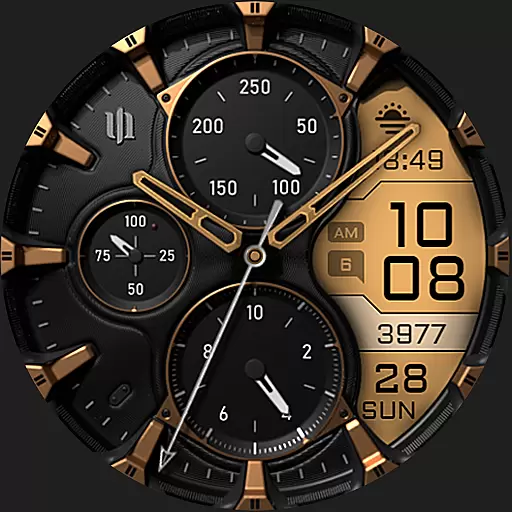
A realistic hybrid watch face with many customization options.
4.60
Track airplanes and follow flights with our real-time flight tracker
4.50
Spam call blocker and caller ID for automatic call protection!
4.40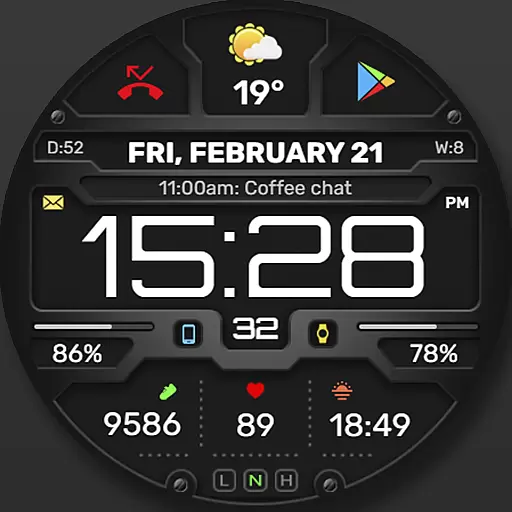
Digital, flexibly customizable watch face. For Wear OS 5.0, API 34+ and later.
5.00
Real-time weather radar with temperatures, warnings, hurricanes, and widgets
4.80
Diet tracker for weight loss - track calories, food and macros. Simple and easy!
4.70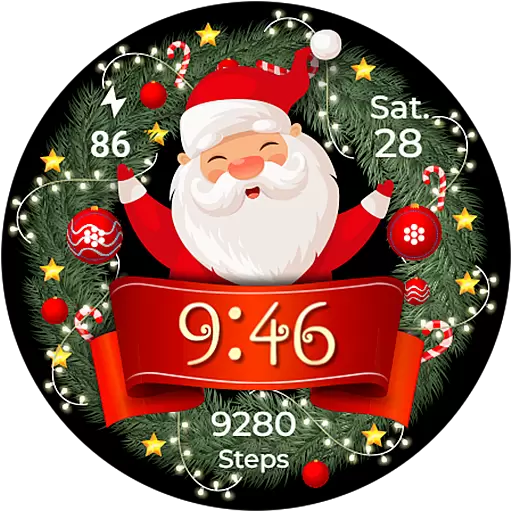
Deck out your Wear OS Watch face with a beautifully decorated pine wreath!
4.50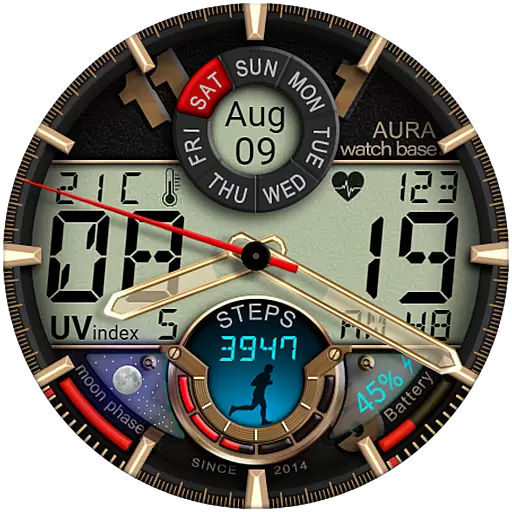
Bold, Modern Hybrid Watch Face for Wear OS. 10 Colors, Rich Info Display.
4.30
Find EV charging stations
4.30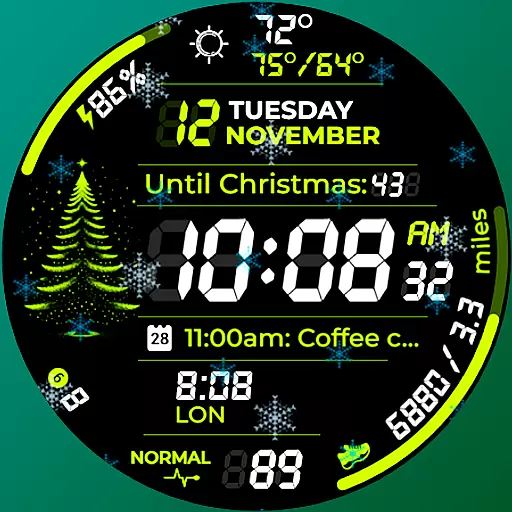
A customizable Christmas watch face for Wear OS with a countdown.
4.20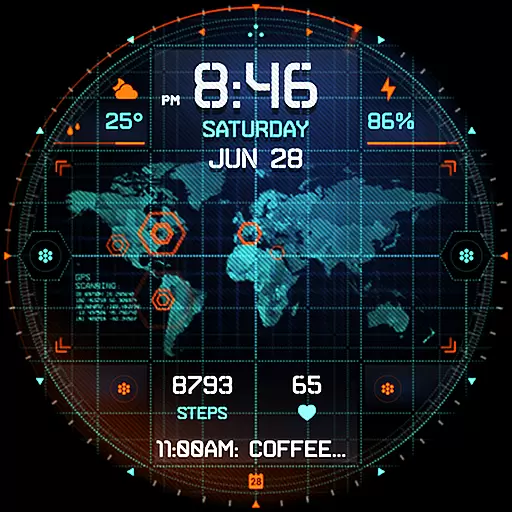
Animated video-game inspired “secret agent” simulation, right on your wrist!
4.20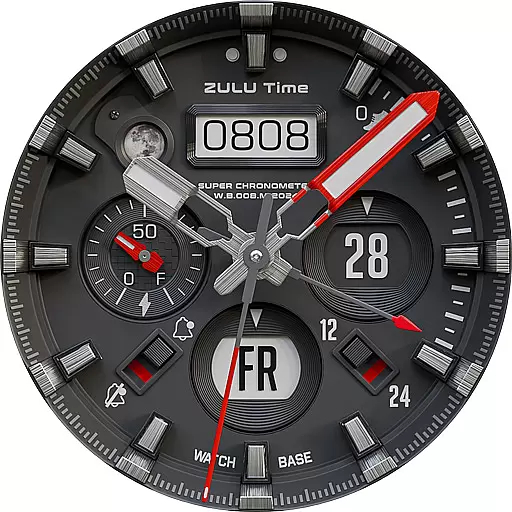
Authentic military-tactical design with ZULU time! Realistic and functional!
3.80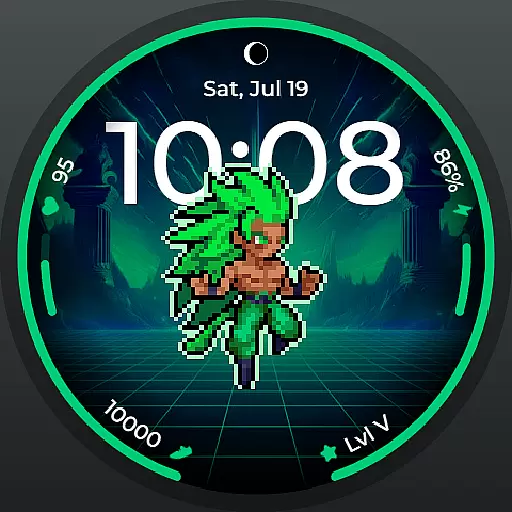
Fitness interactive virtual pet super fighter boy watch face
4.1


