
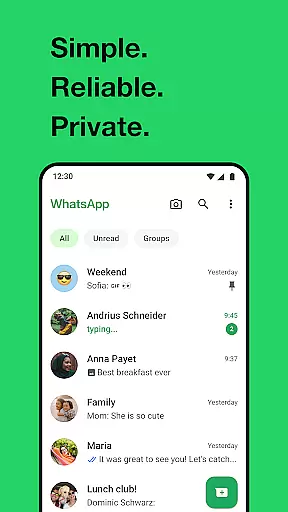

WhatsApp Messenger is a leading communication app that allows users to send messages, make voice and video calls, and share media across mobile and desktop platforms. Its core functionality lies in providing secure, end-to-end encrypted conversations, ensuring privacy for personal and group chats. The app also supports features tailored for Android Wear, enabling users to manage chats and calls directly from their smartwatch.
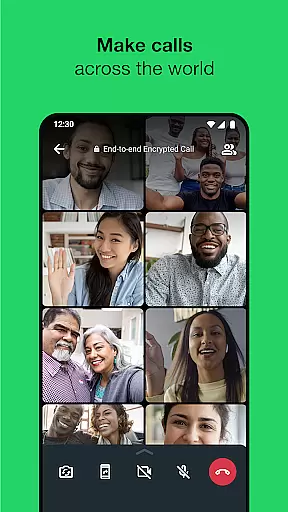
One of WhatsApp's standout features is its ability to function reliably even on slower internet connections, making it accessible worldwide. With additional capabilities like Status updates, location sharing, and high-quality group calls for up to 32 participants, the app serves as an all-in-one communication tool. These features are particularly valuable for staying connected with friends, family, or colleagues without compromising privacy or performance.
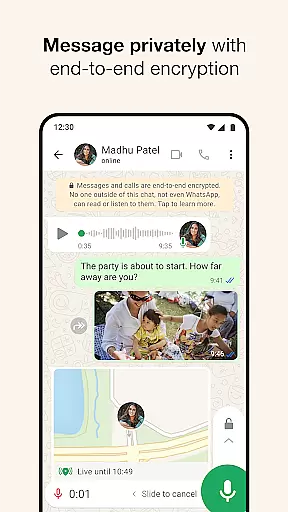
WhatsApp Messenger offers a comprehensive set of features designed to enhance user connectivity while maintaining simplicity and security. A key highlight is its end-to-end encryption, which ensures that only the sender and recipient can access messages or calls, protecting sensitive information from external interference. This feature extends to group chats, allowing seamless collaboration among multiple participants.
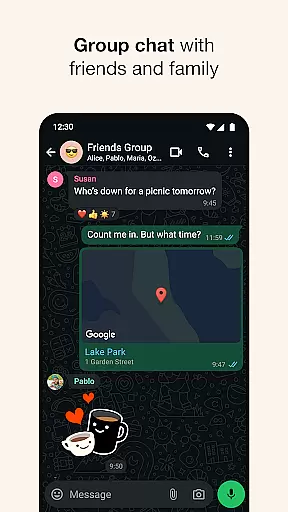
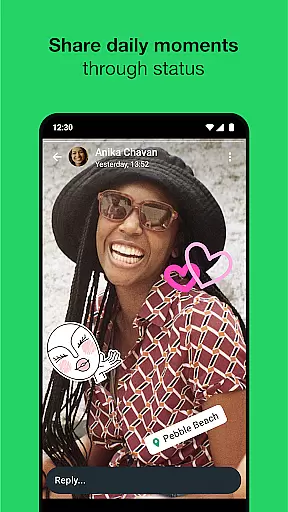
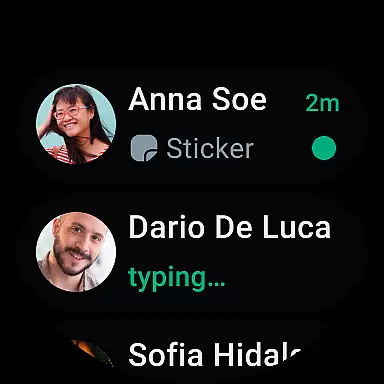
The app integrates smoothly with Android Wear, letting users read notifications, reply to messages via voice commands, and even answer calls directly from their smartwatch. Another notable feature is Status, where users can post ephemeral updates—such as photos, videos, or texts—that disappear after 24 hours. Additionally, WhatsApp supports real-time location sharing within chats, high-quality voice and video calls, and the ability to create groups with up to 1,024 members, making it versatile for both casual and professional use.
Companion app integration is essential for a seamless user experience across multiple devices. WhatsApp Messenger excels in this area by offering robust synchronization between your smartphone and Wear OS devices.
The app ensures that all your messages, calls, and notifications are instantly mirrored on your wearable device. This means you can read and respond to messages directly from your watch without needing to take out your phone.
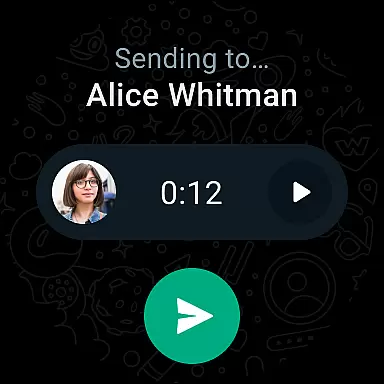
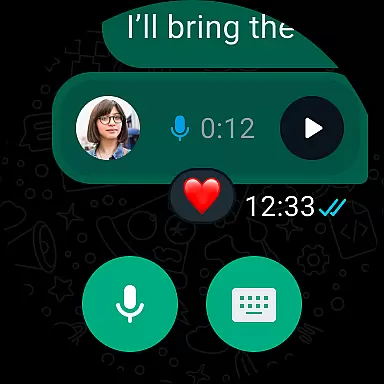
WhatsApp's companion app feature extends to media sharing as well. You can view photos and videos sent to you right on your smartwatch, providing a convenient way to stay updated. The integration also supports voice messages, allowing you to listen and respond hands-free.
This level of integration enhances accessibility and convenience, making it easier for users to stay connected regardless of which device they are using at any given moment.
Device compatibility is crucial for ensuring that an application runs smoothly across various hardware configurations. WhatsApp Messenger offers extensive support for Wear OS devices, making it versatile and widely accessible.
The app is optimized to work efficiently on different Wear OS watches, maintaining high performance even on older models. This broad compatibility ensures that users with various types of smartwatches can enjoy the benefits of WhatsApp without worrying about technical limitations.
In addition to basic messaging, WhatsApp provides additional functionalities tailored for Wear OS. These include complications and tiles that allow quick access to chats and voice messages directly from the watch face, streamlining the user experience.
By prioritizing Wear OS/device compatibility, WhatsApp guarantees a consistent and reliable service, enabling users to manage their communications effortlessly whether they're at home, in the office, or on the go.
End-to-end encryption
Cross-platform support
Free voice and video calls
User-friendly interface
Reliable on slow networks
Limited customization options
No built-in GIF search
Heavy battery usage
Status limited to 24 hours
Requires constant updates

Christmas is near, let's count together the days left until Santa comes
 4.1
4.1
Deck out your Wear OS Watch face with a beautifully decorated pine wreath!
4.50
Stunning modern digital watch face with 7 complications and strong contrast
4.2
Artistic Digital Watchface
4.1
Simple Analog-Digital Watchface For Wear OS 3.0 and Up Smartwatches
4.3
Be an elegant and classy secret agent, with this carefully detailed watch face
4.70
Let's celebrate Thanksgiving - Wear Os watch face
4.20
Stay in touch with your friends and family using LINE!
3.40
Back up your contacts & access them anywhere
4.30
Christmas - Festive - Christmas Village - Winter - Christmas lights
5.00
Gym Log & Workout Tracker | Fitness Journal, Training & Weight Lifting Planner
4.90
Real-time results, stats, schedules and player profiles for all leagues
4.60
Christmas watch face. For Wear OS devices.
4.30
Locate your family members by GPS phone location tracker everywhere and anytime
4.30
The #1 source of faces for your smartwatch!
4.00
Professional weather radar and more
3.90
A full-featured Amazon Alexa voice assistant that can show you things.
3.70
A Wintery Snow Globe on Your Wrist; now celebrating Christmas!
4.3
A heartwarming Christmas scene featuring a cute image of Santa and Rudolf
4.4


User Reviews