
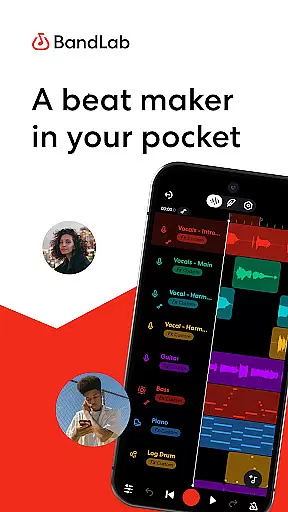
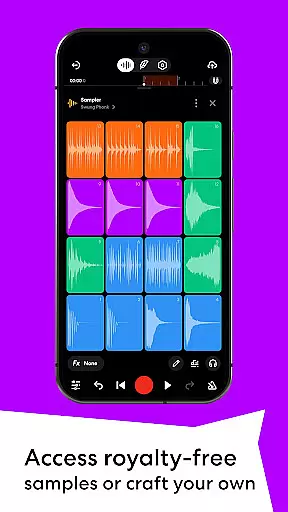
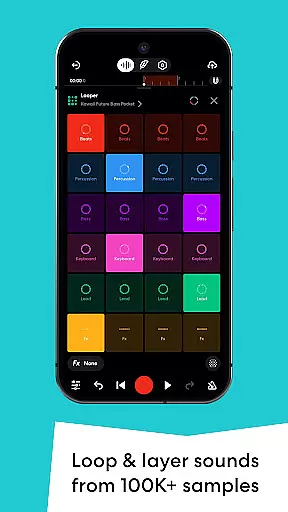
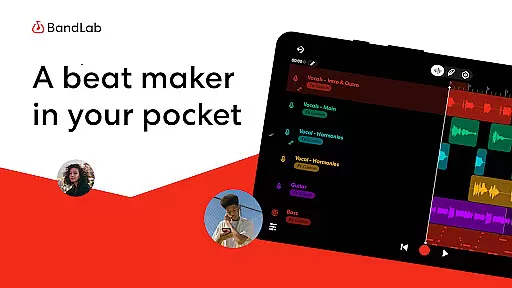
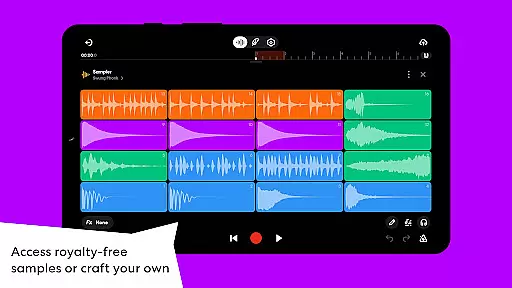
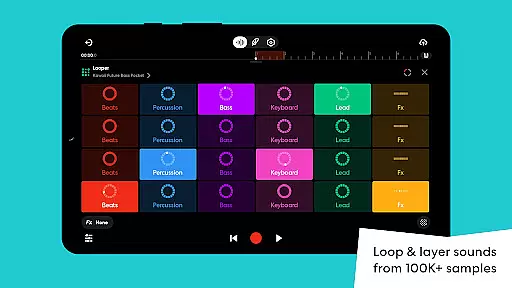
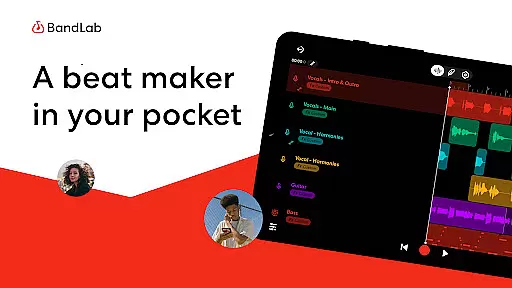
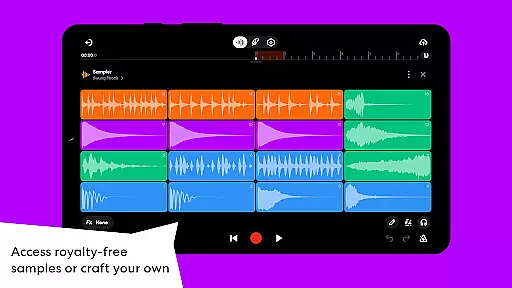
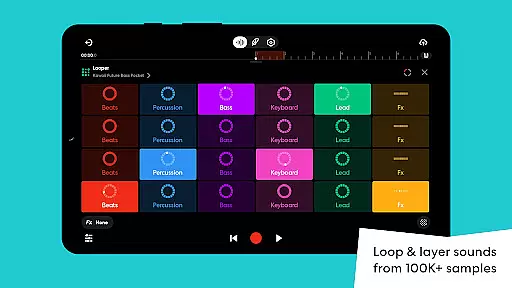
BandLab offers an extensive music library that includes over 100,000 royalty-free samples through BandLab Sounds. This vast collection ensures that creators have access to a diverse range of sounds without worrying about copyright infringement.
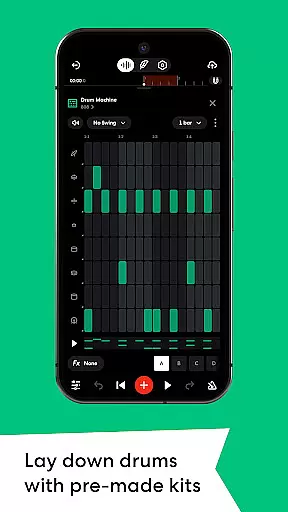
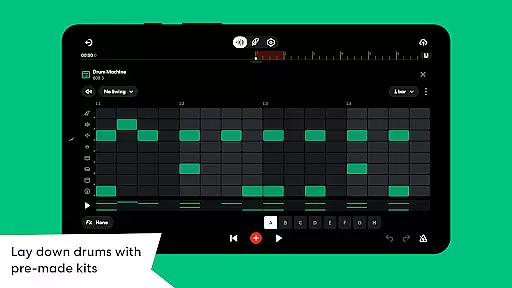
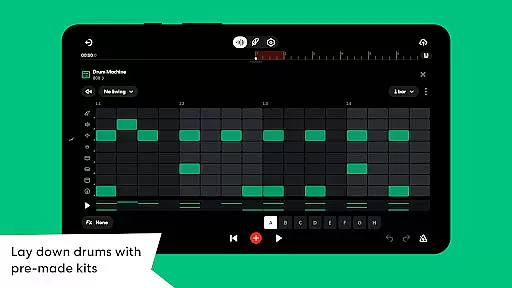
In addition to the pre-existing library, users can record and create custom samples from their surroundings, further expanding the available sound palette. The inclusion of 385+ Virtual MIDI Instruments adds another layer of depth, providing everything from hard-hitting 808s to smooth synths for melodies.
The app also features SongStarter, an AI beat generator that provides unique song ideas across 11 genres, ensuring originality and creative freedom. With these resources, musicians can craft compositions that are both rich in variety and legally safe to use in their projects.
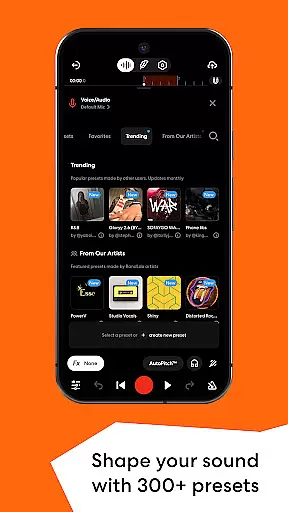
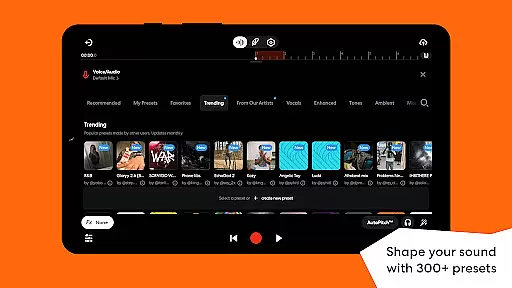
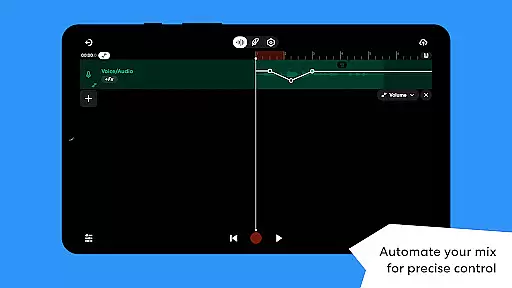
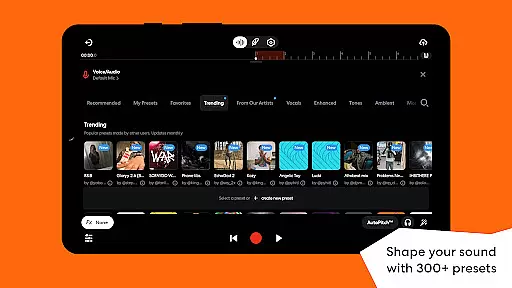
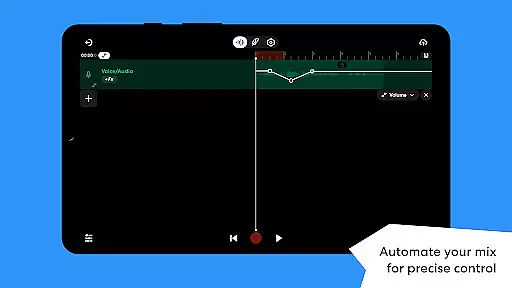
BandLab places a strong emphasis on audio quality with its suite of professional-grade tools. Users can shape their sound using 300+ Vocal/Guitar/Bass Audio Presets, which include effects like reverb, delay, and EQ. These presets allow artists to maintain consistency across projects while achieving studio-quality results.
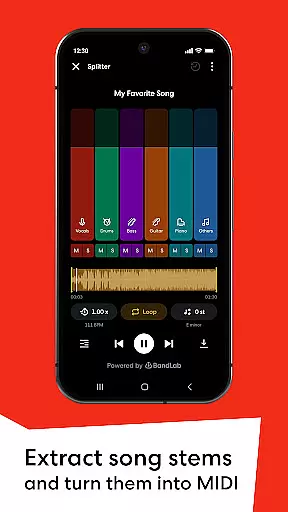
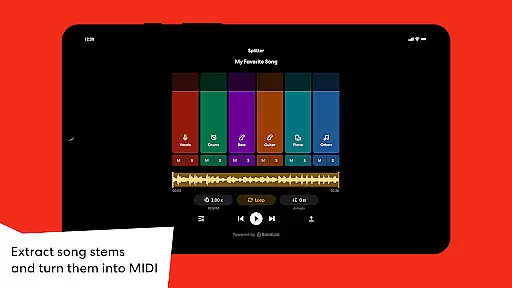
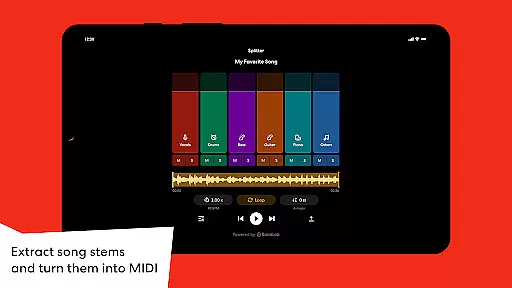
The Splitter tool utilizes AI technology to separate songs into high-quality stems, enabling users to isolate vocals or instruments for practice or remixing purposes. This feature not only enhances the creative process but also maintains the integrity of the original audio tracks.
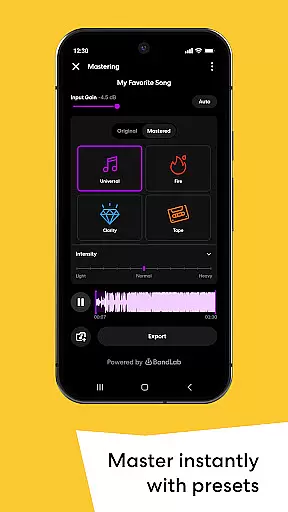
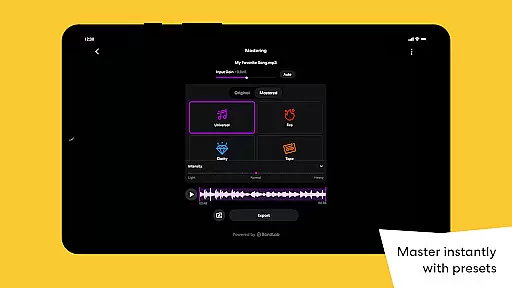
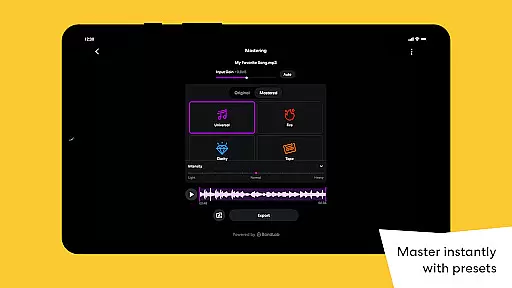
For final production touches, BandLab's mastering feature offers presets designed by multi-Platinum and Grammy-winning engineers. With just one tap, tracks receive polish suitable for streaming platforms, ensuring that creators deliver content with top-notch audio fidelity every time they publish.

Equalizer, Bass Booster and Volume Booster (Eq & Bass) improve sound quality
 4.30
4.30
The Cubase remote control app
3.60
Remove ads permanently from Music Visualizer
4.5
Simple & Intuitive Metronome
4.70
Bass Booster Pro takes auto-equalizing to the next level!
4.30
USB audio recording and playback finally possible on Android 3.1 or higher!
3.90
No wifi music app. Mp3 offline. Tuner radio, young radio music. Music downloader
4.20
Smart piano keyboard, Classical to Pop, Real-time multiplayer connection!
4.20
Offline Tunes, Unlimited Vibes
3.90
Offline Music Player & MP3 Player.Powerful equalizer, Lyrics, Themes, Tag Editor
4.80
Gorgeous UI, Powerful music Search and Equalizer, the great choice for you!
4.70
Taal player that lets you sing any Indian & Western song with Tabla & Tanpura
4.60
A synth that really lets you shape your sounds!
4.50
Enhance the sound quality of your devices, listen to what you want
4.50
Help you quickly get started with Shokz headphones
4.40
Sheet music reader, piano & music note player. Play music score & learn to read.
3.90
Learn to play the piano using falling notes!
3.80
The Minimalistic Premium Music Player. Handmade with passion for music
2.20
Simply convert wav to mp3. Clear. Reliable. Safe.
4.5


User Reviews