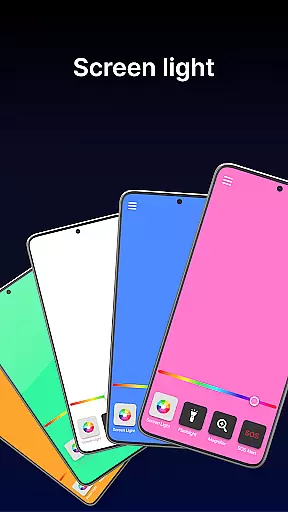
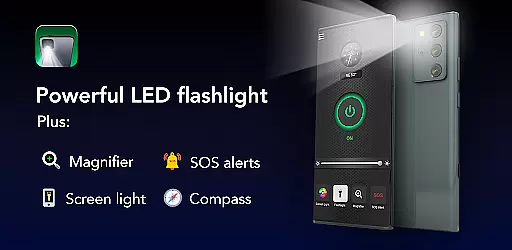
Brightest Flashlight Launcher is a versatile utility app that transforms your smartphone into an essential everyday tool. The app's core functionality revolves around providing users with instant access to a powerful flashlight, magnifying glass, and various safety features. With its launcher capabilities, it reorganizes your home screen to ensure one-swipe access to critical tools like SOS alerts, compass, and screen light.
What sets this app apart is its comprehensive approach to user convenience. In addition to the primary flashlight feature, it offers practical utilities such as a magnifier for reading fine print, a built-in compass for navigation, and customizable wallpapers for personalization. Whether you're dealing with power outages, navigating dark environments, or need to magnify distant objects, this app provides reliable solutions through an intuitive interface.
The real value of Brightest Flashlight Launcher lies in its ability to serve both practical and emergency needs. From illuminating your surroundings with the brightest flashlight to sending out SOS signals in critical situations, the app ensures you're prepared for any scenario. Its multi-touchpoint search and home screen widgets further enhance accessibility, making it an indispensable tool for outdoor adventures, nighttime navigation, or simply finding lost items at home.
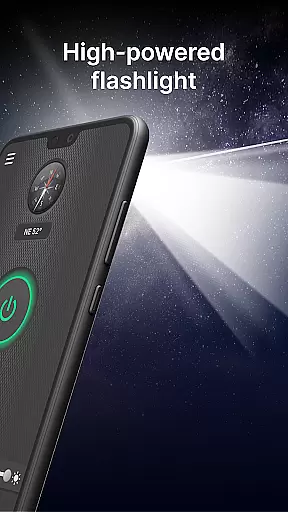
Brightest Flashlight Launcher stands out with its diverse range of features designed to maximize smartphone utility. One of its key highlights is the ability to turn your device into the brightest flashlight available, activated with just a single tap. This feature proves invaluable when searching for items in the dark or navigating poorly lit areas, ensuring maximum visibility at all times.
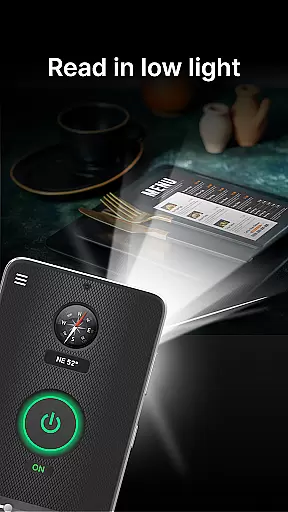
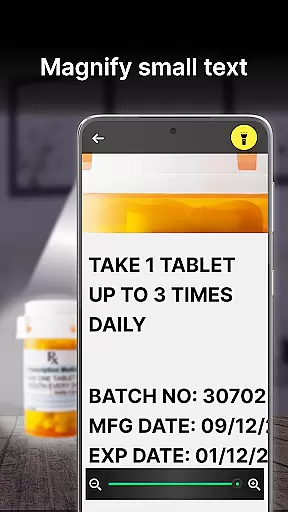
In addition to the flashlight, the app includes a magnifier function that combines light and zoom capabilities. This allows users to read small text on product labels, examine objects closely, or even navigate dimly lit spaces like restaurants without straining their eyes. The built-in compass and SOS alerts further extend the app's usefulness, particularly in outdoor settings where direction guidance and emergency signaling are crucial.
Another innovative aspect is the app's integration of home screen shortcuts and widgets. These provide quick access to frequently used functions while displaying useful information like time and weather directly on the home screen. The launcher also supports multi-touchpoint searches for apps and web content, streamlining the overall user experience. With these features combined, Brightest Flashlight Launcher delivers a comprehensive toolkit that enhances both convenience and safety for its users.
Flashlight Launcher stands out for its precision and reliability in delivering core functionalities. The app transforms your smartphone into a powerful flashlight with just one tap, ensuring you can easily illuminate your surroundings in various situations. Whether you're navigating dark environments or searching for misplaced items, the brightness and responsiveness of the flashlight feature are engineered to provide optimal performance.
In addition to the flashlight, the magnifier tool demonstrates exceptional accuracy. It allows users to zoom in on fine print and distant objects with clarity, even in low-light conditions. The integration of a built-in light enhances visibility, making it an indispensable utility for reading small texts on labels or examining objects closely. This dual functionality ensures that users have a reliable tool for both illumination and magnification.
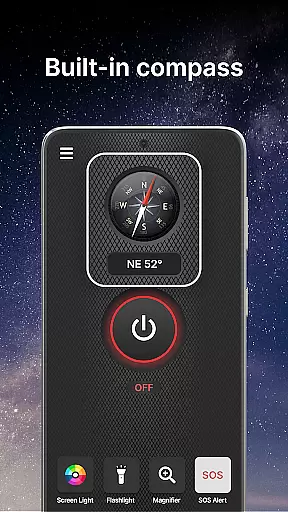
The inclusion of a built-in compass further emphasizes the app's commitment to accuracy. Designed for outdoor activities like hiking and camping, the compass provides dependable navigation assistance. Users can trust the directional information to guide them through unfamiliar terrains, enhancing their safety and confidence while exploring nature.
Overall, Flashlight Launcher's dedication to providing accurate and effective tools makes it an essential app for everyday needs and emergencies. By combining multiple precise features into one accessible platform, it delivers significant value to users seeking reliable utilities at their fingertips.
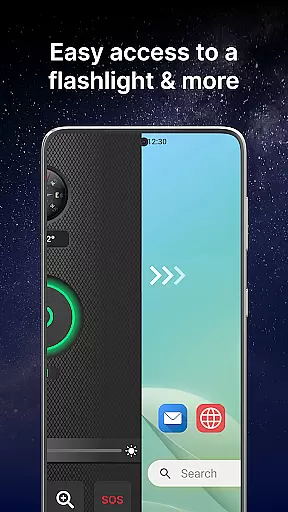
Flashlight Launcher excels in offering an intuitive and straightforward user interface that prioritizes ease of use. Upon installation, users will notice a revamped home screen layout designed for instant access to critical tools such as the flashlight, magnifier, and personal safety features. This strategic arrangement ensures that essential functions are only a swipe away, promoting quick and hassle-free interactions.
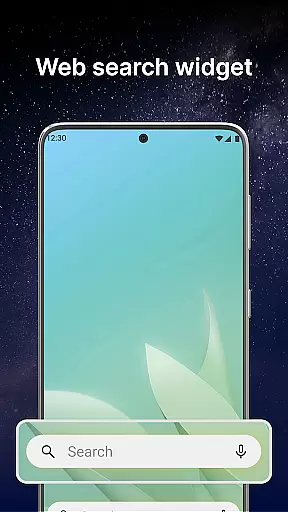
The app includes a convenient home screen widget that displays time, weather, and other relevant information. This widget not only enhances accessibility but also keeps users informed without needing to open additional applications. Furthermore, customizable wallpapers allow for personalization, enabling users to tailor their device's appearance according to their preferences while maintaining functional simplicity.
Another notable feature is the multi-touchpoint search capability, which simplifies finding installed apps or performing web searches powered by Yahoo. With multiple access points available, users can swiftly locate what they need without navigating through complex menus. This streamlined search functionality underscores the appu2019s focus on reducing operational complexity.
By combining these intuitive design elements with practical features, Flashlight Launcher ensures that users of all technical backgrounds can operate the app effortlessly. Its emphasis on interface simplicity and intuitiveness ultimately enhances user satisfaction and engagement, making it a go-to solution for both casual and emergency use cases.
User-friendly interface
Multi-functional design
Instant tool access
Customizable options
Reliable performance
Home screen changes
Feature redundancy
Drains battery life
Limited unique tools
Potential privacy concerns

Extremely fast, secure, and protects your privacy
 4.80
4.80
Effortlessly run ADB commands directly on your device without a PC.
4.20
Smart and comfortable browsing experience.
3.80
A non-root local ADB shell client. READ BELOW!
3.40
Support Fossify apps with a warm thank you!
5.00
Planner and Tracker for Stardew Valley
4.60
Creation, Learning, Entertainment & More — The All-in-One AI Search Engine
4.70
Screen recorder with audio to record high-quality videos and take screenshots.
4.40
Enjoy a smooth mobile reading experience!
3.60
Monitor car performance in real time and troubleshoot malfunctions.
4.80
Play your X-Box games remotely in 1080p with any controller and zero latency
4.60 4.50
4.50
With videos, electrical calculators, and built-in ebook, Ugly’s has your answer.
4.50
Forza Tuning Calculator App for Forza Horizon 5, Motorsport and Earlier Titles
4.40
Fluid navigation gestures for all of us!
4.30
Quickly check the frequency of the Earth
4.30
Just one-tap to easy translate in any language after calls within seconds.
4.20
Signal Strength, Mobile, Wifi, Speed Test, Bad Signals, Cellular, 5G, LTE, 4G
4.20
A simple app to back up and restore SMS & MMS messages and call logs.
4.10


User Reviews