
The Skullcandy App Experience
 3.20
3.20
The Music Journey in Your Hands
4.30
A synth that really lets you shape your sounds!
4.50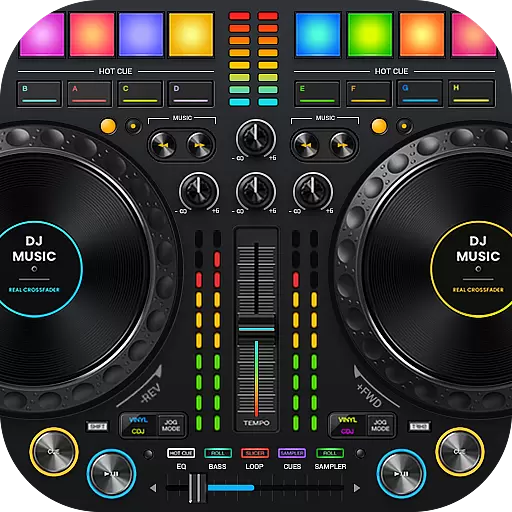
DJ Music Mixer Pro is a real DJ controllers and DJ Music Studio to remix DJ.
4.40
Bass Booster Pro takes auto-equalizing to the next level!
4.30
Listen radio AM / FM Stations. Live AM / FM Radio App Station. Radio Com.
4.70
Play your hearts out on TouchTunes jukeboxes & connect with fellow music lovers.
4.80
Music, News & Sports Radio Tuner App. Tune in Live FM & AM Radio Stations.
4.80
Play your music offline without limits
4.80
AI Music Maker: Generate And Compose AI Tunes & AI Songs & AI Music & AI Melody!
4.60
Visualize the guitar fretboard, master scales & play through changes like a pro!
4.50
Let your Android device with the sound effects you want
4.50
Equalizer, Bass Booster and Volume Booster (Eq & Bass) improve sound quality
4.30
A sleek, no-frills player designed for true music lovers.
4.20
Offline and always ad-free - stream in the highest quality available.
4.10
Turn your phone into a musical instrument from the future!
3.90
Learn to play the piano using falling notes!
3.80
The Cubase remote control app
3.60
Make music anywhere. Turn your device into an instrument.
4.3


