
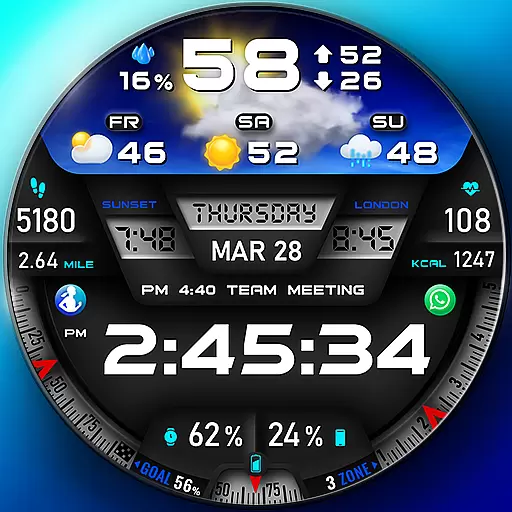
"PER27 Galaxy Digital" is a digital Wear OS watch face designed by PERSONA
 4.10
4.10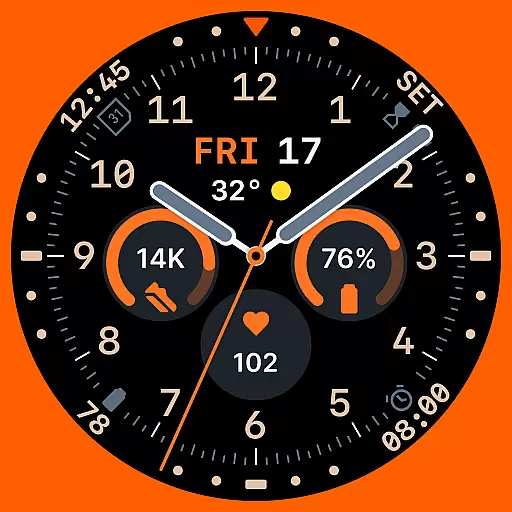
Analog watch face with 8 complications and expedition styling
4.1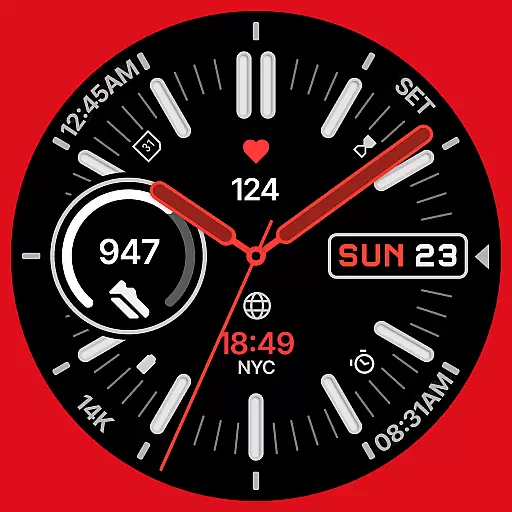
A watch face that fuses motorsport precision with contemporary smartwatch design
4.3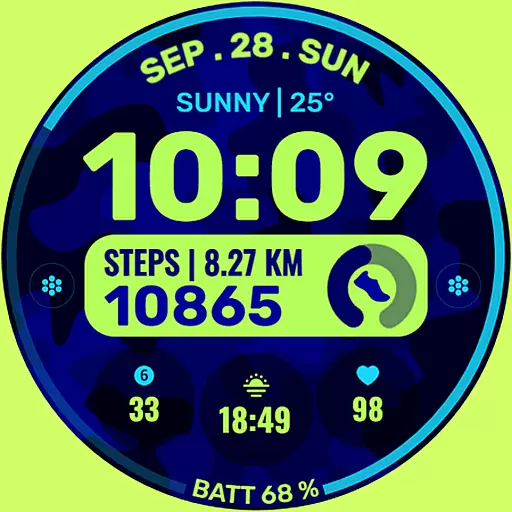
Artistic Digital Watchface
4.4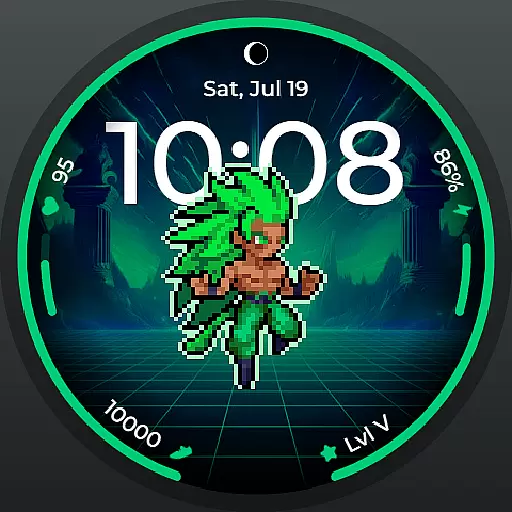
Fitness interactive virtual pet super fighter boy watch face
4.3
Nutrition, Macro tracker: Food, fitness & healthy diet tracking for weight loss
4.60
Real-time weather radar with temperatures, warnings, hurricanes, and widgets
4.80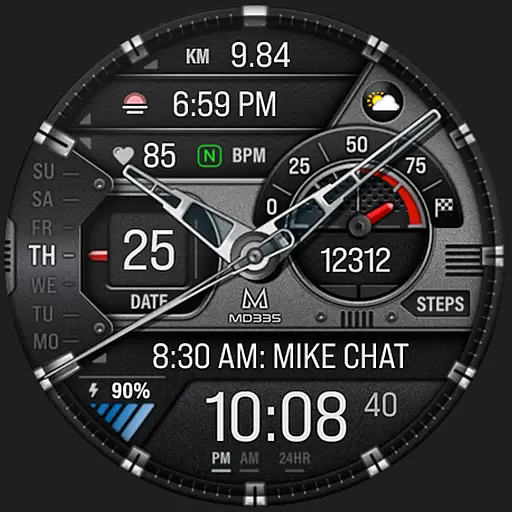
Premium hybrid watch face with many customizations for Wear OS devices.
4.40
Fitbit is dedicated to helping people lead healthier, more active lives.
4.10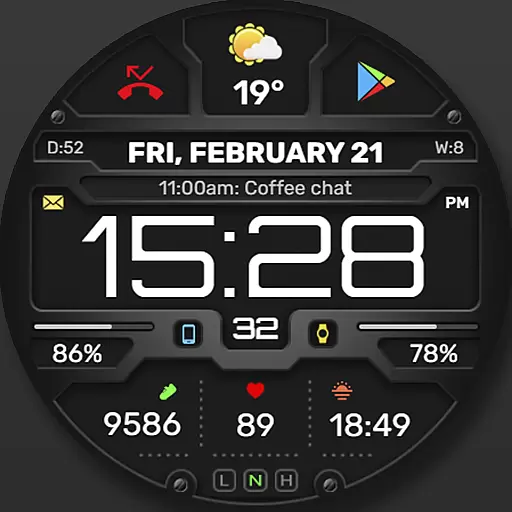
Digital, flexibly customizable watch face. For Wear OS 5.0, API 34+ and later.
5.00
Period, ovulation & pregnancy tracker. Fertility insights & menstrual calendar.
4.90
The ultimate destination for kids ages 3-8 to explore the Marvel Universe!
4.30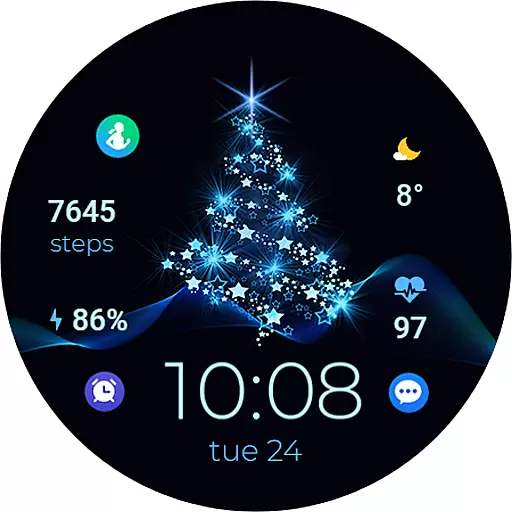
A digital watch face that celebrates Christmas.
4.00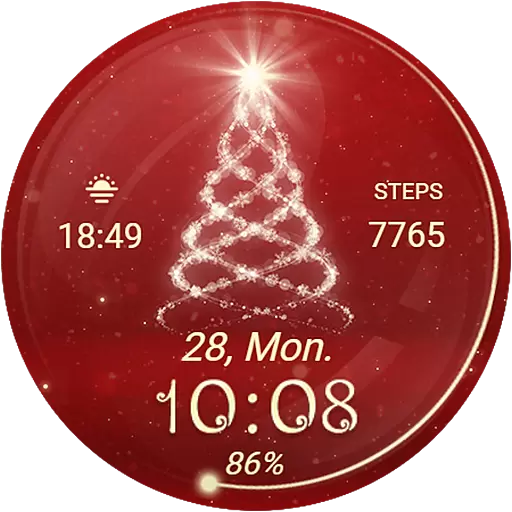
Animated Watch Face and Customizable with 24 Backgrounds. Perfect for Christmas!
3.90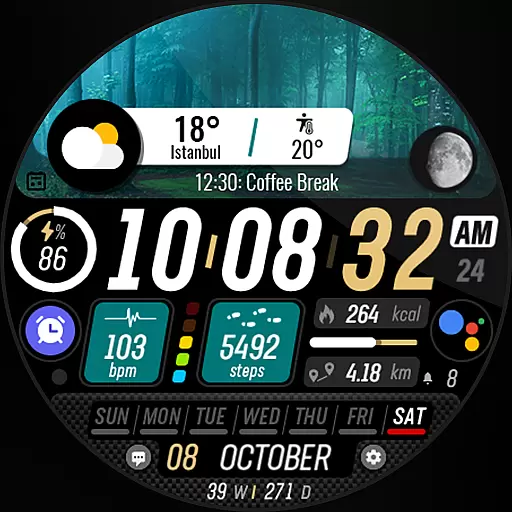
Watch the sharpness of the sky on your wrist..
3.70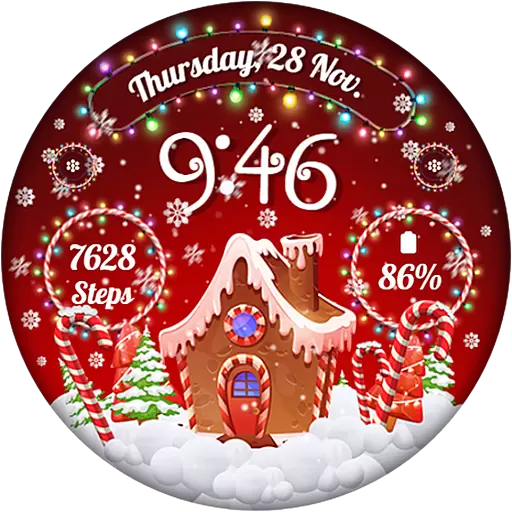
Wear Os Watch Face - Animated Snow - Sesonal for Christmas & Winter
4.3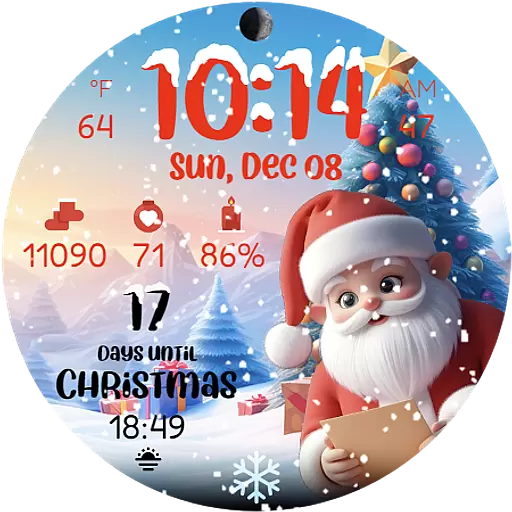
Christmas is near, let's count together the days left until Santa comes
4.4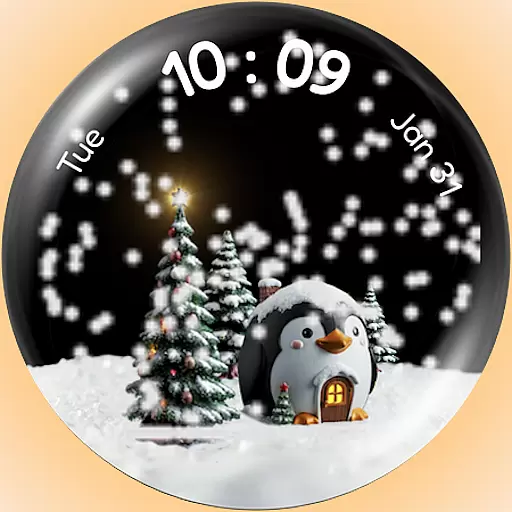
A Wintery Snow Globe on Your Wrist; now celebrating Christmas!
4.3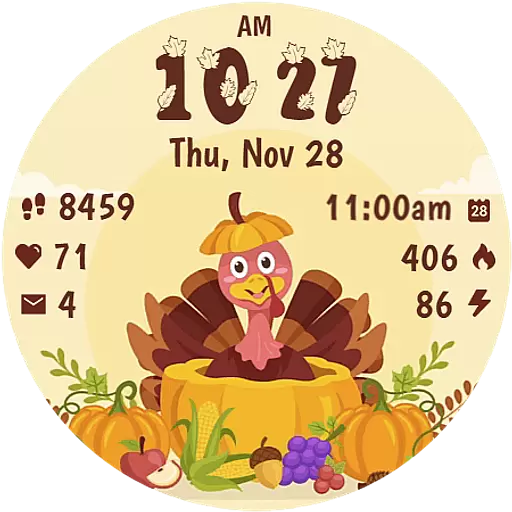
Funny animated watch face for Thanksgiving
4.5


