
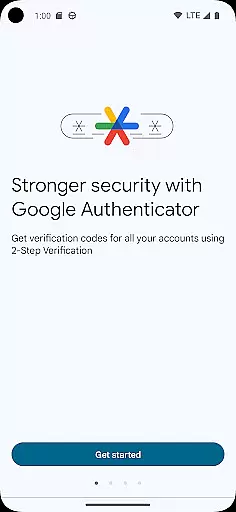
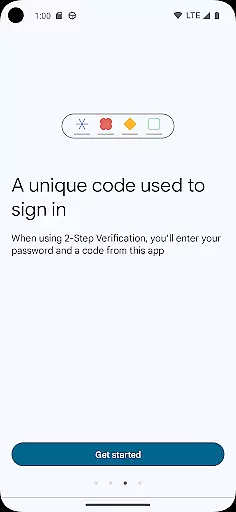
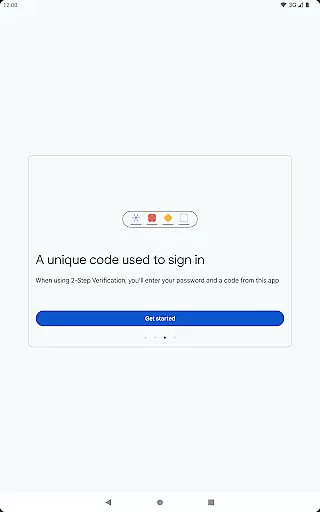
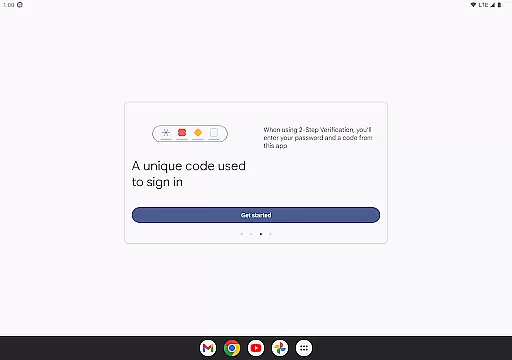
Google Authenticator is a security tool that provides an additional layer of protection for your online accounts through two-step verification. When signing in, users must enter both their password and a unique code generated by the app on their mobile device. This ensures enhanced account security even if passwords are compromised.
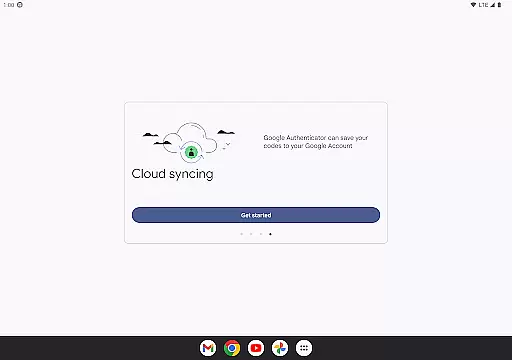
The app operates independently of network connectivity, generating time-based or counter-based codes directly on your phone. It supports syncing across devices via your Google Account, automatic setup using QR codes, and management of multiple accounts. These features make it an essential tool for maintaining robust digital security while offering convenience and ease of use.
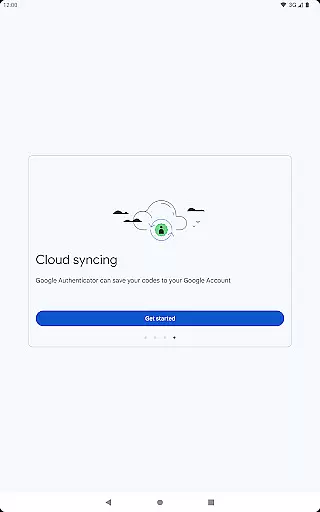
Google Authenticator offers several key features that enhance its functionality as a security application. The primary feature is its ability to generate unique verification codes without requiring internet access, ensuring you can authenticate even in offline scenarios. The app also allows seamless synchronization of authentication codes across multiple devices through your Google Account, providing backup and accessibility.
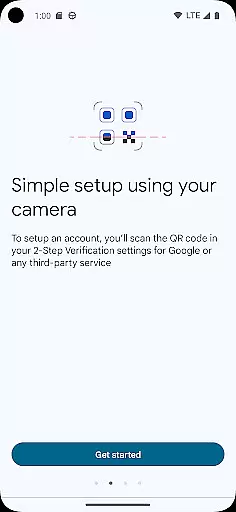
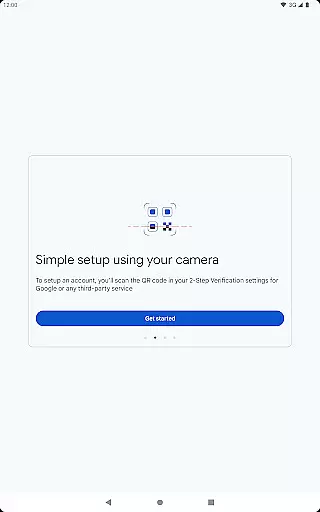
Another notable feature is the support for setting up accounts automatically using QR codes, which simplifies the initial configuration process. Additionally, it supports both time-based and counter-based code generation methods, catering to different user preferences. Users can manage multiple accounts within one interface and transfer these securely between devices using QR codes, making it versatile for various security needs.
Google Authenticator excels in providing precise and effective two-factor authentication. The app generates time-based or counter-based codes that serve as the second verification layer for your online accounts, significantly enhancing security beyond just passwords.
The core functionality is designed to work seamlessly even without an internet connection. This ensures that users can always access their verification codes, regardless of network availability, making it a reliable tool for securing multiple accounts across various platforms.
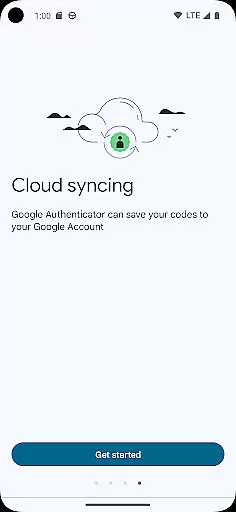
By integrating with Google Accounts, the app allows synchronization of Authenticator codes across devices. This feature not only enhances accessibility but also provides a backup option, ensuring users never lose access to their critical accounts, thus demonstrating both accuracy and effectiveness in real-world applications.
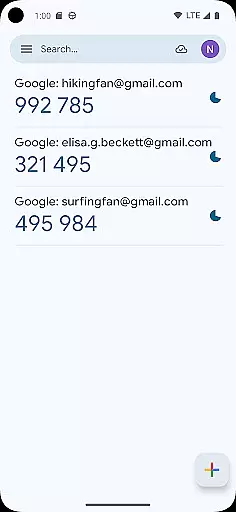
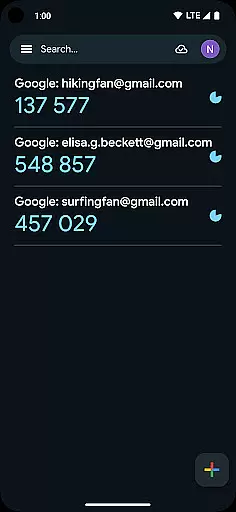
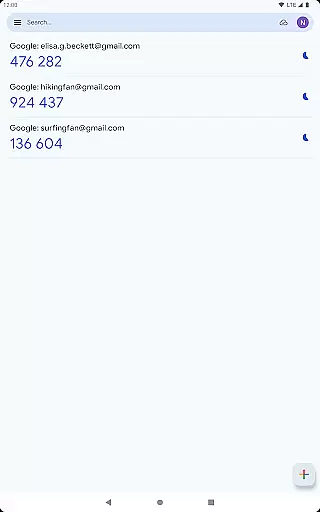
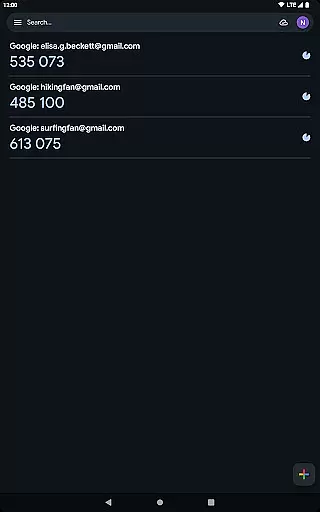
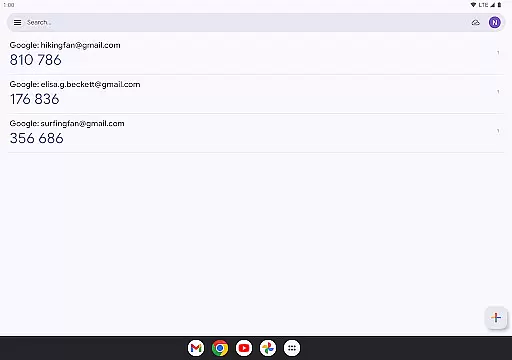
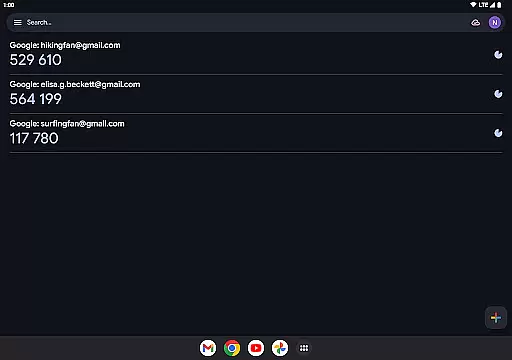
The interface of Google Authenticator is crafted to offer simplicity and ease of use. Upon opening the app, users are greeted with a straightforward display showing the list of accounts along with their corresponding verification codes, which automatically refresh every 30 seconds.
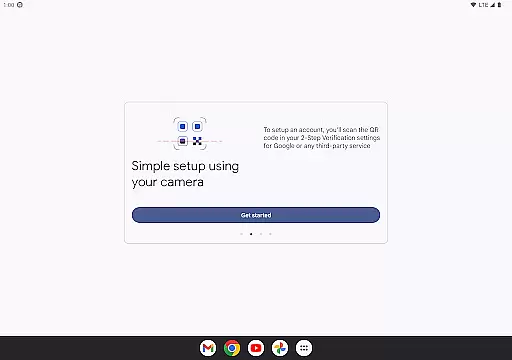
Setting up new accounts is intuitive, thanks to the support for QR code scanning. Users can quickly add new accounts by simply scanning a QR code, eliminating manual input errors and ensuring correct configuration from the start.
Despite its powerful security features, the app maintains a minimalistic design that avoids overwhelming users with unnecessary information. This simplicity extends to managing multiple accounts, where users can easily switch between different codes without any confusion, making daily use both efficient and stress-free.
Enhanced Security
Offline Code Generation
Multi-Device Sync
Easy Setup with QR Codes
Supports Multiple Accounts
No Built-in Backup
Limited Customization
Requires Manual Transfer
No Desktop Version
Dependent on Device Camera

Family Locator, Share location, StayConnect with your family in real time
 3.90
3.90
Amateur Radio app for APRS: Track friends, exchange messages, get tactical info.
3.90
With videos, electrical calculators, and built-in ebook, Ugly’s has your answer.
4.50
Play your X-Box games remotely in 1080p with any controller and zero latency
4.60
The ultimate tool for network analysis, wifi scanning and problem detection.
4.90
Connect wirelessly to your computer to watch movies, browse the web, play games
5.00
Creation, Learning, Entertainment & More — The All-in-One AI Search Engine
4.70
Mobile Security with Scam Protection | Malware & Virus Cleaner | Safe Browser
4.70
Clean up your phone, find files, play media, and share files offline
4.50
Navigate with Ease and Style
4.90
The one-and-only remote control for PC, Mac, and Linux
4.70
HD Camera captures every special moment.
4.60
FV File Manager Pro, Fast and powerful file manager for Android
4.60 4.50
4.50
pdf merge, word to pdf, jpg to pdf, edit pdf, convert to pdf and much more!
4.20
App that Recover your pictures, videos or files after you delete them.
4.20
Introducing Smart Printer, your ultimate destination for printing solutions!
4.00
A powerful, easy-to-use flight computer on your phone or tablet!
3.80
A non-root local ADB shell client. READ BELOW!
3.40


User Reviews