
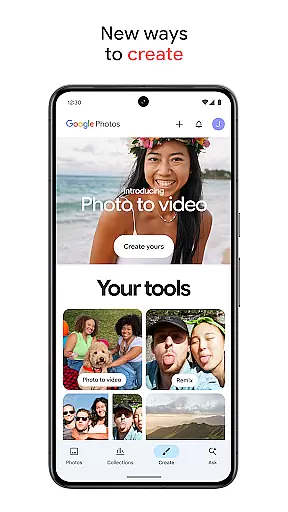
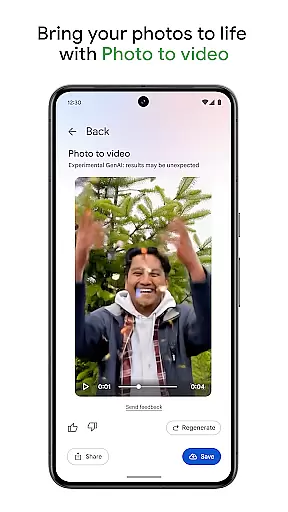
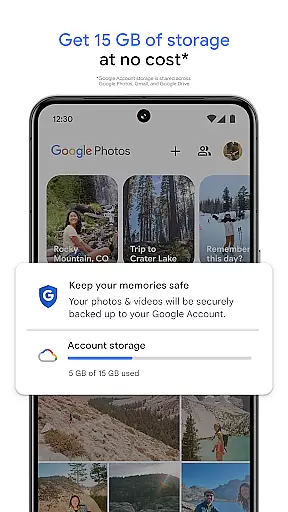
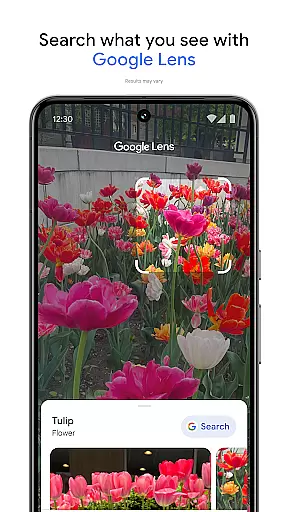
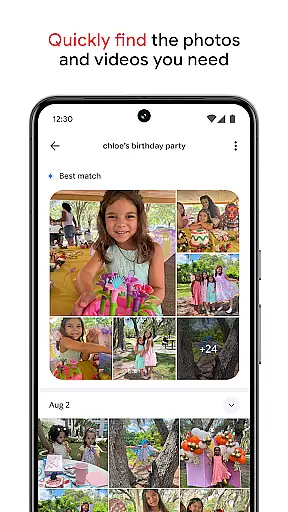
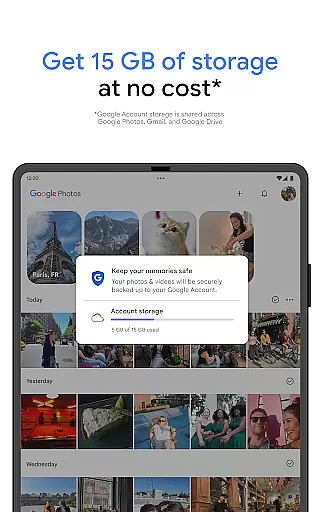
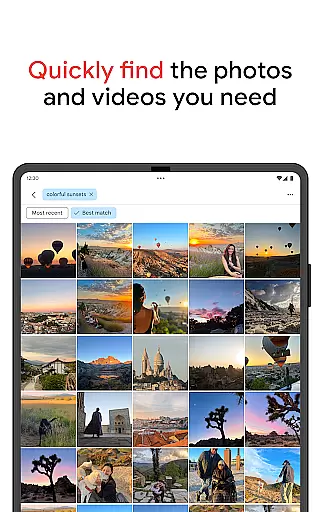
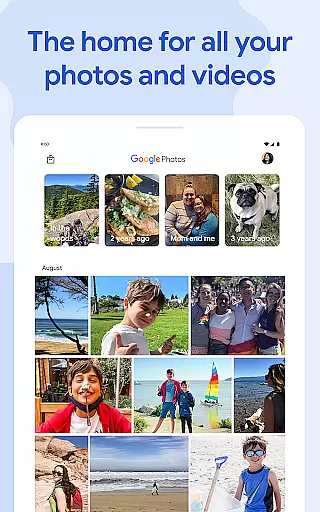
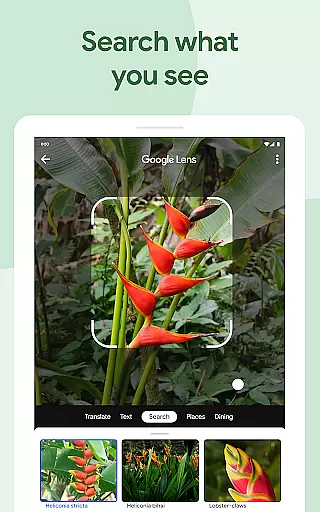
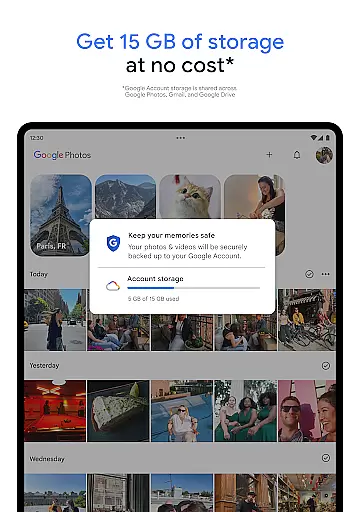
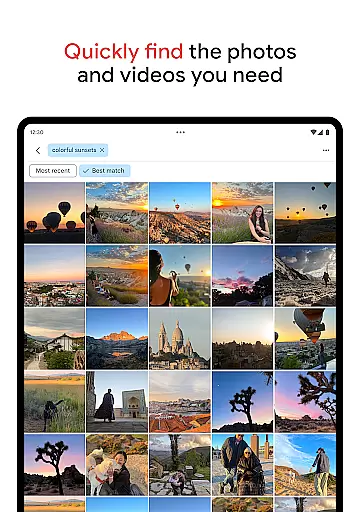

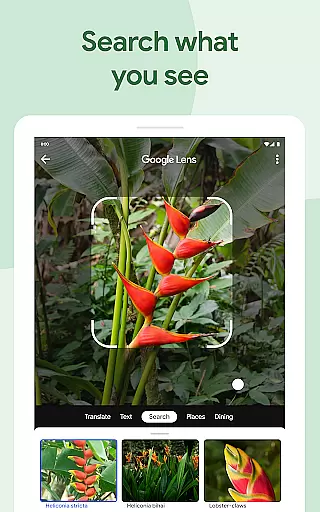
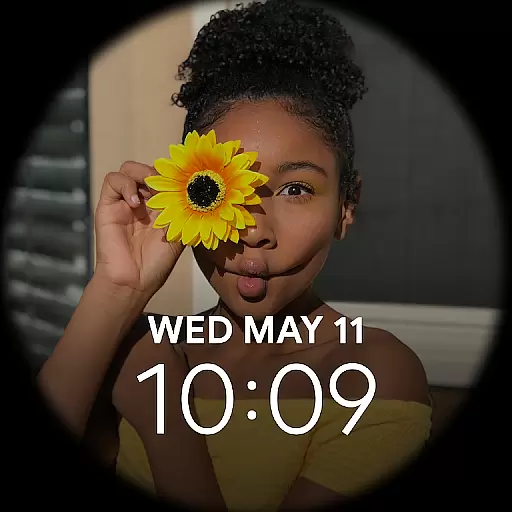
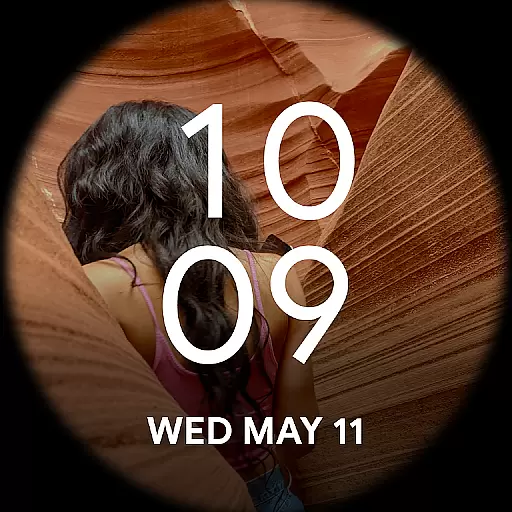
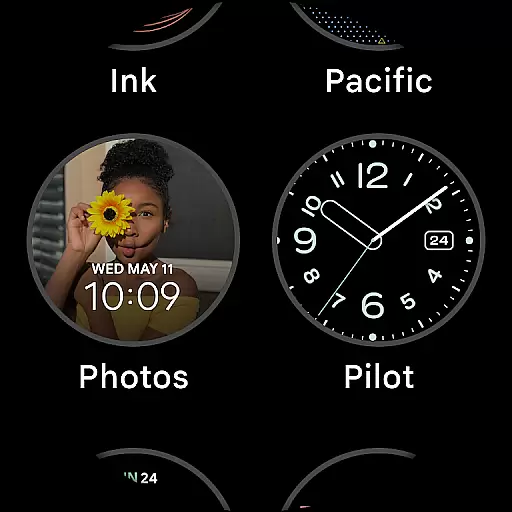
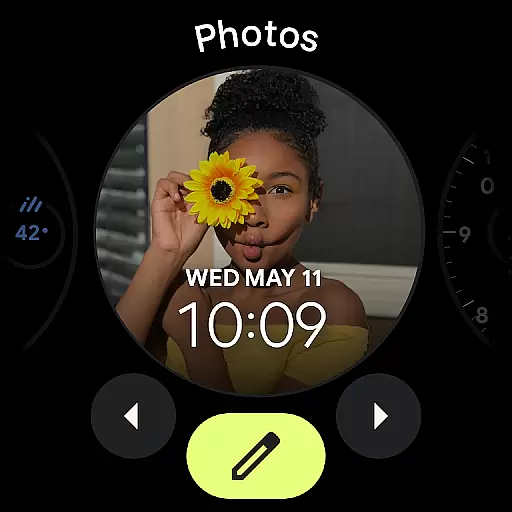
Google Photos is a comprehensive photo and video management application that leverages Google AI to help users back up, edit, organize, and search their memories. The app provides 15 GB of free cloud storage for every Google account, ensuring automatic backup and safety of your digital memories across all devices.
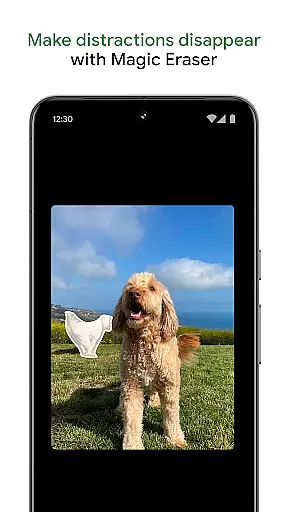
With innovative features like AI-powered editing tools, users can make complex edits easily. From removing unwanted objects with Magic Eraser to enhancing lighting with Portrait Light, the app offers powerful tools to improve your photos. Additionally, it helps declutter your gallery by organizing duplicates and similar photos into Photo Stacks, making your collection more personalized and orderly.
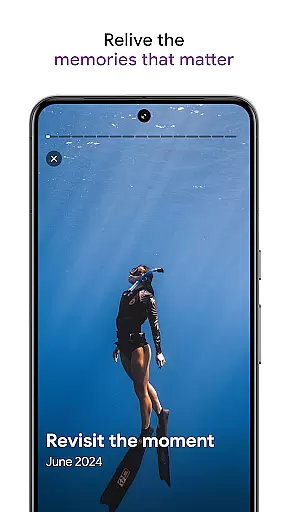
The app also allows you to relive and share your favorite memories effortlessly. You can create albums, share content with contacts even if they don't use Google Photos, and enjoy advanced security measures that keep your memories safe from the moment they are stored. With Google Photos, managing your digital memories has never been easier or more secure.
One of the standout features of Google Photos is its AI-powered editing tools. These include Magic Eraser for removing distractions, Unblur for fixing out-of-focus images, and Portrait Light for adjusting brightness. Such tools allow users to enhance their photos significantly with minimal effort, providing professional-level editing capabilities at their fingertips.
Another remarkable feature is the app's ability to organize and declutter your gallery automatically. By grouping duplicates and similar photos into Photo Stacks, Google Photos ensures that your gallery remains neat and manageable. It also offers smart folders for screenshots, documents, and daily camera roll organization, further simplifying the process of maintaining an orderly collection of memories.
Additionally, Google Photos supports easy sharing and collaboration. Users can share photos, videos, and albums with anyone, regardless of whether they use Google Photos. This seamless sharing experience, combined with robust security measures that protect your data during storage and sharing, makes Google Photos an indispensable tool for anyone looking to manage their digital memories efficiently.
Companion app integration is crucial for wearable devices as it ensures seamless synchronization between the main application and its wearable counterpart. Google Photos excels in this area by providing real-time data sharing between your mobile device and Wear OS devices.
The app's companion integration allows users to back up photos directly from their smartwatch, ensuring that every captured moment is securely stored in the cloud. This feature is particularly useful when you're on the go and want to quickly save important memories without needing your phone.
Additionally, Google Photos offers smart notifications on your wearable device. These alerts inform you about storage status, suggest photo edits, and notify you of special memories, all while maintaining optimal performance on Wear OS devices.
This level of integration demonstrates Google's commitment to creating a unified ecosystem where users can effortlessly manage their photos across multiple devices, enhancing both convenience and accessibility.
Device compatibility is essential for ensuring that applications run smoothly across different hardware configurations. Google Photos has been optimized to work seamlessly with various Wear OS devices, providing users with consistent performance regardless of their chosen smartwatch model.
The application supports a wide range of Wear OS devices, from popular brands to niche manufacturers. This broad compatibility ensures that users can access their photo library, receive notifications, and even capture images directly from their wrist, regardless of their specific device choice.
Google Photos takes advantage of Wear OS-specific features, such as enhanced battery optimization and adaptive display settings. These optimizations help preserve battery life while maintaining quick access to essential photo management functions on the go.
Furthermore, regular updates ensure that Google Photos remains compatible with new Wear OS devices and maintains optimal performance across existing hardware. This commitment to compatibility demonstrates Google's dedication to providing a reliable and accessible photo management solution for all Wear OS users.
User-friendly interface
Powerful AI tools
Automatic backup
Advanced security
Free cloud storage
Limited free storage
Subscription required
Occasional bugs
Privacy concerns
Ads in free version

Wear Os Watch Face - Animated Snow Effect & Christmas Lights
 4.3
4.3
Watch the sharpness of the sky on your wrist..
3.70
A Wintery Snow Globe on Your Wrist; now celebrating Christmas!
4.0
Deck out your Wear OS Watch face with a beautifully decorated pine wreath!
4.50
Authentic military-tactical design with ZULU time! Realistic and functional!
3.80
Monitor health with the stress test and pulse checker in the heart rate app.
4.60
Real-time results, stats, schedules and player profiles for all leagues
4.60
Stylish, Energizing and Modern Watch Face crafted by Dominus Mathias.
4.50
Hybrid Vibrant Health Watch Face for Wear OS
4.0
Digital, flexibly customizable watch face. For Wear OS 5.0, API 34+ and later.
5.00
A modern premium sporty hybrid watch face for Wear OS by Ballozi
4.70
Highly customizable hybrid watch face for Wear OS, perfect for everyday use.
4.60
Rose gold watch face with festive lights & customizable features.
4.60
Kia Access makes getting your vehicle information easier than ever
4.60
Get helpful reminders, take progress photos and find answers to your questions.
3.90
Christmas is near, let's count together the days left until Santa comes
4.5
A watch face that fuses motorsport precision with contemporary smartwatch design
4.0
Artistic Digital Watchface
4.2
Simple Analog-Digital Watchface For Wear OS 3.0 and Up Smartwatches
4.4


User Reviews