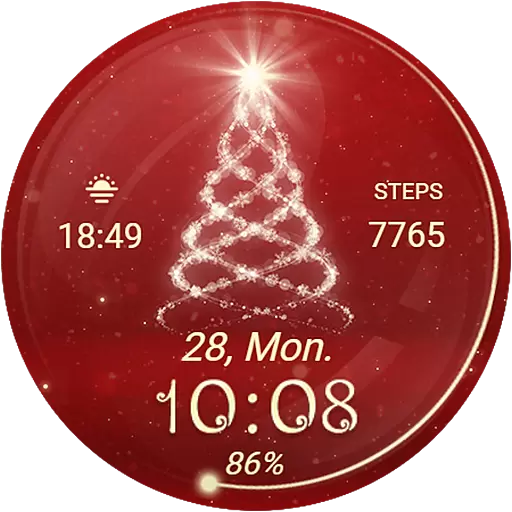
Animated Watch Face and Customizable with 24 Backgrounds. Perfect for Christmas!
 3.90
3.90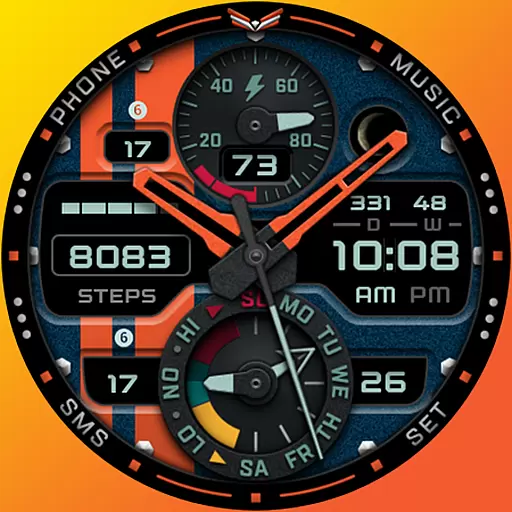
A modern premium sporty hybrid watch face for Wear OS by Ballozi
4.70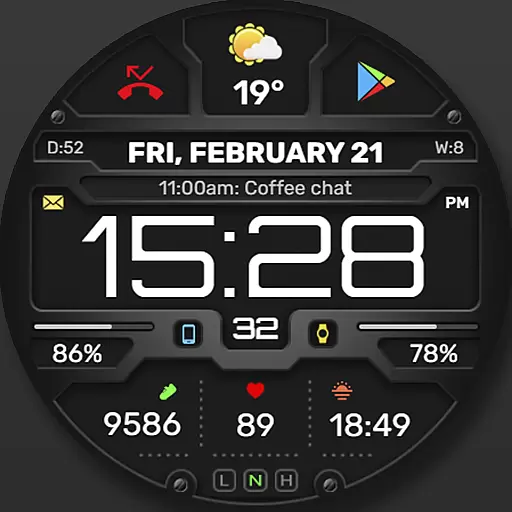
Digital, flexibly customizable watch face. For Wear OS 5.0, API 34+ and later.
5.00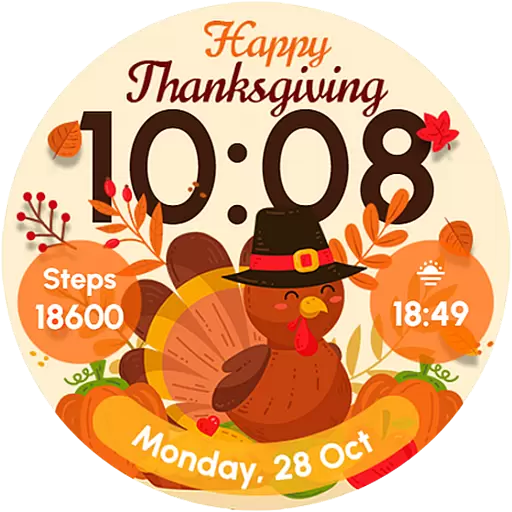
Let's celebrate Thanksgiving - Wear Os watch face
4.20
To-Do List: daily schedule planner, task organizer, to do reminder app, calendar
4.60
Stay in touch with your friends and family using LINE!
3.40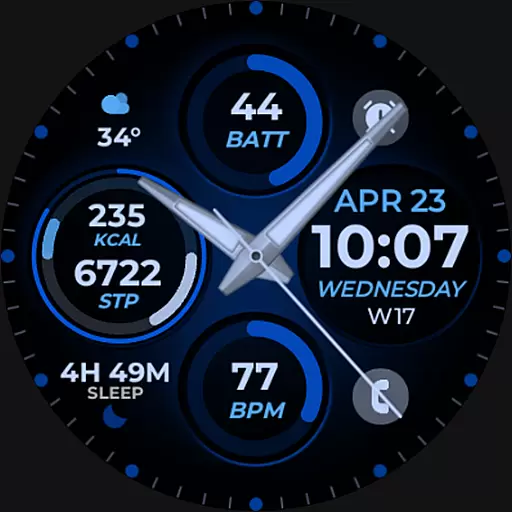
Hybrid Vibrant Health Watch Face for Wear OS
4.3
Start and succeed with PAP
4.10
Control your Samsung Smart TVs, appliances, and SmartThings-compatible devices
4.60
Christmas Theme Watch Face for Wear Os
5.00
Gym Log & Workout Tracker | Fitness Journal, Training & Weight Lifting Planner
4.90
Hyperlocal rain alerts by MyRadar using patent-pending technology, radar & more
4.80
Diet tracker for weight loss - track calories, food and macros. Simple and easy!
4.70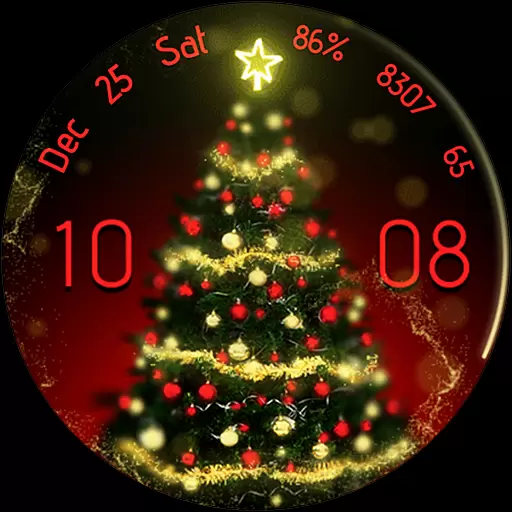
Embrace the holiday spirit with this magical animated watch face!
4.40
Your music, your playlists, and more—offline and unlimited.
4.20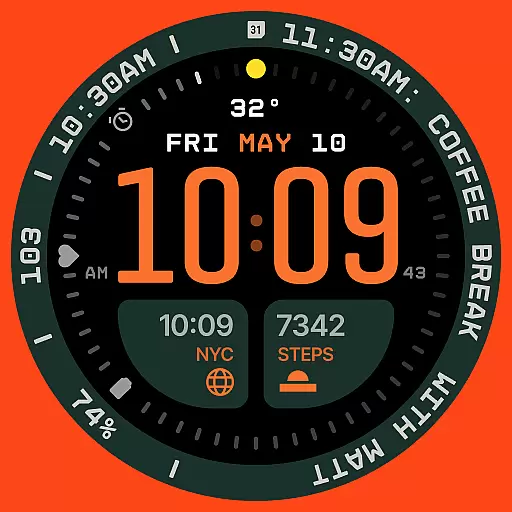
Structured watch face with seven complications and modular UI elements
3.90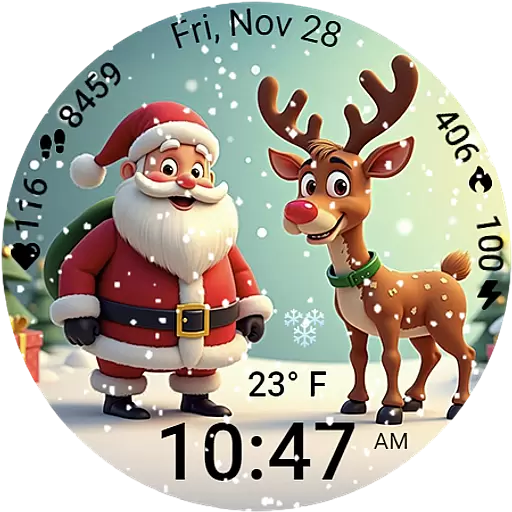
A heartwarming Christmas scene featuring a cute image of Santa and Rudolf
4.4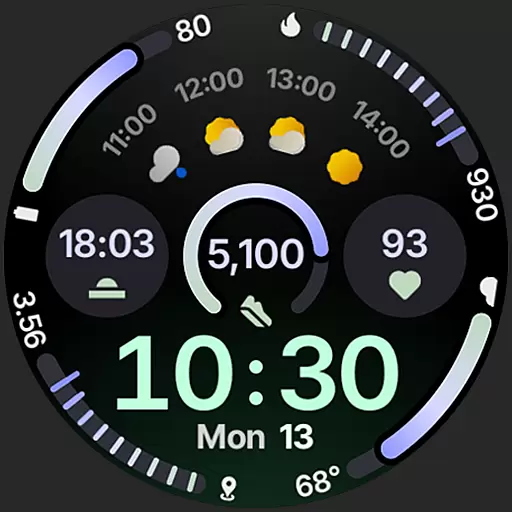
Sleek, highly customizable watch face inspired by Galaxy Watch Circle Dashboard.
4.1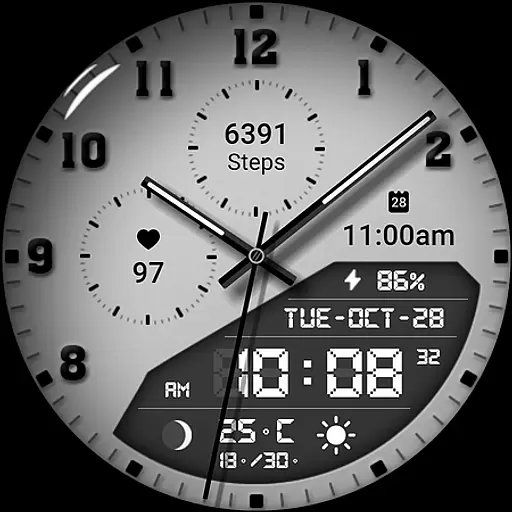
3 Complications. All shadow on/off. 30 Themes color palette...
4.2


