


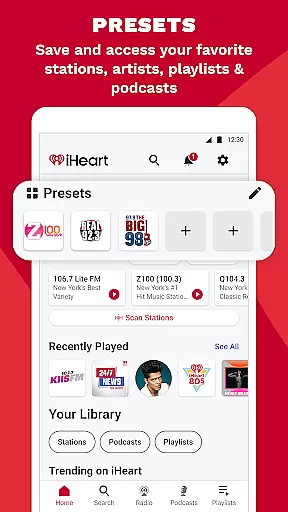
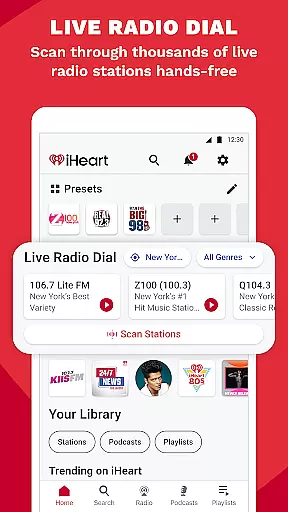



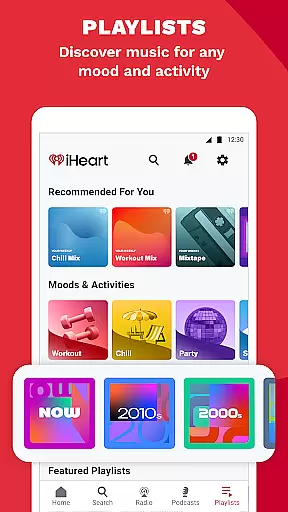
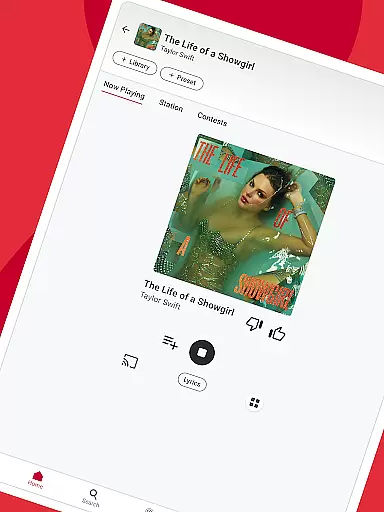

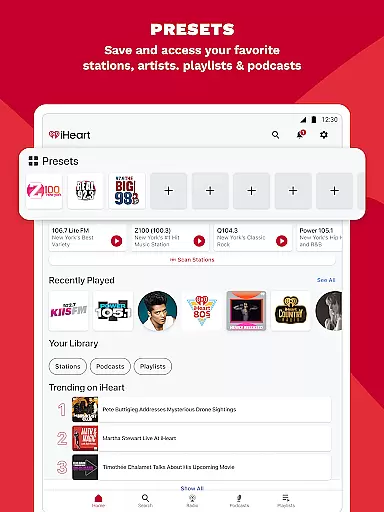
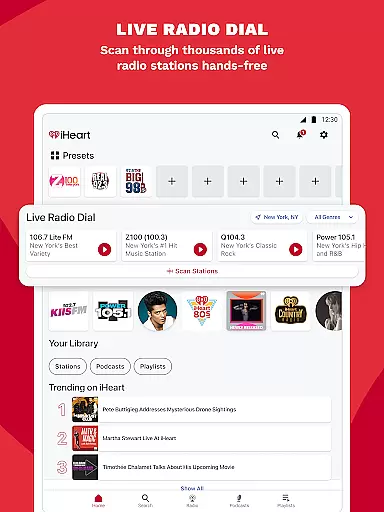
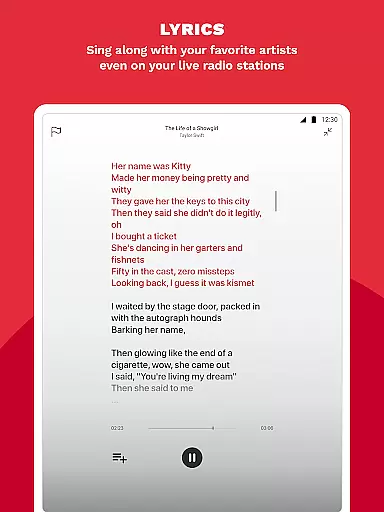

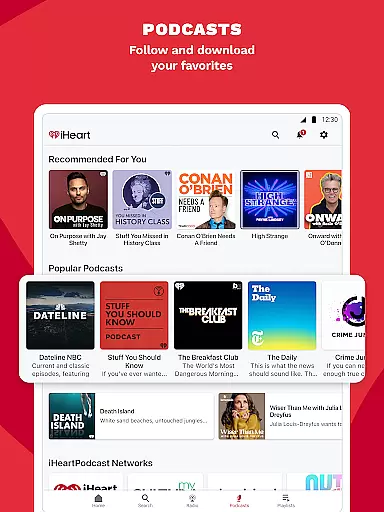
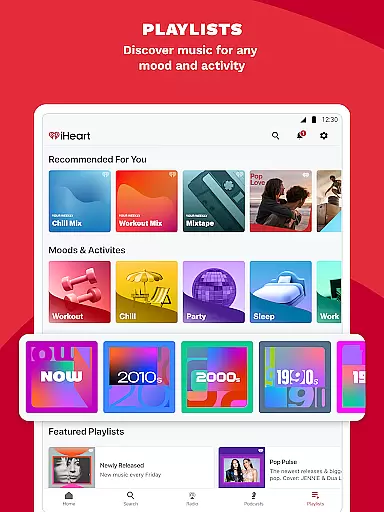
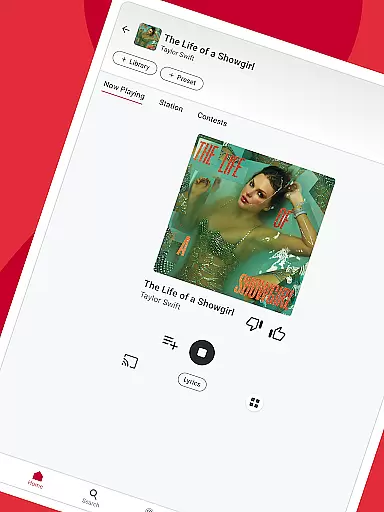

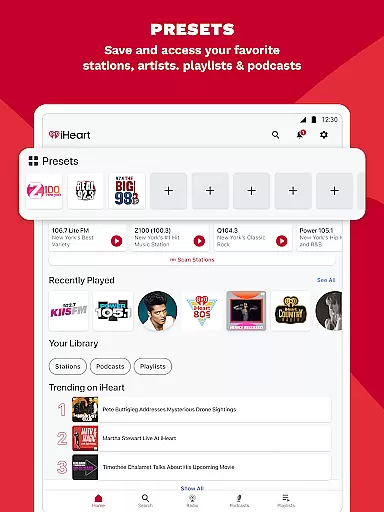
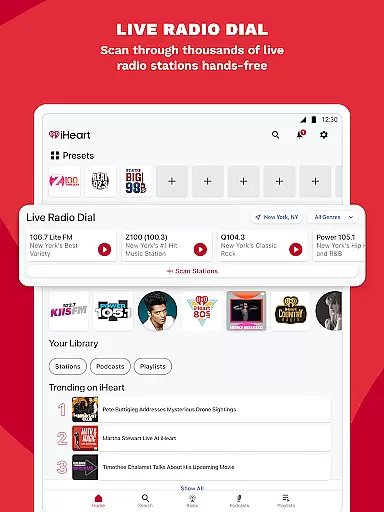
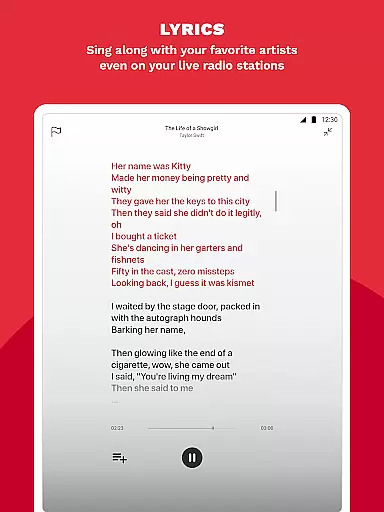

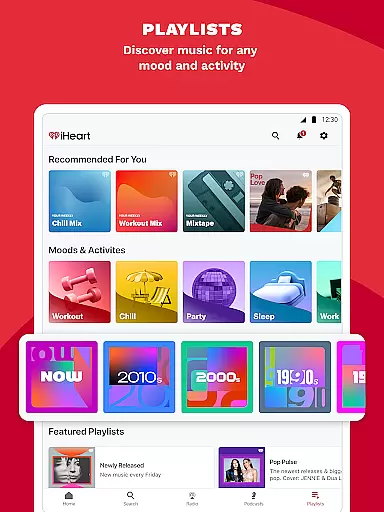
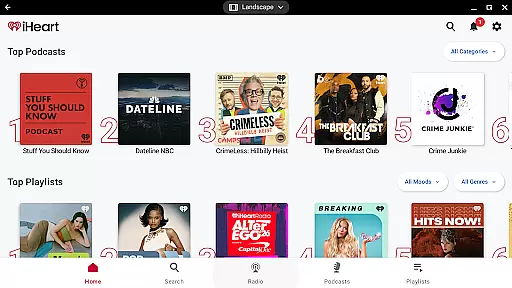
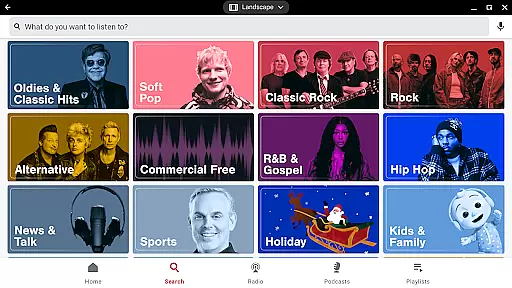
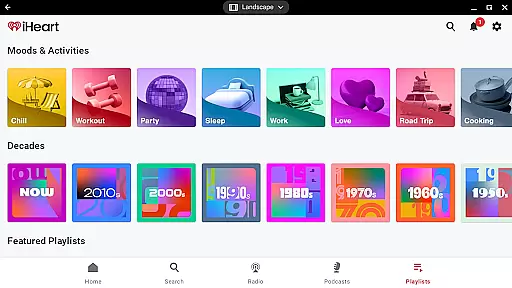


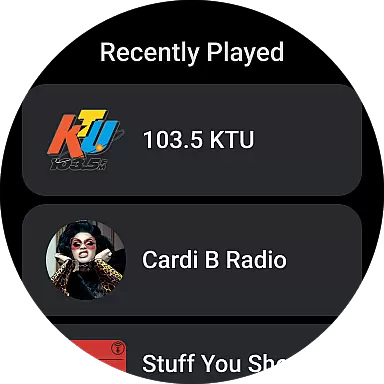


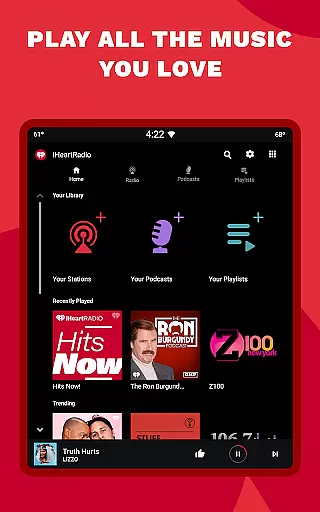
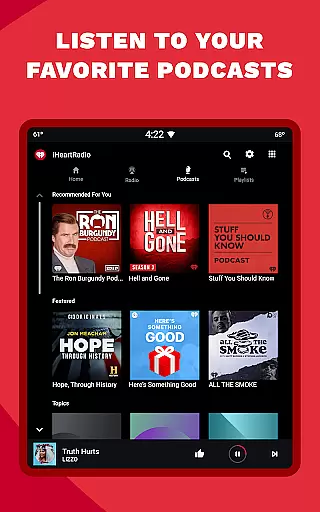

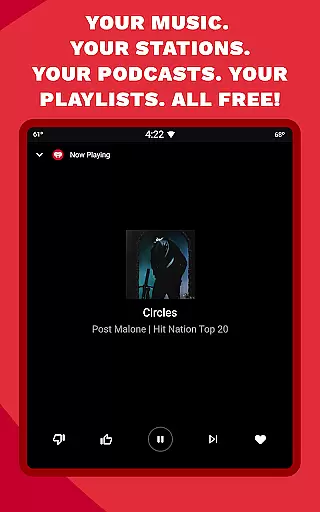
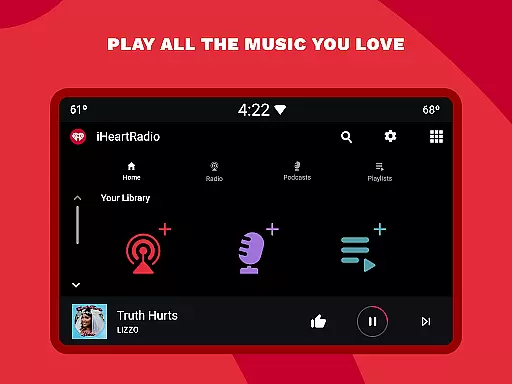

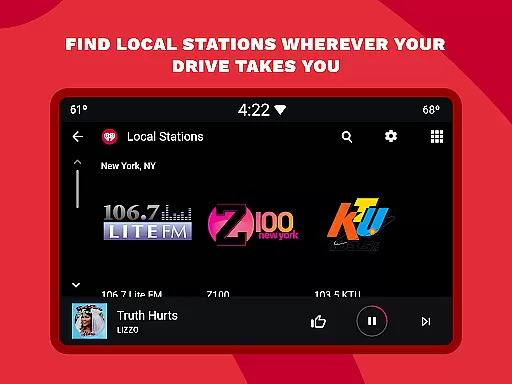
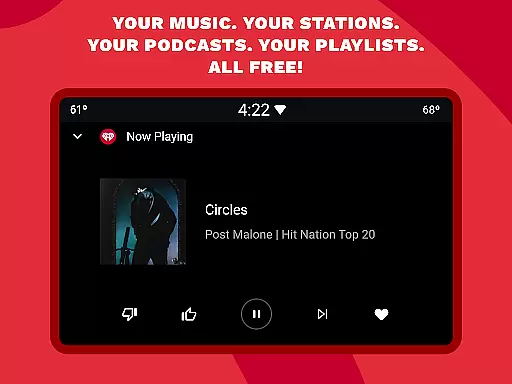
iHeart is a versatile audio application designed specifically for Android Wear devices, offering users an all-in-one platform for music, radio, sports news, and podcasts. This app allows you to stream thousands of live radio stations and enjoy unlimited free music playlists tailored to various moods and activities. Whether you're looking for holiday music, sports updates, or engaging podcasts, iHeart delivers content that caters to diverse interests.
One of the standout features of iHeart is its ability to provide ad-free music and podcasts, ensuring uninterrupted listening pleasure. Users can also take advantage of the app's offline capabilities, enabling them to download playlists and listen without an internet connection. With support for Android Auto, iHeart ensures that your travel playlists are always within reach, making it perfect for road trips or daily commutes.
The app's integration with wearable technology enhances user accessibility, allowing seamless control over your audio experience directly from your wrist. Whether you're jogging, commuting, or simply relaxing at home, iHeart keeps you connected to your favorite audio content, enhancing both convenience and entertainment value.
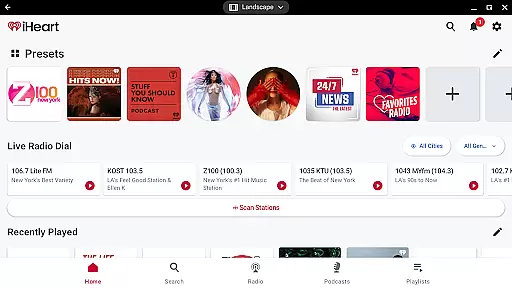
iHeart stands out with its comprehensive feature set tailored for Android Wear users. The app offers access to thousands of live radio stations, including popular genres such as pop, hip hop, R&B, rock, and country. Additionally, it provides personalized music stations based on your favorite artists, ensuring a unique listening experience every time you use the app.
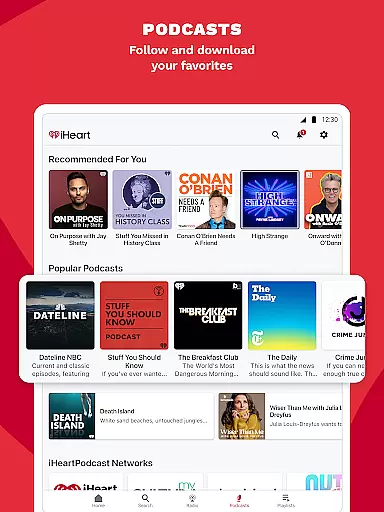
Another key feature is the extensive podcast library, which includes top-rated shows across various categories like sports, news, and true crime. Users can adjust playback speed and engage with content creators through interactive features. Furthermore, iHeart supports live sports streaming, giving fans real-time access to their favorite games and commentary from leading sports networks like ESPN and Fox Sports Radio.
Premium features enhance the overall experience by offering ad-free listening, unlimited skips, and offline mode. These functionalities ensure that whether you're online or offline, at home or on the move, iHeart remains a reliable companion for all your audio needs, providing high-quality sound and intuitive navigation optimized for wearable devices.
Companion app integration is essential for wearable devices to function seamlessly with smartphones. iHeart ensures that users can easily sync their music, podcasts, and radio stations between their mobile devices and Android Wear smartwatches.
The iHeart app provides a unified experience by allowing users to control playback, browse content, and manage playlists directly from their wearable device. This means you can leave your phone at home while still enjoying your favorite audio content during a jog or commute.
By maintaining real-time synchronization, the app guarantees that any changes made on the wearable are accurately reflected on the smartphone app. This includes play counts, likes, and playlist updates, ensuring a consistent user experience across devices.
This level of integration not only enhances convenience but also extends the functionality of the wearable, making it a standalone entertainment hub rather than just an accessory.
Ensuring broad compatibility with various Wear OS devices is crucial for any app targeting the smartwatch market. iHeart excels in this area by supporting a wide range of Wear OS watches, allowing more users to enjoy their favorite music and podcasts on the go.
The app is optimized to work smoothly on different screen sizes and resolutions, providing a consistent user interface across devices. Whether you're using a Fossil, TicWatch, or any other Wear OS device, you'll find the iHeart app intuitive and responsive.
In addition to basic compatibility, iHeart takes advantage of device-specific features such as heart rate monitors and fitness trackers. This allows for a more personalized listening experience, especially when combined with workout playlists and fitness-oriented podcasts.
By prioritizing Wear OS compatibility, iHeart demonstrates its commitment to delivering a versatile and accessible audio streaming service that adapts to users' diverse lifestyles and device preferences.
User-friendly interface
Extensive music library
Ad-free listening option
Offline playback capability
Live sports streaming
Limited customization options
Occasional connectivity issues
Premium subscription cost
Heavy battery consumption
Ads in free version

Gym Log & Workout Tracker | Fitness Journal, Training & Weight Lifting Planner
 4.90
4.90
Highly customizable hybrid watch face for Wear OS, perfect for everyday use.
4.60
an Analog Watch Face for winter season with freeze winter background for Wear OS
4.0
A heartwarming Christmas scene featuring a cute image of Santa and Rudolf
4.4
sleep, alarm, snoring, stress, healing, focus, sound therapy, circadian rhythm
4.10
To-Do List: daily schedule planner, task organizer, to do reminder app, calendar
4.60
Stylish, Energizing and Modern Watch Face crafted by Dominus Mathias.
4.50
Retro digital watch face with customizable colors and a unique lighting effect
4.60
Connect, create, and collaborate with Gmail, part of Google Workspace.
4.10
A modern hybrid informative watch face for Wear OS designed by BALLOZI
4.80
A realistic hybrid watch face with many customization options.
4.60
Calming & relaxing sounds for sleeping and stress relief. Stay focused all day!
4.20
Elegant animated Christmas tree with multiple customization options
4.20
Your music, your playlists, and more—offline and unlimited.
4.20
The #1 source of faces for your smartwatch!
4.00
Authentic military-tactical design with ZULU time! Realistic and functional!
3.80
Stay in touch with your friends and family using LINE!
3.40
Wear Os Watch Face - Animated Snow Effect & Christmas Lights
4.3
Christmas is near, let's count together the days left until Santa comes
4.2


User Reviews