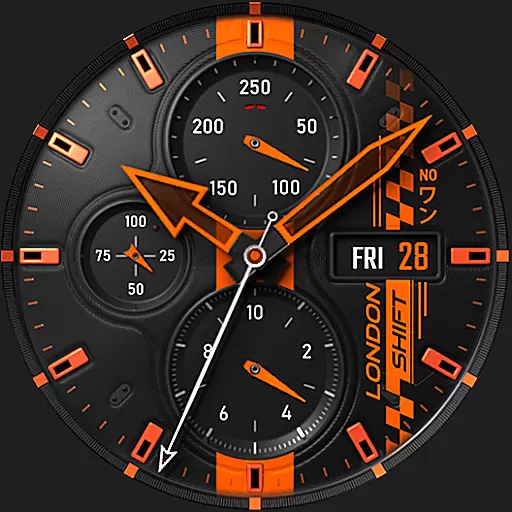
Ultra realistic high quality analog watch face for Wear OS.
 4.60
4.60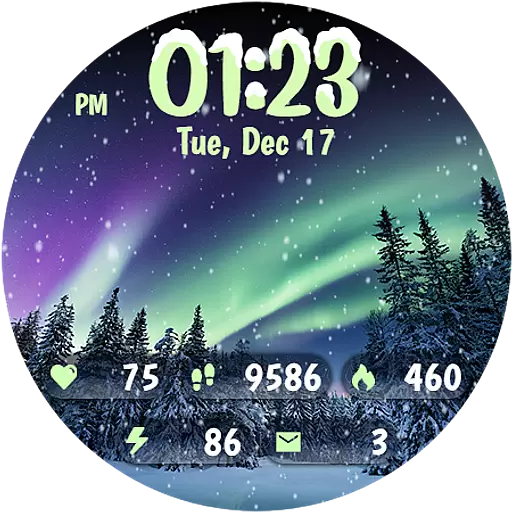
Realistic animated snow on your wrist, with 10 images landscapes to choose from
4.00
The definitive Icon pack maker and editor
4.30 4.50
4.50
Color phone with cool effects for call screen, flash alert & ringtones music
4.50
Custom edge gestures for volume control, brightness, apps, and shortcuts.
4.5
Create unique, fun emojis with Funny Emoji Maker! Unlimited creativity!
4.00
A minimalist productivity launcher. One-hand-friendly. Zero ads.
4.70
Your home screen, just the way you like it.
3.80
Gun Chase - Let the chase begin.
4.80
One 8 icons glass color version
4.80
Vertically oriented rectangular icons
4.70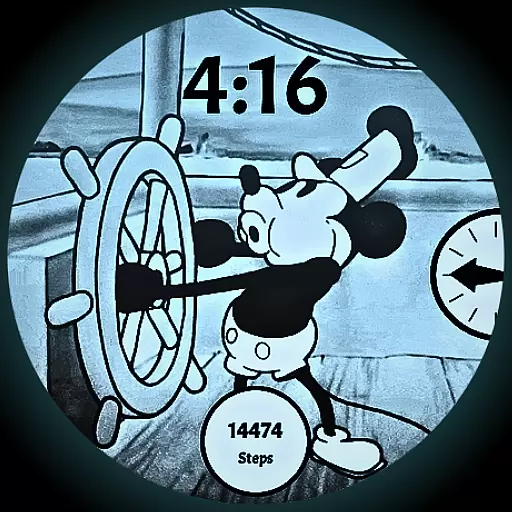
A retro cartoon style watch face and a punch right in the face of the copyright
4.60
Turn text & photos into stunning AI videos, art, and creative visual stories.
4.50 4.50
4.50
Themes - Widget & Wallpaper: Customize home screen, icon changer w unique themes
4.30
App Icon Changer & Shortcut Creator. Customize your icons without any watermarks
4.30
Adult video chat, dating, making friends, random matching
4.20
Customize glowing edges, wallpapers, and caller screen with EdgeAura.
3.50


