
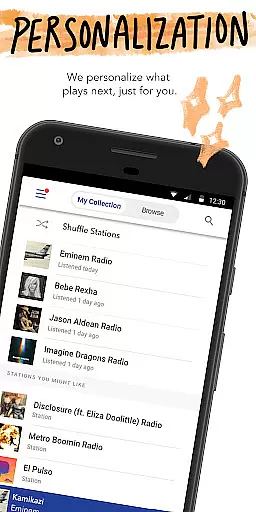
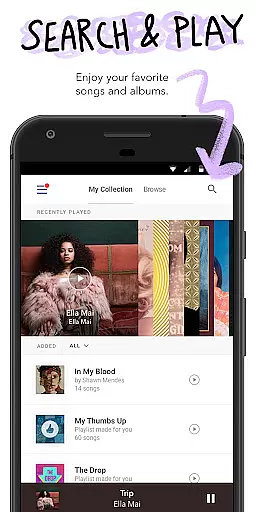
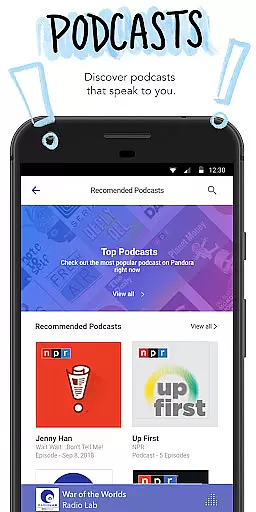
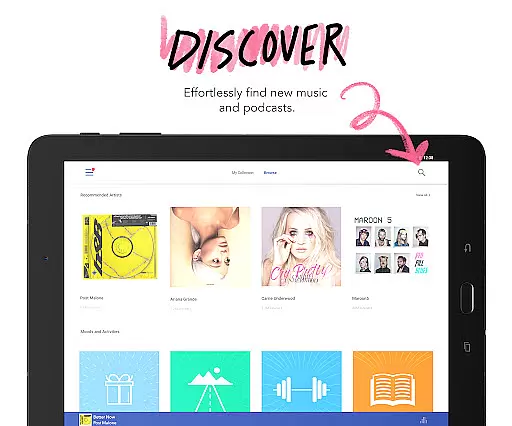
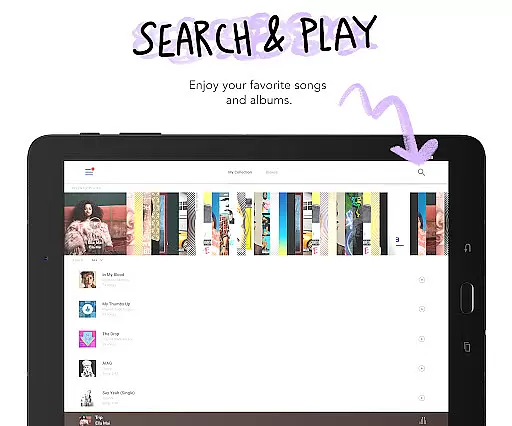
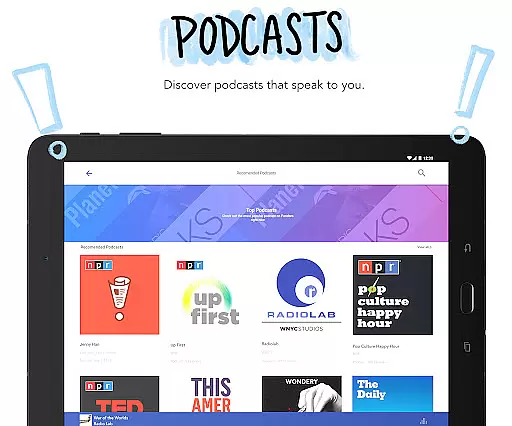

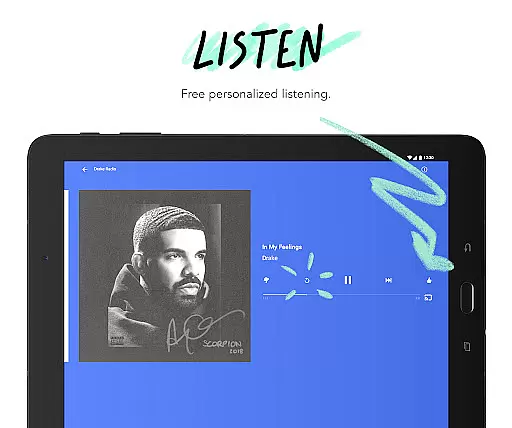
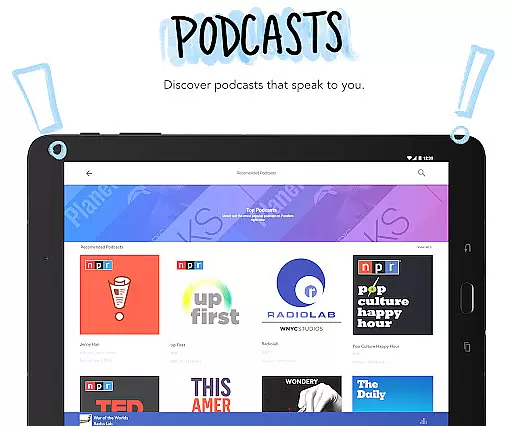



Pandora is a leading music streaming service that offers users a personalized listening experience on Android Wear devices. The app creates customized radio stations based on your favorite songs, artists, or genres, and evolves with your music preferences over time. With features like Podcasts, Pandora Modes, and offline listening options, it provides a comprehensive audio entertainment platform.
The application supports seamless integration across devices, including Android Auto for commutes and Wear OS for on-the-go listening. Users can enjoy voice-controlled playback, discover new content through intelligent recommendations, and access premium features like ad-free listening and higher quality audio streams. Whether you're working out or traveling, Pandora ensures uninterrupted music discovery.
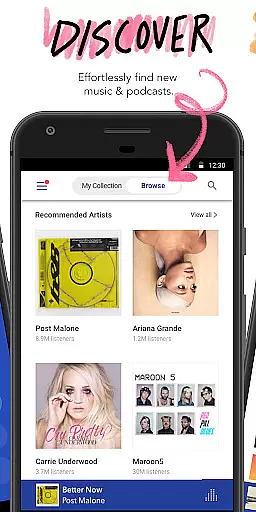
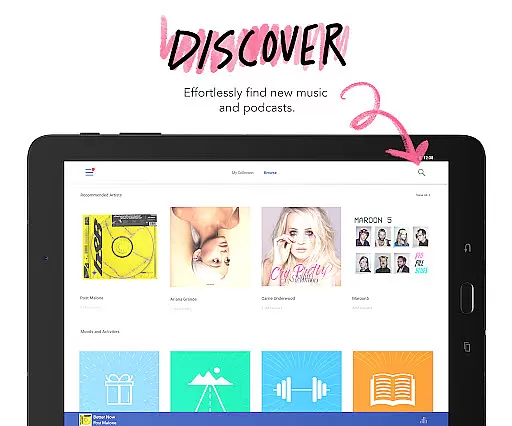
Pandora's value lies in its sophisticated recommendation engine that learns from user interactions to serve up relevant content. The inclusion of exclusive modes allows listeners to customize their station experiences while the availability of both free and subscription tiers makes it accessible to wider audiences. This combination of personalization, convenience, and content variety establishes Pandora as a top choice for wearable audio entertainment.
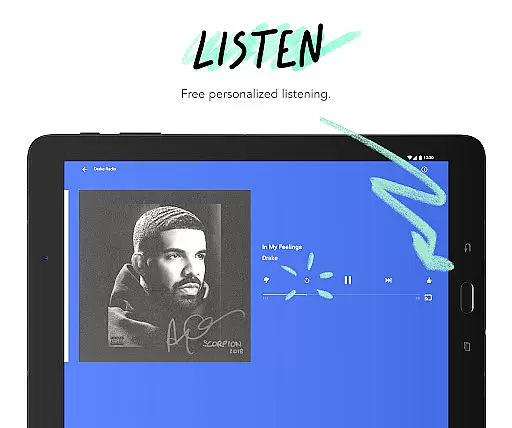
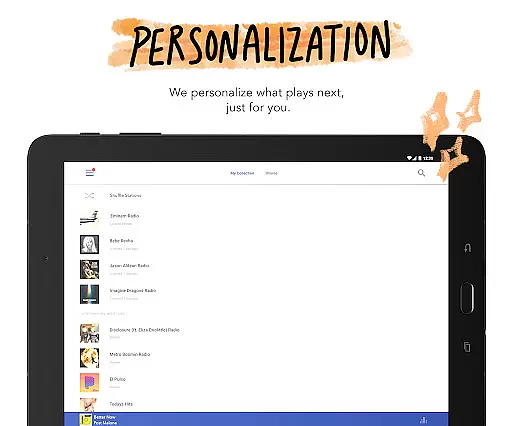
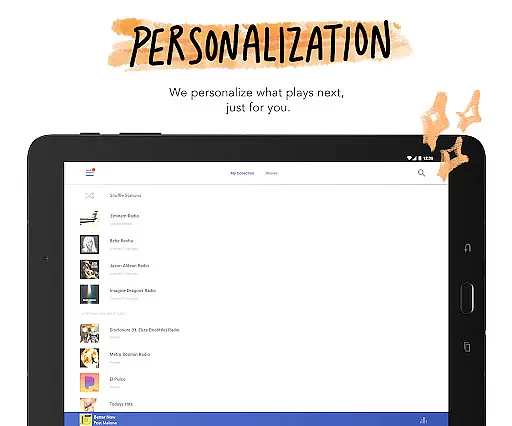
Pandora distinguishes itself through several innovative features tailored for Android Wear users. The app's signature functionality revolves around its ability to generate personalized radio stations from minimal user input - a single song, artist, or genre can spawn hours of curated content. Its recommendation algorithm continually refines selections based on user feedback, creating an ever-improving listening experience.
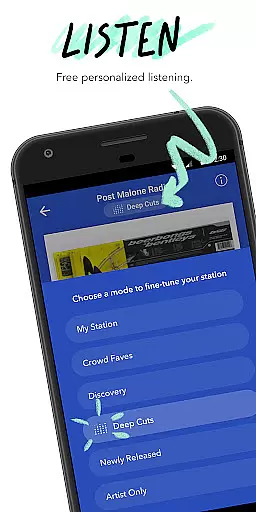
For wearable device users, Pandora offers practical advantages including standalone music streaming via Wi-Fi or cellular connections, making phone dependency obsolete during workouts or travel. The introduction of Pandora Modes adds another layer of customization, allowing listeners to modify station behaviors through six distinct options. These range from deep cuts exploration to newly released tracks focusing.
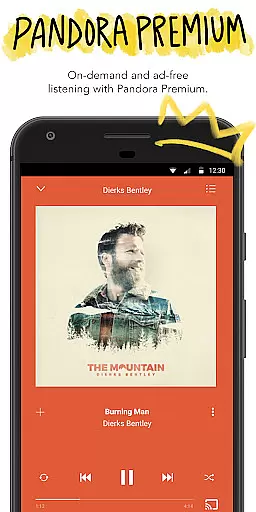
The app's premium offerings extend its capabilities significantly. Pandora Premium subscribers gain on-demand access to millions of tracks, podcasts, and albums alongside advanced playlist creation tools. Meanwhile, Pandora Plus users enjoy benefits like offline station caching and unlimited skips. Both tiers provide enhanced audio quality and advertisement-free playback, demonstrating the company's commitment to delivering flexible listening options across different user preferences and budgets.
Companion app integration is essential for a seamless wearable experience. Pandora excels in this area by offering robust synchronization between its mobile application and Wear OS devices. This ensures that your music preferences, stations, and playlists remain consistent across all platforms.
The integration allows users to control playback directly from their smartwatch. Whether you want to play, pause, skip tracks, or adjust the volume, all these functions are readily accessible on your wrist. This level of control enhances user convenience, especially during activities like workouts or commutes where handling a phone might be cumbersome.
Pandora also supports offline listening on Wear OS devices. By downloading your favorite stations, you can enjoy music even without carrying your phone. This feature is particularly beneficial for runners, travelers, or anyone looking to minimize device load while still enjoying personalized content.
Overall, Pandora's companion app integration delivers a cohesive and versatile listening experience. It bridges the gap between mobile and wearable technology, providing users with uninterrupted access to their music and podcasts regardless of the device they choose to use.
Device compatibility is crucial for ensuring that applications function correctly across various hardware platforms. Pandora demonstrates strong compatibility with Wear OS devices, making it a reliable choice for users who own smartwatches running on this operating system.
The app is optimized to work seamlessly with different Wear OS devices, including popular models from various manufacturers. This broad compatibility ensures that users can enjoy Pandora's features without worrying about performance issues or limited functionality due to device constraints.
In addition to basic playback controls, Pandora leverages specific capabilities of Wear OS devices. For instance, voice commands allow users to interact with the app hands-free, enhancing accessibility and ease of use. These tailored functionalities make the most out of the wearable form factor, delivering an intuitive and engaging user experience.
By prioritizing Wear OS/device compatibility, Pandora ensures that its users receive a high-quality service irrespective of their chosen device. This commitment to cross-device functionality underscores Pandora's dedication to providing a versatile and user-friendly music streaming solution.
Personalized music stations
Voice command support
Offline listening mode
High-quality audio streams
Cross-device compatibility
Limited free version
US-only availability
Data usage concerns
Occasional skips limit
Subscription costs

Calming & relaxing sounds for sleeping and stress relief. Stay focused all day!
 4.20
4.20
Wear Os Watch Face - Animated Snow Effect & Christmas Lights
4.0
Embrace the festive spirit with our Christmas Countdown watchface for Wear OS
4.10
3 Complications. All shadow on/off. 30 Themes color palette...
4.3
The ultimate destination for kids ages 3-8 to explore the Marvel Universe!
4.30
Stay in touch with your friends and family using LINE!
3.40
Professional weather radar and more
3.90
Retro digital watch face with customizable colors and a unique lighting effect
4.60
Track airplanes and follow flights with our real-time flight tracker
4.50
A modern premium sporty hybrid watch face for Wear OS by Ballozi
4.70
Kia Access makes getting your vehicle information easier than ever
4.60
Monitor health with the stress test and pulse checker in the heart rate app.
4.60
Deck out your Wear OS Watch face with a beautifully decorated pine wreath!
4.50
Digital watch face. For Wear OS devices.
4.40
Locate your family members by GPS phone location tracker everywhere and anytime
4.30
Snowflake Rose Gold Watch Face - Digital, modern, & sleek with GYRO effect.
4.10
A Wintery Snow Globe on Your Wrist; now celebrating Christmas!
4.5
A watch face that fuses motorsport precision with contemporary smartwatch design
4.2
Funny animated watch face for Thanksgiving
4.2


User Reviews