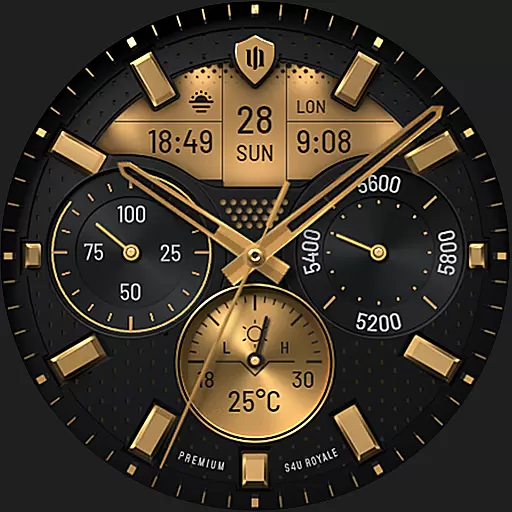
Beautiful realistic hybrid watch face with numerous customization options.
 4.50
4.50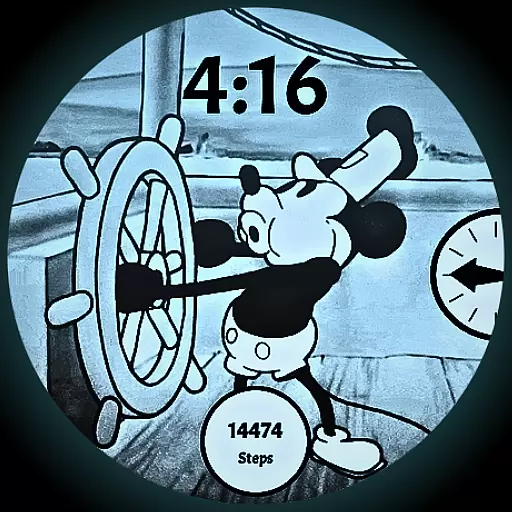
A retro cartoon style watch face and a punch right in the face of the copyright
4.60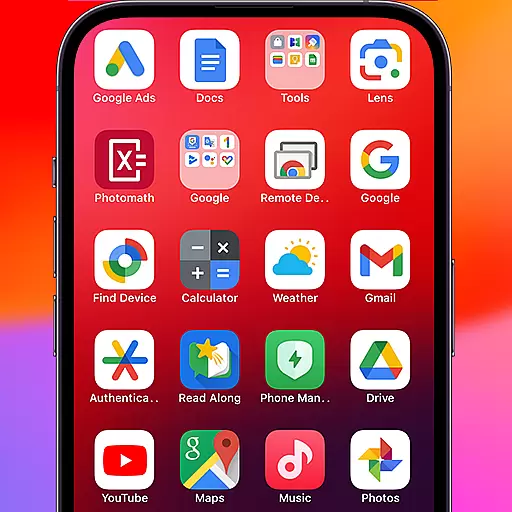
Make your phone look simple & luxury, like iDevice
4.60
Dark icon pack based on One 8
4.80
Customizable screen pets that play, climb, and keep you company.
4.50
Nothing Icon pack with more than 3750+ highly crafted icons.
4.70
Adaptive Dot Style IconPack with Light & Dark Theme.
3.70
200+ Material Inspired Widgets
4.50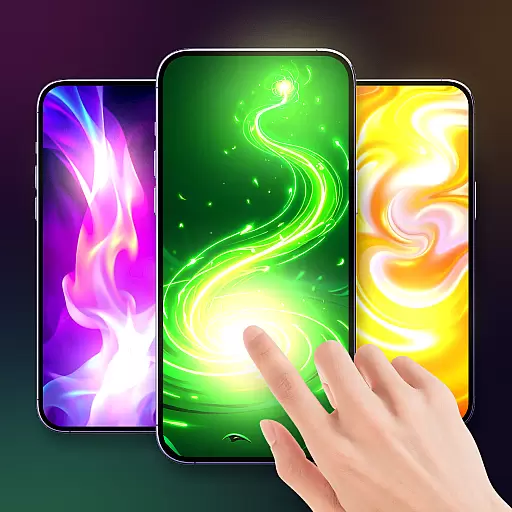
Magic fluids wallpaper 4D: Relax with stunning fluid simulation wallpaper app
4.20
A Colorful and Minimal icon pack in an Outline Style - Over 13,600 icons!
4.70
Vertically oriented rectangular icons
4.70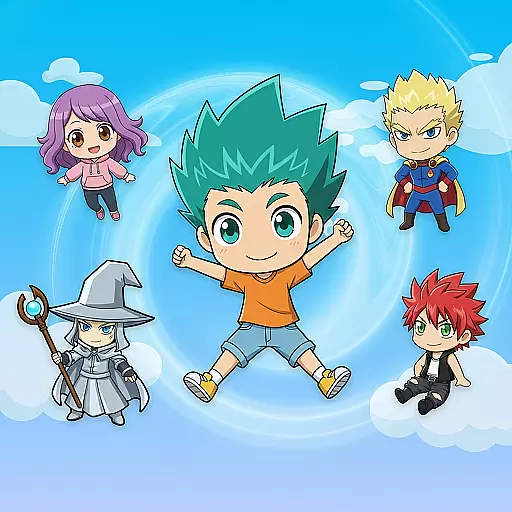
Shimeji adds cute animated characters to your screen, lively and fun.
4.70
Add cute Shimeji pets to screen, interact with them and relax with cute motions
4.60
300+ Beautifully crafted widgets inspired by OneUI.
4.60
300+ widgets inspired by Material You and Material 3 expressive design.
4.60
Turn text & photos into stunning AI videos, art, and creative visual stories.
4.50
Run multiple accounts of the same app on a single device
4.10
Ultimate widget creator. Design custom widgets for a truly unique home screen!
3.90
Your go to Weather App & Home Screen. Get your weather at a swipe of a finger!
3.80


