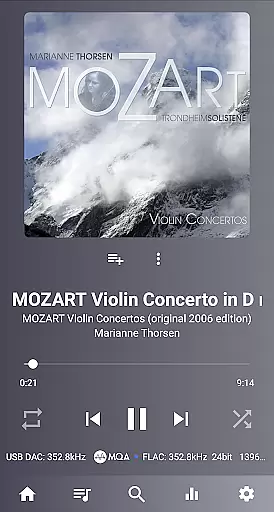
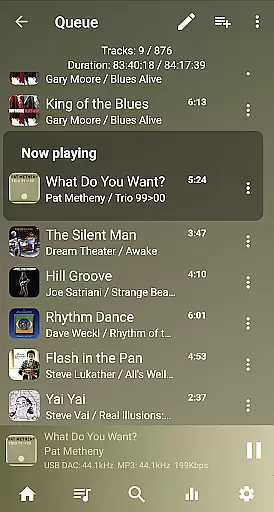
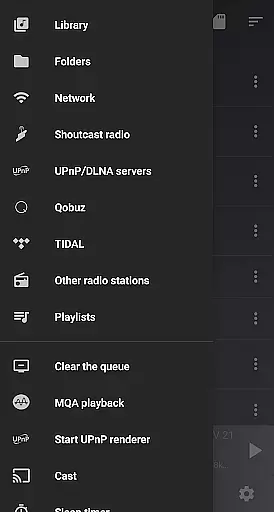
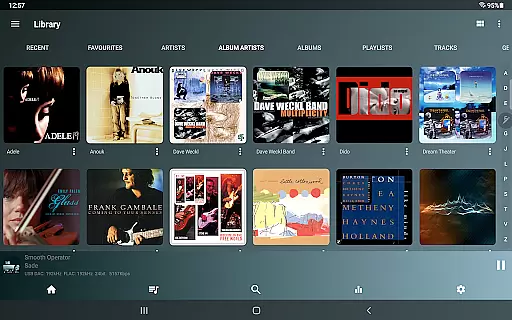
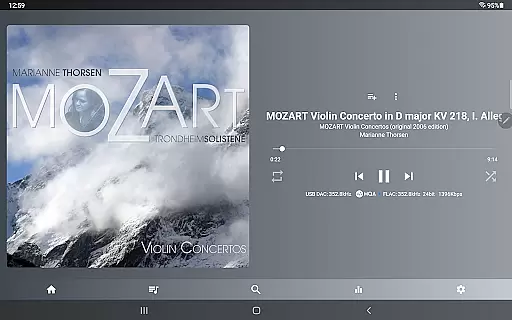
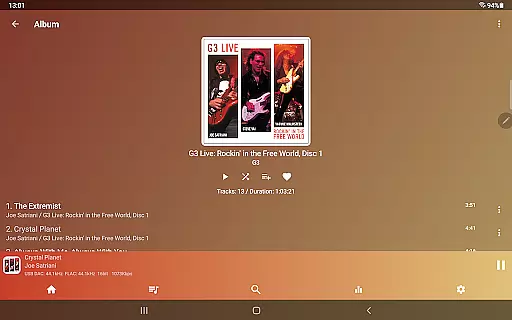
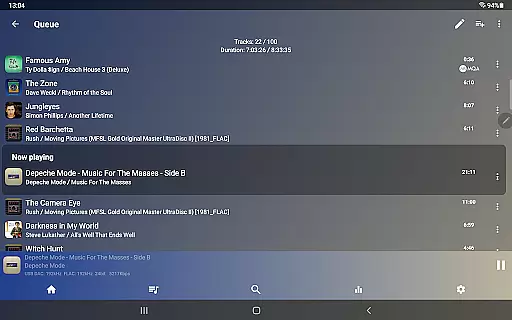
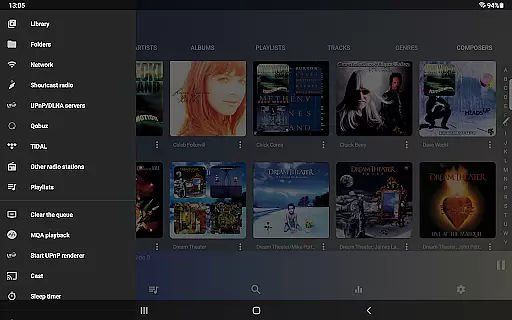
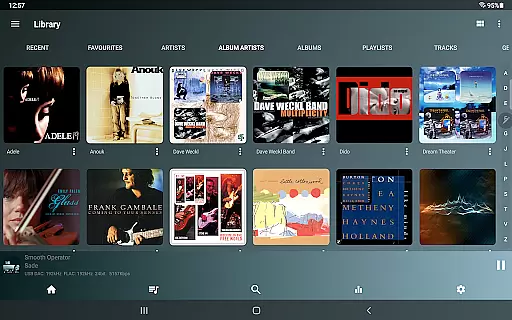
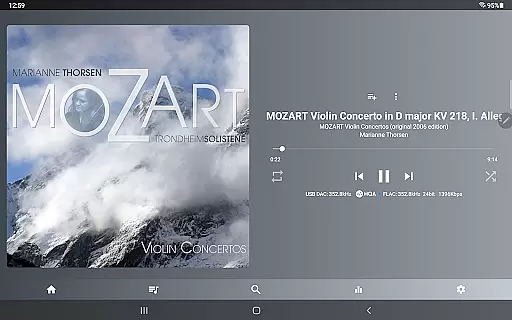
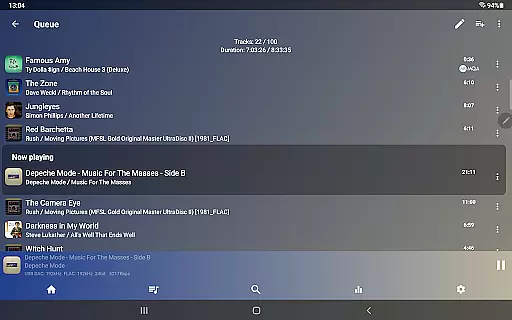
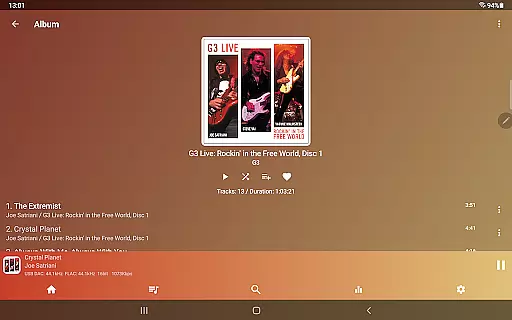
USB Audio Player PRO is a premier media player designed for audiophiles who demand the highest audio fidelity. This application supports USB audio DACs and HiRes audio chips, enabling playback at any resolution and sample rate supported by your DAC. It transcends typical Android audio limitations, offering compatibility with an extensive range of formats beyond standard Android capabilities.
The app incorporates custom-developed USB and HiRes audio drivers, ensuring top-tier sound quality whether using external DACs or internal audio chips. With additional features like capturing audio from other apps through its high-quality driver, this tool caters to users seeking an uncompromised listening experience on their Android devices.
Ideal for enthusiasts with high-end audio equipment, USB Audio Player PRO allows full utilization of advanced DAC capabilities, making it an indispensable tool for enjoying high-resolution audio on compatible Android devices.
USB Audio Player PRO stands out with its comprehensive feature set tailored for high-fidelity audio playback. The app supports an impressive array of file formats including wav, flac, mp3, m4a, and more, even extending to SACD ISO and DSD. Its ability to play natively up to 32-bit/768kHz surpasses the limits of standard Android players, which are typically capped at 16-bit/48kHz.
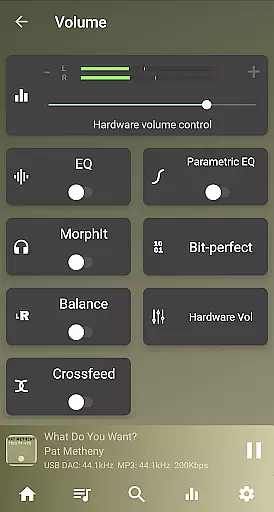
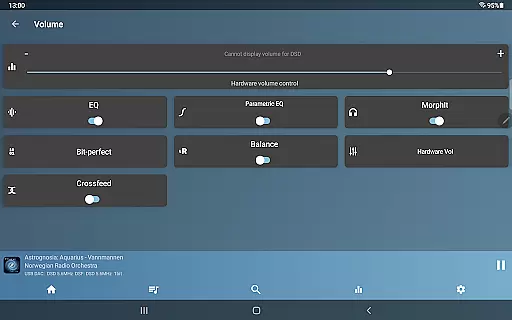
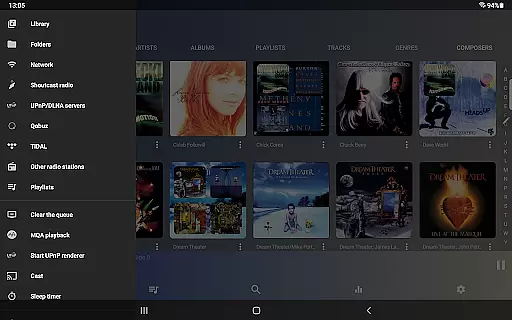
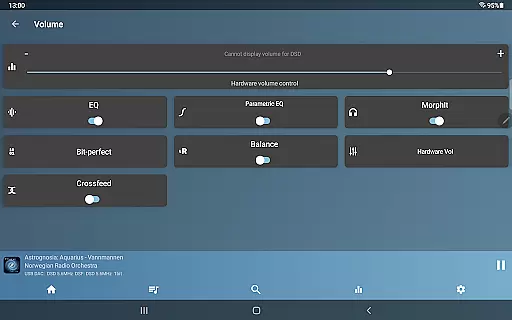
One of the unique aspects is its support for almost all USB audio DACs, allowing users to bypass the Android audio system completely. This ensures bit-perfect playback and maintains the integrity of the original audio source. Additionally, the app offers advanced functionalities such as Toneboosters MorphIt Mobile for headphone simulation, true folder playback, and network playback via SambaV1/V2, FTP, WebDAV.
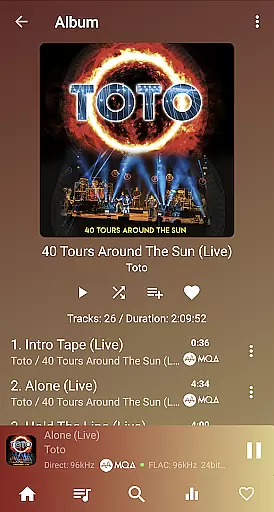
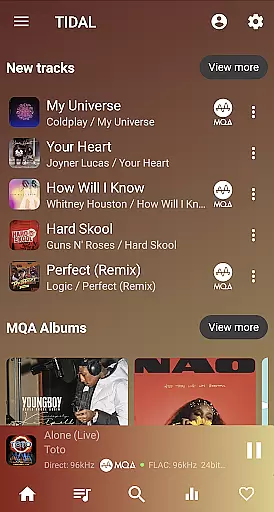
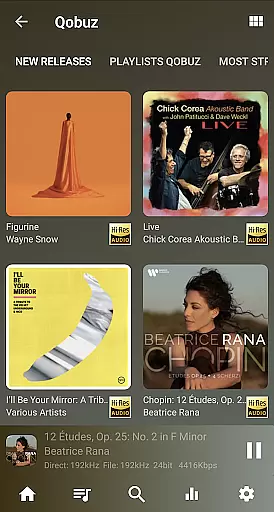
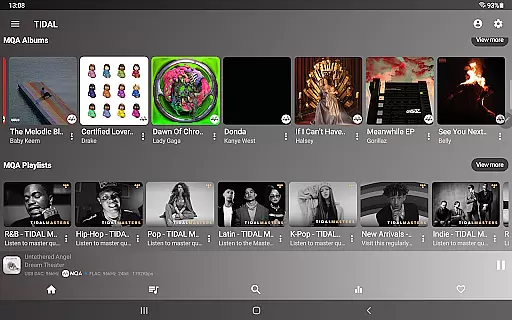
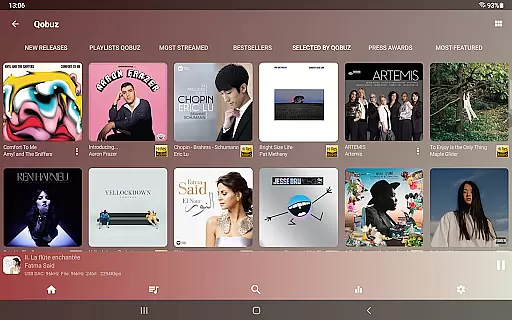
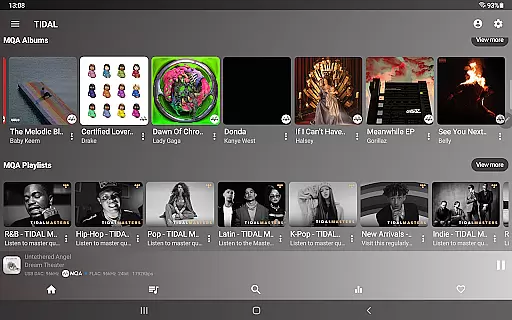
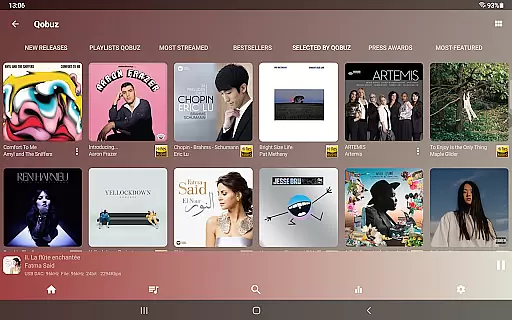
Further enhancing its appeal, the app provides gapless playback, a 10-band equalizer, upsampling options, and integration with services like TIDAL, Qobuz, and Shoutcast. These features collectively deliver an unparalleled audio experience, setting a new benchmark for mobile audio playback applications.
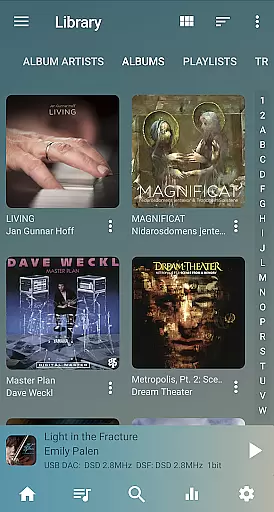
USB Audio Player PRO offers an extensive music library that supports virtually all audio formats, ranging from common ones like mp3 and flac to high-resolution formats such as MQA, DSD, and SACD ISO. This ensures audiophiles can access their preferred audio quality without format restrictions.
The app's dedication to copyright authenticity is evident through its support for legally purchased music across various platforms. By enabling playback from services like TIDAL, Qobuz, and even local storage, it respects the original quality and integrity of the audio content, ensuring users enjoy music as the artists and producers intended.
With the ability to play files up to any resolution and sample rate supported by the user's DAC, this app bypasses typical Android limitations, offering a truly high-fidelity listening experience. This feature not only enhances sound quality but also aligns with stringent copyright standards by preserving the audio's original state.
Furthermore, in-app purchases provide additional features like MQA Core decoding and Toneboosters MorphIt Mobile, which are developed with respect to intellectual property rights, giving users tools that expand their listening experience while honoring content creators' rights.
USB Audio Player PRO stands out in its superior audio quality options, allowing playback at native resolutions up to 32-bit/768kHz, far exceeding the standard 16-bit/48kHz limit found in most Android players. This provides an unparalleled auditory experience for users with high-end audio equipment.
The app includes advanced audio processing features such as DoP, native DSD playback, and DSD-to-PCM conversion, catering to audiophiles who demand the best possible sound reproduction. These capabilities ensure that regardless of the audio source, users can experience top-tier audio fidelity.
Additionally, the optional Feature Pack enhances audio quality further by enabling upsampling, a parametric EQ, and network playback from various sources including SambaV1/V2, FTP, and WebDAV. Such flexibility allows listeners to tailor their experience according to their specific preferences and equipment capabilities.
By supporting high-quality Bluetooth codecs like LDAC and aptX, USB Audio Player PRO ensures that even wireless playback maintains impressive audio standards. This attention to detail in audio quality options makes it an essential tool for anyone serious about their music listening experience.
High-quality audio playback
Extensive format support
Custom USB audio drivers
HiRes audio chip utilization
No root requirement
Premium price point
Complex for beginners
In-app purchases necessary
Limited device compatibility
Advanced features may fail

Equalizer, Bass Booster and Volume Booster (Eq & Bass) improve sound quality
 4.30
4.30
Formerly known as Spotistats! View your top tracks, artists, albums and more!
4.40
A synth that really lets you shape your sounds!
4.50
Super Sound Editor, Song Maker & Mixer, Vocal Remover, Voice Recorder & Changer!
4.60
AI Music Maker: Generate And Compose AI Tunes & AI Songs & AI Music & AI Melody!
4.60
A complete sound package for the sound engineer or enthusiast
4.60
The Minimalistic Premium Music Player. Handmade with passion for music
2.20
Master Salsa Rhythm quickly and with a lot of fun!
4.30
Full featured mp3 and audio player with Chromecast and Android Auto support.
4.40
More downloads than any other metronome. Includes drum machine & tempo trainer.
4.80
Make songs with AI! Any genre, custom lyric, song generator for music creation!
4.80
Gorgeous UI, Powerful music Search and Equalizer, the great choice for you!
4.70
Save hundreds of dollars for a physical strobe tuner and instead use this app.
4.50
DJ Music Mixer Pro is a real DJ controllers and DJ Music Studio to remix DJ.
4.40
Learn and play 2M+ music tabs & chords on guitar, ukulele, bass, and more
4.30
Powerful 10-Band equalizer pro with sound booster improves Android audio quality
4.30
Time Trainer: accurate metronome w tools to help you develop your internal time!
4.20
Turn your phone into a musical instrument from the future!
3.90
Learn to play the piano using falling notes!
3.80


User Reviews