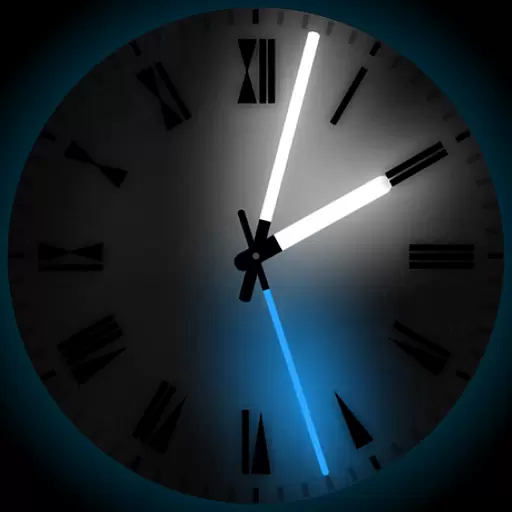
A light in the dark, a unique style and an andless cutomization!
 4.30
4.30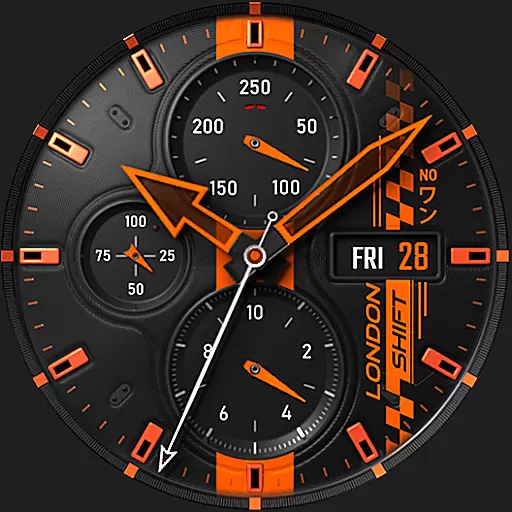
Ultra realistic high quality analog watch face for Wear OS.
4.60
App Icon Changer & Shortcut Creator. Customize your icons without any watermarks
4.30
Aesthetic Widgets, HD Wallpapers, Themes in Mico Widget for Home and Lock Screen
4.50 4.10
4.10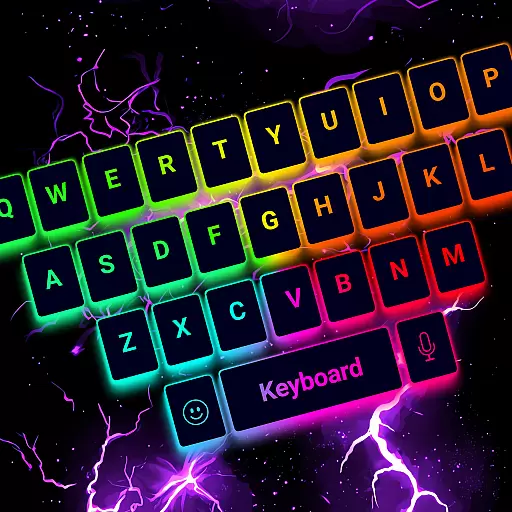
Choose your keyboard with RGB colors effect, themes, fonts, emojis.
4.60
One 8 icons glass color version
4.80
200+ Material Inspired Widgets
4.50
Install amazing sticker packs: endless styles, always cool.
4.70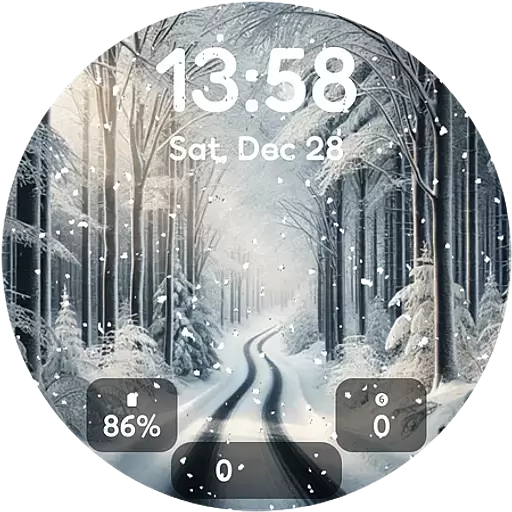
Winter's Journey: digital watch face for Galaxy Watch & Wear OS
4.80
A launcher for Samsung Good Lock and Good Guardians modules without ads
4.70
A minimalist productivity launcher. One-hand-friendly. Zero ads.
4.70
300+ widgets inspired by Material You and Material 3 expressive design.
4.60
Transform your device in a game console
4.40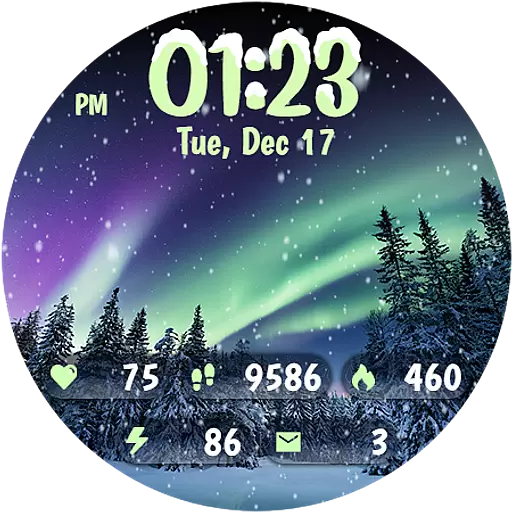
Realistic animated snow on your wrist, with 10 images landscapes to choose from
4.00
Transfer your live wallpapers from Windows to Android using Wallpaper Engine!
4.00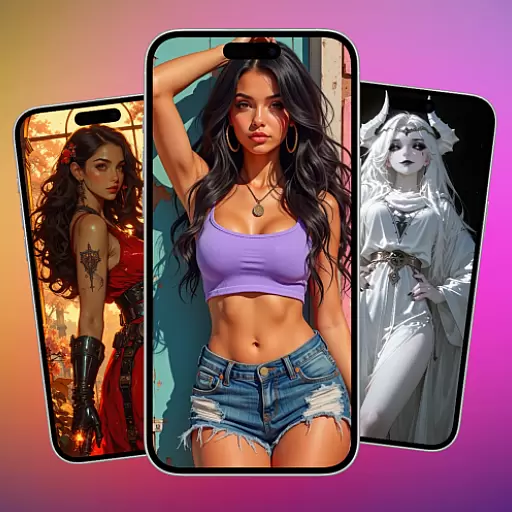
Transform your phone with stunning video wallpapers and a unique, personal touch
3.80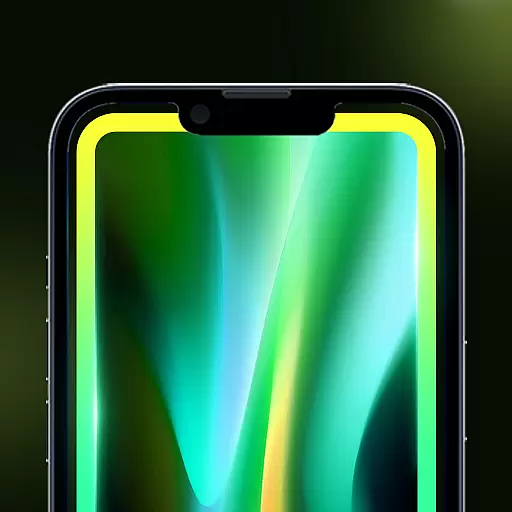
Customize glowing edges, wallpapers, and caller screen with EdgeAura.
3.50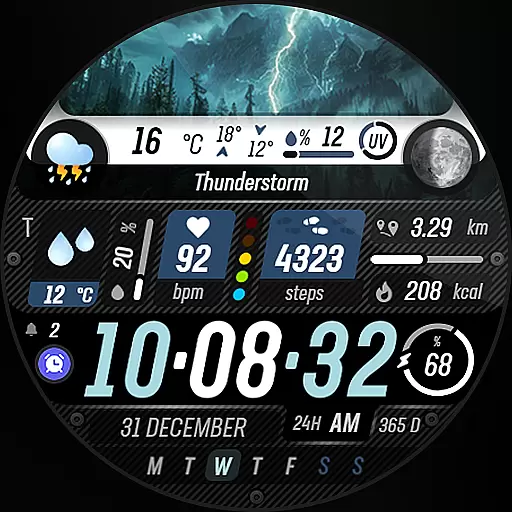
Capture moments that pass like a storm, second by second.
4.4


