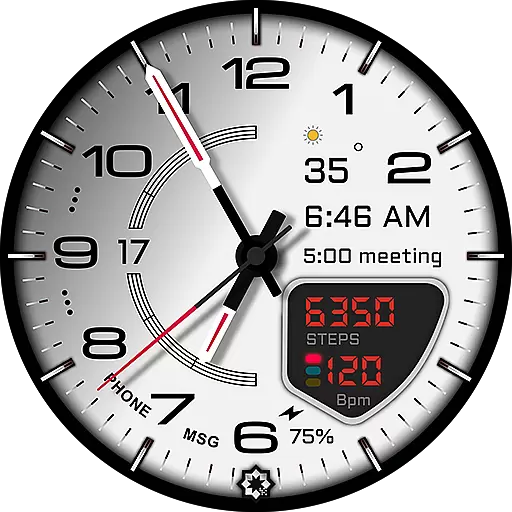

Christmas Theme Watch Face for Wear Os
 5.00
5.00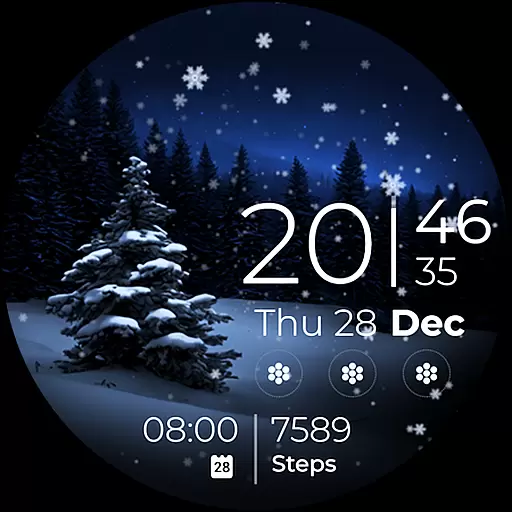
Beautiful artistic animated digital watch face, with a customizable layout!
4.40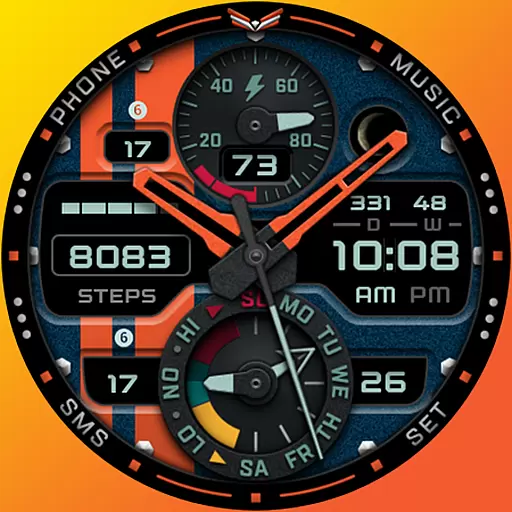
A modern premium sporty hybrid watch face for Wear OS by Ballozi
4.70
sleep, alarm, snoring, stress, healing, focus, sound therapy, circadian rhythm
4.10
Hyperlocal rain alerts by MyRadar using patent-pending technology, radar & more
4.80
Locate your family members by GPS phone location tracker everywhere and anytime
4.30
Stay in touch with your friends and family using LINE!
3.40
Simple, helpful messaging by Google
4.60
Fitbit is dedicated to helping people lead healthier, more active lives.
4.10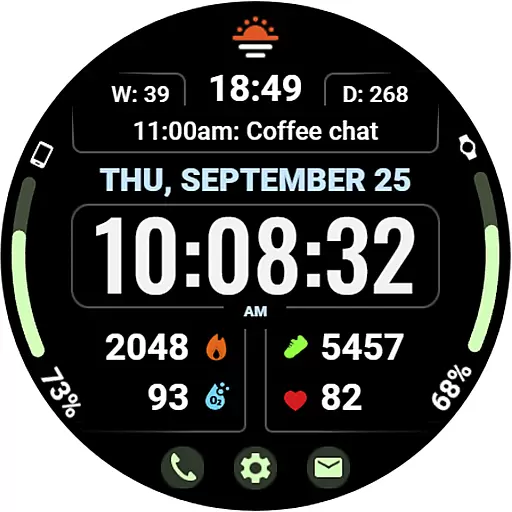
Beautiful, colorful and practical watch face. For Wear OS devices.
5.00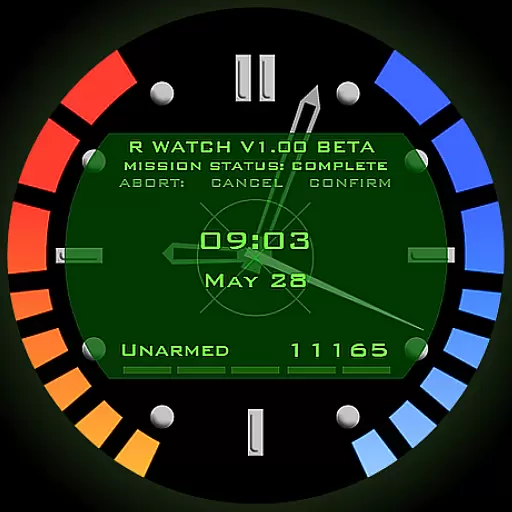
Be an elegant and classy secret agent, with this carefully detailed watch face
4.70
Walking app for weight loss: walk & step tracker, pedometer, indoor treadmill
4.60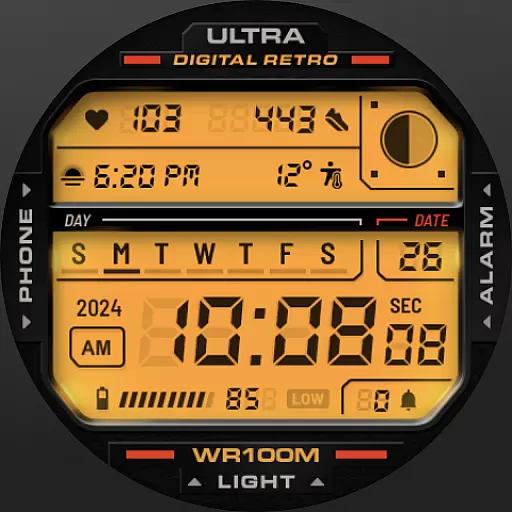
Retro digital watch face with customizable colors and a unique lighting effect
4.60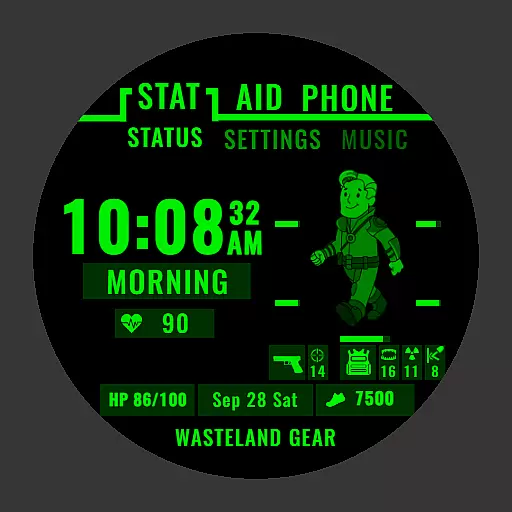
Ideal for surviving in the wasteland left after nuclear fallout
4.50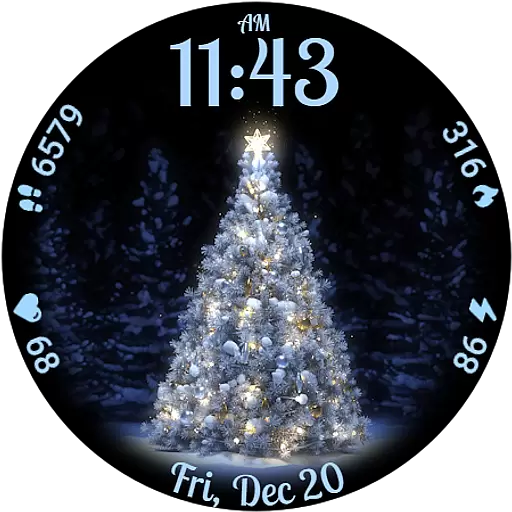
Elegant animated Christmas tree with multiple customization options
4.20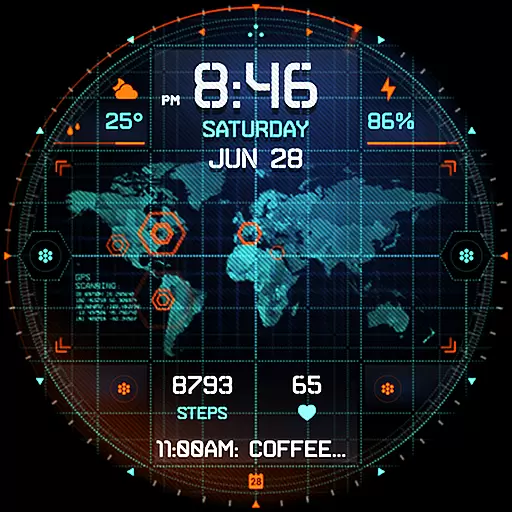
Animated video-game inspired “secret agent” simulation, right on your wrist!
4.20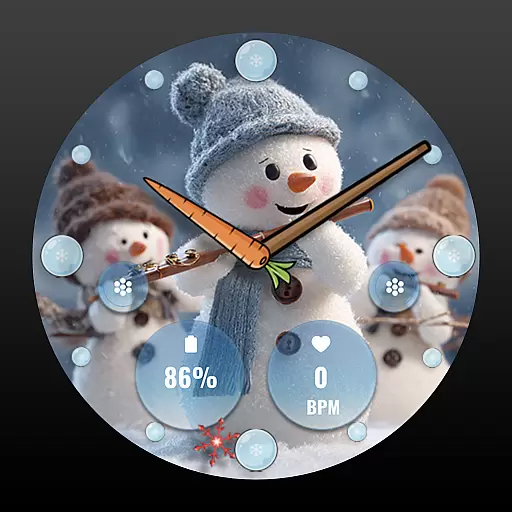
an Analog Watch Face for winter season with freeze winter background for Wear OS
4.0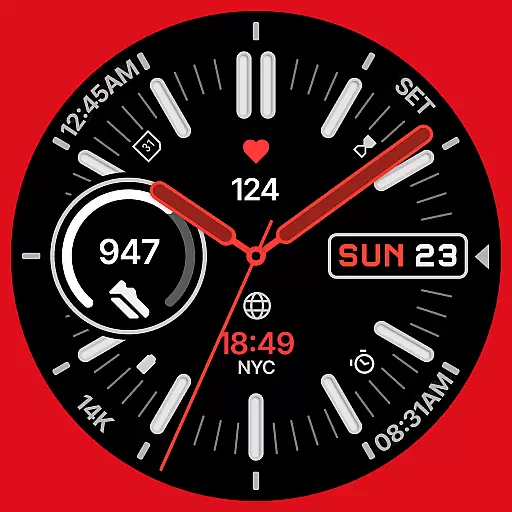
A watch face that fuses motorsport precision with contemporary smartwatch design
4.5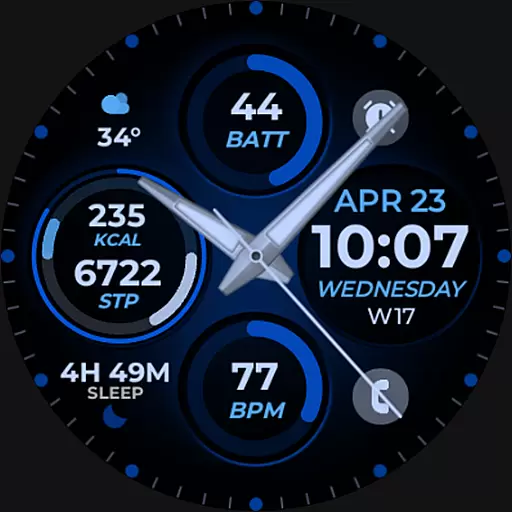
Hybrid Vibrant Health Watch Face for Wear OS
4.0


