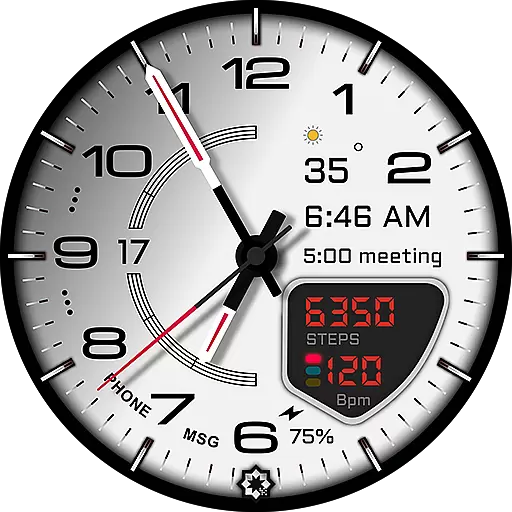
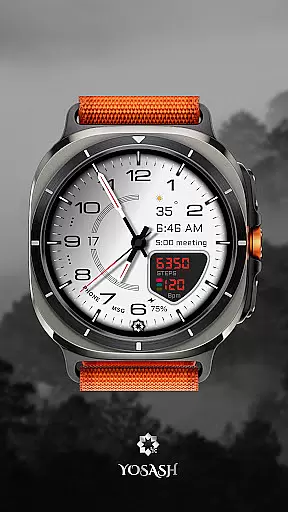
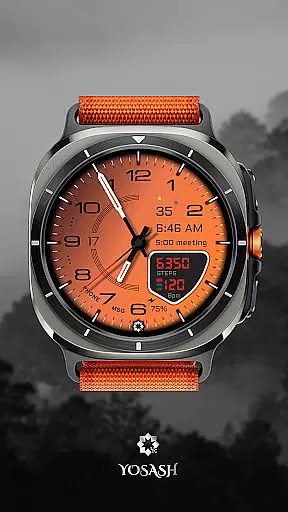
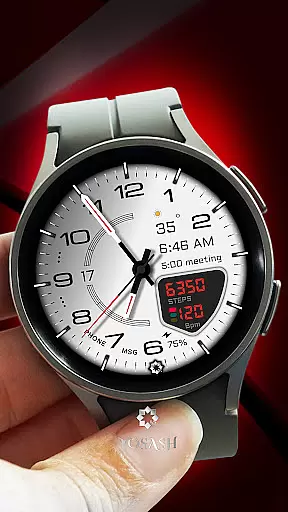
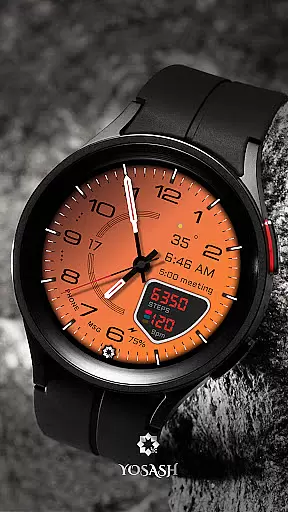
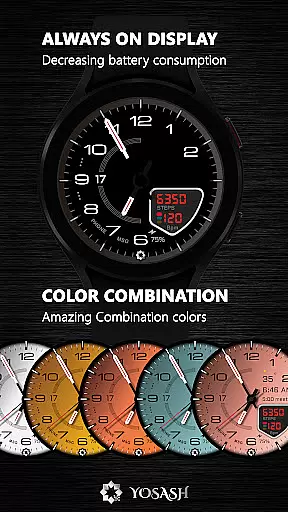
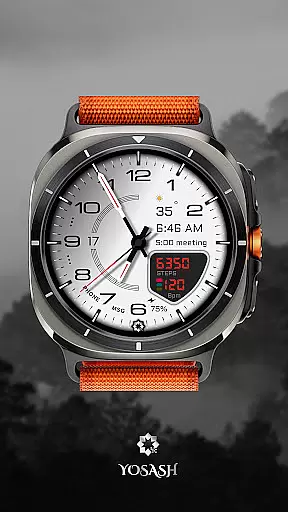
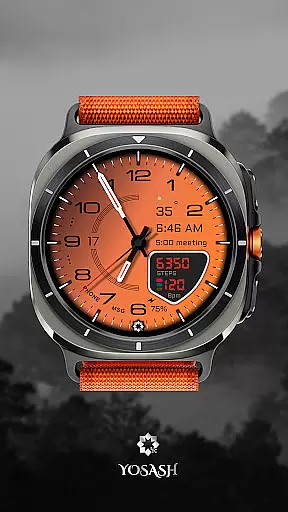
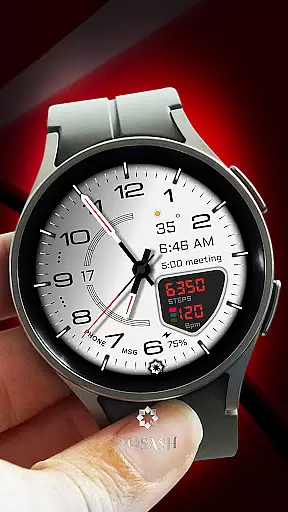
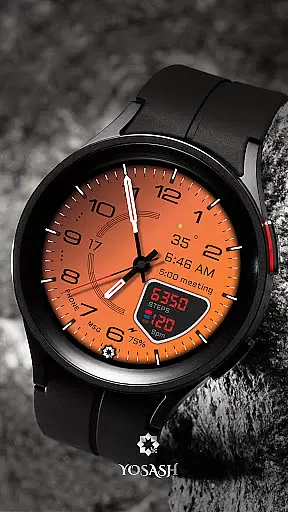
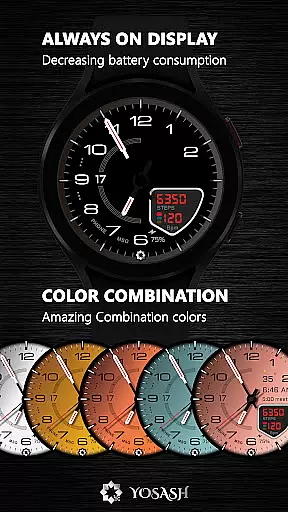
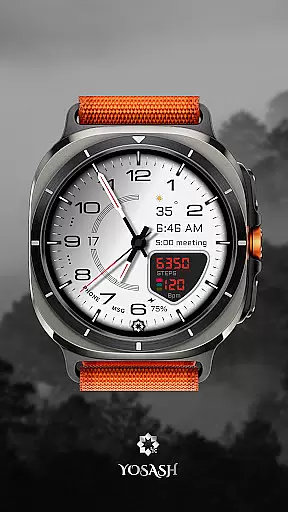
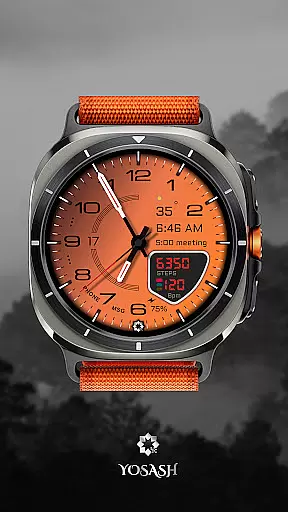
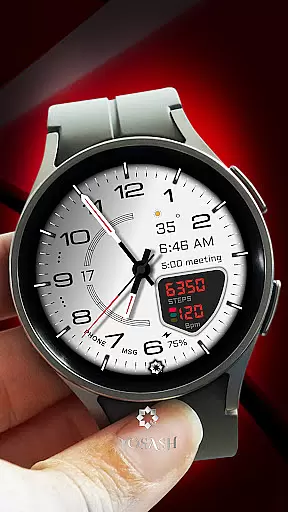
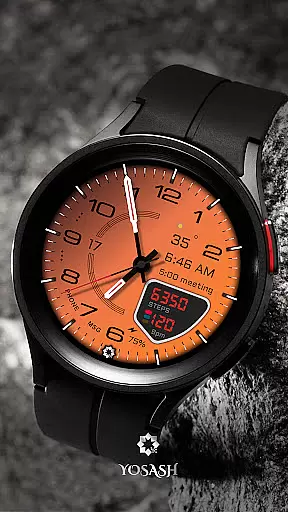
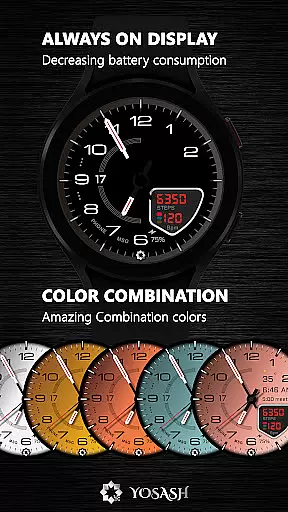
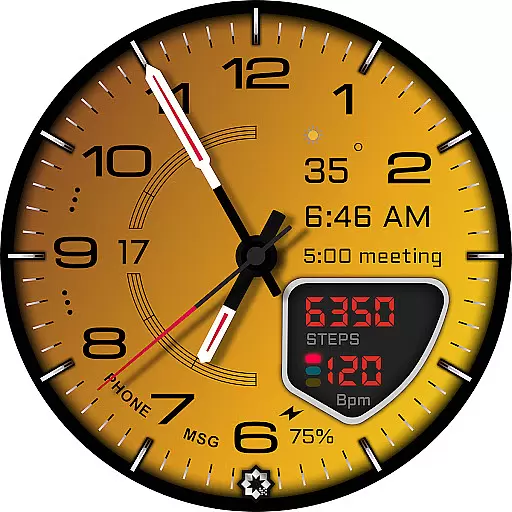
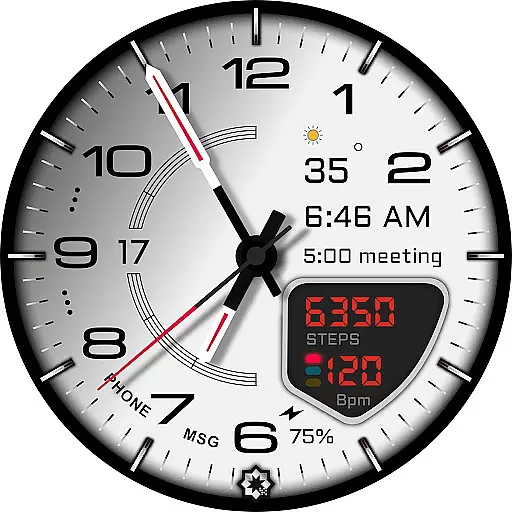
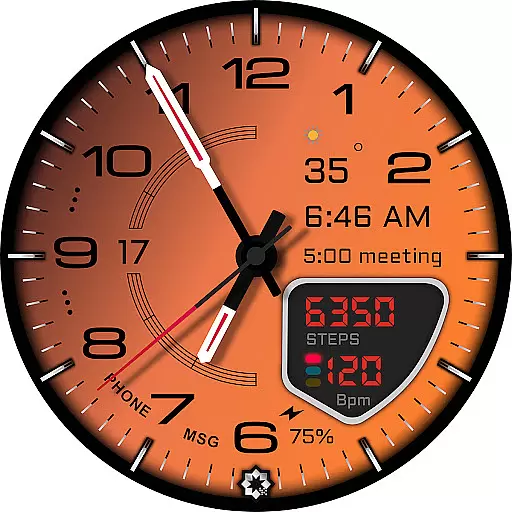
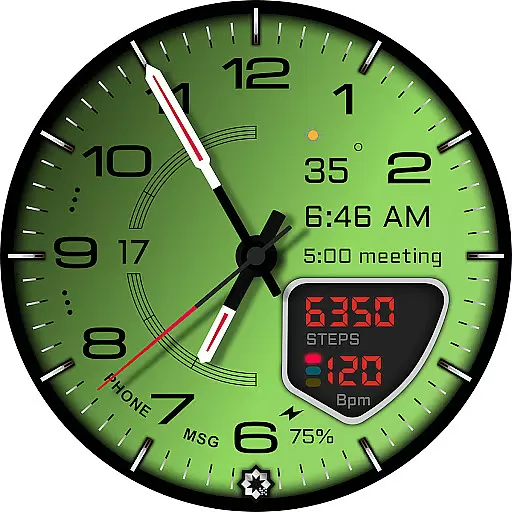
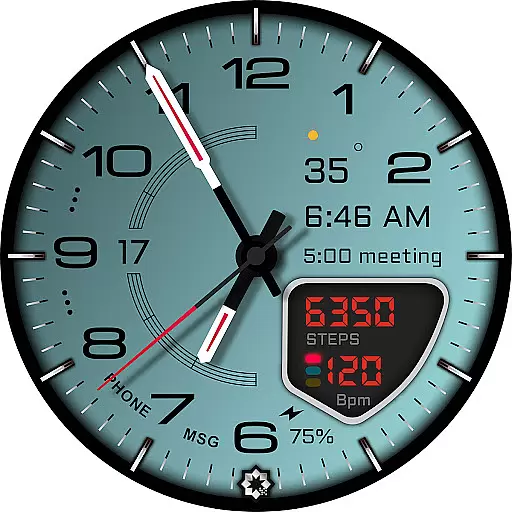
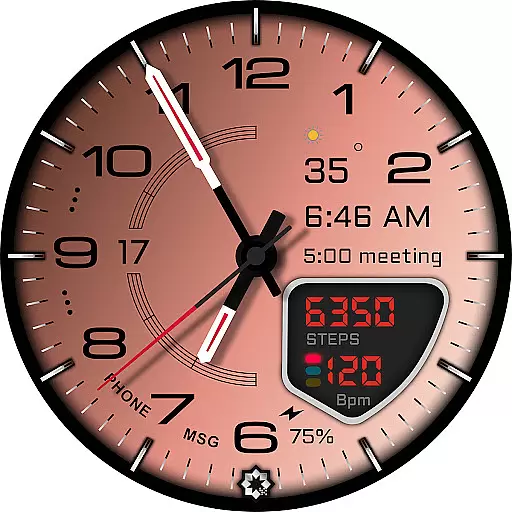
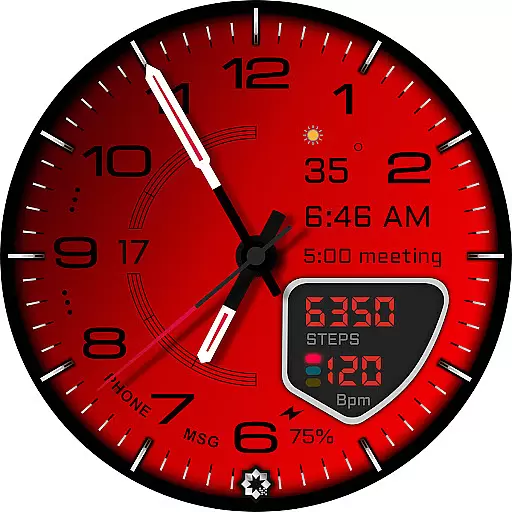
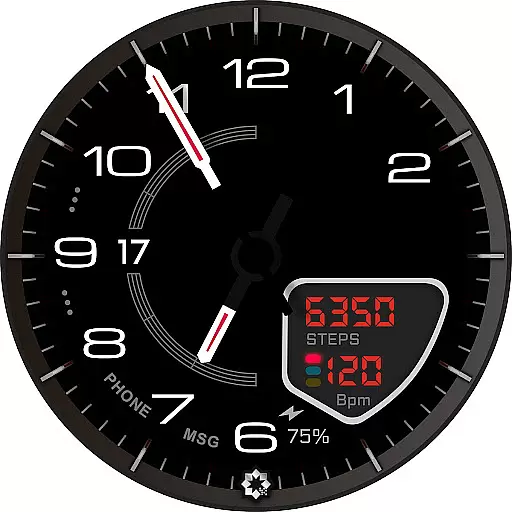
D355 Premium Watch Face offers an elegant and customizable analog watch face experience for Wear OS smartwatches. Designed with luxury-inspired aesthetics, it features a sophisticated analog dial with over 20 color themes and 10 hand styles to choose from.
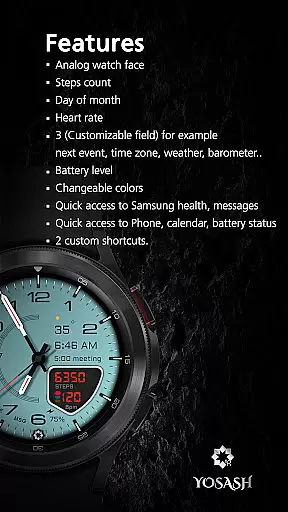
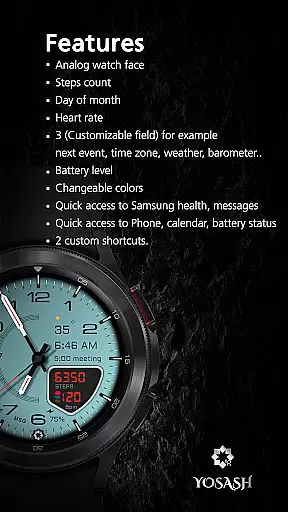
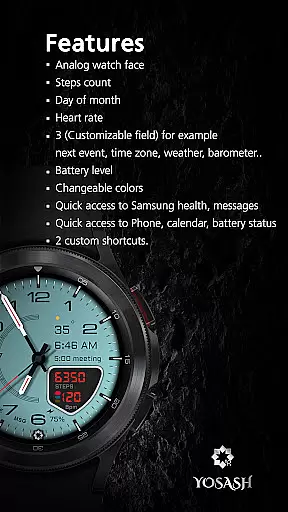
The watch face provides real-time health data tracking including steps, heart rate, battery status, and date. Optimized for Always-On Display (AOD), it ensures smooth performance on devices running Wear OS 3.5 and above, making it compatible with Samsung Galaxy Watches, Google Pixel Watches, and other popular models.
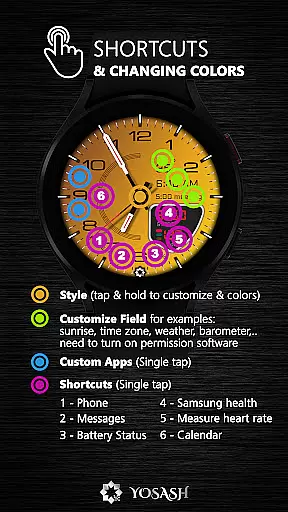
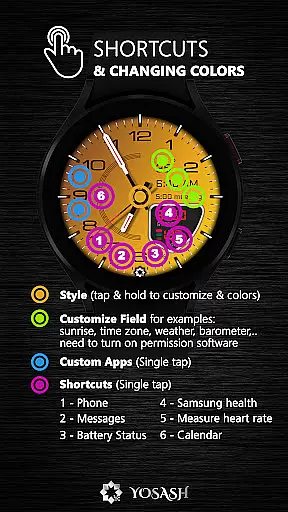
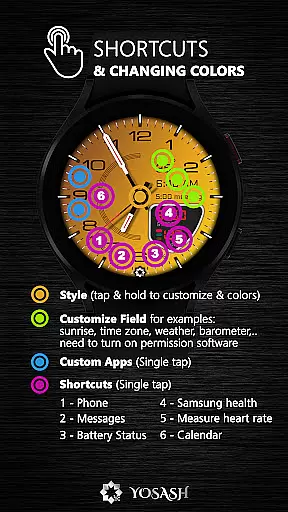
This premium watch face stands out with its extensive customization options. Users can personalize their watch faces by selecting from various color themes, hand styles, and complications. The app shortcuts allow quick access to frequently used applications directly from the watch face.
Performance is a key focus, with the watch face optimized for smooth operation on Wear OS 3.5+. It supports Always-On Display functionality, ensuring time and essential information are always visible without compromising battery life. The design maintains elegance while offering practical utility through customizable elements that display real-time health metrics.
Companion app integration is essential for a seamless smartwatch experience. D355 Premium Watch Face offers direct installation through the Google Play Store on your watch, ensuring that you can easily access and manage your watch face settings.
This application allows users to customize their watch face with over 20 color themes and 10 hand styles directly from their wearable device. The ability to set app shortcuts and complications adds another layer of personalization and control, making it simpler to interact with your most-used apps.
By enabling real-time health data display, including steps, heart rate, battery status, and date, D355 ensures that all vital information is accessible at a glance. This feature enhances user convenience by reducing the need to navigate through multiple menus or applications.
The optimized Always-On Display (AOD) support means that users can enjoy their customized settings even when the watch is in low-power mode. This integration not only preserves battery life but also maintains the elegance and functionality of the watch face around the clock.
Ensuring broad device compatibility is crucial for any Wear OS application. D355 Premium Watch Face is designed to work seamlessly with all smartwatches running Wear OS 3.5 and above, providing users with a consistent experience across different devices.
This includes popular models such as Samsung Galaxy Watch series (4, 5, 6, 7, and Ultra) and Google Pixel Watch (1 & 2). By supporting a wide range of devices, D355 guarantees that whether you're using a Fossil, TicWatch, or another Wear OS device, you'll enjoy the same level of quality and customization.
The application's optimization for the latest Wear OS versions ensures smooth performance and access to advanced features like customizable complications and real-time health tracking. Users benefit from an intuitive interface that makes personalizing their watch face straightforward and enjoyable.
Moreover, the inclusion of an Always-On Display option enhances usability without compromising battery life. With comprehensive compatibility and thoughtful design, D355 Premium Watch Face stands out as a versatile choice for smartwatch enthusiasts seeking both style and functionality.
Highly customizable
Luxury design
Real-time health data
Always-On Display support
Wide device compatibility
Premium cost
Complex setup
Limited free themes
Requires Wear OS 3.5+
Resource intensive

Christmas and New Year - Themed Watchface
 4.4
4.4
Rose gold watch face with festive lights & customizable features.
4.60
MyNISSAN® lets you remotely control your car from your phone.*
4.50
Contemporary digital watch face with five complications
4.2
Digital watch face. For Wear OS devices.
4.40
Fitness interactive virtual pet super fighter boy watch face
4.4
Stylish, Energizing and Modern Watch Face crafted by Dominus Mathias.
4.50
Viewer for Wyze/Yi/Eufy/Arlo/ONVIF/RTSP/P2P IP cams w/ adv. features & DIY DVR
4.00
Your local weather forecast, storm tracker, radar maps & live weather news
3.40
Gym Log & Workout Tracker | Fitness Journal, Training & Weight Lifting Planner
4.90
Nutrition, Macro tracker: Food, fitness & healthy diet tracking for weight loss
4.60
Real-time results, stats, schedules and player profiles for all leagues
4.60
Locate your family members by GPS phone location tracker everywhere and anytime
4.30
Calming & relaxing sounds for sleeping and stress relief. Stay focused all day!
4.20
Your music, your playlists, and more—offline and unlimited.
4.20
Watch face designed for Thanksgiving Day. 7 Background Styles included.
3.20
A heartwarming Christmas scene featuring a cute image of Santa and Rudolf
4.0
Artistic Digital Watchface
4.0
Minimalistic design modern digital watch face.
4.0


User Reviews