
Photo editor: face & body editor, beauty cam, filters and quality enhancer.
 4.00
4.00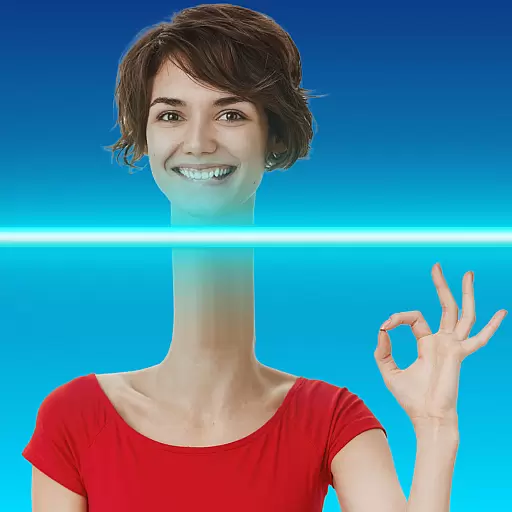
Take videos and pictures with the popular TikTok TIME WARP SCAN filter.
4.60
Movie camera, supports pro recording settings for filming. Try it and be amazed!
4.50
Photo editor & gallery. Crop pictures & edit photos offline, no wifi!
4.50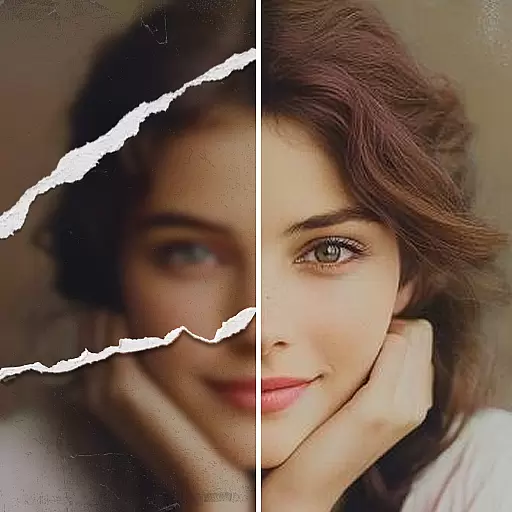
AI photo enhancer with Sora 2! Enhance, descratch, and colorize your old photos.
4.50
Pro version: AR sun/moon tracker for any date. Tool for photographers & planners
4.90
Discover & download millions of art for The Frame TV or Hisense CanvasTV
4.60
Effortlessly make high-quality GIFs from images & videos without any watermarks.
4.70
Discover How to Plan any Sun, Moon and Milky Way Photo You Imagine in Seconds
4.70
Create funny photos and videos with the popular Time Warp Scan filter.
4.90
Photo prints, cards, & gifts at Walgreens. Easy ordering & fast local pickup !
4.80
Cut and paste photo editor & eraser to customize photos easy and swap faces fun
4.50
What celebrity do you look like? Celebs will find your celebrity match!
4.10
All-in-One Editor & AI Photo Enhancer, Collage, Cartoonify, Funny Stickers & BGS
4.10
The #1 app for B&W film developing featuring an advanced darkroom timer.
4.10
USB Storage Access for Photos, Videos, Music and Documents
3.80
Hair color changer, AI haircut app, fun hair editor and buzz cut filter for all!
3.80
GCamera allows all GCam features on all phone models! Better photos with GCamera
3.30
Add a dreamy vibe to your selfies and videos with soft style filters
4.3


