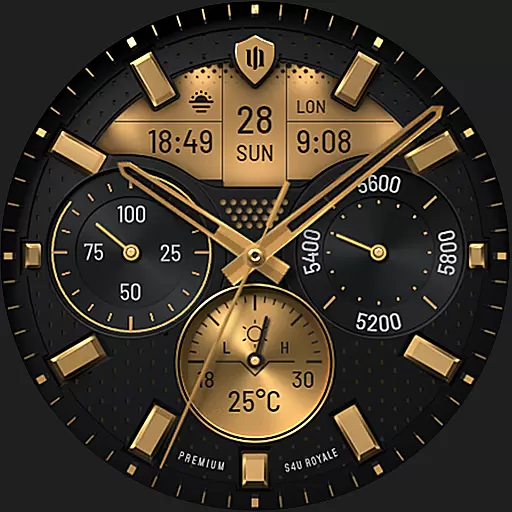
Beautiful realistic hybrid watch face with numerous customization options.
 4.50
4.50
Unique Android Launcher
4.60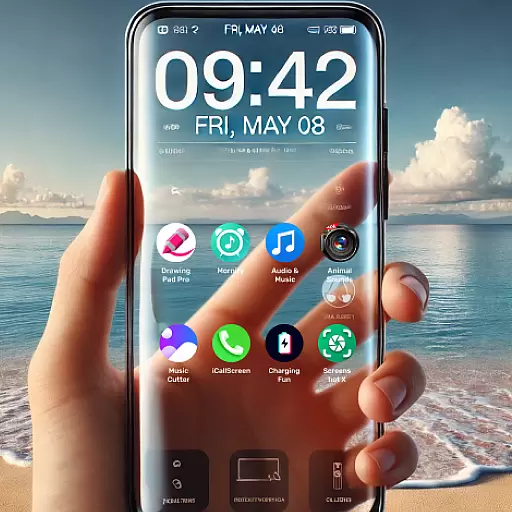
Want to make your phone more special than ever?
4.60
Aesthetic Widgets, HD Wallpapers, Themes in Mico Widget for Home and Lock Screen
4.50 4.50
4.50
Custom edge gestures for volume control, brightness, apps, and shortcuts.
4.5
Your go to Weather App & Home Screen. Get your weather at a swipe of a finger!
3.80
350+ widgets with a premium glass-style finish, perfect for home & lock screens.
4.70
Transform your phone with stunning video wallpapers and a unique, personal touch
3.80
100+ Stylish Fonts, Emojis, Symbols keyboard for Instagram & TikTok!
4.80
A Colorful and Minimal icon pack in an Outline Style - Over 13,600 icons!
4.70
400+ Beautifully crafted widgets inspired by NOTHING.
4.70
Try creating your own keyboard with "Keyboard theme for android" app now!
4.50
Customizable screen pets that play, climb, and keep you company.
4.50
Yandex Browser — stylish and secure, with voice search and data compression
4.40
Launcher OS™ Pro without ads help make your phone simple and pretty
4.30
Your home screen, just the way you like it.
4.30
Organize and manage your photos and videos effortlessly with Photo Gallery
4.20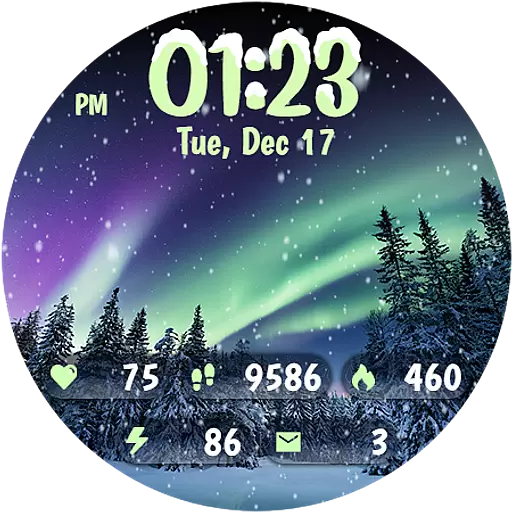
Realistic animated snow on your wrist, with 10 images landscapes to choose from
4.00


