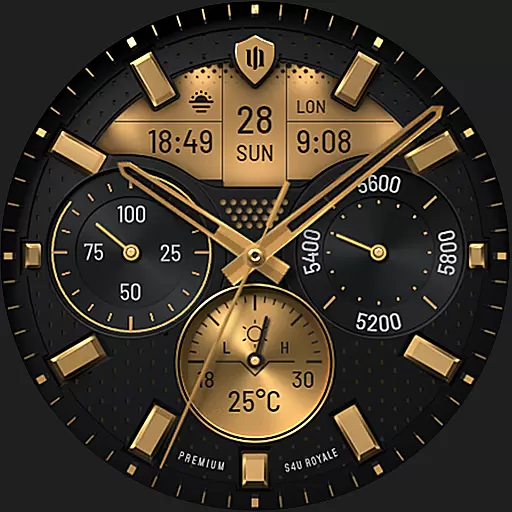
Beautiful realistic hybrid watch face with numerous customization options.
 4.50
4.50
Themes - Widget & Wallpaper: Customize home screen, icon changer w unique themes
4.30
Gun Chase - Let the chase begin.
4.80
Try creating your own keyboard with "Keyboard theme for android" app now!
4.50 4.50
4.50 3.50
3.50
Nothing Icon pack with more than 3750+ highly crafted icons.
4.70
Crystal-clear, square icon provides a sleek and sophisticated visual upgrade
4.00
Magic fluids wallpaper 4D: Relax with stunning fluid simulation wallpaper app
4.20
Wallpaper HD 4K Live - Thousands of high-quality Anime backgrounds for you.
4.80
350+ widgets with a premium glass-style finish, perfect for home & lock screens.
4.70
Make your phone look simple & luxury, like iDevice
4.60
Unique Android Launcher
4.60
Embrace the Night. Unleash the power of darkness with Raven Dark Icon Pack
4.60
Organize and manage your photos and videos effortlessly with Photo Gallery
4.20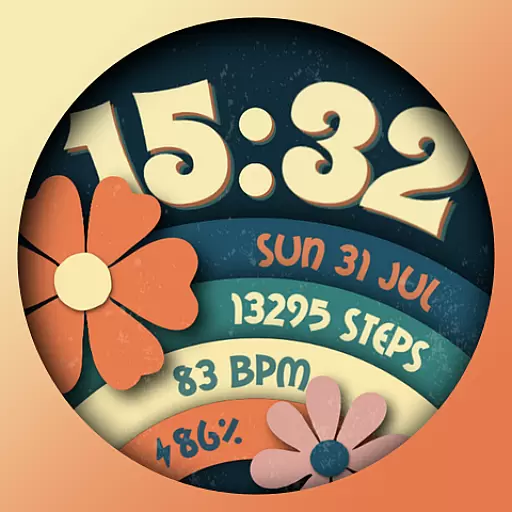
Customizable flower power digital watch face for Wear OS watches.
4.00
Create unique, fun emojis with Funny Emoji Maker! Unlimited creativity!
4.00
Ultimate widget creator. Design custom widgets for a truly unique home screen!
3.90
Customize glowing edges, wallpapers, and caller screen with EdgeAura.
3.50


