

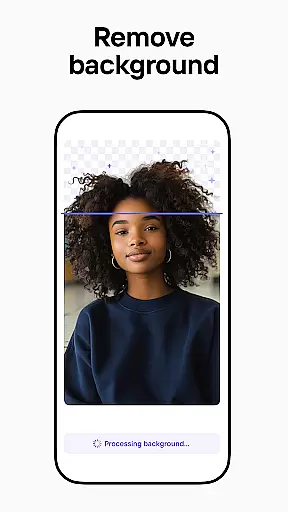



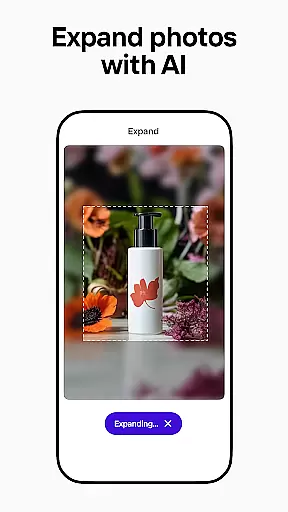

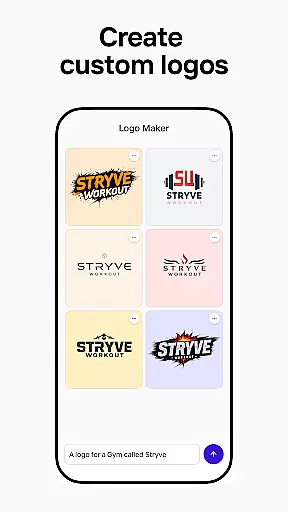
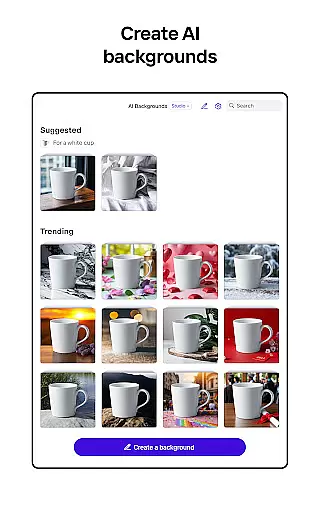


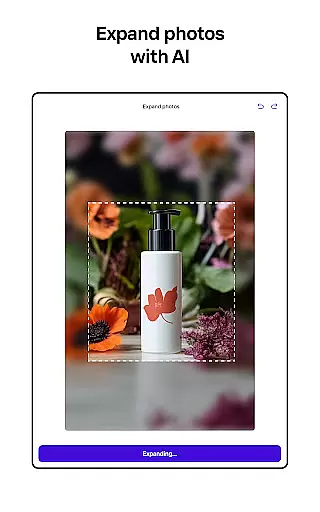

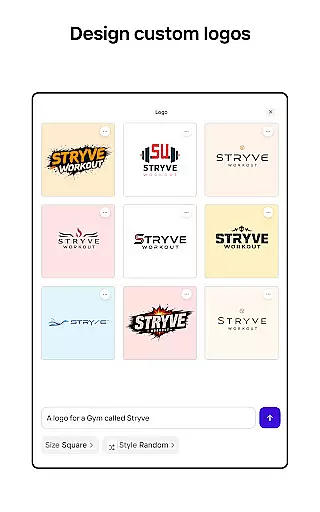
Photoroom AI Photo Editor is a powerful mobile application designed for creating professional-quality images with ease. The app utilizes advanced AI technology to help users design, edit, and enhance photos by removing or replacing backgrounds, erasing unwanted objects, and adjusting lighting and shadows. Whether you're an e-commerce seller, content creator, or social media manager, Photoroom provides the tools needed to produce engaging visuals that elevate your brand.
The app offers features like AI-powered design assistance, batch editing, and customizable templates for various platforms including Instagram, Facebook, and Amazon. With its intuitive interface, Photoroom makes it simple for anyone to achieve pro-level results without requiring any design experience. From virtual models to stunning staged scenes, this app transforms ordinary images into polished, market-ready visuals that drive engagement and sales.
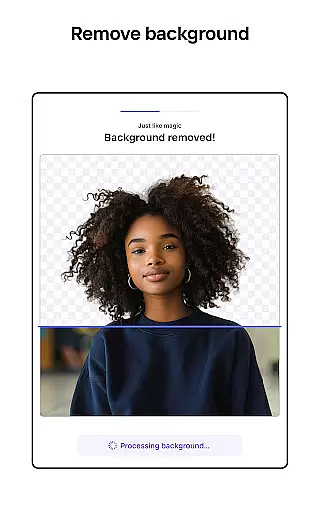
Photoroom stands out with its comprehensive suite of AI-driven photo editing tools. One of the key features is the ability to remove and replace backgrounds effortlessly using smart AI algorithms. This allows users to create clean product shots or eye-catching posts for social media platforms. Additionally, the smart eraser tool helps in cleaning up details and removing distractions from images, ensuring every photo looks professional and polished.
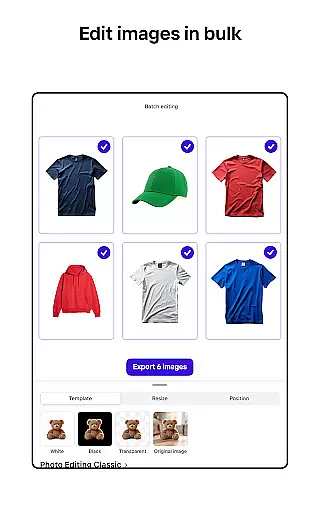
Another notable feature is the batch editing capability, which enables users to edit multiple images simultaneously. This is particularly useful for e-commerce sellers who need consistent designs across numerous product photos. The app also includes a Product Beautifier tool that enhances clothing on virtual models and places items in beautifully staged scenes. Furthermore, Photoroom offers collaboration features, allowing team members to work together in real time, making it ideal for businesses and freelancers who require seamless teamwork and efficient project management.
Real-time capture and preview functionality is essential for ensuring that every photo taken meets professional standards. Photoroom AI Photo Editor offers a seamless experience by allowing users to see changes instantly as they edit, erase, or replace backgrounds. This immediate feedback empowers users to make precise adjustments, ensuring the final image aligns perfectly with their vision.
The app's real-time capabilities extend beyond simple previews. Users can witness the transformation of their images as they apply complex AI-powered edits, such as background removal or object erasure. This dynamic interaction not only saves time but also enhances creativity, enabling photographers and designers to experiment freely without the fear of irreversible mistakes.
For e-commerce sellers and content creators, this feature is invaluable. It allows them to produce high-quality product photos and engaging social media content efficiently. The ability to preview edits in real-time ensures that all visuals are optimized for various platforms like Instagram, Facebook, and Amazon, maintaining brand consistency and visual appeal across different mediums.
AI beauty and enhancement features have revolutionized photo editing by providing tools that improve image quality while maintaining natural aesthetics. Photoroom AI Photo Editor excels in this area, offering advanced AI algorithms that enhance photos without making them look overly processed or artificial. This balance between enhancement and authenticity is crucial for creating professional-quality images that resonate with audiences.
The app provides a suite of tools designed to refine images subtly. Users can adjust lighting, shadows, and sharpness with precision, ensuring that each element of the photo contributes to a cohesive and natural look. These enhancements are applied intelligently, preserving the original character of the image while elevating its overall quality.
This level of natural enhancement is particularly beneficial for e-commerce and social media applications. Product photos appear more appealing without losing their genuine essence, and personal images retain their authenticity while looking polished and professional. By prioritizing natural beauty and subtle improvements, Photoroom ensures that every edited image stands out for its quality and realism.
AI-powered design
Effortless background removal
Batch editing support
Intuitive user interface
Pro-level photo editing
Premium subscription required
Limited free features
Occasional processing delays
Advanced tools have learning curve
Export quality varies

A collection of tools and reference tables for DPs, ACs, DITs and Operators.
 4.70
4.70
Create & Edit with AI: AI Remove, Enhance, Retouch, Filter
4.10
Over 800 film simulation recipes for Fujifilm. Black Friday Offer!
4.0
Movie camera, supports pro recording settings for filming. Try it and be amazed!
4.50
Create amazing frames with up to five photos. Rounded corners, effects and more!
3.60
A reflected light meter with spot metering and incident light metering.
4.40
Create AI photos & videos with Enhancer; restore, fix, beautify, enhance photos
4.50
AI photo enhancer with Sora 2! Enhance, descratch, and colorize your old photos.
4.50
The original Rarevision VHS look seen everywhere!
4.70
Create funny photos and videos with the popular Time Warp Scan filter.
4.90
Viewfinder, Light meter, Reciprocity failure time, DOF & Bellows Extension
4.60
Take videos and pictures with the popular TikTok TIME WARP SCAN filter.
4.60
Create Business Headshots, Polaroid Filter, Retake Photos,Profile Pics,AI Photos
4.50
RAW video capture with advanced controls
4.40
Natural Beauty, Selfie Retouch
4.30
A light meter for true photographers.
4.20
live datamoshing
4.00
Long exposure camera with computational photography
2.60
Snap photos remotely using your Garmin watch as the camera trigger
4.3


User Reviews