
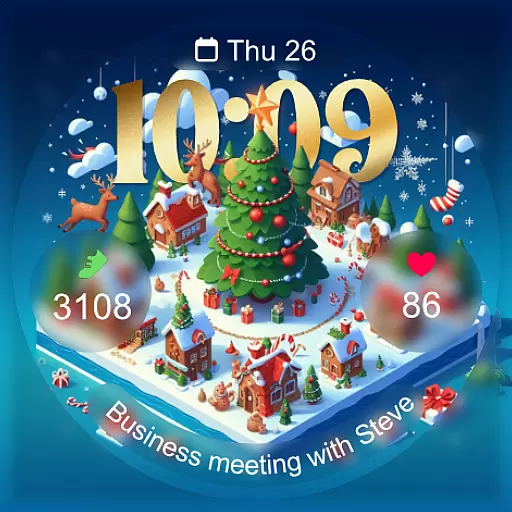
Christmas - Festive - Christmas Village - Winter - Christmas lights
 5.00
5.00
A full-featured Amazon Alexa voice assistant that can show you things.
3.70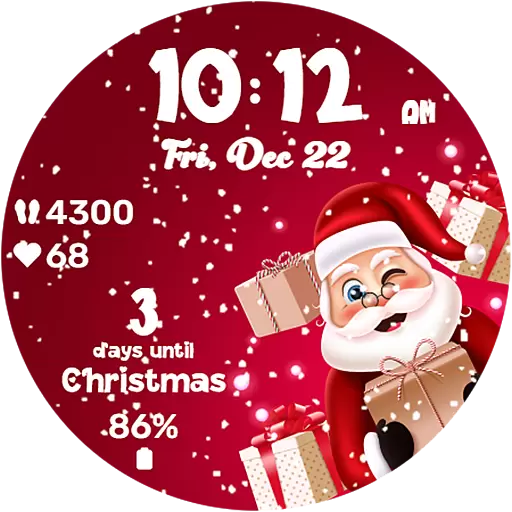
Embrace the festive spirit with our Christmas Countdown watchface for Wear OS
4.10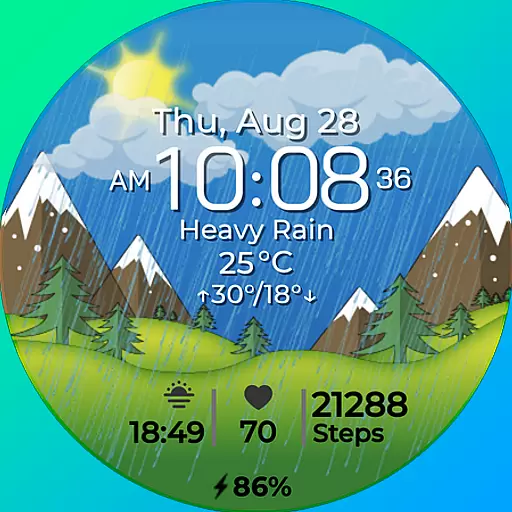
Watch face for Wear OS.
4.20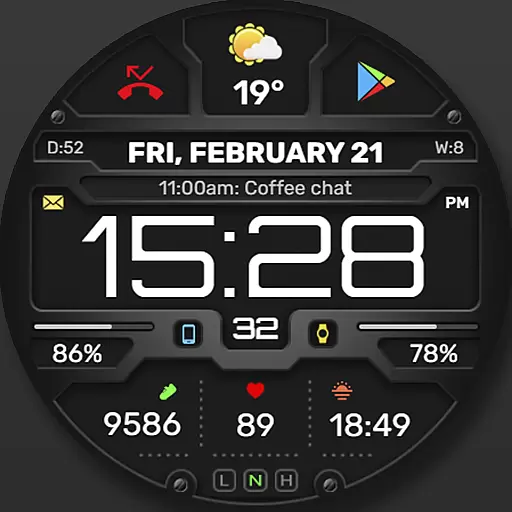
Digital, flexibly customizable watch face. For Wear OS 5.0, API 34+ and later.
5.00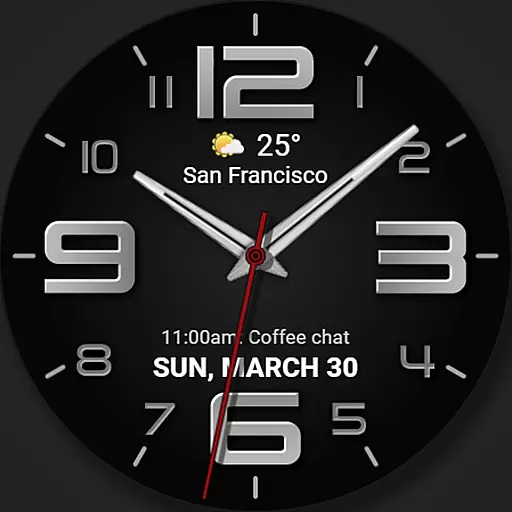
The most customizable minimal watch face. For Wear OS 5.0, API 34+ and later
4.70
Your second brain for organizing your life: to-do, calendar, reminder.
4.70
Connect to your Bluelink equipped Hyundai vehicle from your smartphone.
4.50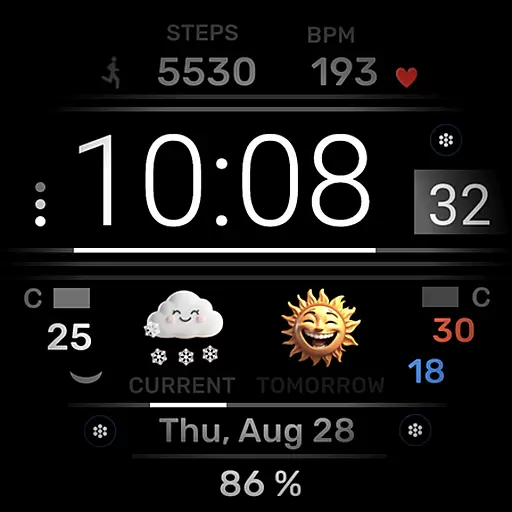
Minimalistic design modern digital watch face.
4.3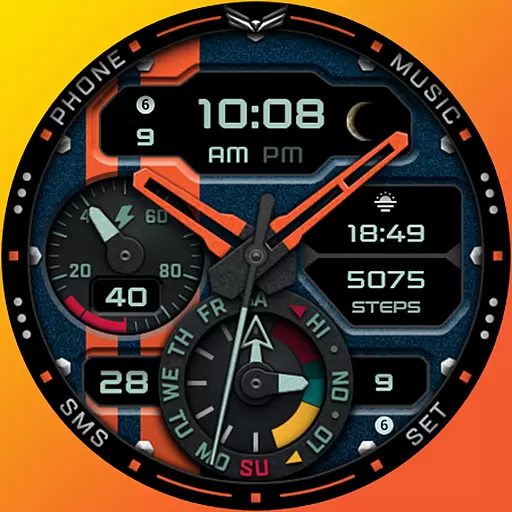
A modern hybrid informative watch face for Wear OS designed by BALLOZI
4.80
Easy Voice Recorder is your everyday companion to record important moments.
4.70
Simple, helpful messaging by Google
4.60
Current temperature, weather hourly, weather radar by the weather forecast app
4.40
The ultimate destination for kids ages 3-8 to explore the Marvel Universe!
4.30
Structured watch face with seven complications and modular UI elements
3.90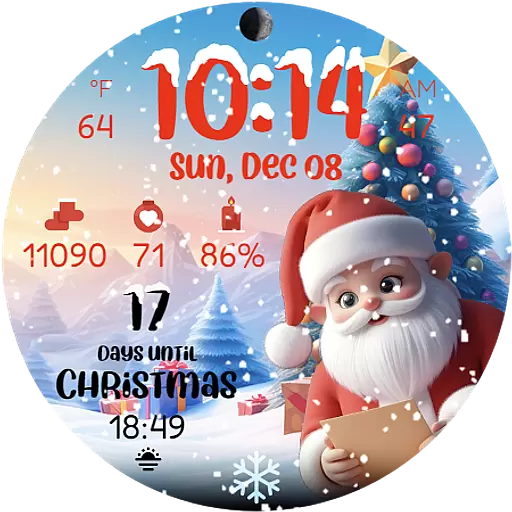
Christmas is near, let's count together the days left until Santa comes
4.5
Artistic Digital Watchface
4.0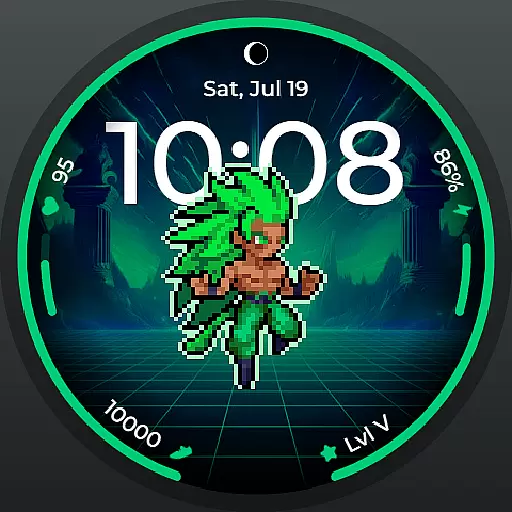
Fitness interactive virtual pet super fighter boy watch face
4.3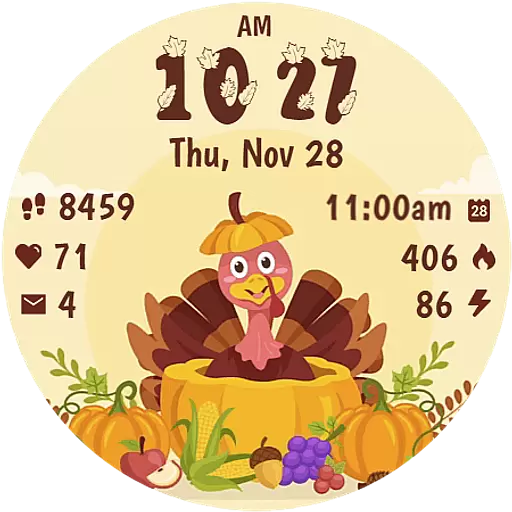
Funny animated watch face for Thanksgiving
4.3


