
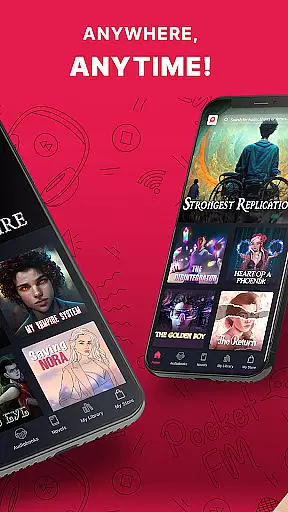
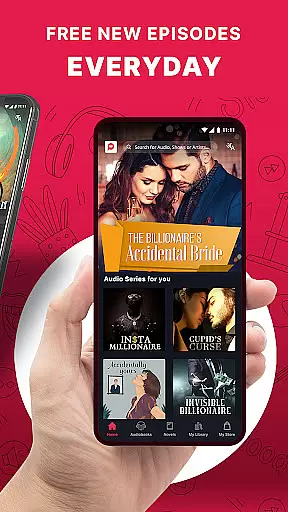
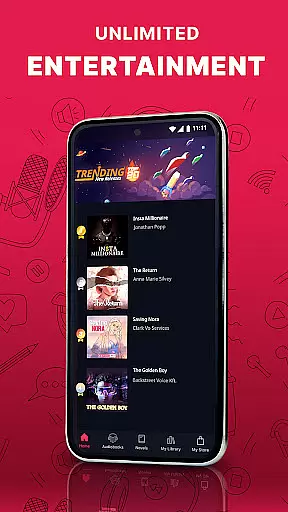
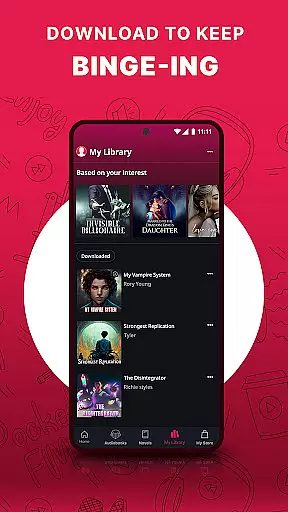
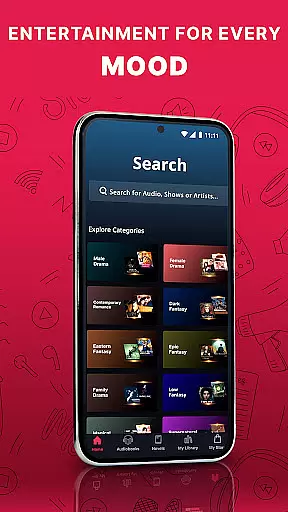

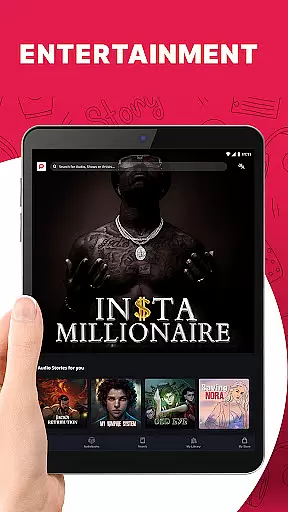
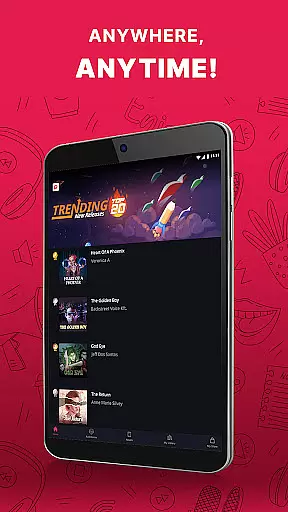
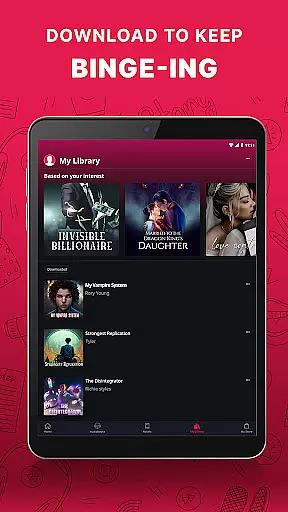
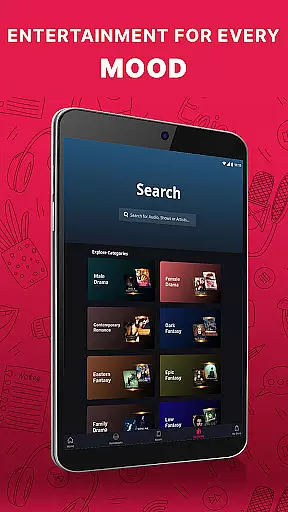
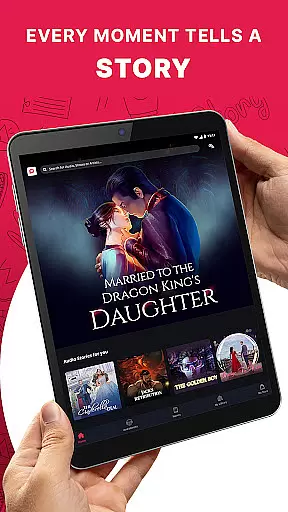
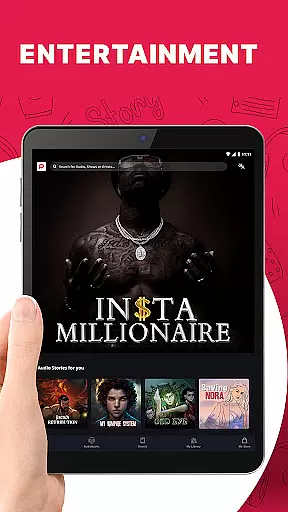
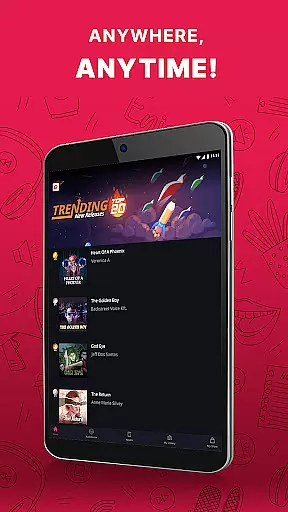
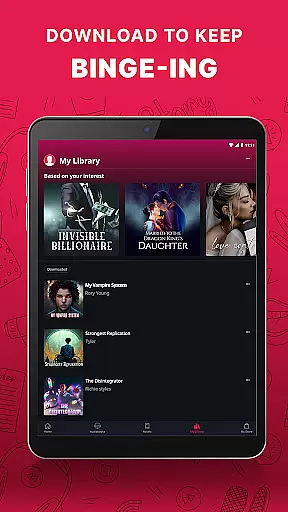
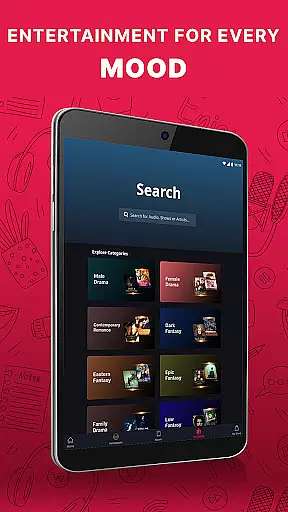
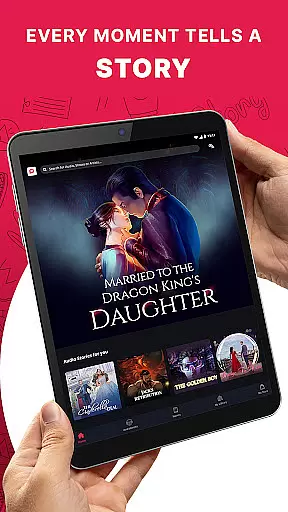
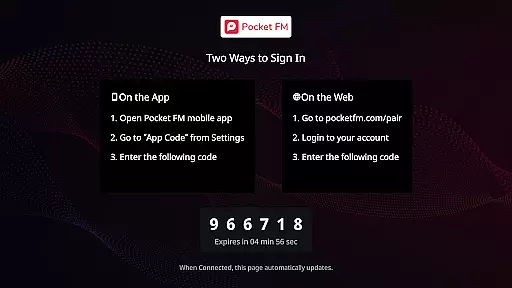
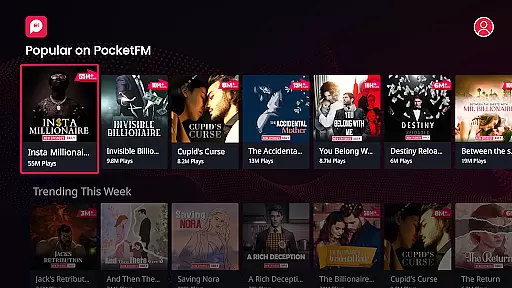
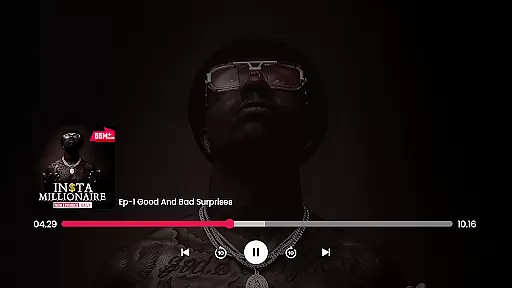
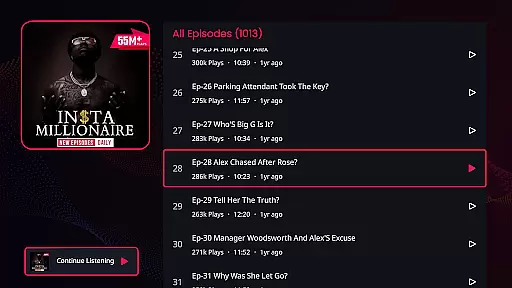
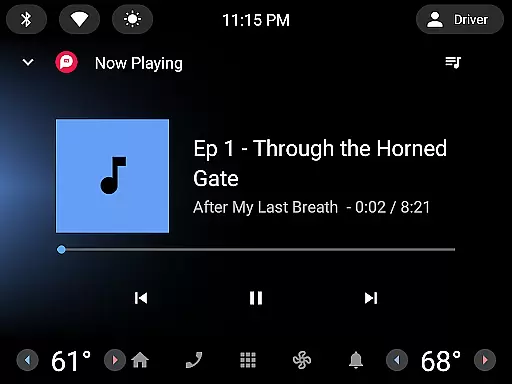
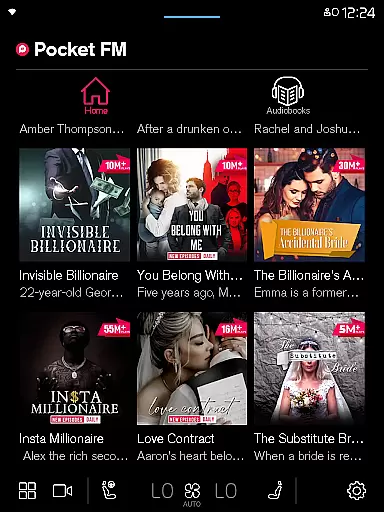


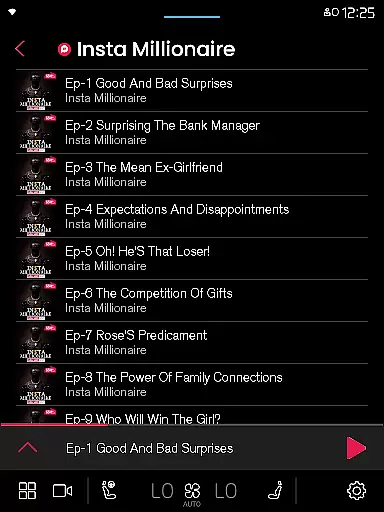
Pocket FM is a pioneering audio entertainment platform that offers an extensive library of audio series across multiple genres and languages. With over 100,000 hours of content, it provides non-stop entertainment for millions of listeners worldwide. The app enriches users with diverse storytelling created by top authors and voice-over artists.
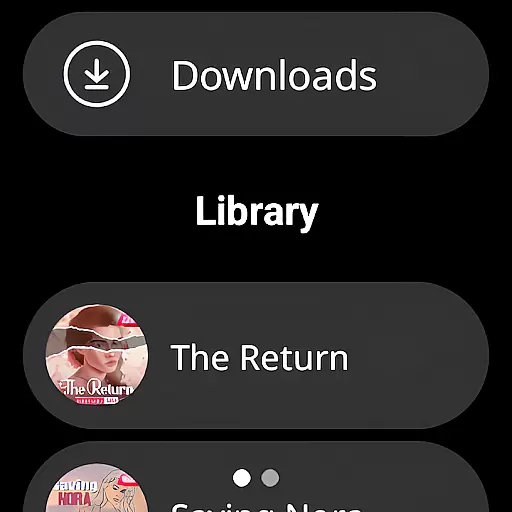
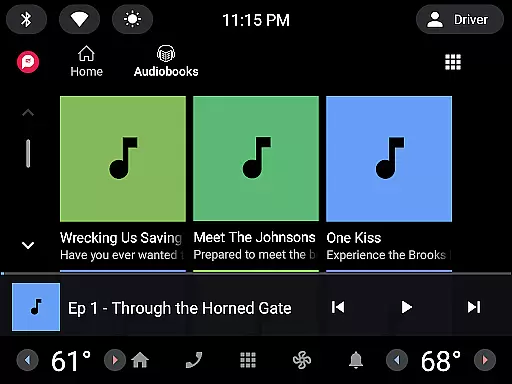
Whether you're commuting, driving, or relaxing at home, Pocket FM delivers a unique listening experience. Its user-friendly interface allows easy browsing and searching of audio series, while the built-in player supports adjustable playback speed and offline listening. Listeners can enjoy their favorite stories anytime, anywhere, on mobile, tablet, desktop, or even wearable devices.
The platform's micropayment model gives users freedom and flexibility, allowing them to pay only for the content they want to consume. With features like zero waiting period for new episodes and ad-free options, Pocket FM has become the ultimate destination for binge-worthy audio entertainment.
Pocket FM stands out with its comprehensive feature set designed for optimal listening pleasure. The app's vast content library spans various genres including Romance, Horror, Thriller, Drama, and Fantasy, catering to diverse listener preferences. Each audio series is carefully crafted by a large community of professional storytellers and voice artists.
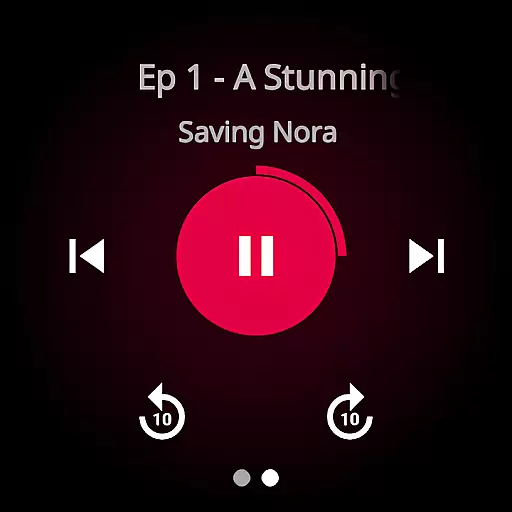
The platform offers several innovative features to enhance user experience. Its smart player includes quick ten-second navigation between episodes and chapters, making it easy to find specific moments in the story. The built-in sleep timer allows users to enjoy their favorite series during bedtime without worrying about battery consumption.
What truly sets Pocket FM apart is its flexible payment system and premium features. Users can access free episodes daily while having the option to unlock unlimited downloads and offline listening. The 'No-ads' pack eliminates interruptions, providing a seamless listening experience across all devices including Chromecast and Wear OS.
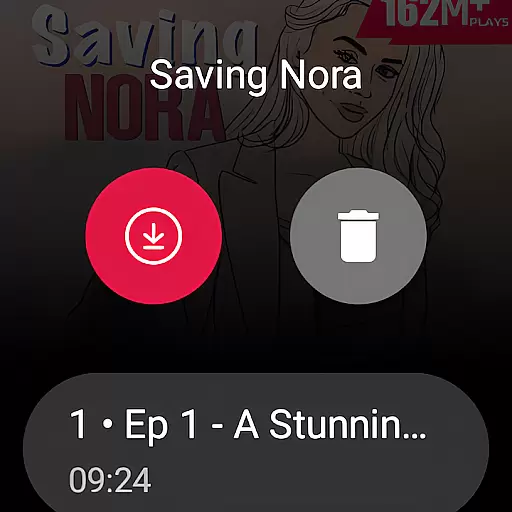
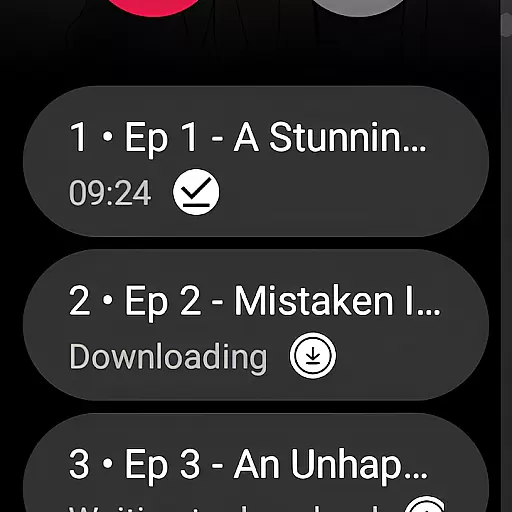
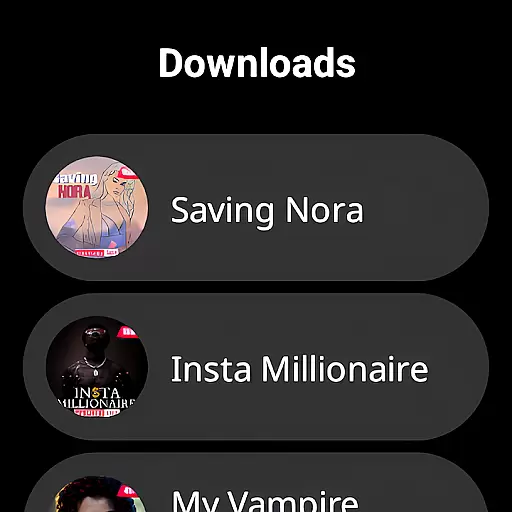
Companion app integration is essential for wearable devices to function seamlessly with smartphones. Pocket FM excels in this area by ensuring that its Android Wear application works in perfect harmony with its mobile counterpart. This integration allows users to control playback, browse episodes, and manage downloads directly from their smartwatches.
The Pocket FM app achieves this through a robust synchronization system that updates listening progress, preferences, and downloaded content across all devices in real-time. This means that whether you start listening on your phone during your commute and switch to your smartwatch at the gym, your place in the story will be exactly where you left off.
For users, this translates into unparalleled convenience. You can manage your audio entertainment with minimal effort, receiving notifications about new episodes and having the ability to control your listening experience without needing to take out your phone. The result is an uninterrupted flow of entertainment that fits effortlessly into any lifestyle.
Ensuring broad device compatibility is crucial for any application targeting the Android Wear platform. Pocket FM has been optimized to work with a wide range of Wear OS devices, providing users with a consistent experience regardless of their chosen smartwatch brand or model. This commitment to compatibility ensures that more users can enjoy their favorite audio series without worrying about technical limitations.
The development team at Pocket FM has invested significant resources into testing and optimizing the app's performance across different hardware specifications. This dedication has resulted in an application that maintains smooth playback and responsive controls even on older devices, while taking full advantage of newer hardware capabilities when available.
For listeners, this comprehensive device support means they can choose their preferred Wear OS device with confidence, knowing that Pocket FM will deliver a premium audio experience. Whether you're using a high-end smartwatch or a more budget-friendly option, the app's interface remains intuitive and its features fully functional, making audio entertainment accessible to everyone.
User-friendly interface
Extensive content library
Flexible payment options
Offline listening capability
Cross-device compatibility
Limited free episode availability
Requires internet for initial download
Some features are premium-only
Occasional buffering issues
Language selection varies by region

WTW M17 is a premium and luxurious hybrid watch face
 4.70
4.70
Embrace the festive spirit with our Christmas Countdown watchface for Wear OS
4.10
Beautiful artistic animated digital watch face, with a customizable layout!
4.40
Watch face for Wear OS.
4.20
Fitness interactive virtual pet super fighter boy watch face
4.1
The Chevron App allows you to pay for fuel from the comfort of your car!
4.80
The most customizable hybrid watch face. For Wear OS 5.0, API 34+ and later
4.70
Animated video-game inspired “secret agent” simulation, right on your wrist!
4.20
Control your Samsung Smart TVs, appliances, and SmartThings-compatible devices
4.60
A modern hybrid informative watch face for Wear OS designed by BALLOZI
4.80
Easy Voice Recorder is your everyday companion to record important moments.
4.70
Be an elegant and classy secret agent, with this carefully detailed watch face
4.70
Nutrition, Macro tracker: Food, fitness & healthy diet tracking for weight loss
4.60
Bold weather Digital watchface with forecast & optional animated background
4.40
Your music, your playlists, and more—offline and unlimited.
4.20
Snowflake Rose Gold Watch Face - Digital, modern, & sleek with GYRO effect.
4.10
Your local weather forecast, storm tracker, radar maps & live weather news
3.40
Christmas and New Year - Themed Watchface
4.4
A Wintery Snow Globe on Your Wrist; now celebrating Christmas!
4.3


User Reviews